Performance Agreement Form In Orange
Description

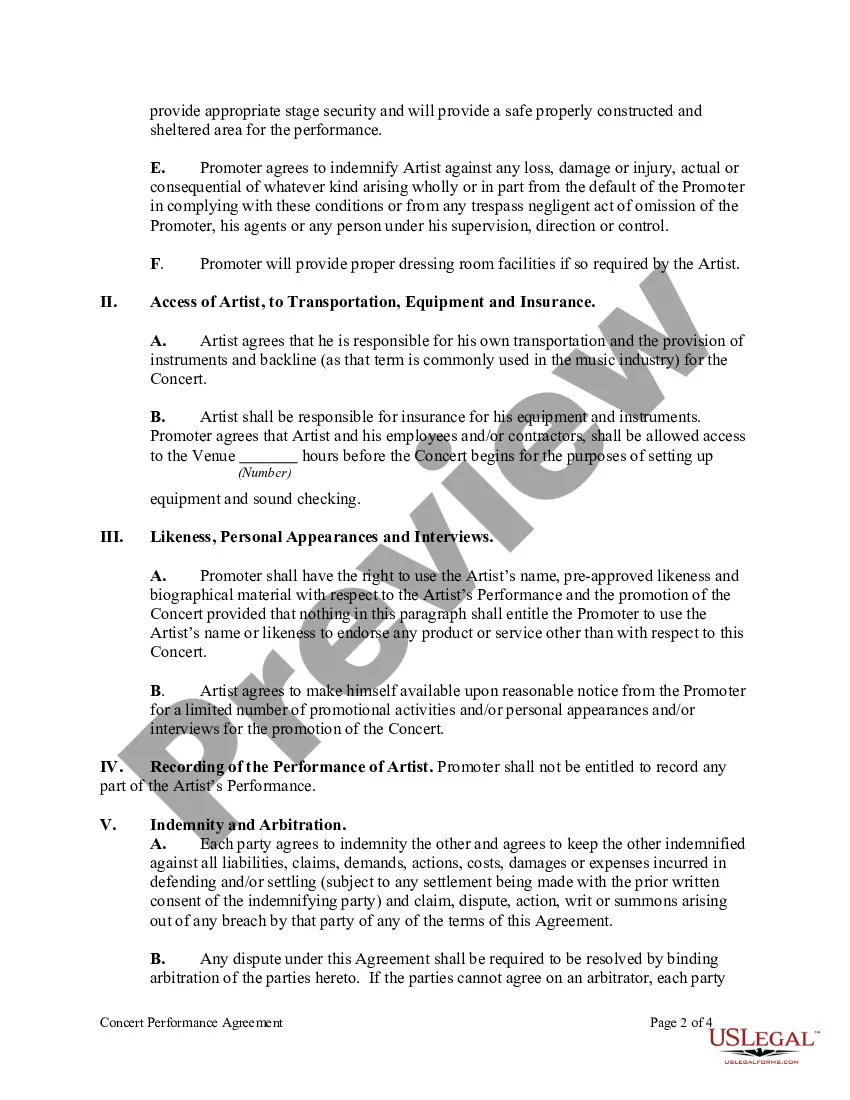
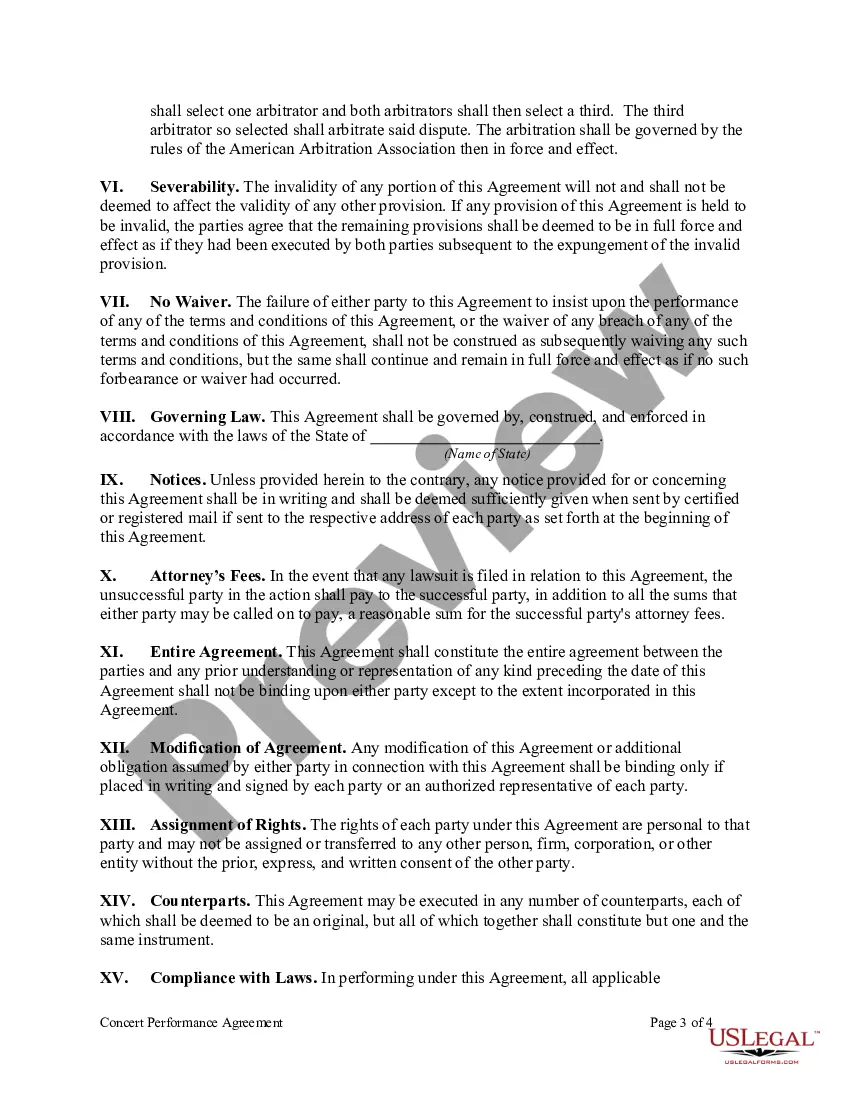
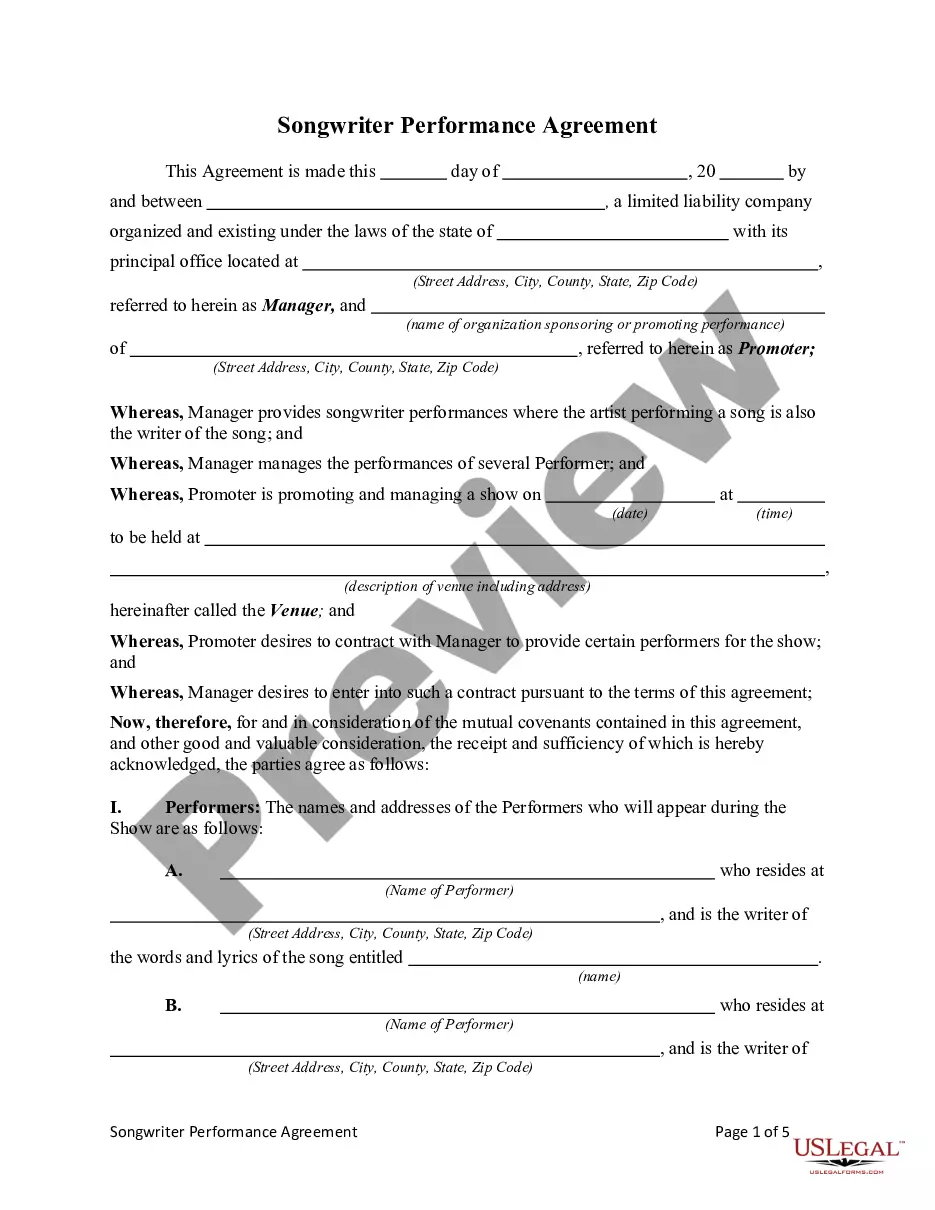
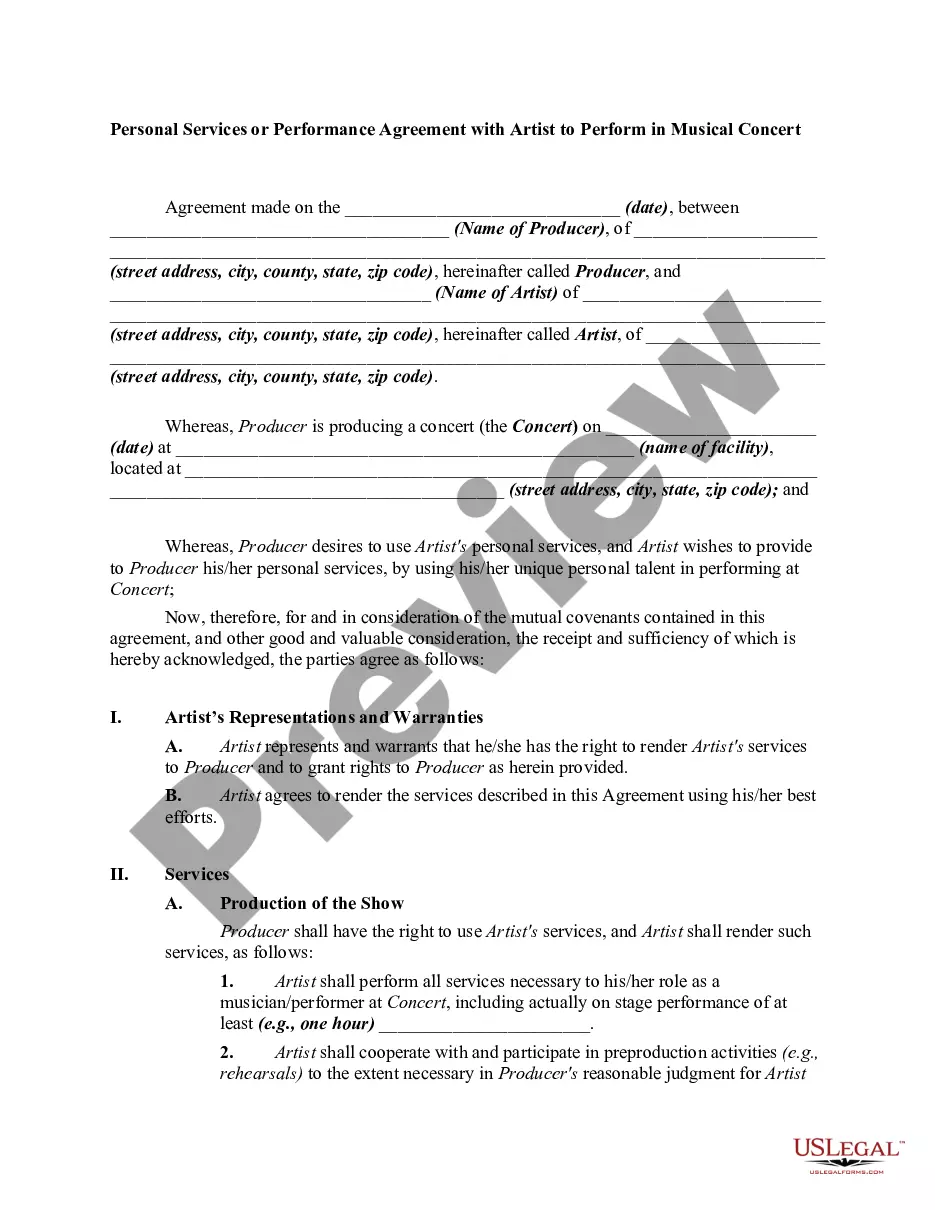
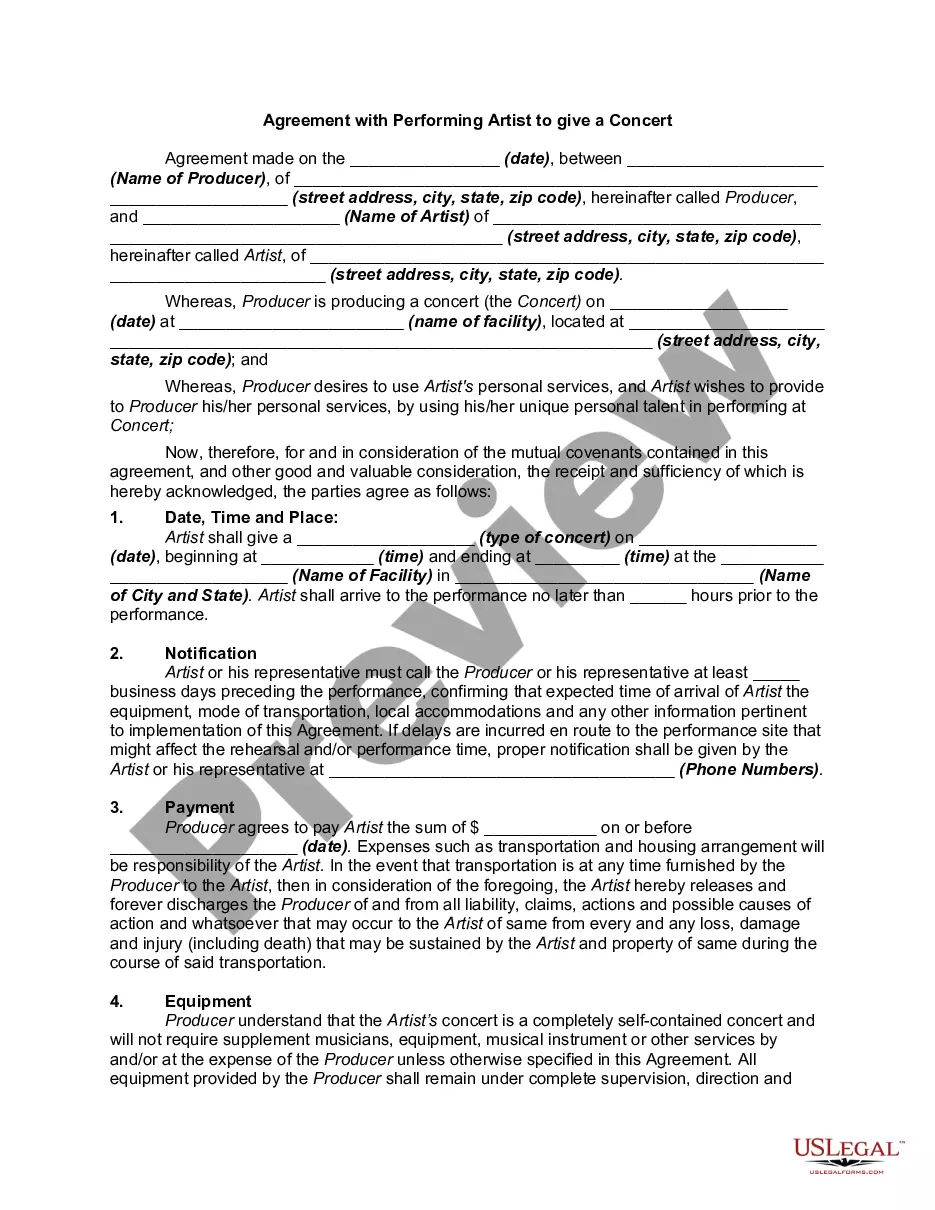
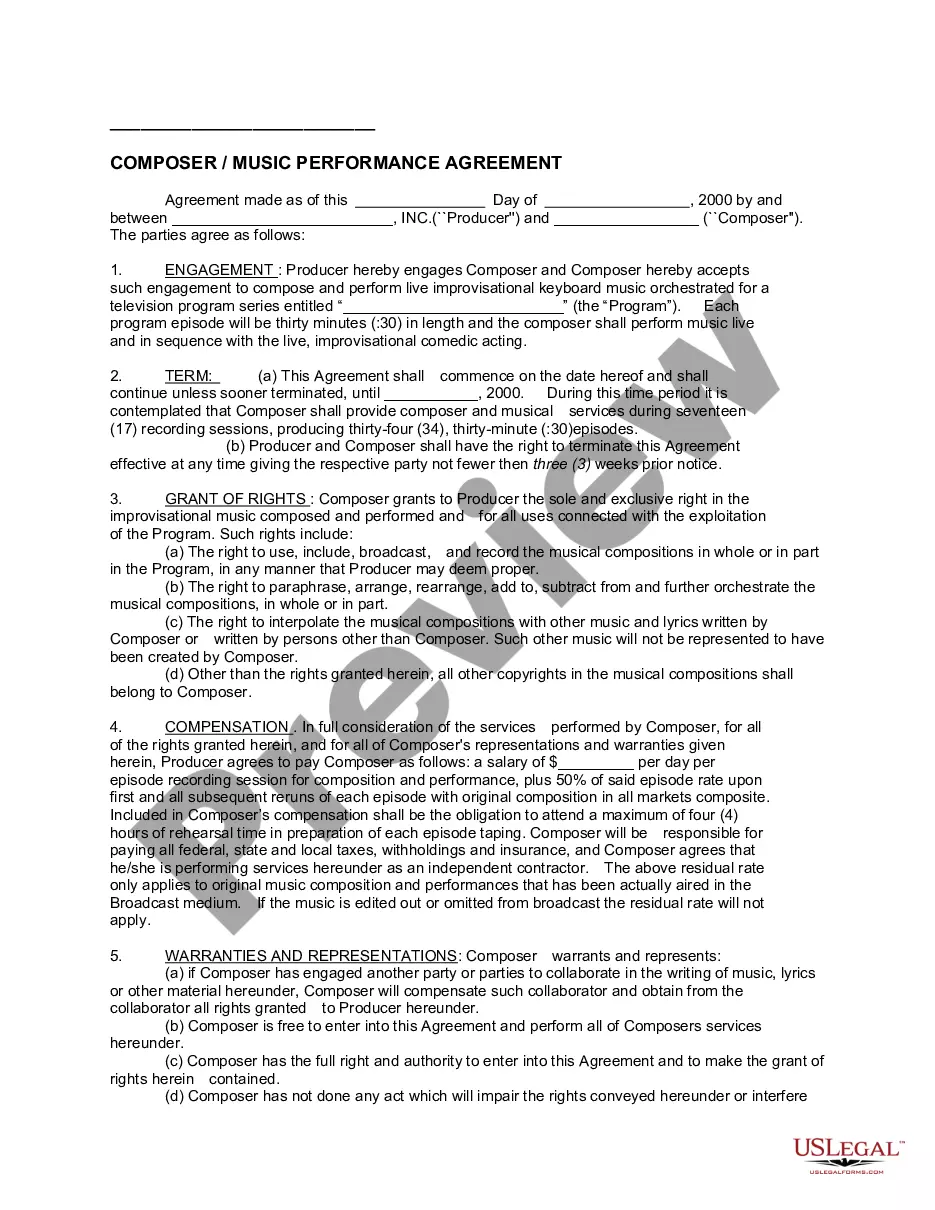
Get your form ready online
Our built-in tools help you complete, sign, share, and store your documents in one place.
Make edits, fill in missing information, and update formatting in US Legal Forms—just like you would in MS Word.
Download a copy, print it, send it by email, or mail it via USPS—whatever works best for your next step.
Sign and collect signatures with our SignNow integration. Send to multiple recipients, set reminders, and more. Go Premium to unlock E-Sign.
If this form requires notarization, complete it online through a secure video call—no need to meet a notary in person or wait for an appointment.
We protect your documents and personal data by following strict security and privacy standards.

Make edits, fill in missing information, and update formatting in US Legal Forms—just like you would in MS Word.

Download a copy, print it, send it by email, or mail it via USPS—whatever works best for your next step.

Sign and collect signatures with our SignNow integration. Send to multiple recipients, set reminders, and more. Go Premium to unlock E-Sign.

If this form requires notarization, complete it online through a secure video call—no need to meet a notary in person or wait for an appointment.

We protect your documents and personal data by following strict security and privacy standards.
Looking for another form?



Form popularity
FAQ
Never discuss personality traits—especially negative ones. You can say, “You have a fabulous attitude.” But saying, “Your attitude isn't great” focuses on personality, not performance. Maybe your employee does have a bad attitude.
Reflect on your key accomplishments and contributions over the review period. Assess your performance against the goals, objectives, or key performance indicators (KPIs) set for your role. Identify areas where you demonstrated strong skills and competencies. Acknowledge any areas for improvement or development needs.
Here are some things to keep in mind when writing performance evaluation comments: Review past and present performance. Be honest and clear. Provide concrete examples. Choose your words carefully. End on a positive note.
Reflect on your key accomplishments and contributions over the review period. Assess your performance against the goals, objectives, or key performance indicators (KPIs) set for your role. Identify areas where you demonstrated strong skills and competencies. Acknowledge any areas for improvement or development needs.
UNC Professor Elad Sherf recommends using the framework of the three Cs — Clarity, Contextual Meaning, and Composure — as a guide for turning every performance review into an opportunity to demonstrate empathy and help employees achieve lasting growth, learning, and improvement.
When you fill the form: Be honest and critical. Analyze your failures and mention the reasons for it. Keep the words minimal. Identify weaknesses. Mention your achievements. Link achievements to the job description and the organization's goals. Set the goals for the next review period. Resolve conflicts and grievances.
Follow these steps to put an effective performance agreement in place for your staff: Start With Clear Expectations. Build in Milestones. Agree on the Terms. Schedule Accountability Meetings. Establish Outcome Results and Consequences. Sign and Date the Agreement.
How to Write a Performance Improvement Plan Step 1: Identify the Performance Issues. Step 2: Set Clear and Measurable Goals. Step 3: Develop an Action Plan. Step 4: Establish Check-Ins and Evaluation Criteria. Step 5: Document and Communicate the PIP.
It is a formal agreement that outlines the performance expectations and obligations that an employer (or client) has of an employee (or contractor). It outlines all the specific, achievable goals and provides a framework to monitor and evaluate success.
A Performance Agreement is a document that outlines the expectations of both parties in a work relationship. It is a way to ensure that both parties have agreed to the same terms and conditions, and is used to outline performance expectations, roles and responsibilities, timelines, and other pertinent information.
