Petition Visitation Form With Answer In Oakland
Description

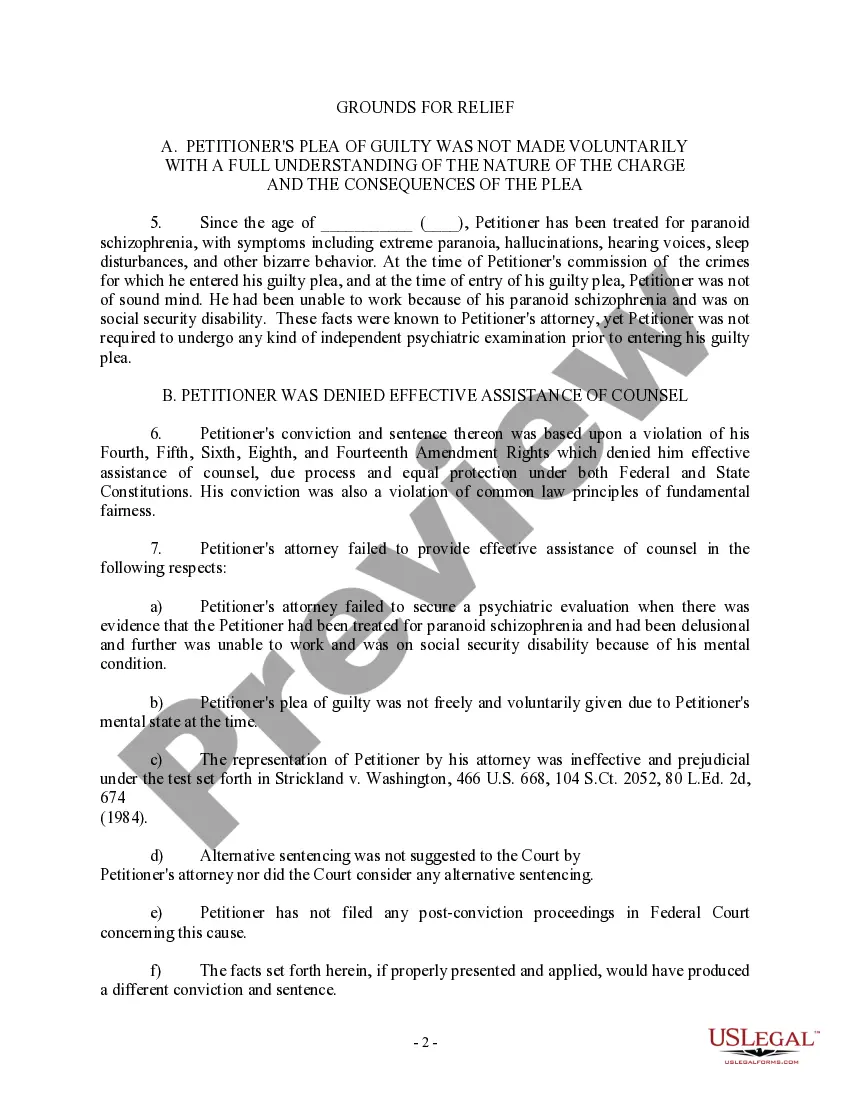
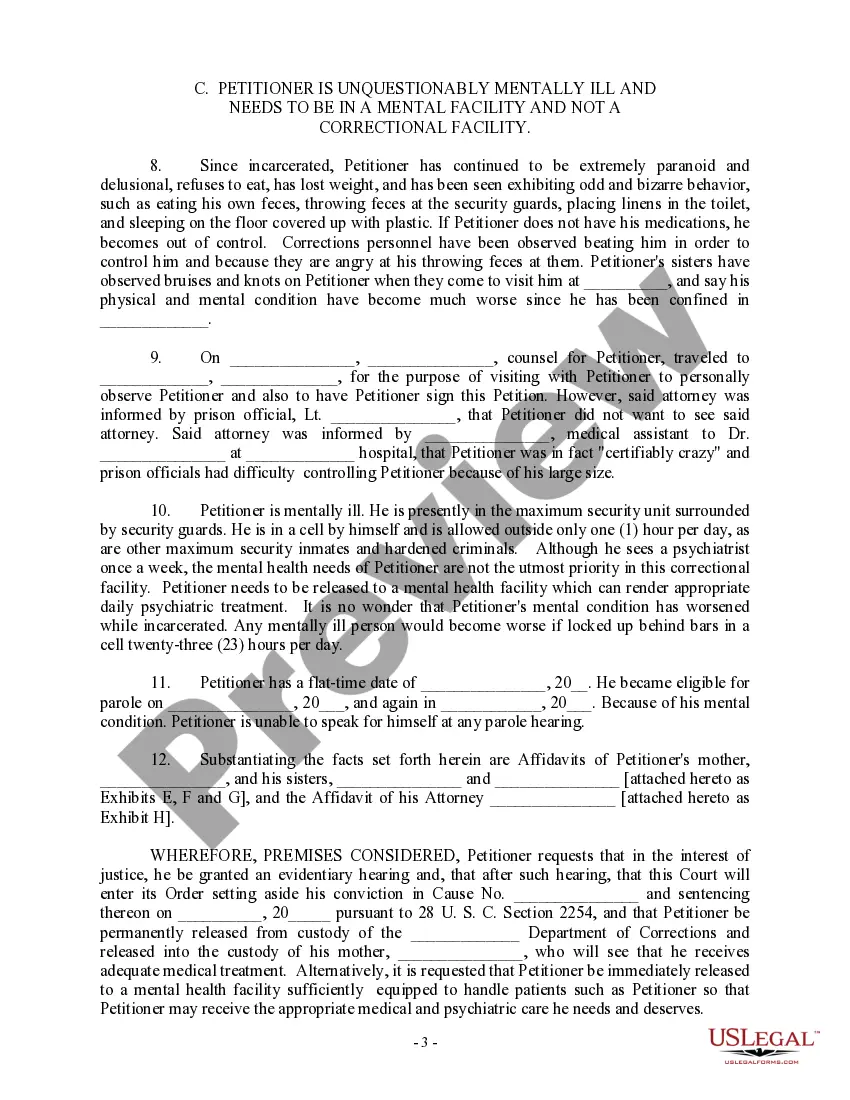

Get your form ready online
Our built-in tools help you complete, sign, share, and store your documents in one place.
Make edits, fill in missing information, and update formatting in US Legal Forms—just like you would in MS Word.
Download a copy, print it, send it by email, or mail it via USPS—whatever works best for your next step.
Sign and collect signatures with our SignNow integration. Send to multiple recipients, set reminders, and more. Go Premium to unlock E-Sign.
If this form requires notarization, complete it online through a secure video call—no need to meet a notary in person or wait for an appointment.
We protect your documents and personal data by following strict security and privacy standards.

Make edits, fill in missing information, and update formatting in US Legal Forms—just like you would in MS Word.

Download a copy, print it, send it by email, or mail it via USPS—whatever works best for your next step.

Sign and collect signatures with our SignNow integration. Send to multiple recipients, set reminders, and more. Go Premium to unlock E-Sign.

If this form requires notarization, complete it online through a secure video call—no need to meet a notary in person or wait for an appointment.

We protect your documents and personal data by following strict security and privacy standards.
Looking for another form?

Form popularity
FAQ
If you are drafting a responsive declaration to the opposing party's allegations, tell the Court how they are incorrect. Use proof to validate your case. Any evidence that collaborates “why” you are asking the Court to fulfill your requests can be persuasive.
Be specific. Don't ramble or repeat yourself, and don't include irrelevant information. Don't lie or make assumptions not supported by facts and evidence — include only information that you have personal knowledge of. Don't use inflammatory language or rant about the other parent.
Generally, you'll provide your name and contact information along with a physical description of yourself. You'll also be asked specific questions about your background that might affect your approval, such as whether you've ever been suspended from prison visitation and whether you've been convicted of a felony.
The way to write a good declaration is to focus on the key events and facts that present and prove your point or side of the story. Having too much extraneous information can just lead to the judge losing the thread of your argument. It's hard to be convinced when you're not sure what you've read.
To respond to a Petition for Custody and Support, your first step is to fill out a Response form. This tells the court how you want custody and support handled. If you don't file a response within 30 days of getting the Petition form, your child's other parent can ask for a default.
Draft an Answer. Pull the header information from the plaintiff's petition. Title your Answer “Answer to Plaintiff's Petition/Complaint.” Center this title and make it bold. Introduce yourself. Admit, deny, or claim that you lack sufficient knowledge to admit or deny each of the plaintiff's numbered allegations.
Writing an answer for child custody You'll specify which parts of the petition you agree with, which parts you disagree with and which you don't know about. Your answer can address errors like incorrect dates and locations, plus whether you agree with what the petitioner is asking for (e.g., the type of custody).
Mothers historically have won more custody battles due to traditional roles and perceptions of mothers as the primary caregivers.
Generally you must file a motion for child visitation in the county where the child has lived for the past six months. If there is an existing custody or parenting time order, however, you typically will need to file your motion with the court that entered that order.
