Notice Of Judgment In Fulton
Description


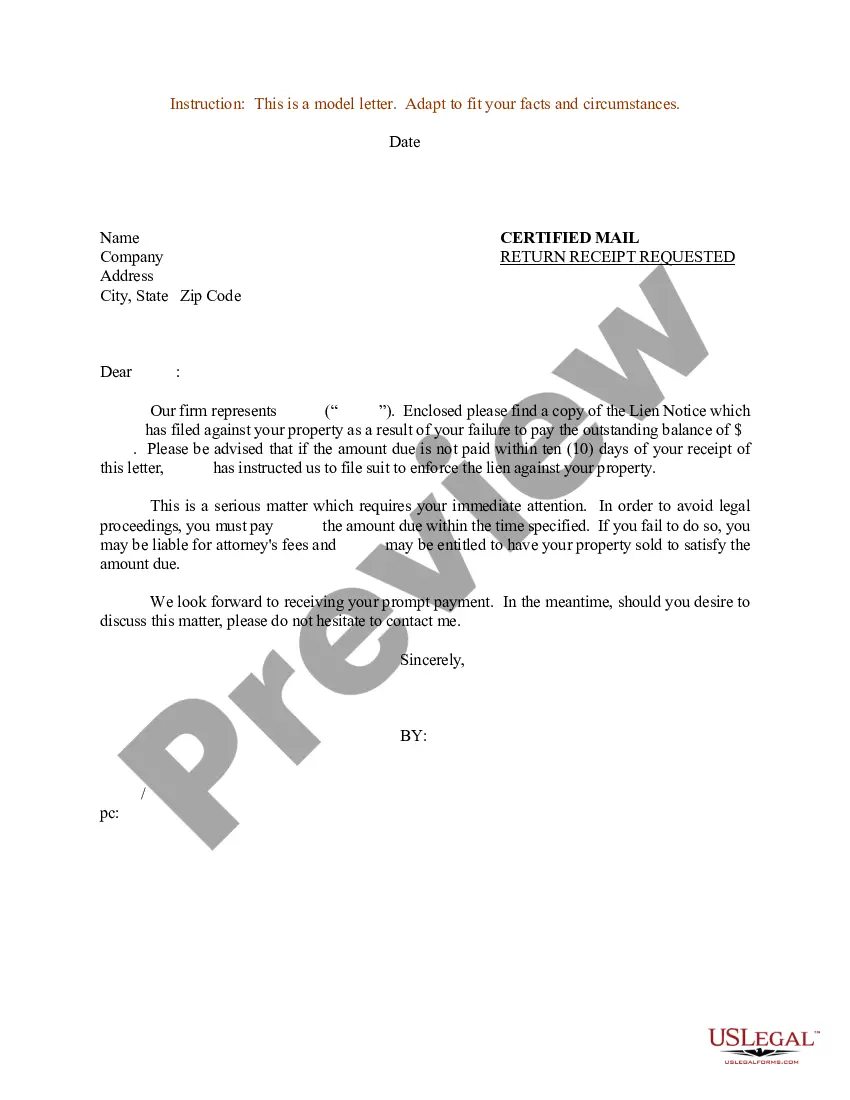

Get your form ready online
Our built-in tools help you complete, sign, share, and store your documents in one place.
Make edits, fill in missing information, and update formatting in US Legal Forms—just like you would in MS Word.
Download a copy, print it, send it by email, or mail it via USPS—whatever works best for your next step.
Sign and collect signatures with our SignNow integration. Send to multiple recipients, set reminders, and more. Go Premium to unlock E-Sign.
If this form requires notarization, complete it online through a secure video call—no need to meet a notary in person or wait for an appointment.
We protect your documents and personal data by following strict security and privacy standards.

Make edits, fill in missing information, and update formatting in US Legal Forms—just like you would in MS Word.

Download a copy, print it, send it by email, or mail it via USPS—whatever works best for your next step.

Sign and collect signatures with our SignNow integration. Send to multiple recipients, set reminders, and more. Go Premium to unlock E-Sign.

If this form requires notarization, complete it online through a secure video call—no need to meet a notary in person or wait for an appointment.

We protect your documents and personal data by following strict security and privacy standards.
Looking for another form?


Form popularity
FAQ
The odds of winning a summary judgment, known as the grant rate, vary widely by case type. The most common grant of summary judgment is in Title VII and employment cases. These are granted in whole in 49.2% of cases, in part in 23.3% of cases, and denied in 27.5% of cases.
A Motion for Summary Judgment can be filed by any party in a lawsuit (defendant or plaintiff) who wants the Court to enter a final judgment on all or some of the parties' claims or defenses before trial. The Motion for Summary Judgment is governed by Federal Rule of Civil Procedure 56.
To request summary judgment, a party must file a motion in writing. The party filing the motion is known as the “moving party.” The party responding to the other party's motion is known as the “non-moving party.” For information on motions generally, please refer to A Guide to Motions for Unrepresented Complainants.
The Notice of Entry of Judgment (SC-130) is a court form that states the judge's decision. This form also tells you about your rights and lists the date the form was mailed to you. This date is very important. You have only 30 days from this date to file a motion to vacate the judgment or appeal the judge's decision.
Rule 56. The court shall grant summary judgment if the movant shows that there is no genuine issue as to any material fact and the movant is entitled to judgment as a matter of law. The court shall state on the record or in a written decision the reasons for granting or denying the motion.
To request summary judgment, a party must file a motion in writing. The party filing the motion is known as the “moving party.” The party responding to the other party's motion is known as the “non-moving party.” For information on motions generally, please refer to A Guide to Motions for Unrepresented Complainants.
You can look at your credit report at .annualcreditreport or you can go to the local clerk for the courts and search the county database. If there are judgments in other jurisdictions you would have to look there as well.
Final judgment is the last decision from a court that resolves all issues in dispute and settles the parties' rights with respect to those issues.
The most common ways you may find out that there are outstanding judgements against you in one of the following ways: letter in the mail or phone call from the collection attorneys; garnishee notice from your payroll department; freeze on your bank account; or.
To request summary judgment, a party must file a motion in writing. The party filing the motion is known as the “moving party.” The party responding to the other party's motion is known as the “non-moving party.” For information on motions generally, please refer to A Guide to Motions for Unrepresented Complainants.

