Notice Of Judgment Or Settlement In California
Description

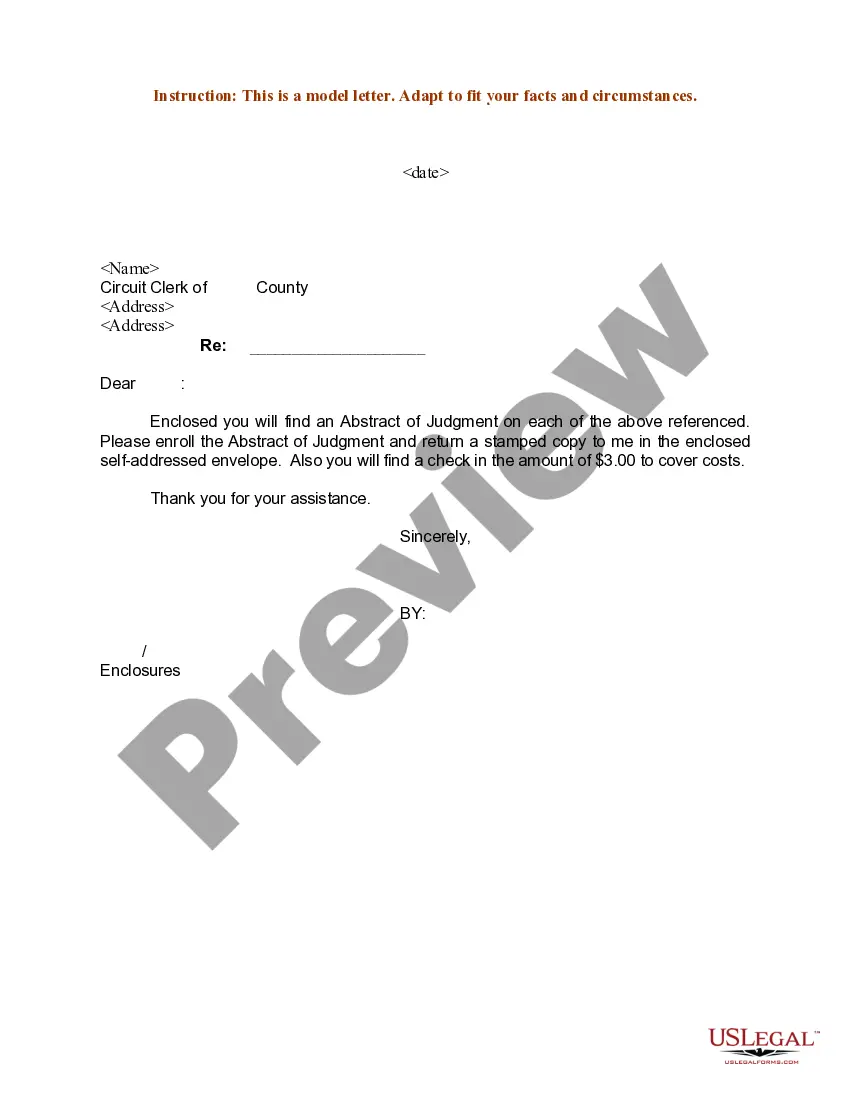

Get your form ready online
Our built-in tools help you complete, sign, share, and store your documents in one place.
Make edits, fill in missing information, and update formatting in US Legal Forms—just like you would in MS Word.
Download a copy, print it, send it by email, or mail it via USPS—whatever works best for your next step.
Sign and collect signatures with our SignNow integration. Send to multiple recipients, set reminders, and more. Go Premium to unlock E-Sign.
If this form requires notarization, complete it online through a secure video call—no need to meet a notary in person or wait for an appointment.
We protect your documents and personal data by following strict security and privacy standards.

Make edits, fill in missing information, and update formatting in US Legal Forms—just like you would in MS Word.

Download a copy, print it, send it by email, or mail it via USPS—whatever works best for your next step.

Sign and collect signatures with our SignNow integration. Send to multiple recipients, set reminders, and more. Go Premium to unlock E-Sign.

If this form requires notarization, complete it online through a secure video call—no need to meet a notary in person or wait for an appointment.

We protect your documents and personal data by following strict security and privacy standards.
Looking for another form?



Form popularity
FAQ
Generally, the owner is responsible for filing this document and getting it recorded, as it must be signed by the property owner. Once recorded, a copy must be sent to all contractors and suppliers who provided preliminary notices on the project.
The small claims court judgment becomes final and enforceable 30 days after the small claims clerk has delivered or mailed the Notice of Entry of Judgment (Form SC-130), provided that the defendant hasn't filed a timely Notice of Appeal (Form SC-140) or a Notice of Motion to Vacate Judgment and Declaration (Form SC-135 ...
To meet the requirements of summary enforcement, an out-of-court written settlement agreement must be signed by the parties themselves and not just their attorneys. In addition, all of the parties to the settlement agreement must sign the agreement and not just the party against whom enforcement is sought.
If an entire case is settled or otherwise disposed of, each plaintiff or other party seeking affirmative relief must immediately file written notice of the settlement or other disposition with the court and serve the notice on all parties and any arbitrator or other court-connected alternative dispute resolution (ADR) ...
Notice of Settlement of Entire Case (CM-200) Tells the court and other side that the dispute in the case has been settled by agreement of the parties, and that the case will be dismissed.
How to complete form CIV-100: a step-by-step guide Verify the deadline: Ensure that the defendant missed the deadline to respond. Obtain the form: Download the CIV-100 form from the California Courts website. Fill in case information: Enter the case number, court name, and the names of the parties involved.
(b) Notice of entry of judgment Promptly upon entry of the award as a judgment, the clerk must serve notice of entry of judgment on all parties who have appeared in the case and must execute a certificate of service and place it in the court's file in the case. (Subd (b) amended effective January 1, 2016.)
You can go in person to the County Clerk Office in the County where you live to ask if a judgment has been entered against you. Most counties also allow you to search online.
You can look at your credit report at .annualcreditreport or you can go to the local clerk for the courts and search the county database. If there are judgments in other jurisdictions you would have to look there as well.
Yes, but somebody had to go to court to get the judgement. If you were legally served with a Summons & Complaint and didn't show up in Court a ``Default Judgement'' would be entered based on the Plaintiff's case. Being ``legally'' served doesn't always mean it was personally handed to you.

