Corporate Refusal Form Template In Los Angeles
Description
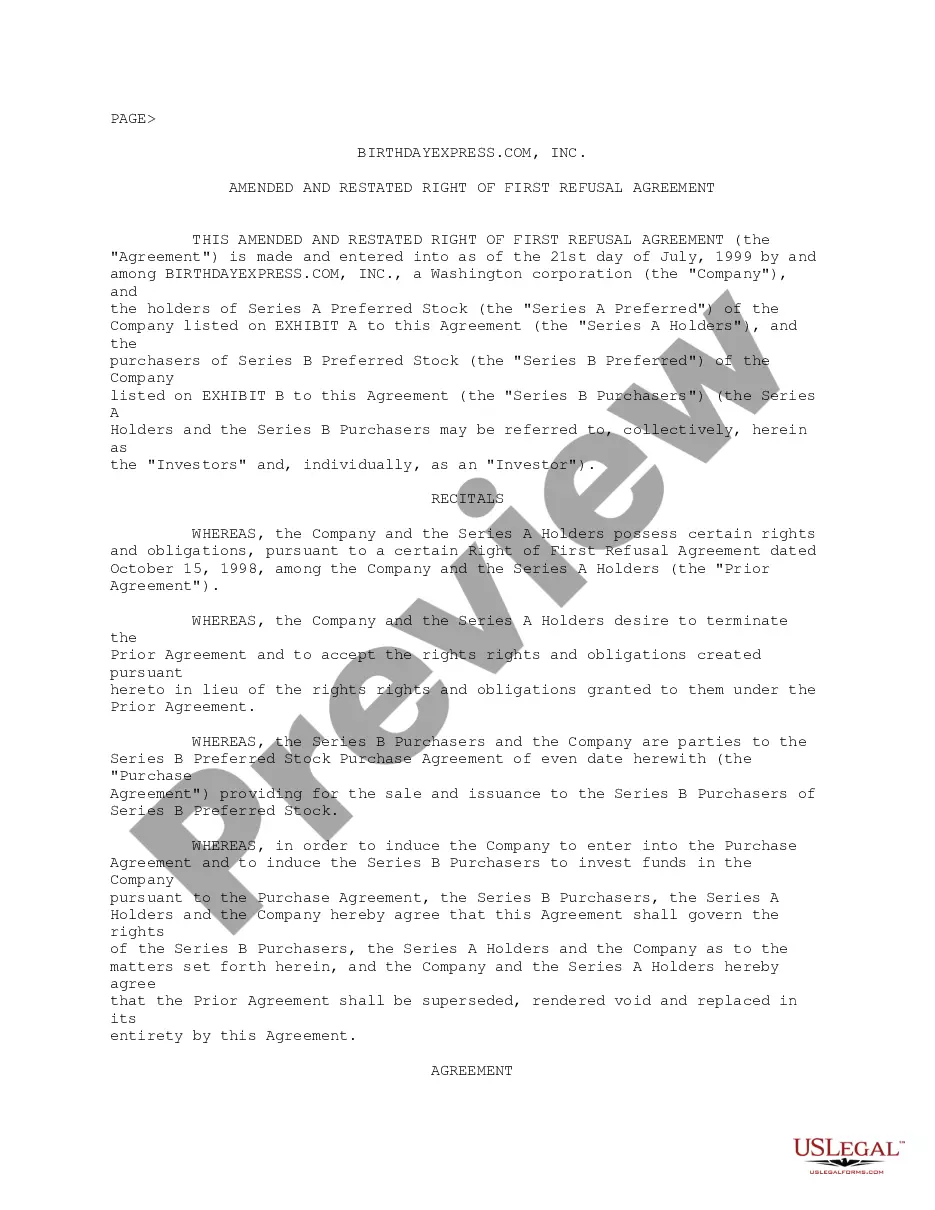
Get your form ready online
Our built-in tools help you complete, sign, share, and store your documents in one place.
Make edits, fill in missing information, and update formatting in US Legal Forms—just like you would in MS Word.
Download a copy, print it, send it by email, or mail it via USPS—whatever works best for your next step.
Sign and collect signatures with our SignNow integration. Send to multiple recipients, set reminders, and more. Go Premium to unlock E-Sign.
If this form requires notarization, complete it online through a secure video call—no need to meet a notary in person or wait for an appointment.
We protect your documents and personal data by following strict security and privacy standards.

Make edits, fill in missing information, and update formatting in US Legal Forms—just like you would in MS Word.

Download a copy, print it, send it by email, or mail it via USPS—whatever works best for your next step.

Sign and collect signatures with our SignNow integration. Send to multiple recipients, set reminders, and more. Go Premium to unlock E-Sign.

If this form requires notarization, complete it online through a secure video call—no need to meet a notary in person or wait for an appointment.

We protect your documents and personal data by following strict security and privacy standards.
Looking for another form?






Form popularity
FAQ
file Form 109 For taxable years beginning on or after January 1, 2023, the FTB offers efile for exempt organizations filing Form 109, California xempt Organization Business Income Tax Return. Check with your software provider to see if they support exempt organization efile.
Individuals Complete Change of Address for Individuals (Form 3533) Mail your form. Franchise Tax Board PO Box 942840. Sacramento CA 94240-0002.
Organizations with gross receipts that are normally $50,000 or less may choose to electronically file FTB 199N. For more information, go to ftb.ca/forms and search for 199N. Organizations eligible to file FTB 199N may choose to file Form 199.
TaxAct supports e-file for one copy of Form 568 in the 1040 product. Additional copies will need to be paper-filed.
Helping With Filing the Necessary Paperwork For example, if you are dissolving a California business, an attorney can help you file your final tax return as required by the California Franchise Tax Board (FTB) and the relevant forms you need to file with the California Secretary of State (SOS).
Follow these steps to closing your business: Decide to close. File dissolution documents. Cancel registrations, permits, licenses, and business names. Comply with employment and labor laws. Resolve financial obligations. Maintain records.
Generally, complete only one form FTB 3533-B to change your business address. If you are a representative filing for the taxpayer, go to ftb.ca/poa for more information. You may also go to ftb.ca and login or register for MyFTB or call 800-852-5711 to change your address.
A domestic (California) or foreign (out-of-state or out-of-country) business entity can dissolve, surrender, or cancel by filing the applicable form(s) with the California Secretary of State (SOS). File the appropriate form(s) with the SOS within 12 months of filing your business' final tax return.
When you decide to sell, close, or discontinue business operations within Los Angeles, you must cancel your City of Los Angeles' Tax Registration Certificate by sending a letter or by completing a Taxpayer Information Update Form and sending it to the Office of finance.
You must file Form 966, Corporate Dissolution or Liquidation, if you adopt a resolution or plan to dissolve the corporation or liquidate any of its stock. You must also file your corporation's final income tax return.