Accident Report File Form Template In Houston
Description

Get your form ready online
Our built-in tools help you complete, sign, share, and store your documents in one place.
Make edits, fill in missing information, and update formatting in US Legal Forms—just like you would in MS Word.
Download a copy, print it, send it by email, or mail it via USPS—whatever works best for your next step.
Sign and collect signatures with our SignNow integration. Send to multiple recipients, set reminders, and more. Go Premium to unlock E-Sign.
If this form requires notarization, complete it online through a secure video call—no need to meet a notary in person or wait for an appointment.
We protect your documents and personal data by following strict security and privacy standards.

Make edits, fill in missing information, and update formatting in US Legal Forms—just like you would in MS Word.

Download a copy, print it, send it by email, or mail it via USPS—whatever works best for your next step.

Sign and collect signatures with our SignNow integration. Send to multiple recipients, set reminders, and more. Go Premium to unlock E-Sign.

If this form requires notarization, complete it online through a secure video call—no need to meet a notary in person or wait for an appointment.

We protect your documents and personal data by following strict security and privacy standards.
Looking for another form?




Form popularity
FAQ
It's a straightforward process first things first assess the situation is it an emergency. If yesMoreIt's a straightforward process first things first assess the situation is it an emergency. If yes dial 911. They're the rapid response team for when time is ticking.
You can exchange information (name, address, registration, liability insurer and driver's license) with the other party and complete a Driver's Crash Report (CR2). This report is available at .
It's a straightforward process first things first assess the situation is it an emergency. If yesMoreIt's a straightforward process first things first assess the situation is it an emergency. If yes dial 911. They're the rapid response team for when time is ticking.
How to Write an Incident Report: A Step-by-Step Guide (with Examples) Step 1: Provide Fundamental Information. Step 2: Take Note of Any Damages and Injuries. Step 3: Identify Affected Individual(s) ... Step 4: Identify Witnesses and Take Their Statements. Step 5: Take Action. Step 6: Close Your Report.
How to create an incident report Have all basic facts prepared. In order for an incident report to be useful, it is helpful for all facts listed in the report to be specific and accurate. Explain the sequence of events step-by-step. Analyze the incident. Describe any injuries. Proofread your work. Submit your report.
What Should I Include In An Accident Report? Date, time, and location . Parties involved, including insurance information. Injuries and damages. Witness statements and contact information. Sequence of events – describe what happened. Photographs and sketches.
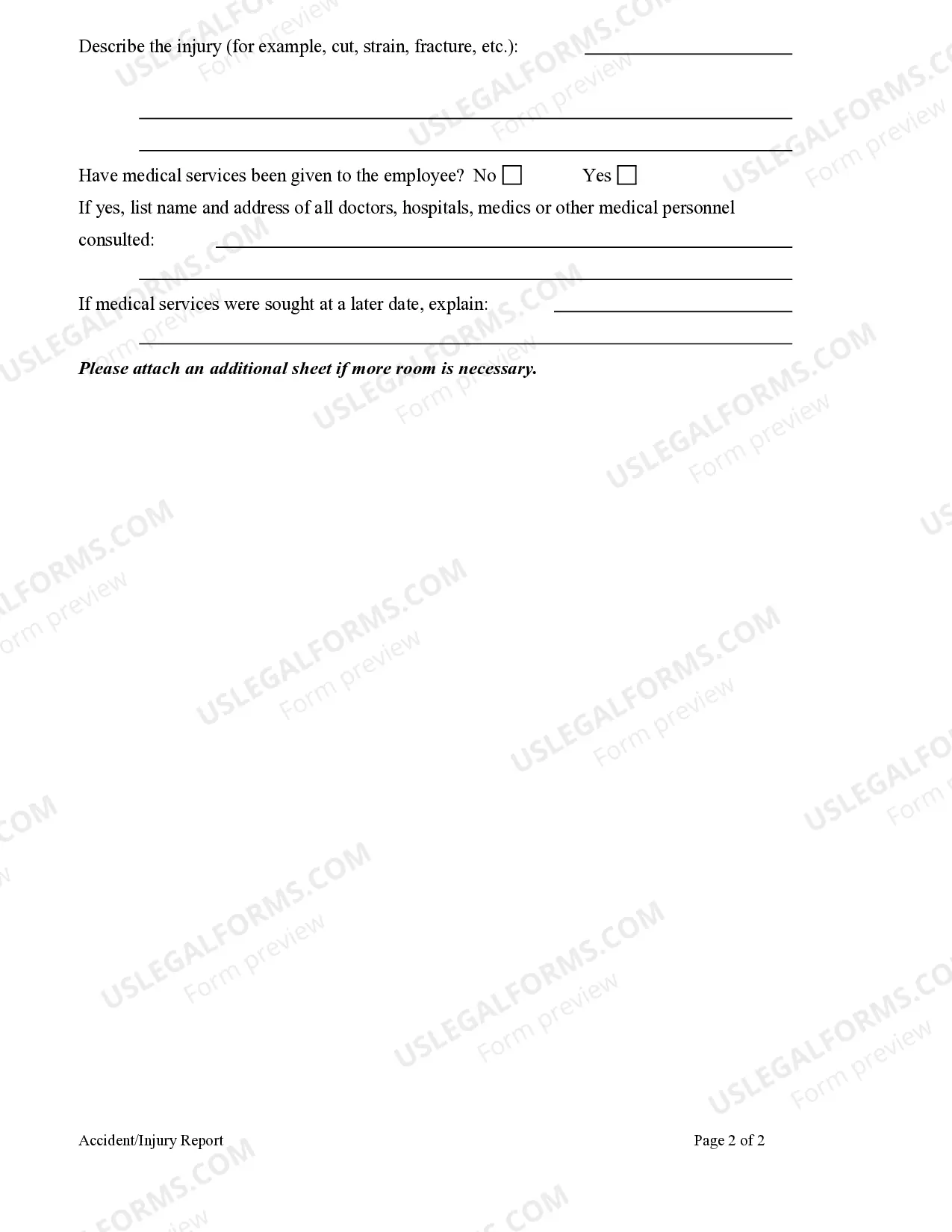
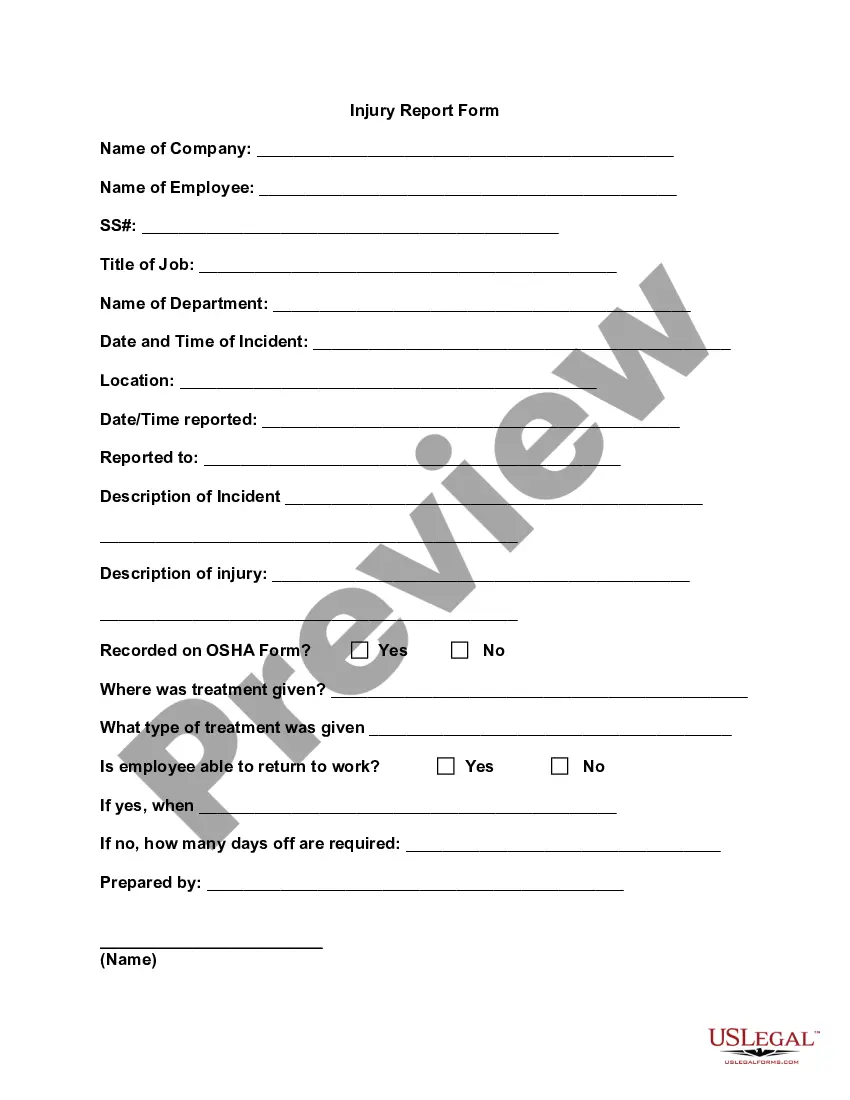
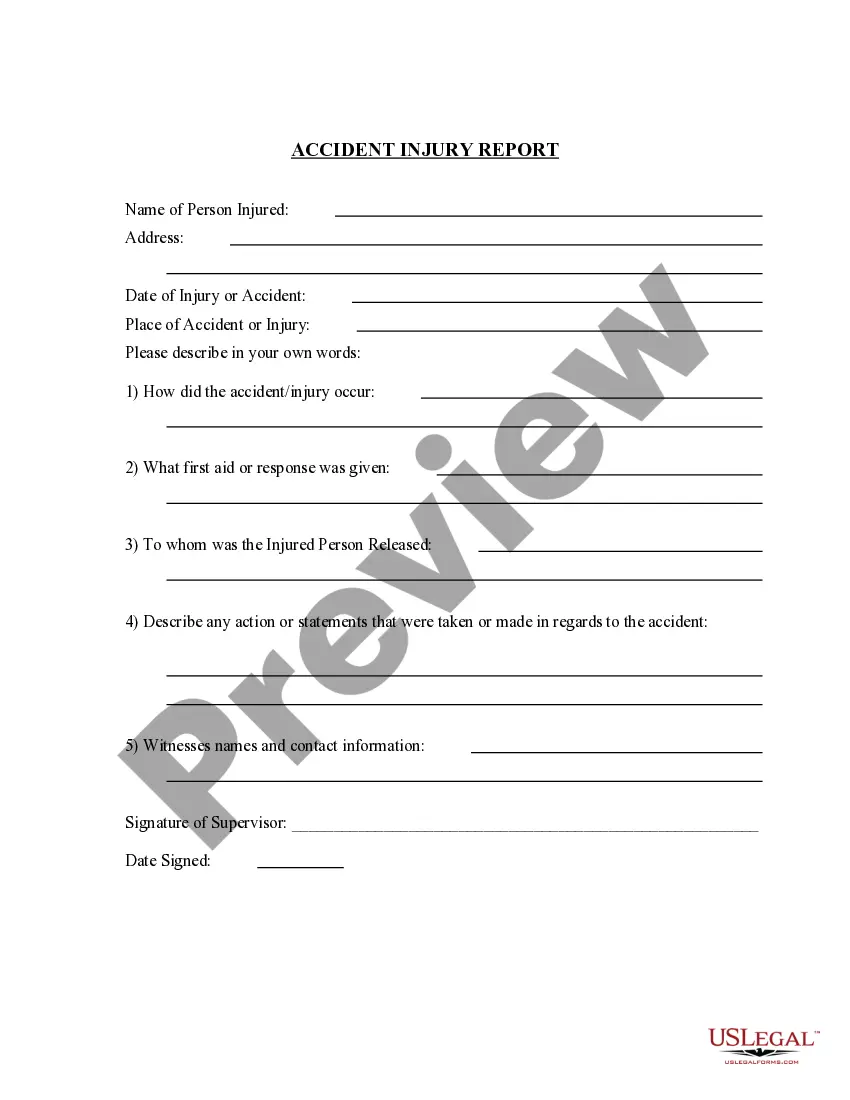
Accident report forms should include fields for names and contact information of the individuals and witnesses involved, the type of accident, the date and time the accident occurred, the location of the accident, a detailed description of the accident, and room for any additional comments.
You are required by the New York State Vehicle and Traffic Law to file an crash (accident) report if you are involved in any crash where there is damage to the property of one individual (including yourself) that is more than $1,000. The report must be filed within 10 days.
You can exchange information (name, address, registration, liability insurer and driver's license) with the other party and complete a Driver's Crash Report (CR2). This report is available at .
