Accident Report File Format In Arizona
Description

Get your form ready online
Our built-in tools help you complete, sign, share, and store your documents in one place.
Make edits, fill in missing information, and update formatting in US Legal Forms—just like you would in MS Word.
Download a copy, print it, send it by email, or mail it via USPS—whatever works best for your next step.
Sign and collect signatures with our SignNow integration. Send to multiple recipients, set reminders, and more. Go Premium to unlock E-Sign.
If this form requires notarization, complete it online through a secure video call—no need to meet a notary in person or wait for an appointment.
We protect your documents and personal data by following strict security and privacy standards.

Make edits, fill in missing information, and update formatting in US Legal Forms—just like you would in MS Word.

Download a copy, print it, send it by email, or mail it via USPS—whatever works best for your next step.

Sign and collect signatures with our SignNow integration. Send to multiple recipients, set reminders, and more. Go Premium to unlock E-Sign.

If this form requires notarization, complete it online through a secure video call—no need to meet a notary in person or wait for an appointment.

We protect your documents and personal data by following strict security and privacy standards.
Looking for another form?








Form popularity
FAQ
Detail the Who, What, When, and Where of the Accident Your witness statement should provide comprehensive information about the accident, including: Names of Individuals Involved: List all parties involved in the collision. Details of the Vehicles: Include specifics about the vehicles involved.
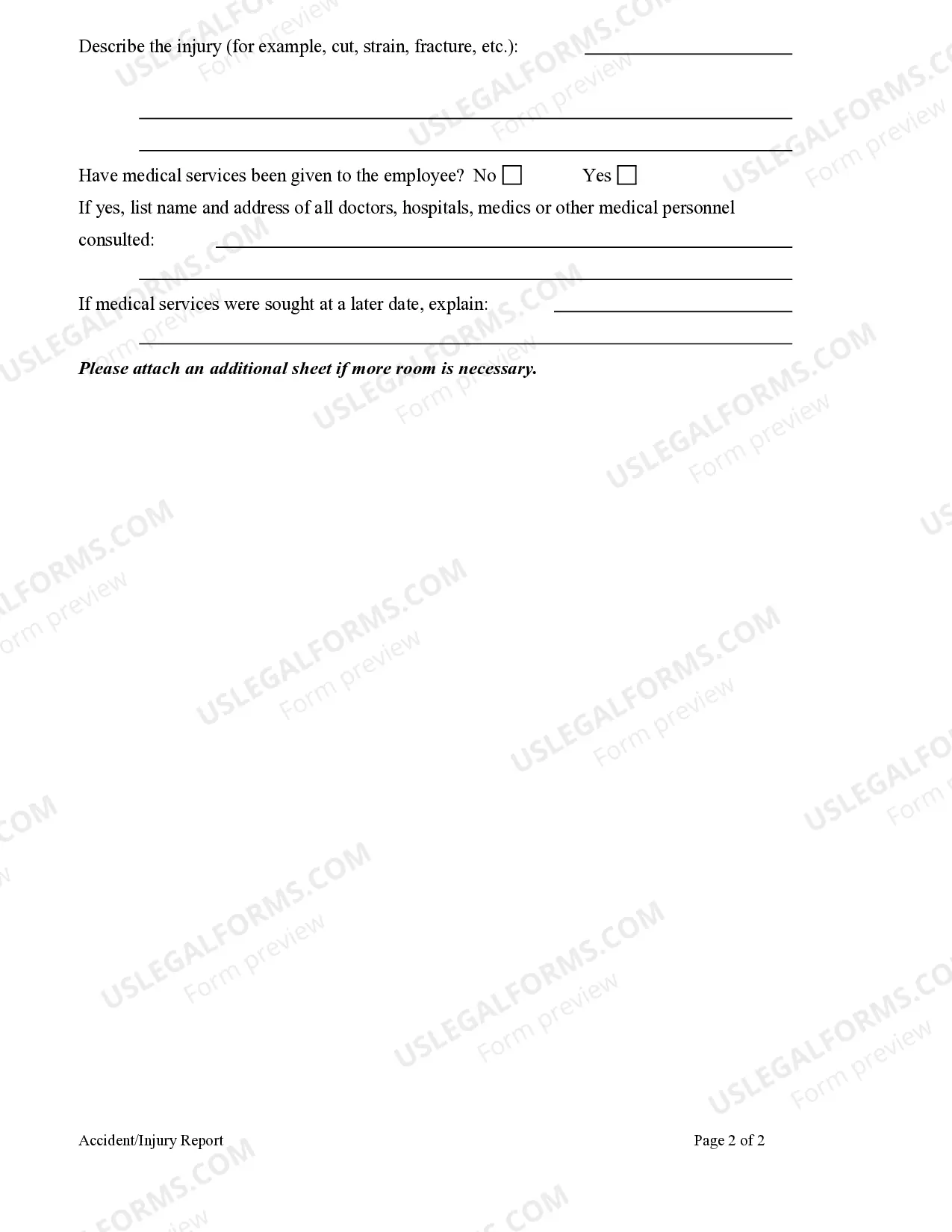
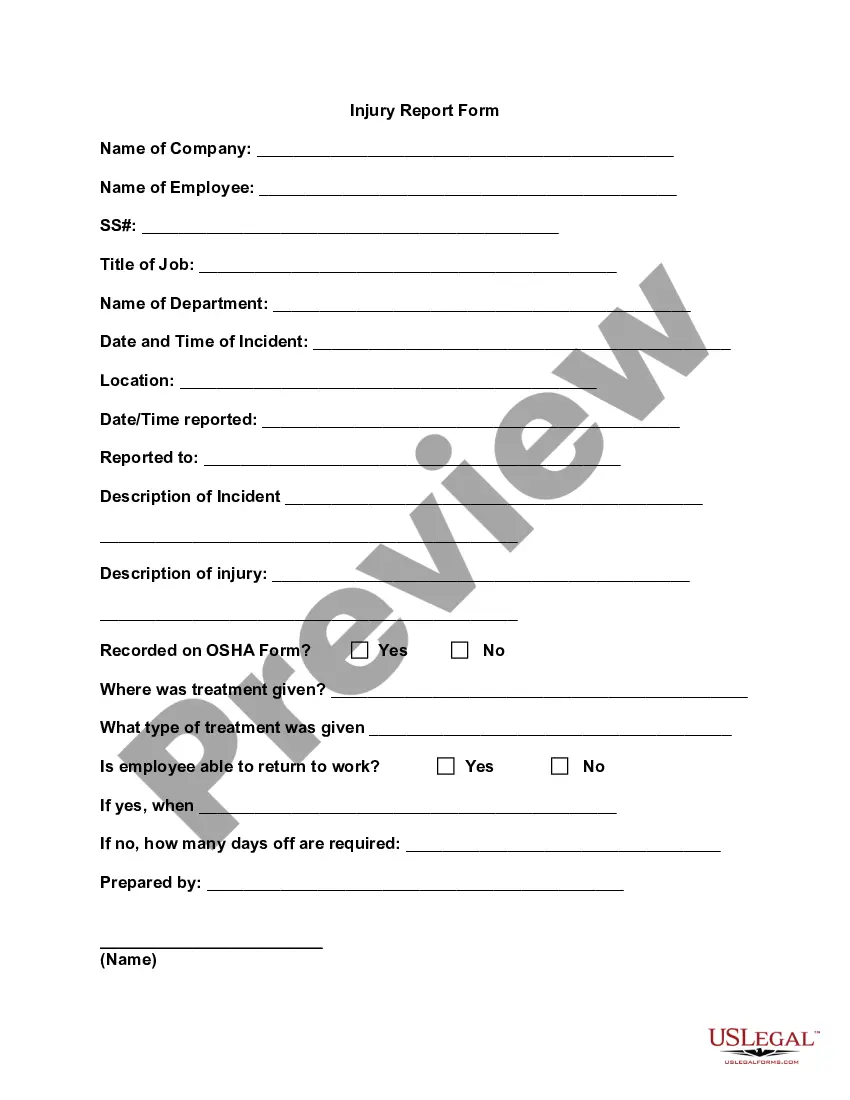
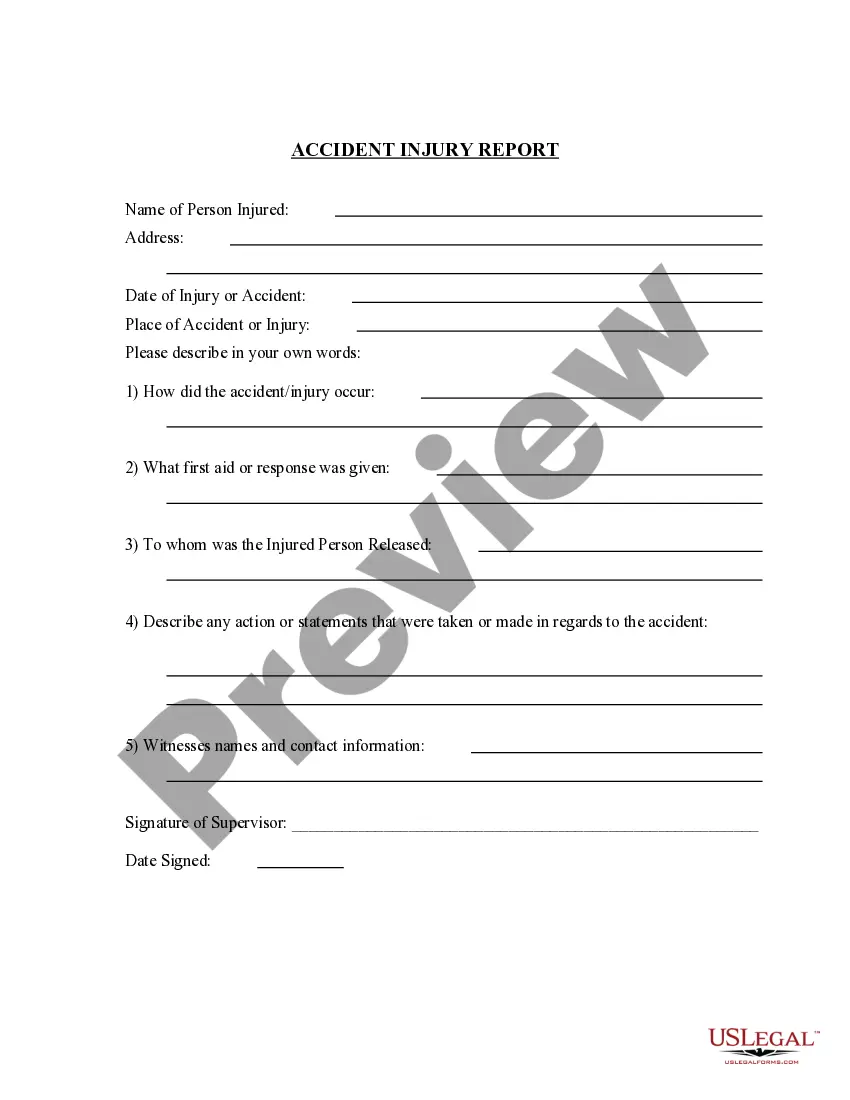
Accident report forms should include fields for names and contact information of the individuals and witnesses involved, the type of accident, the date and time the accident occurred, the location of the accident, a detailed description of the accident, and room for any additional comments.
Accident report forms should include fields for names and contact information of the individuals and witnesses involved, the type of accident, the date and time the accident occurred, the location of the accident, a detailed description of the accident, and room for any additional comments.
How to Write an Incident Report: A Step-by-Step Guide (with Examples) Step 1: Provide Fundamental Information. Step 2: Take Note of Any Damages and Injuries. Step 3: Identify Affected Individual(s) ... Step 4: Identify Witnesses and Take Their Statements. Step 5: Take Action. Step 6: Close Your Report.
To create a comprehensive workplace incident report, start by collecting all the necessary information. This includes details such as the date, time, and location of the incident, the names of the people involved, and any witnesses. Ensure you have the facts, not assumptions.
How to create an incident report Have all basic facts prepared. In order for an incident report to be useful, it is helpful for all facts listed in the report to be specific and accurate. Explain the sequence of events step-by-step. Analyze the incident. Describe any injuries. Proofread your work. Submit your report.
Step 1: Provide Fundamental Information What type of injury was caused, if any? Was it fatal or non-fatal? Was there any property damage? When and where did it take place? What task was being done at the time when the incident occurred? What was the environment like?
There are five key details of accidents legally required: Full name, address and occupation of the injured person (a) Date and time of the accident (b) Location of the accident (c) Cause and nature of the injury (d) Name, address and occupation of the person giving the notice, if other than the injured person (e).
You can request an on-scene investigation by a state trooper instead of submitting an online report. For non-emergency collisions not meeting the above criteria, please call the Department of Public Safety non‐emergency number at (602) 223‐2000 to request contact from a state trooper.
