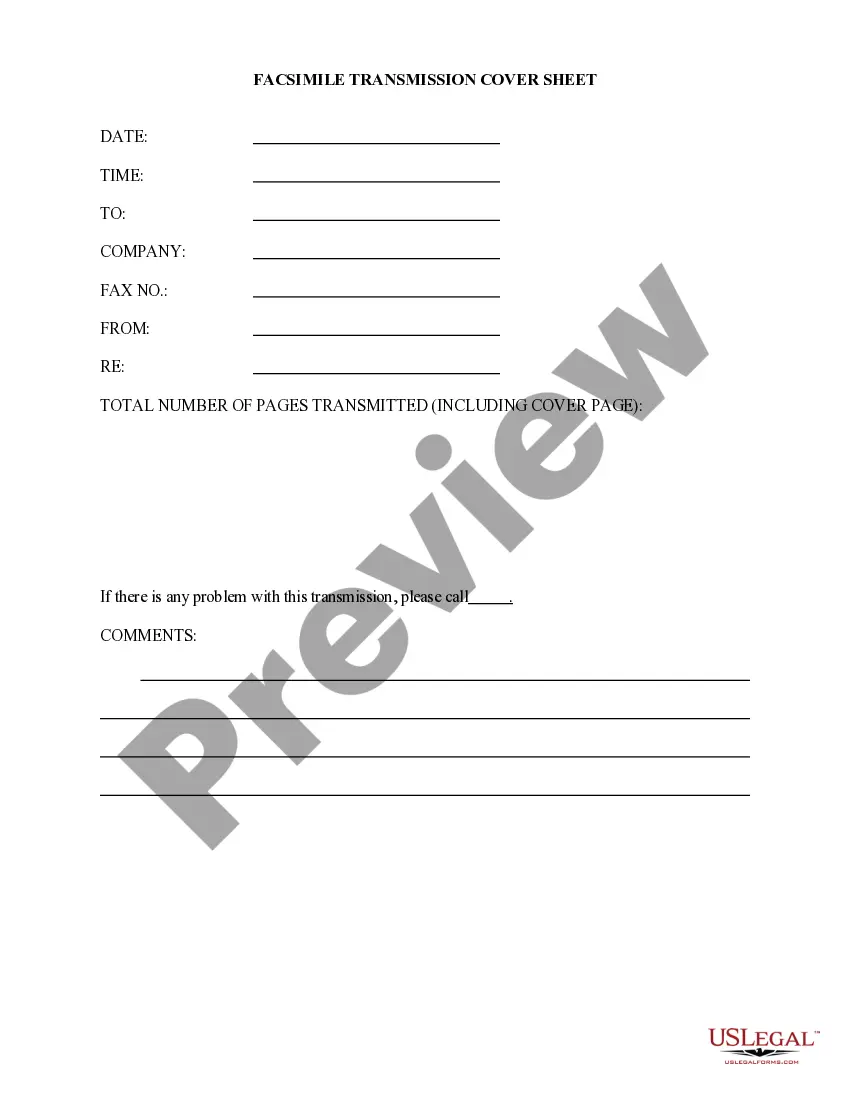
Printable Fax Cover Sheet With Confidentiality Statement In Florida
Description
Get your form ready online
Our built-in tools help you complete, sign, share, and store your documents in one place.
Make edits, fill in missing information, and update formatting in US Legal Forms—just like you would in MS Word.
Download a copy, print it, send it by email, or mail it via USPS—whatever works best for your next step.
Sign and collect signatures with our SignNow integration. Send to multiple recipients, set reminders, and more. Go Premium to unlock E-Sign.
If this form requires notarization, complete it online through a secure video call—no need to meet a notary in person or wait for an appointment.
We protect your documents and personal data by following strict security and privacy standards.

Make edits, fill in missing information, and update formatting in US Legal Forms—just like you would in MS Word.

Download a copy, print it, send it by email, or mail it via USPS—whatever works best for your next step.

Sign and collect signatures with our SignNow integration. Send to multiple recipients, set reminders, and more. Go Premium to unlock E-Sign.

If this form requires notarization, complete it online through a secure video call—no need to meet a notary in person or wait for an appointment.

We protect your documents and personal data by following strict security and privacy standards.
Looking for another form?
Form popularity
FAQ
The information is intended only for the use of the individual(s) or entity named above. If you are not the intended recipient, you are hereby notified that any disclosure, copying, distribution, or taking of any action in reliance on the contents of this facsimile information is strictly prohibited.
Some of the top items that need to be included in a HIPAA fax cover sheet are: A confidentiality statement: This statement explains that the information being faxed is confidential and should not be read by anyone other than the intended party.
A HIPAA fax cover sheet disclaimer is a message addressed to the fax recipient, that states that the faxed information is confidential. The disclaimer also should state that the transmission may contain protected health information.
The information is intended only for the use of the individual(s) or entity named above. If you are not the intended recipient, you are hereby notified that any disclosure, copying, distribution, or taking of any action in reliance on the contents of this facsimile information is strictly prohibited.
The confidentiality notice should always appear on the fax's cover sheet, along with a notice of the intended recipients, their contact information, and the contact information of the sender. It is highly recommended that the word “confidential” appear prominently (in large type) on the cover page.
A HIPAA compliant fax cover sheet should include sender and recipient details, date and time, a confidentiality statement, privacy notice, subject, page count, and optional disclaimers.
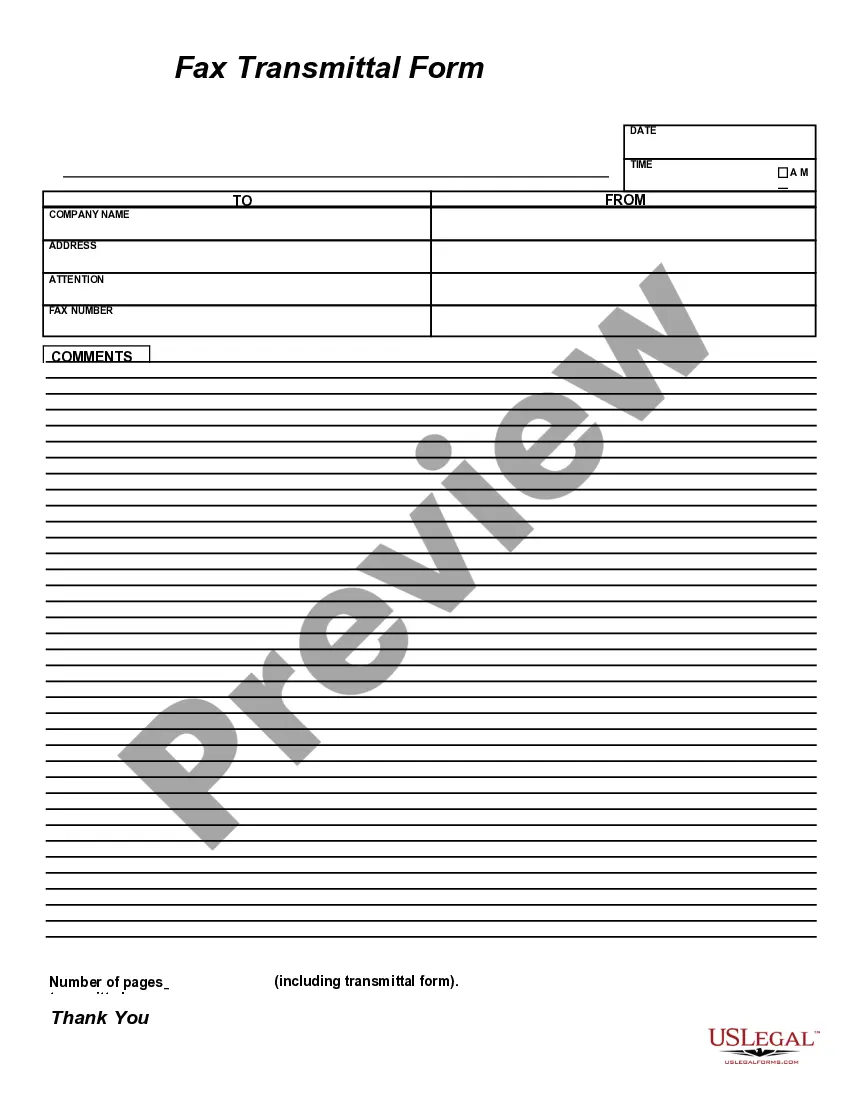
What is Included on a Fax Cover Sheet? From: (your name). Fax: (your fax number). Phone: (your phone number). To: (the company or person who is receiving the fax message). Attn: (the specific person who needs to get the fax). Fax: (their fax number). Phone: (their phone number).
Tip: If you're already in Word for the web, get to the fax templates by going to File > New, and then below the template images click More on Office. You'll be on the Templates for Word page. In the list of categories, click Fax Covers. To print the fax cover sheet, press Ctrl+P, and wait for the Print dialog.