Sample Acknowledgement Letter For Receiving Documents In Cook
Description




Get your form ready online
Our built-in tools help you complete, sign, share, and store your documents in one place.
Make edits, fill in missing information, and update formatting in US Legal Forms—just like you would in MS Word.
Download a copy, print it, send it by email, or mail it via USPS—whatever works best for your next step.
Sign and collect signatures with our SignNow integration. Send to multiple recipients, set reminders, and more. Go Premium to unlock E-Sign.
If this form requires notarization, complete it online through a secure video call—no need to meet a notary in person or wait for an appointment.
We protect your documents and personal data by following strict security and privacy standards.

Make edits, fill in missing information, and update formatting in US Legal Forms—just like you would in MS Word.

Download a copy, print it, send it by email, or mail it via USPS—whatever works best for your next step.

Sign and collect signatures with our SignNow integration. Send to multiple recipients, set reminders, and more. Go Premium to unlock E-Sign.

If this form requires notarization, complete it online through a secure video call—no need to meet a notary in person or wait for an appointment.

We protect your documents and personal data by following strict security and privacy standards.
Looking for another form?






Form popularity
FAQ
How To Write Acknowledgement Email Replies? Appreciate the sender. Be straightforward. Address the main point. Be timely. Maintain politeness. Offer your insights. Answer the questions. Involve the sender.
Begin with the basics. Kick off your acknowledgment letter by stating the date you received the document or goods, providing a brief description for clarity, and confirming their safe arrival. Clarity in this section is paramount to avoid any follow-up inquiries from the sender seeking more details.
How to create an acknowledgment receipt Use a company letterhead. Use electronic or paper letterhead. Write acknowledgment statement. Referring to the document by name, version number if applicable and state that the recipient has received the document. Sign and date. Explain the next step. Provide contact information.
How to create an acknowledgment receipt Use a company letterhead. Use electronic or paper letterhead. Write acknowledgment statement. Referring to the document by name, version number if applicable and state that the recipient has received the document. Sign and date. Explain the next step. Provide contact information.
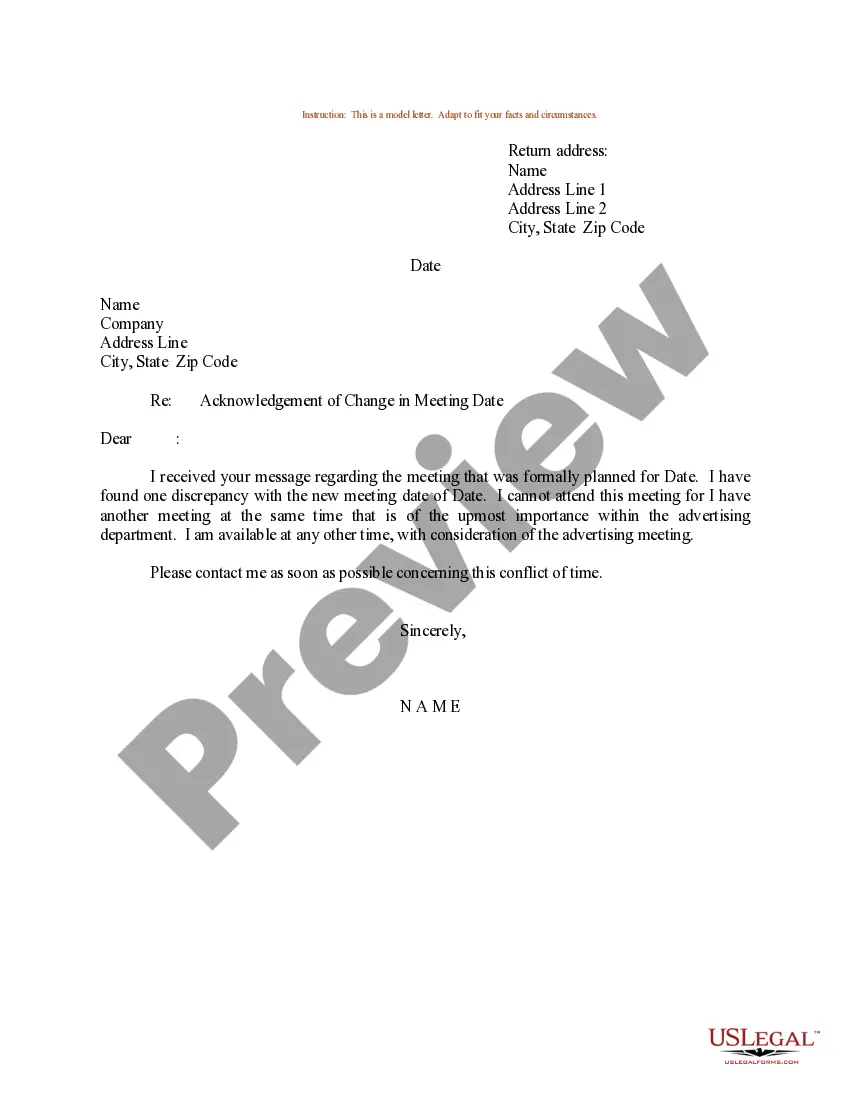
Acknowledgment of receipt for a document Dear (Recipient's name), I am writing to confirm that I have received the Document Name on Date. Thank you for sending this document. I will review it thoroughly and will get back to you if any further information is required.
Warm Greetings and Gratitude Begin with a friendly greeting, addressing the sender by name. Express sincere gratitude for their promptness in sending the documents, setting a positive tone for the rest of the email.
Opening statement: Politely acknowledging receipt. Details of the acknowledgement: Specific information about what is being acknowledged. Expression of gratitude: Words of thanks and appreciation. Closing Statement: A positive closing note with contact information.
But if this the first time you are acknowledging it, then you should say: “I acknowledge the receipt of your letter.” or “I acknowledge receiving your letter.” or I am acknowledging that I have received your letter.”
Consider following these steps to create an acknowledging receipt: Begin with a professional letterhead or logo. You can begin by including the letterhead or logo of your employer . Include the acknowledgment statement. Sign the document. Describe what to do next. Add your contact information. Proofread and edit.
Include relevant details Start with your name and contact details. Include the date and the recipient's name and contact information. Explain the purpose of the letter. Provide the specific details of what you are acknowledging. Make a statement of appreciation. Close the letter with a polite salutation and your name.

