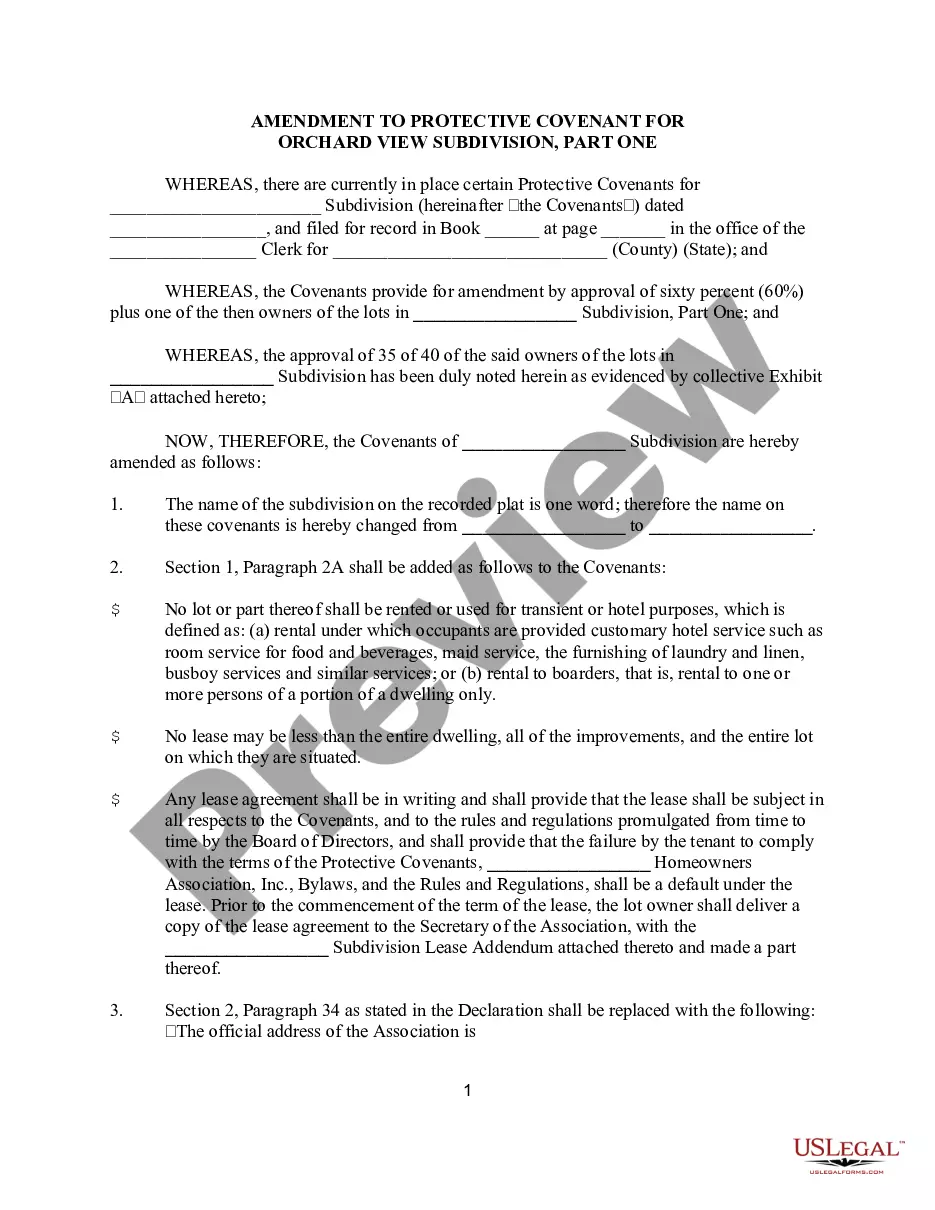
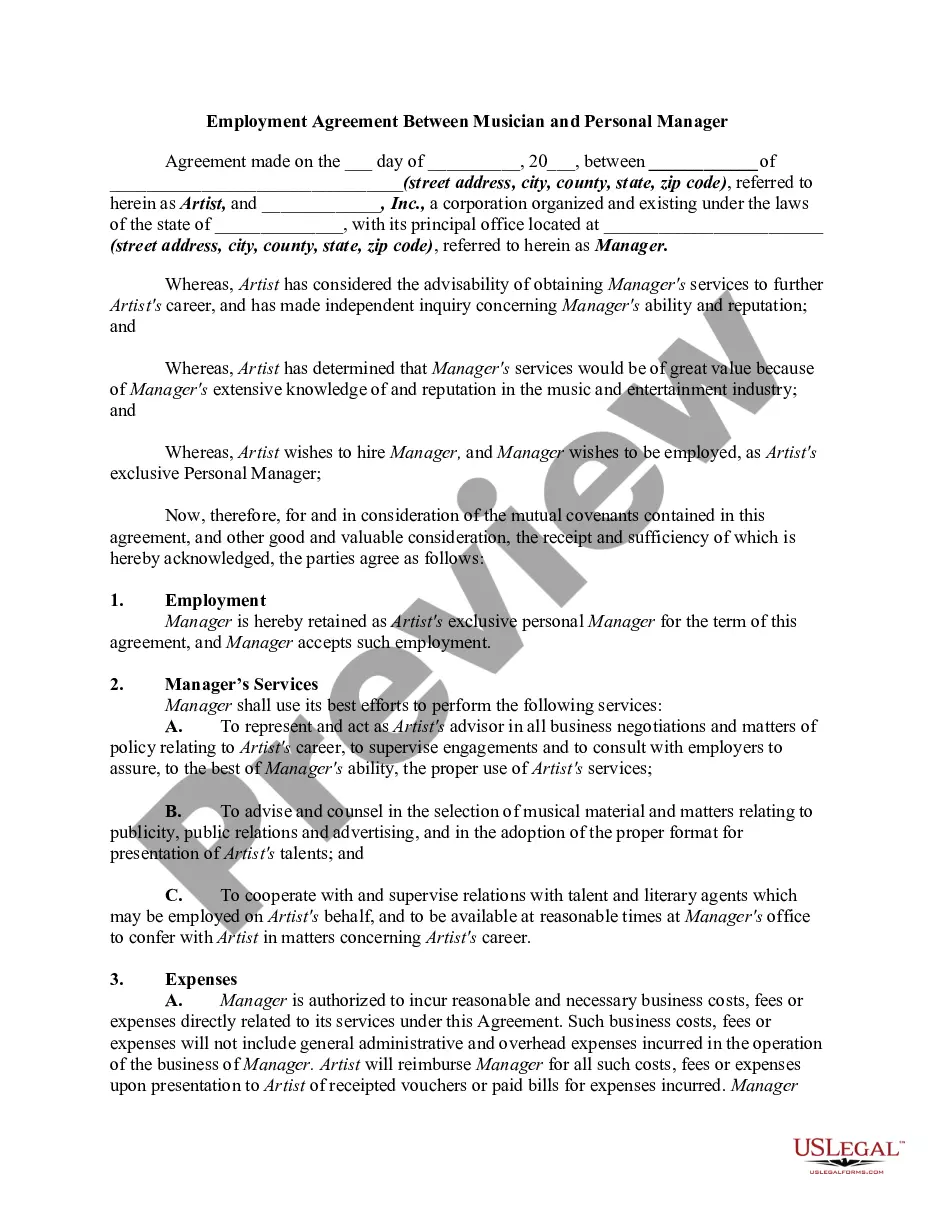
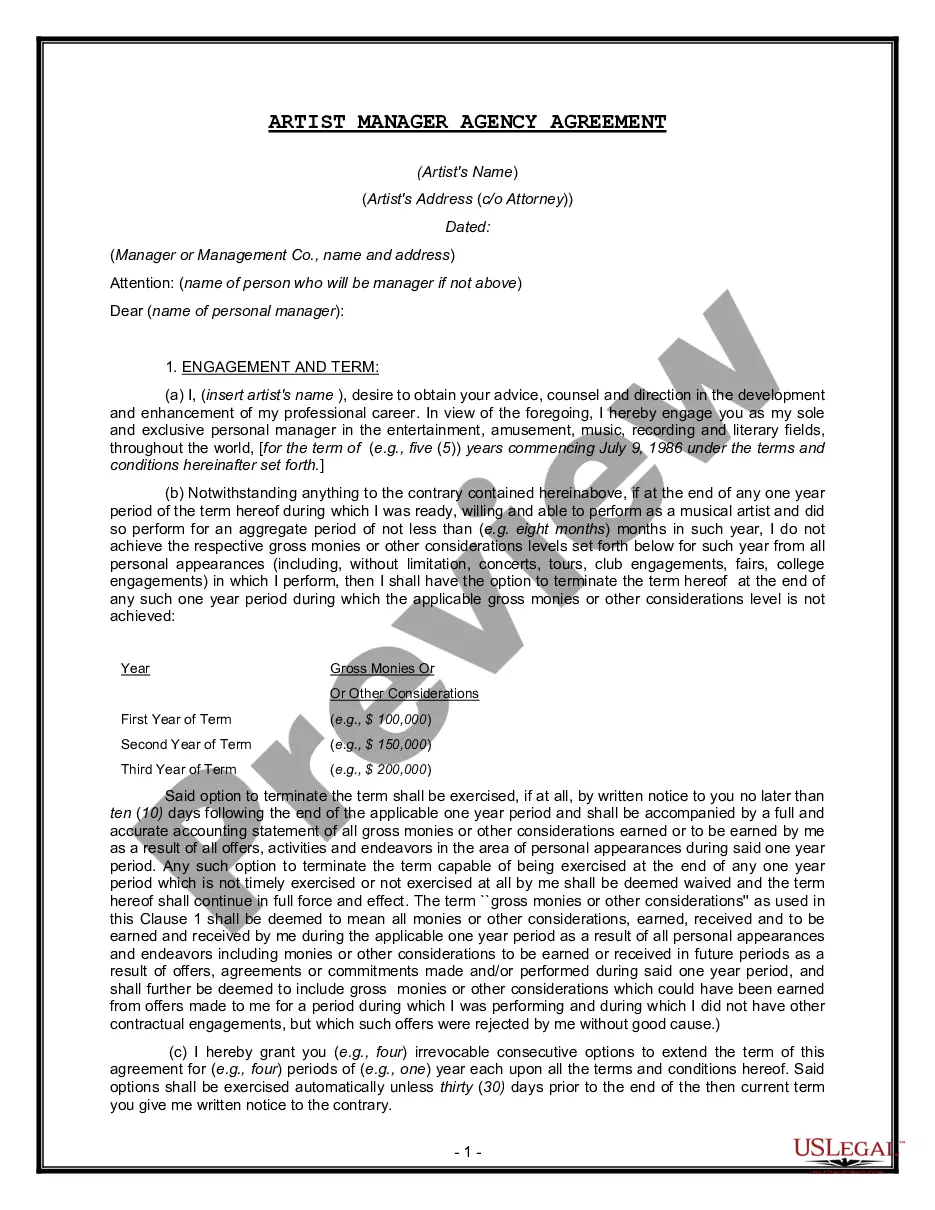
Artist Agreement Form Template With Drop Down List In Montgomery
Description

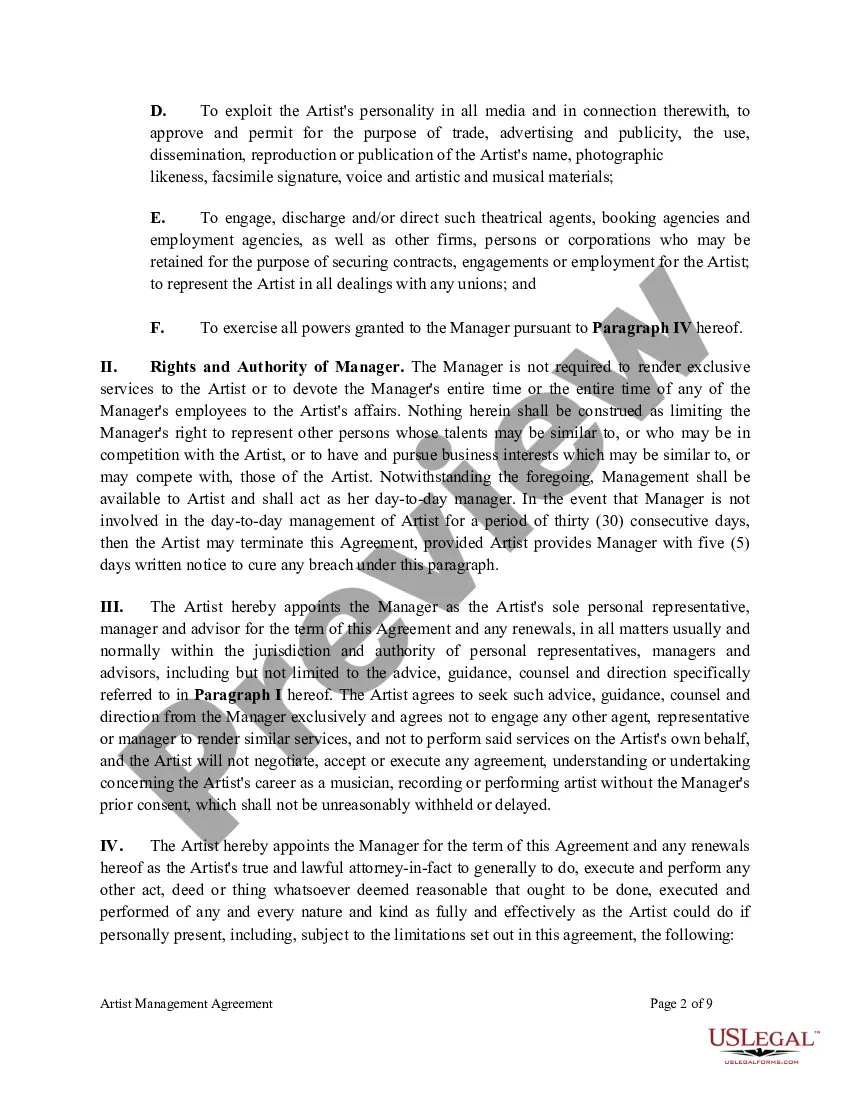
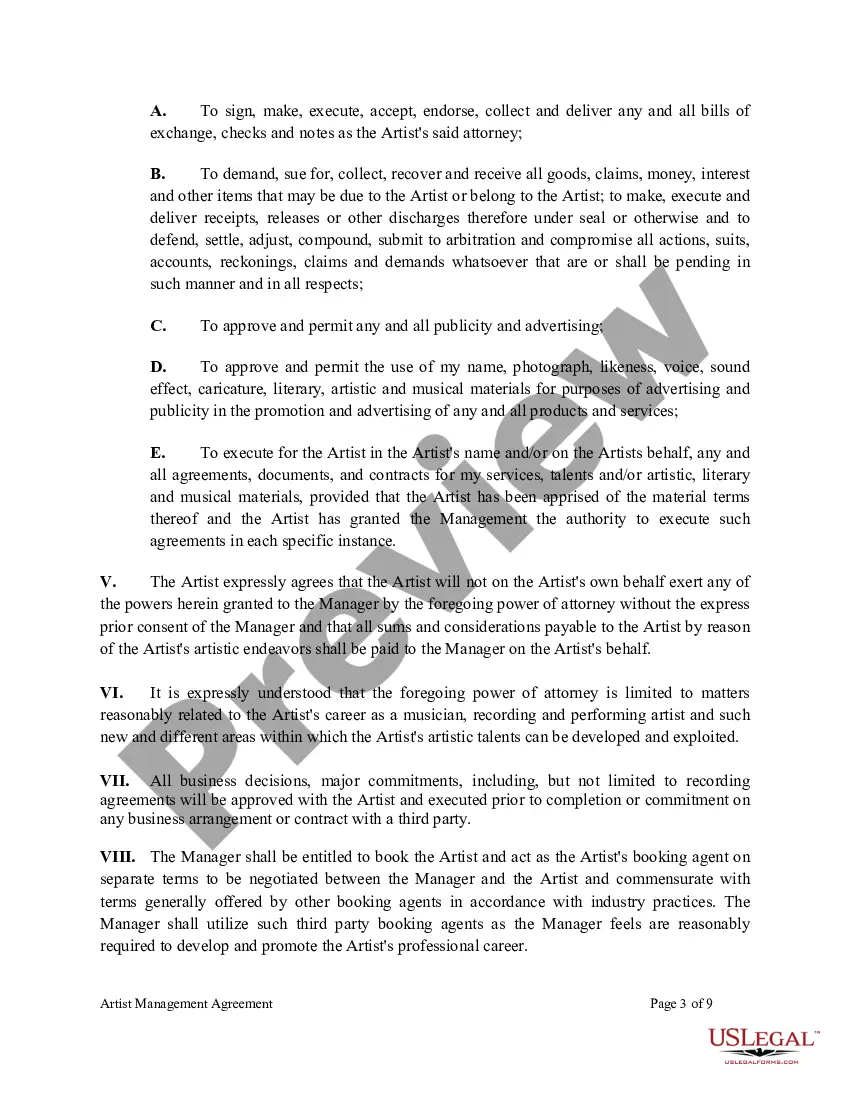
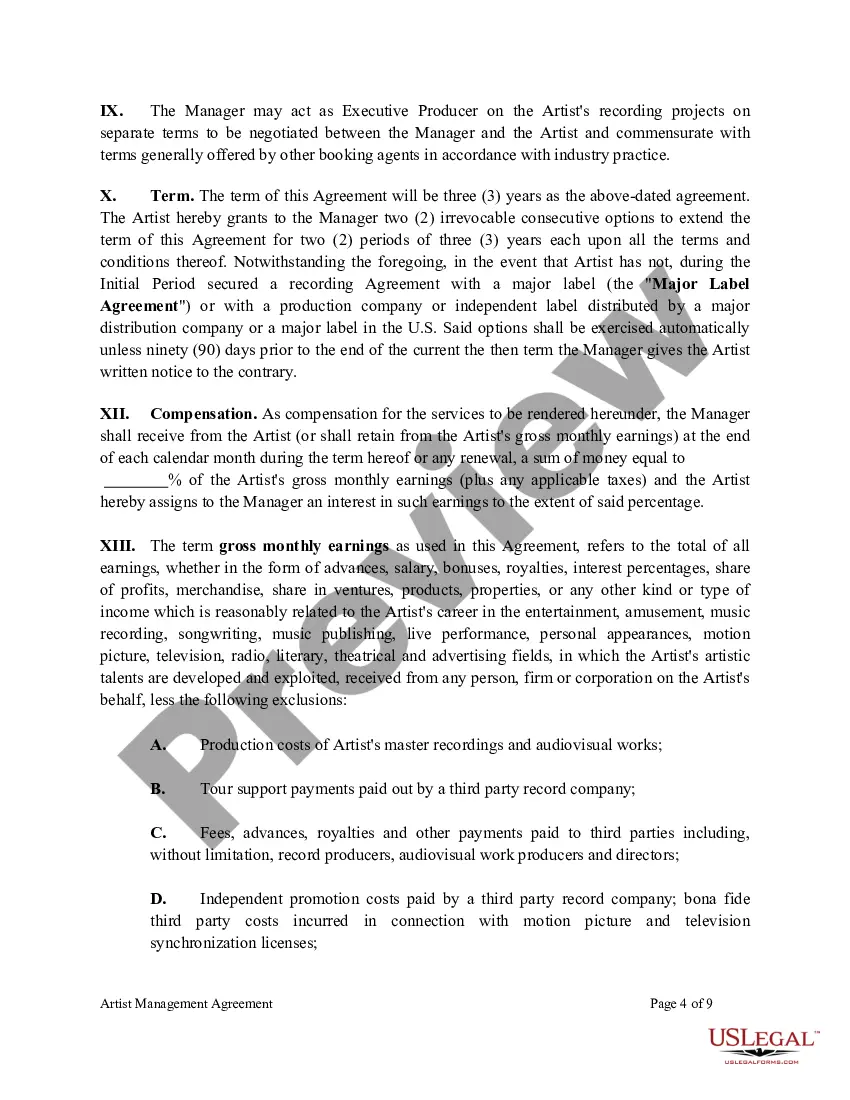
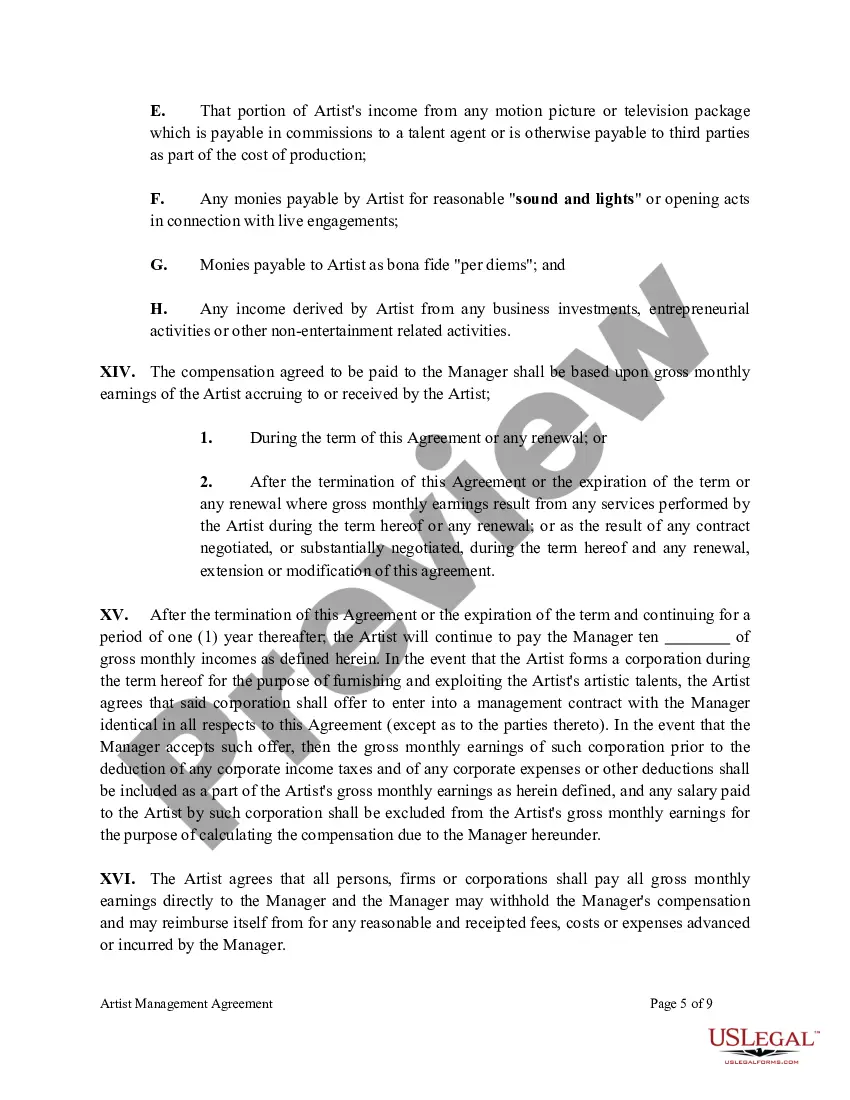
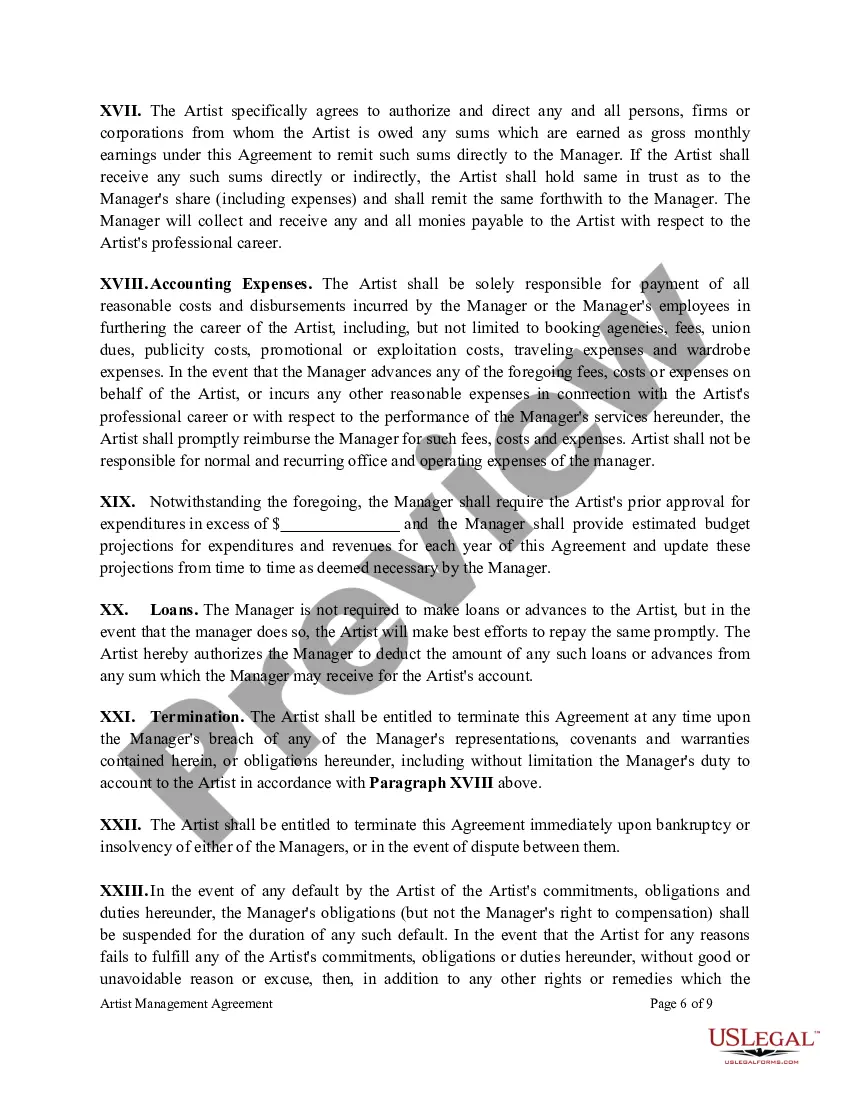
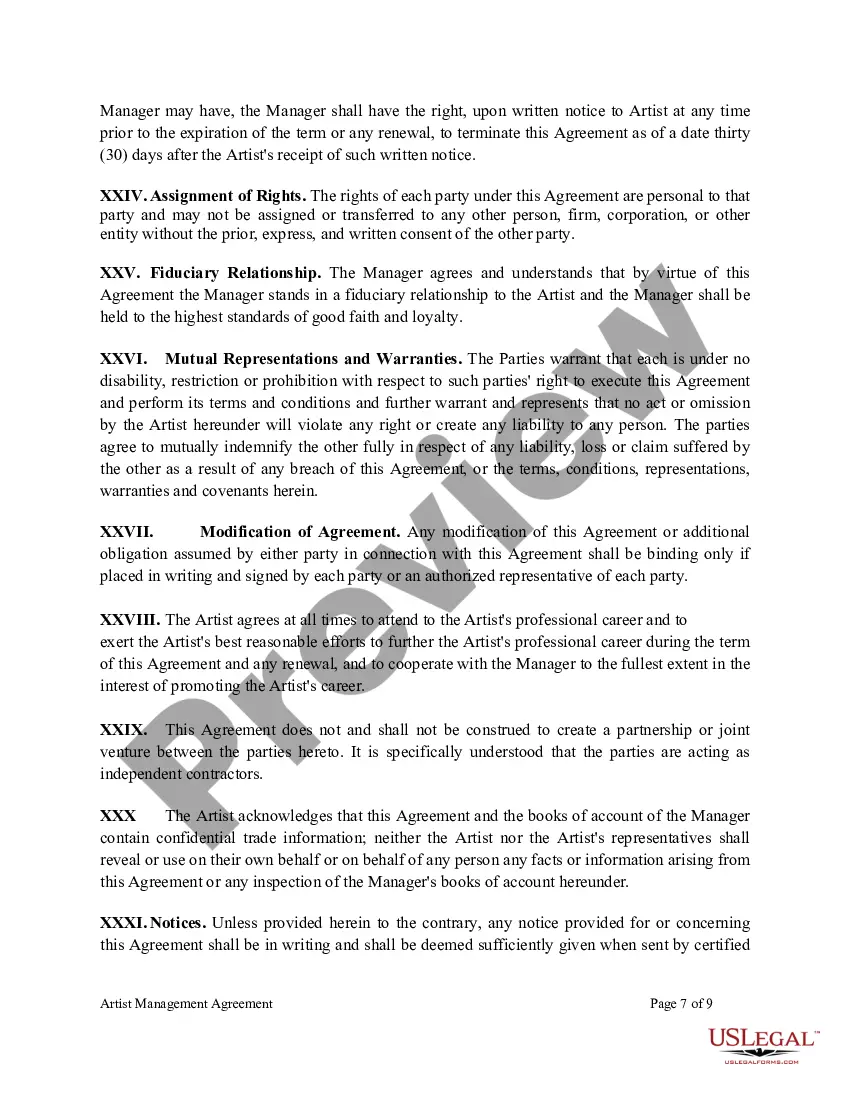
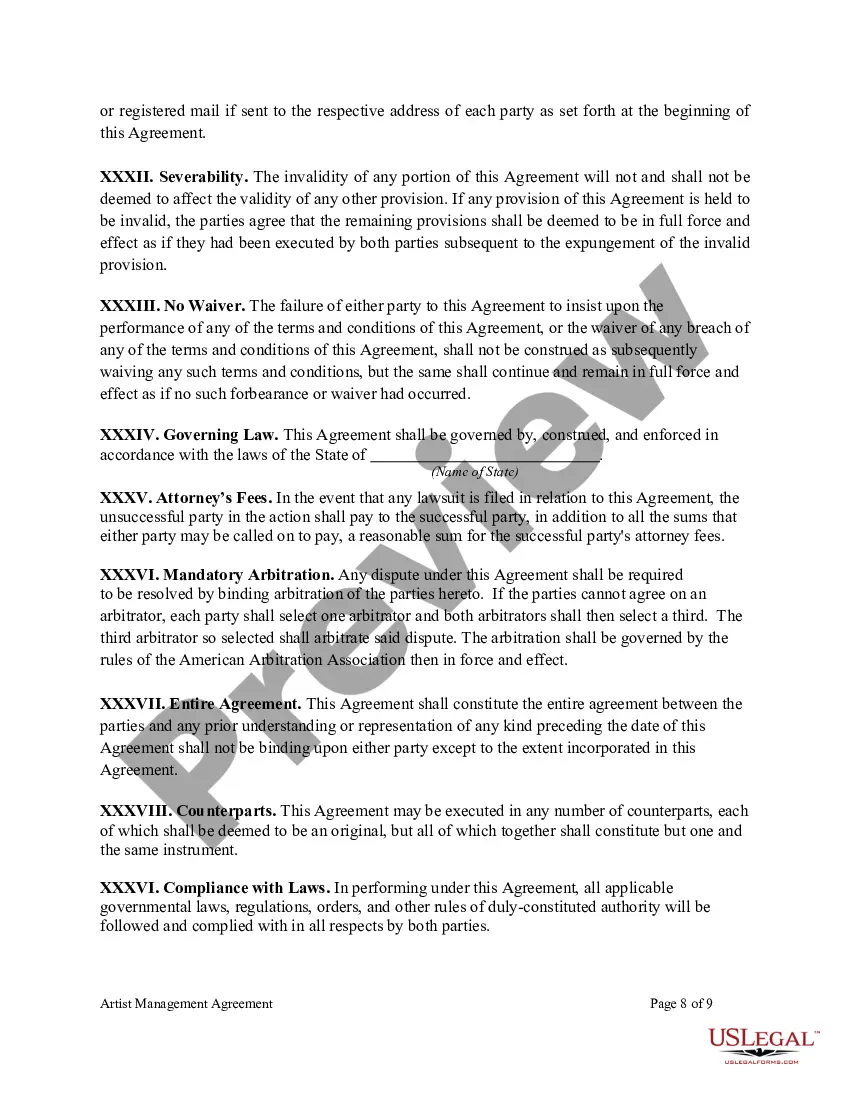


Get your form ready online
Our built-in tools help you complete, sign, share, and store your documents in one place.
Make edits, fill in missing information, and update formatting in US Legal Forms—just like you would in MS Word.
Download a copy, print it, send it by email, or mail it via USPS—whatever works best for your next step.
Sign and collect signatures with our SignNow integration. Send to multiple recipients, set reminders, and more. Go Premium to unlock E-Sign.
If this form requires notarization, complete it online through a secure video call—no need to meet a notary in person or wait for an appointment.
We protect your documents and personal data by following strict security and privacy standards.

Make edits, fill in missing information, and update formatting in US Legal Forms—just like you would in MS Word.

Download a copy, print it, send it by email, or mail it via USPS—whatever works best for your next step.

Sign and collect signatures with our SignNow integration. Send to multiple recipients, set reminders, and more. Go Premium to unlock E-Sign.

If this form requires notarization, complete it online through a secure video call—no need to meet a notary in person or wait for an appointment.

We protect your documents and personal data by following strict security and privacy standards.
Looking for another form?




Form popularity
FAQ
A properly formatted contract will typically have copy that is left-aligned and single-spaced. If the contract is long or has multiple sections, a table of contents should be included to make it easier to review.
Write the contract in six steps Start with a contract template. Open with the basic information. Describe in detail what you have agreed to. Include a description of how the contract will be ended. Write into the contract which laws apply and how disputes will be resolved. Include space for signatures.
Here are the steps to write a letter of agreement: Title the document. Add the title at the top of the document. List your personal information. Include the date. Add the recipient's personal information. Address the recipient. Write an introduction paragraph. Write your body. Conclude the letter.
Write the contract in six steps Start with a contract template. Open with the basic information. Describe in detail what you have agreed to. Include a description of how the contract will be ended. Write into the contract which laws apply and how disputes will be resolved. Include space for signatures.
Acceptance of an offer: After one party makes an offer, it's up to the other party to accept it. If someone offers you $600 to walk their dogs, for example, you enter into a contractual agreement the moment you accept their offer in exchange for your services.
In your form, click on the question you want to add a dropdown list to or add a new question by clicking the plus sign in the floating menu on the right. Click the box in the upper right corner of the question field. Then select Dropdown. Now you can add items for your dropdown list by clicking Add option.
Insert a combo box or a drop-down list Go to Developer > Combo Box Content Control or Drop-Down List Content Control . Select the content control, and then select Properties. To create a list of choices, select Add under Drop-Down List Properties. Type a choice in Display Name, such as Yes, No, or Maybe.
Here: 1- Open Microsoft Forms and create a new form or open an existing one. Add a new question by clicking on the "+ Add new" button. 2- Choose the question type as "Choice" from the available options. 3- Click on the "Add Option" button and enter the first option in the list.
Go to the Data tab and click Data Validation. Open the drop-down Allow:, and choose List. In the Source area, type in the equals (=) sign followed by whatever you named your drop-down. Finally, hit OK. You should now have the option to open the drop-down list of the cell and choose one of the options.
Log in to Google Forms with your email address. Start by choosing one of the form templates. 2 - Add questions on your form: Click on the menu next to the question types pane to see list of options such as multiple choice, checkboxes, and dropdown.