Default Prove Up Hearing With Attorney In Bexar
Description

Get your form ready online
Our built-in tools help you complete, sign, share, and store your documents in one place.
Make edits, fill in missing information, and update formatting in US Legal Forms—just like you would in MS Word.
Download a copy, print it, send it by email, or mail it via USPS—whatever works best for your next step.
Sign and collect signatures with our SignNow integration. Send to multiple recipients, set reminders, and more. Go Premium to unlock E-Sign.
If this form requires notarization, complete it online through a secure video call—no need to meet a notary in person or wait for an appointment.
We protect your documents and personal data by following strict security and privacy standards.

Make edits, fill in missing information, and update formatting in US Legal Forms—just like you would in MS Word.

Download a copy, print it, send it by email, or mail it via USPS—whatever works best for your next step.

Sign and collect signatures with our SignNow integration. Send to multiple recipients, set reminders, and more. Go Premium to unlock E-Sign.

If this form requires notarization, complete it online through a secure video call—no need to meet a notary in person or wait for an appointment.

We protect your documents and personal data by following strict security and privacy standards.
Looking for another form?










Form popularity
FAQ
Probate Court No. 2 offers remote hearings for most of the uncontested matters. The Zoom Log In Information is located on the FIAT/Notice template.
Through the adoption of Zoom, federal, state, and local courts not only enabled continuity but also found that the new format generated better experiences. Suddenly, the courtroom became a more equitable place.
The general public may view virtual court proceedings live on YouTube by visiting the JP1-2 YouTube Channel.
On the date of your court proceeding, go to on your device. You may have also received a Zoom meeting link from the court. If so, you may select this link directly. The court's website may also include direct links to appear via video or phone.
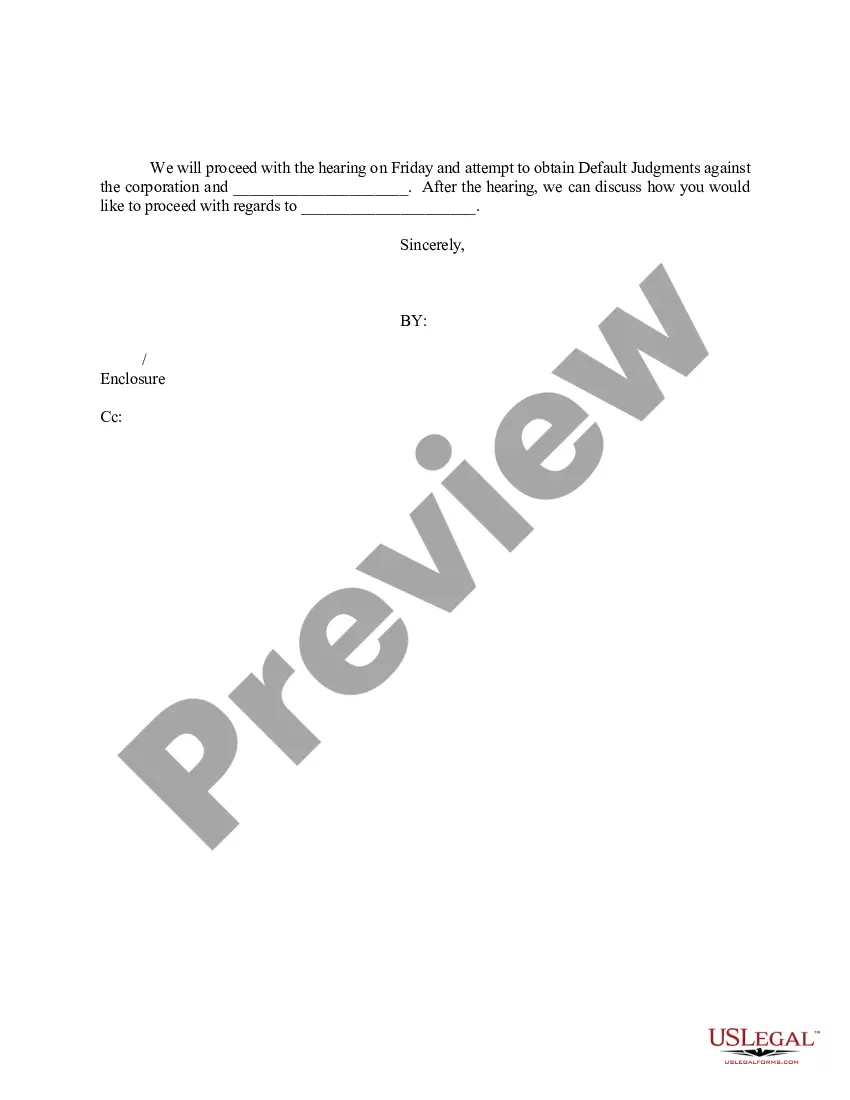
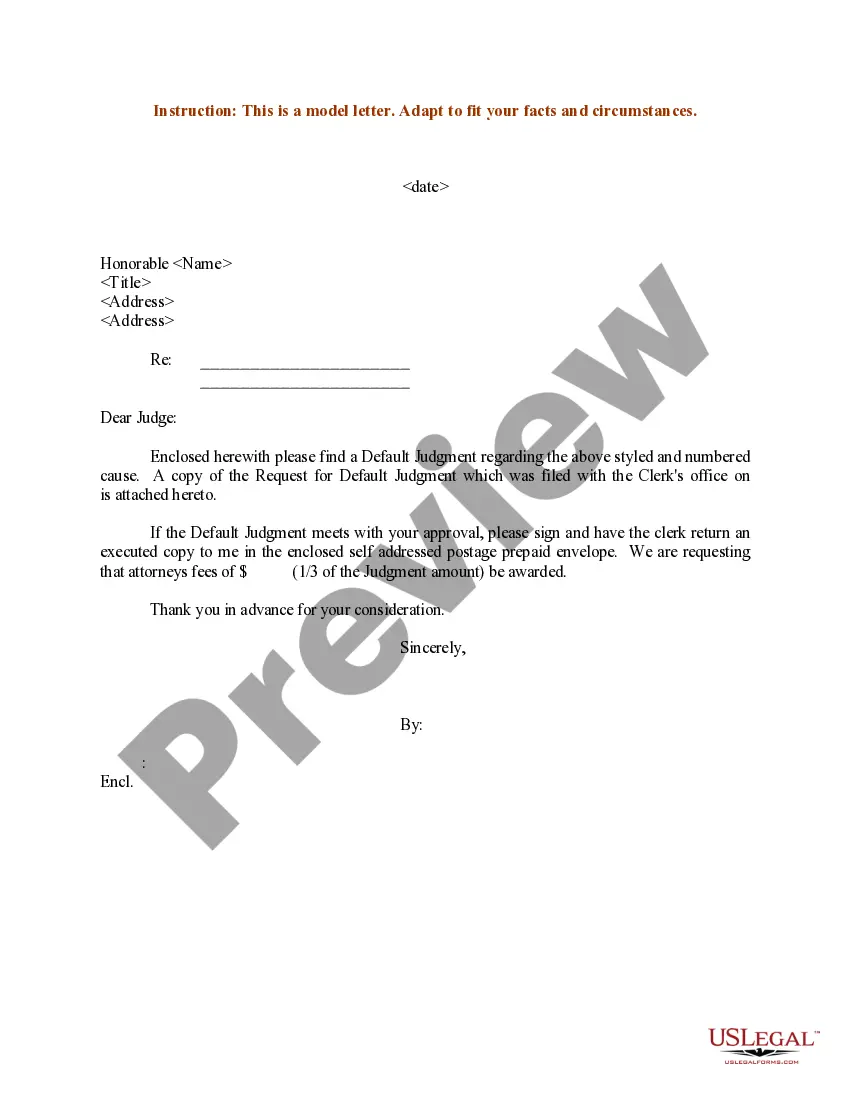
A default prove up hearing occurs when the defendant has failed to respond to the plaintiff's complaint within the specified time frame. As a result, the defendant is considered to be in default, and the hearing is held to determine the appropriate judgment in favor of the plaintiff.
Alternatively, log on to the Presiding Court Zoom using meeting ID is 917-895-6796. If you are unable to log on with a computer or smart device, you can call the Zoom telephone access number for Presiding Court at 1 (346) 248-7799. You will need to input the Presiding Court Zoom access code: 917-895-6796.
To request a non-jury court setting or hearing, please contact the presiding court clerk at 210-335-2000 for more information. To request a setting or hearing before a jury, please contact the jury assignment clerk at 210-335-2520.
Contact Us BEXAR COUNTY COURTHOUSE. Phone: 210-335-2011.
Bexar County Judge Peter Sakai | Bexar County, TX - Official Website.
