Welcome Letter For New Member In Montgomery
Description

Get your form ready online
Our built-in tools help you complete, sign, share, and store your documents in one place.
Make edits, fill in missing information, and update formatting in US Legal Forms—just like you would in MS Word.
Download a copy, print it, send it by email, or mail it via USPS—whatever works best for your next step.
Sign and collect signatures with our SignNow integration. Send to multiple recipients, set reminders, and more. Go Premium to unlock E-Sign.
If this form requires notarization, complete it online through a secure video call—no need to meet a notary in person or wait for an appointment.
We protect your documents and personal data by following strict security and privacy standards.

Make edits, fill in missing information, and update formatting in US Legal Forms—just like you would in MS Word.

Download a copy, print it, send it by email, or mail it via USPS—whatever works best for your next step.

Sign and collect signatures with our SignNow integration. Send to multiple recipients, set reminders, and more. Go Premium to unlock E-Sign.

If this form requires notarization, complete it online through a secure video call—no need to meet a notary in person or wait for an appointment.

We protect your documents and personal data by following strict security and privacy standards.
Looking for another form?




Form popularity
FAQ
You may transfer prior credits from other institutions, take exams, and/or get credit for life experiences, including military service or industry credentials. If you are applying as a non-degree seeking student, you do not need to submit your official transcripts.
Official transcript should be submitted by your counselor. If the counselor submits online, the transcript should be attached to your school forms. Otherwise, transcripts should be sent directly to the schools to which you are applying. Please contact each admissions office for the exact address or procedure.
High school transcripts may be submitted electronically by high schools that use Naviance, or you can complete the Raptor Central Online Request Formnew window. We may request an official sealed copy of emailed transcripts for verification purposes.
The enrollment process typically takes up to two weeks for new applicants and 1-2 weeks for returning students. ) , then meet with your high school counselor to discuss your overall education plan to include your high school program of study and the college course(s) you wish to take.
Sending Transcripts for Application Counselors may submit the transcript either: By mail to UA Early College, Box 870365, Tuscaloosa, AL, 35487-0369. By secure email to earlycollege@ua. Using an approved electronic transcript provider.
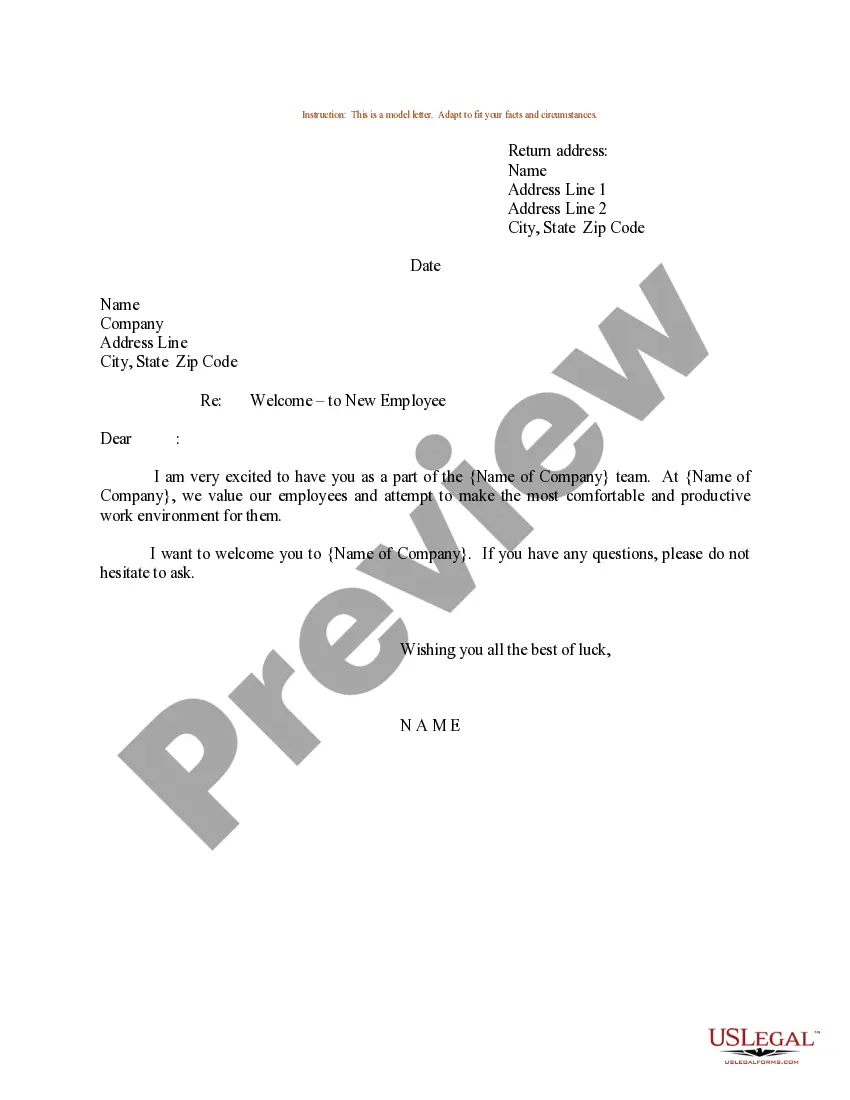
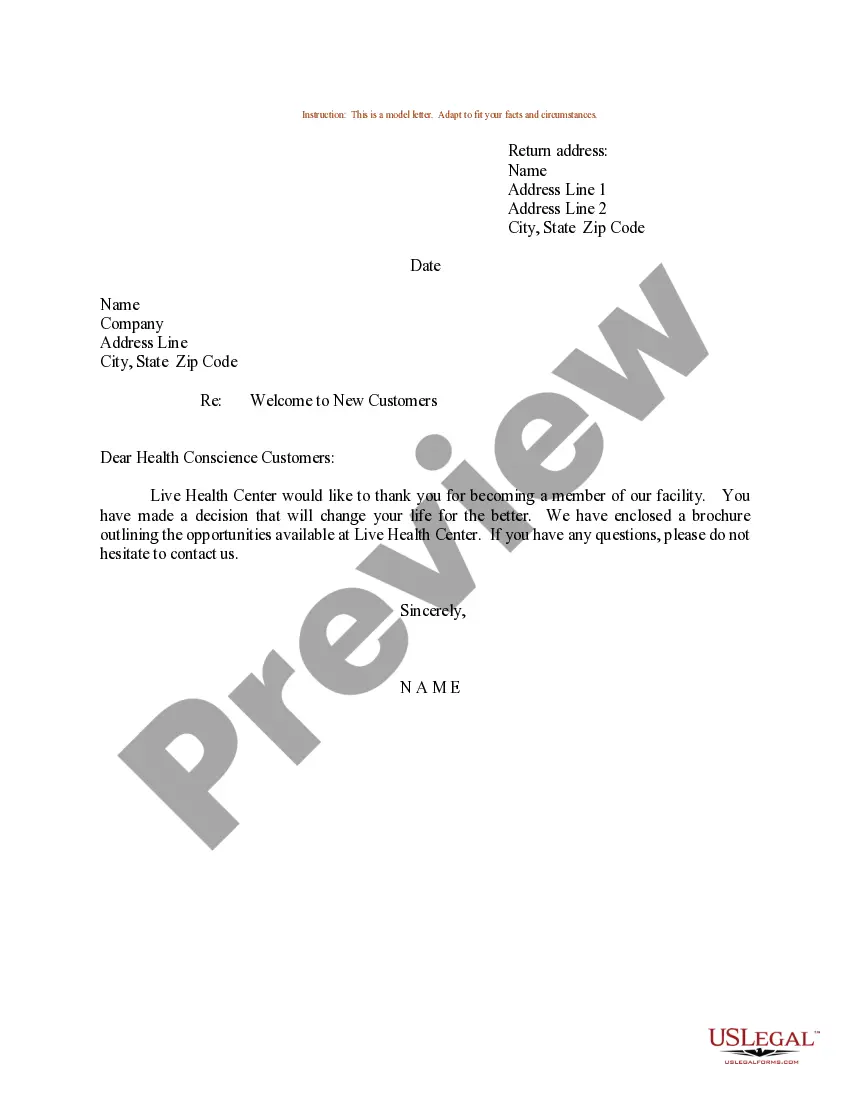
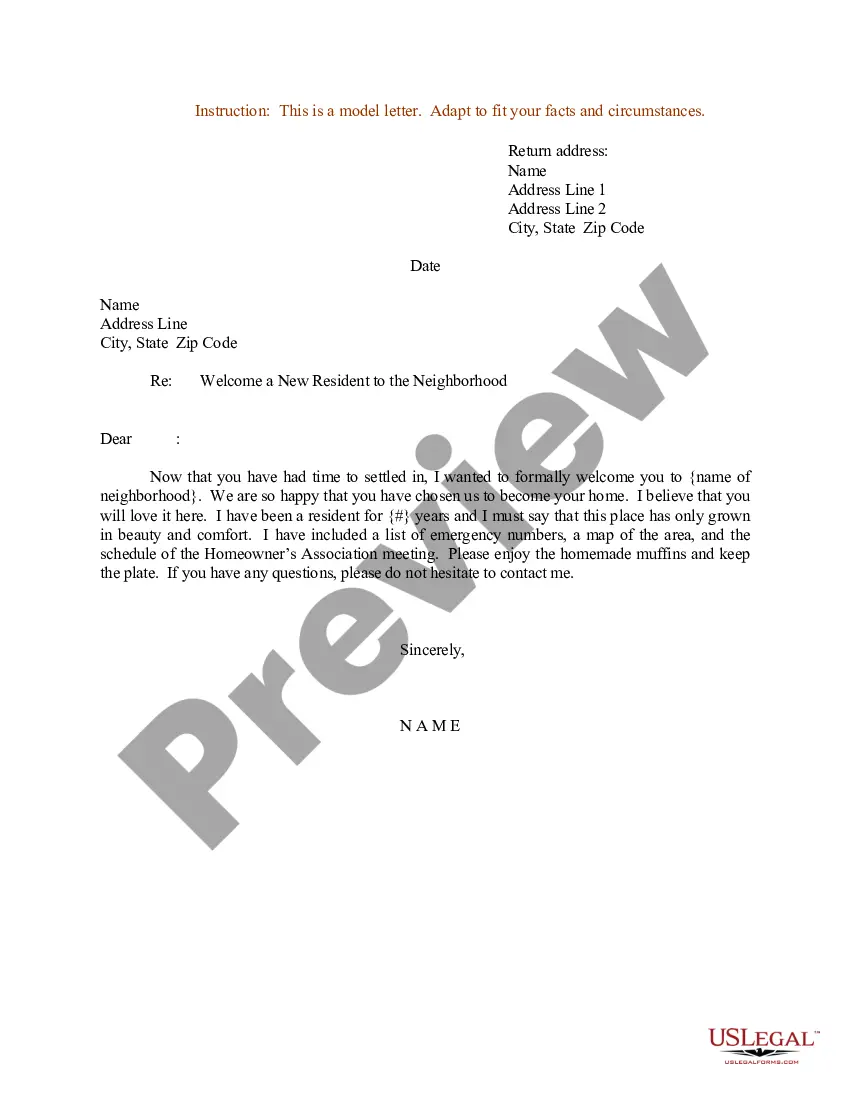
General welcome message. First, start by introducing yourself. Your contact information. Once you've introduced yourself, give them the best way to contact you should they have any questions. Date of move-in. Key pick up. Information about utilities. Move-in day instructions. Reminder for documents. Parking information.
What to Include in a Welcome Letter Congratulations and welcome to the team. Hiring manager's name and job title. Trainer's name and job title, if different. Onboarding buddy's name and job title. Start date and time. Address (include cross streets if the location is hard to find) Parking instructions. Dress code.
How to create a welcome letter or welcome email for new employees Determine your goals. Begin by establishing the goal of the welcome letter. Outline the letter. Write a warm introduction. Introduce yourself. Provide need-to-know information. Personalize as needed. Wrap up the letter.
What should a welcome letter include? Expression of excitement about having them as part of your team or department. Confirmation of the new employee's start date. Information on where they'll go on their first day upon arrival. List of required documents they need to bring such as bank account details or an ID.
What to Include in a New Tenant Welcome Package? A Handwritten Welcome Note. Maps of the Local Area. Essentials and Toiletries. Snacks and Drinks. Local Gift Cards. Book of Coupons and Local Take-Out Menus.

