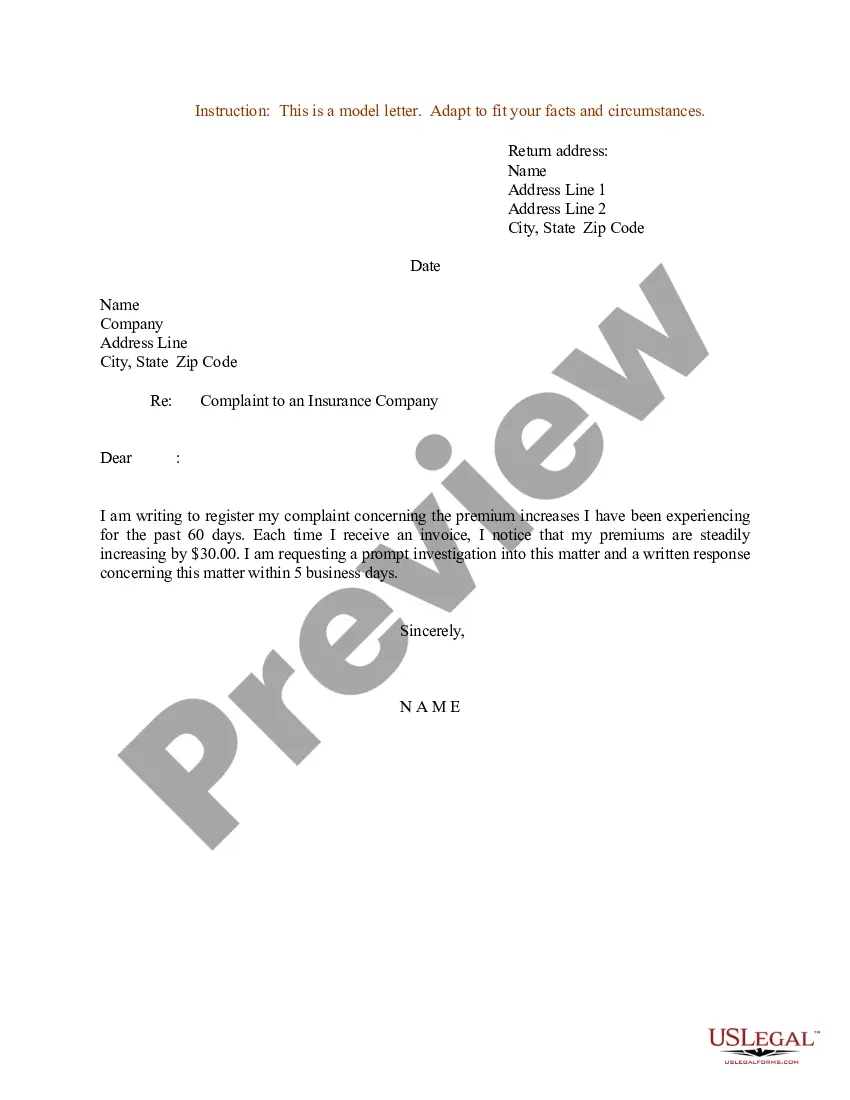
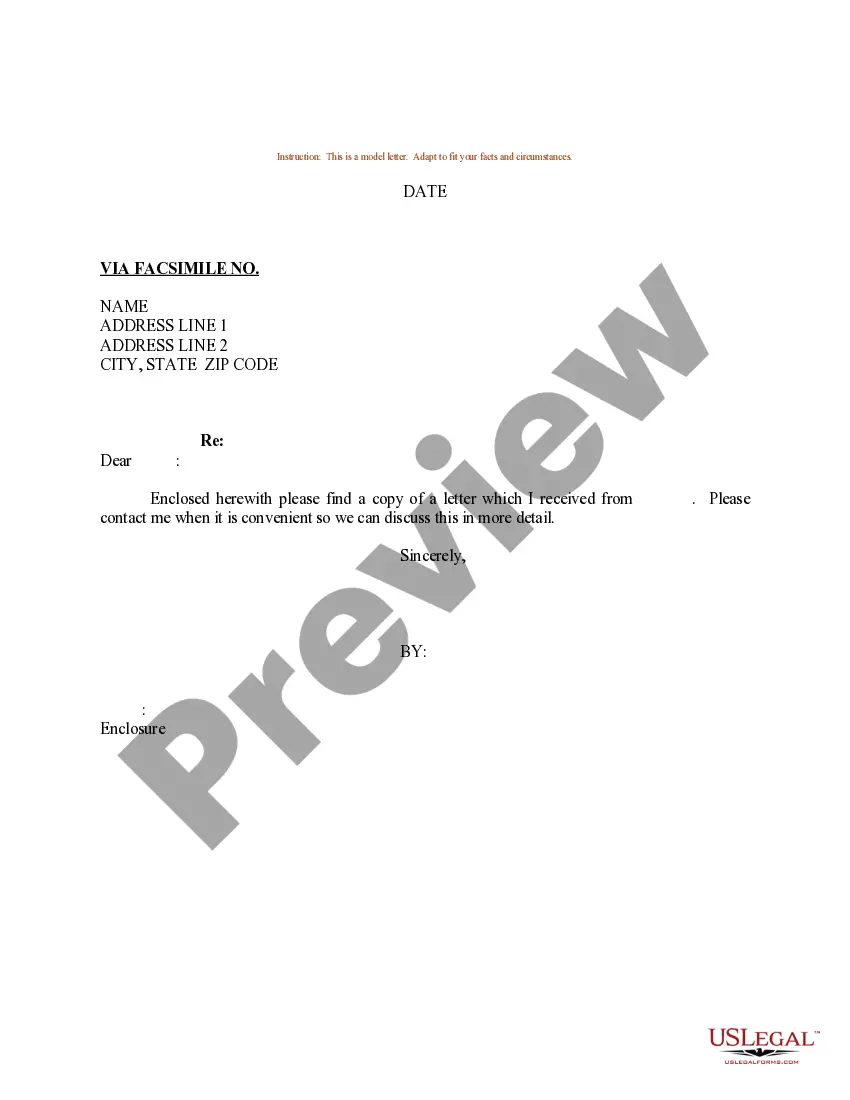
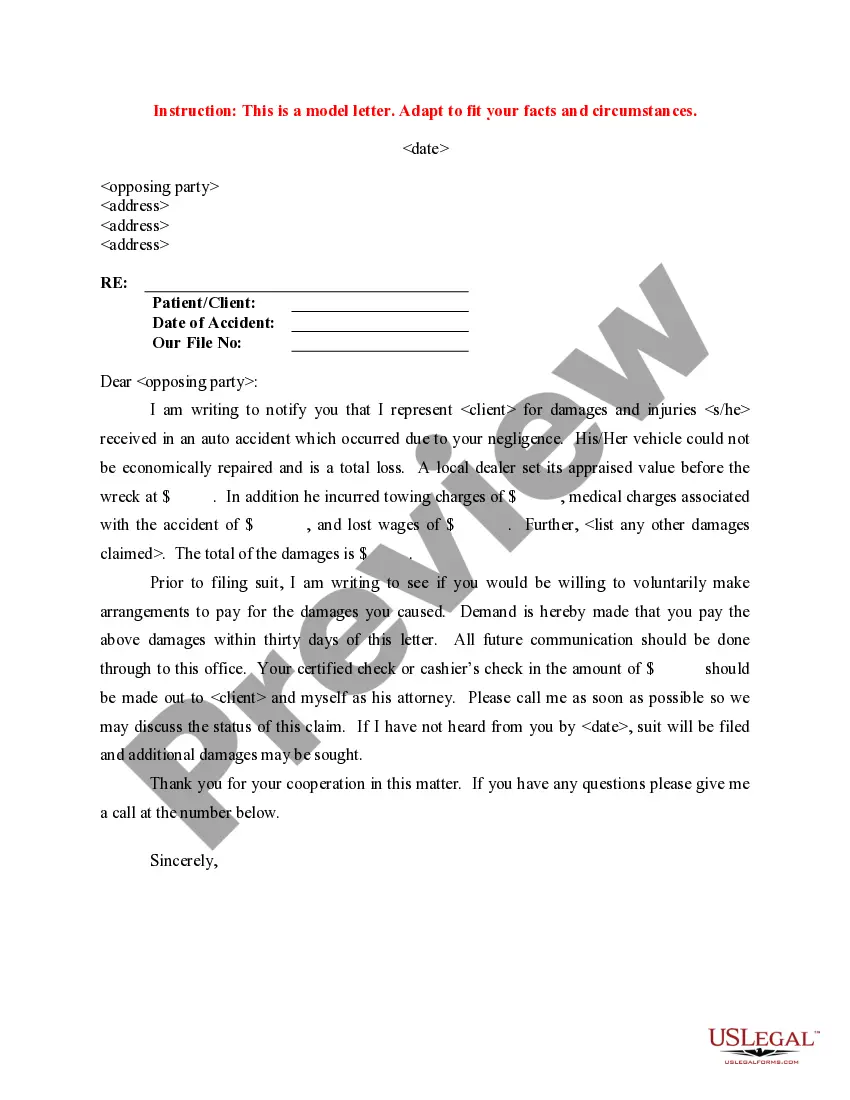
Letter Insurance Form For Submission In Fulton
Description
Get your form ready online
Our built-in tools help you complete, sign, share, and store your documents in one place.
Make edits, fill in missing information, and update formatting in US Legal Forms—just like you would in MS Word.
Download a copy, print it, send it by email, or mail it via USPS—whatever works best for your next step.
Sign and collect signatures with our SignNow integration. Send to multiple recipients, set reminders, and more. Go Premium to unlock E-Sign.
If this form requires notarization, complete it online through a secure video call—no need to meet a notary in person or wait for an appointment.
We protect your documents and personal data by following strict security and privacy standards.

Make edits, fill in missing information, and update formatting in US Legal Forms—just like you would in MS Word.

Download a copy, print it, send it by email, or mail it via USPS—whatever works best for your next step.

Sign and collect signatures with our SignNow integration. Send to multiple recipients, set reminders, and more. Go Premium to unlock E-Sign.

If this form requires notarization, complete it online through a secure video call—no need to meet a notary in person or wait for an appointment.

We protect your documents and personal data by following strict security and privacy standards.
Looking for another form?






Form popularity
FAQ
Generally, you will need to provide personal details and policy information, as well as details about the incident. Your insurer will give instructions on how to fill out the form correctly. In case of any doubts, you can contact their insurer's customer services team to seek assistance.
Step-by-Step Guide to Writing an Insurance Claim Letter Gather Information and Documentation: Start with Personal and Insurance Company Details: Introduce Your Claim: Describe the Incident: Detail Your Claim: Conclude with a Call to Action:
Typical sections of a claim form: Personal information like your name, address and date of birth. Insurance information such as a policy and group number. Reason for your visit including background information about your condition. Provider information including the doctor's name and address.
Contact your insurance company Whether you file your car insurance claim over the phone, online, through a mobile app, or with an agent, your insurer will likely request the following details: Location, date, and time of accident. Name, address, phone number, and insurance policy number for all involved in the accident.
A health insurance claim form has two sections, i.e., Part A and Part B. While Part A is to be filled out by the policyholder, Part B is for the hospital. 2. In Part A of the form, you must fill out your name, residential address, policy number, email ID, phone number, medical history, details of hospitalisation, etc.
How to submit document images using NYDocSubmit? Select preferred language. Search and select Westchester to submit documents. Select one Program Area (SNAP, TA, HEAP or MA) Select Document Category. Capture the image of the document. Enter identifying and contact information:
How to submit document images using NYDocSubmit? Select preferred language. Search and select Westchester to submit documents. Select one Program Area (SNAP, TA, HEAP or MA) Select Document Category. Capture the image of the document. Enter identifying and contact information:
You can submit documents for eligibility using the ACCESS HRA mobile app, by fax, at a SNAP Center, at a Community Based Organization, or by mail.
How to submit document images using NYDocSubmit? Select preferred language. Search and select Westchester to submit documents. Select one Program Area (SNAP, TA, HEAP or MA) Select Document Category. Capture the image of the document. Enter identifying and contact information:
Once you submit your online SNAP application or your recertification, call 718-SNAP-NOW (718-762-7669) anytime between AM and PM, Monday to Friday to complete your interview. Please remember to upload your documents using the ACCESS HRA app.

