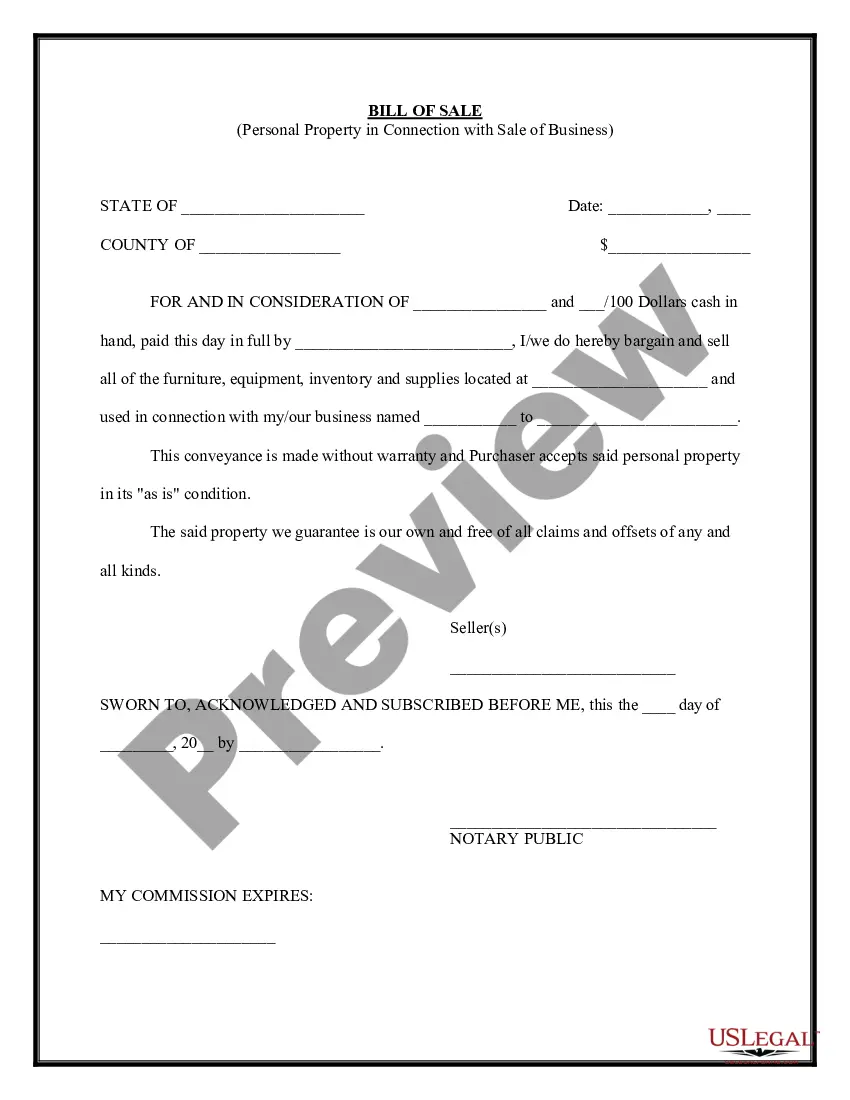
Personal Property Business Form For A Small Business
Description
Get your form ready online
Our built-in tools help you complete, sign, share, and store your documents in one place.
Make edits, fill in missing information, and update formatting in US Legal Forms—just like you would in MS Word.
Download a copy, print it, send it by email, or mail it via USPS—whatever works best for your next step.
Sign and collect signatures with our SignNow integration. Send to multiple recipients, set reminders, and more. Go Premium to unlock E-Sign.
If this form requires notarization, complete it online through a secure video call—no need to meet a notary in person or wait for an appointment.
We protect your documents and personal data by following strict security and privacy standards.

Make edits, fill in missing information, and update formatting in US Legal Forms—just like you would in MS Word.

Download a copy, print it, send it by email, or mail it via USPS—whatever works best for your next step.

Sign and collect signatures with our SignNow integration. Send to multiple recipients, set reminders, and more. Go Premium to unlock E-Sign.

If this form requires notarization, complete it online through a secure video call—no need to meet a notary in person or wait for an appointment.

We protect your documents and personal data by following strict security and privacy standards.
Looking for another form?
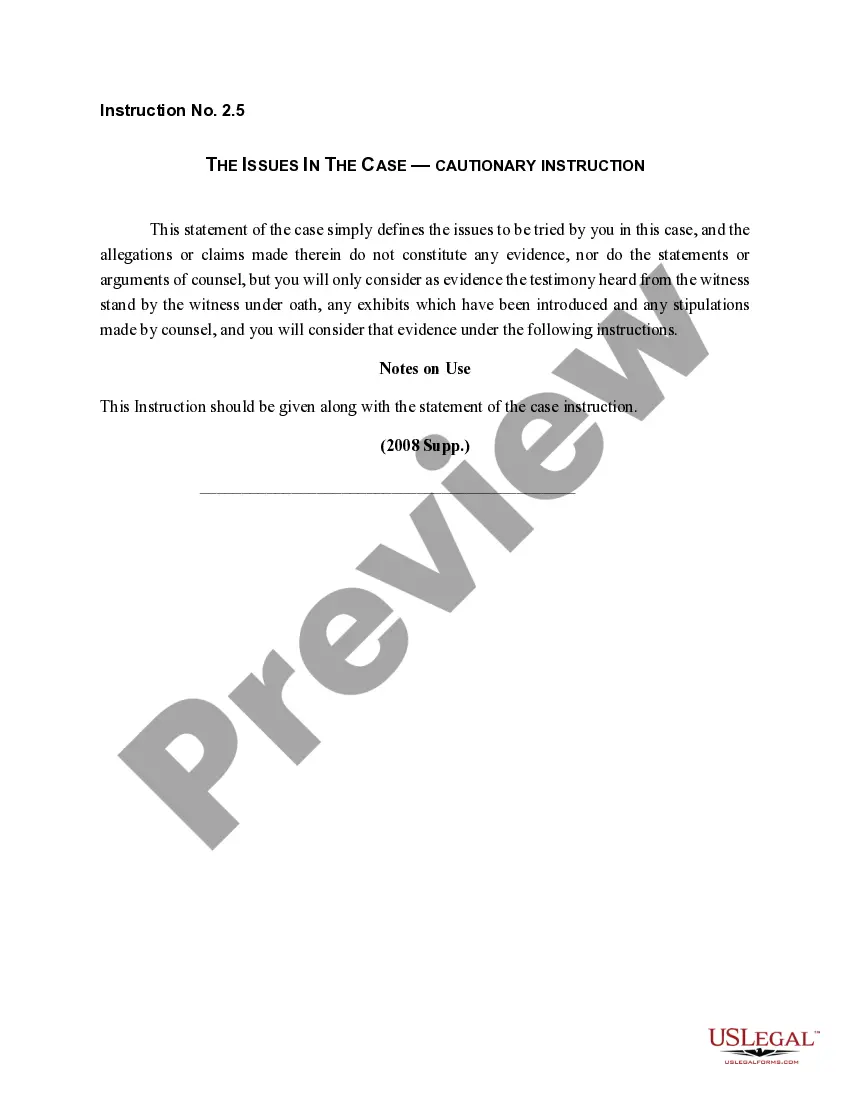
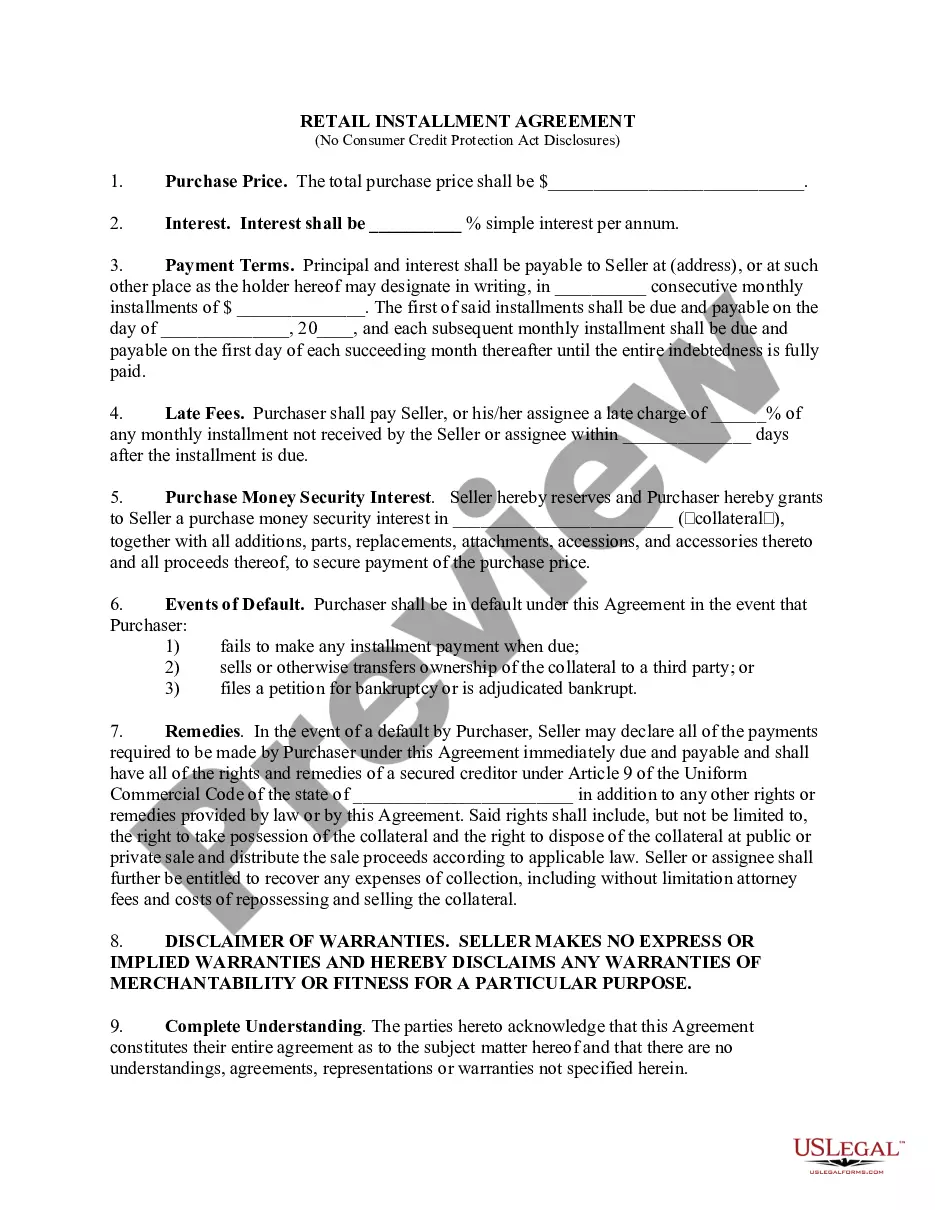
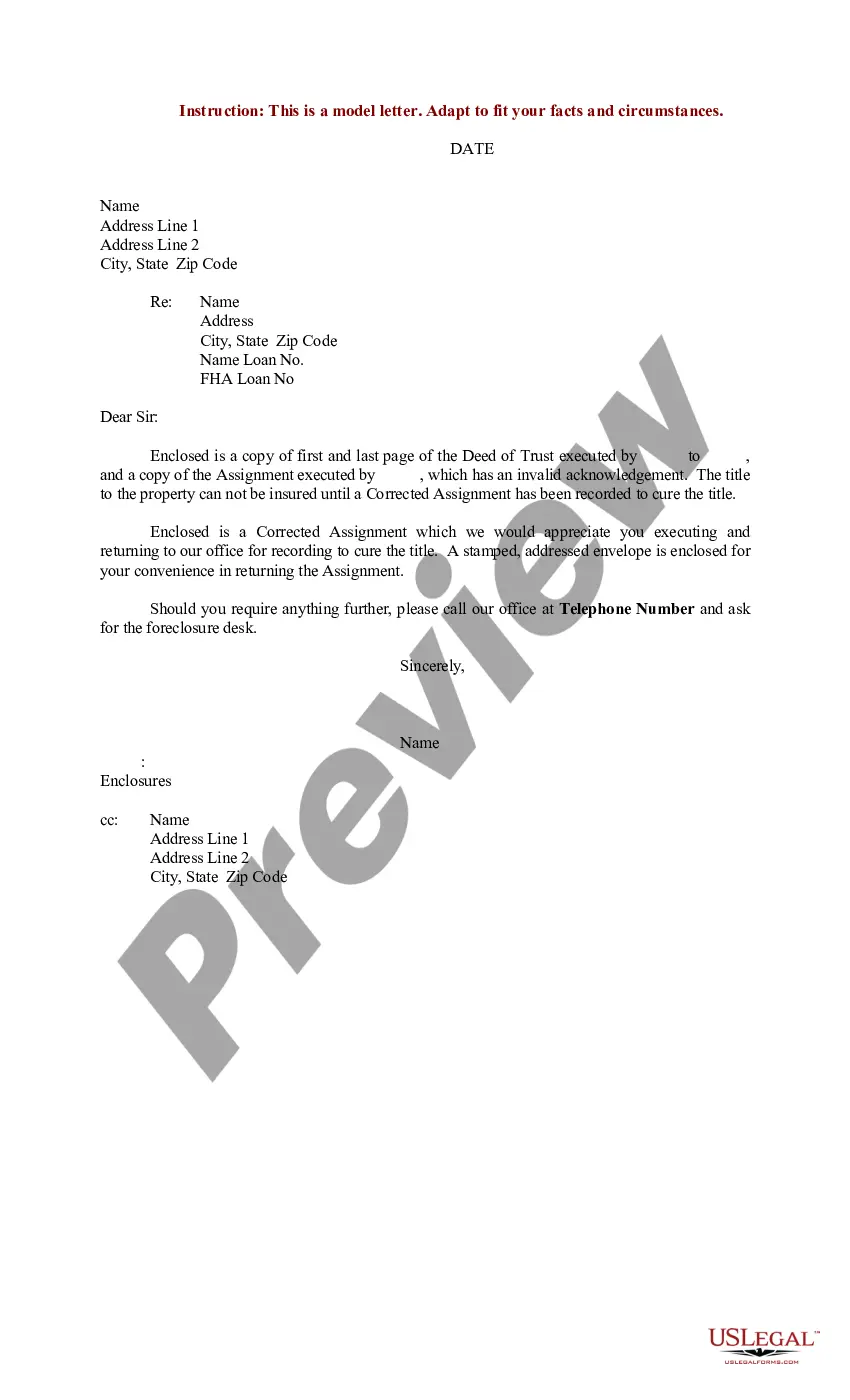
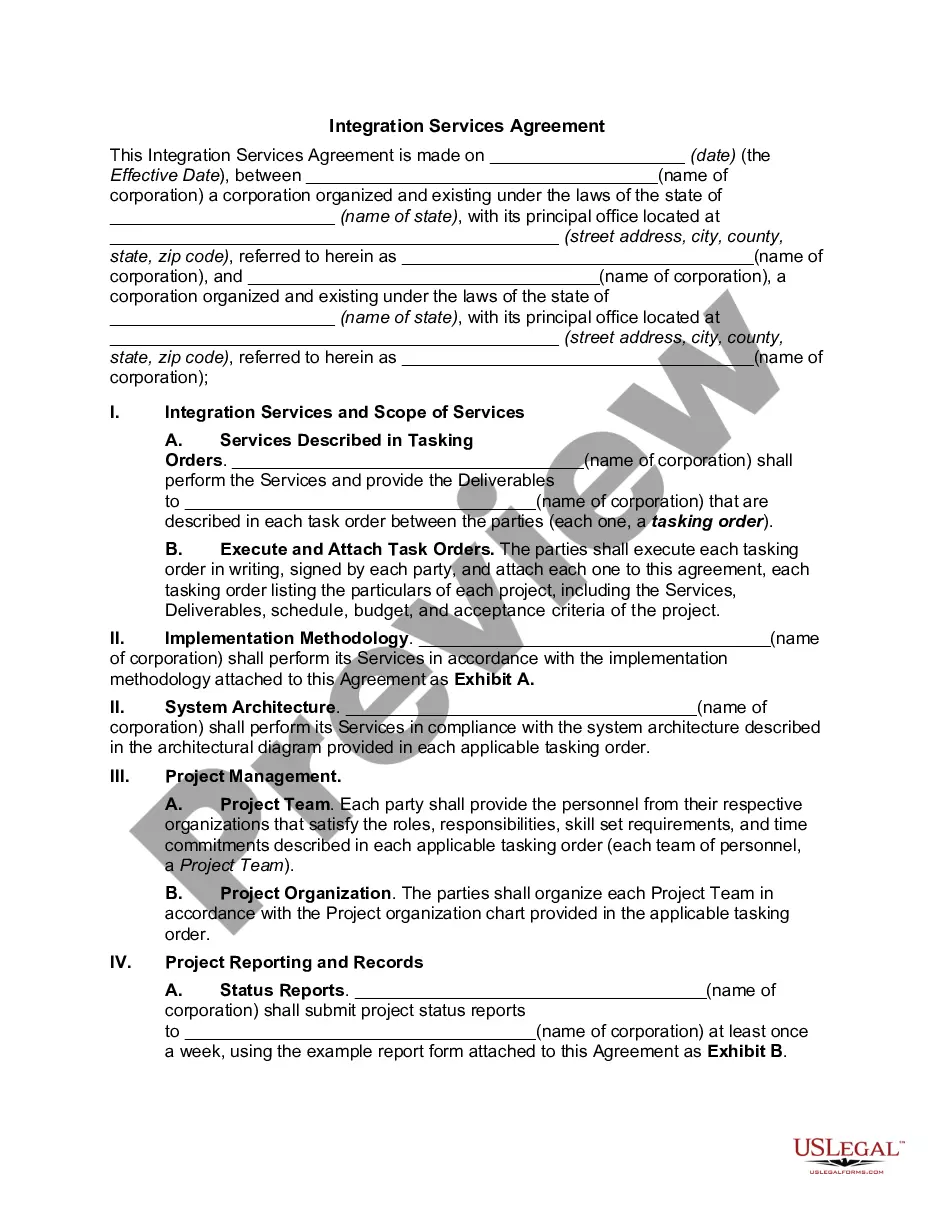
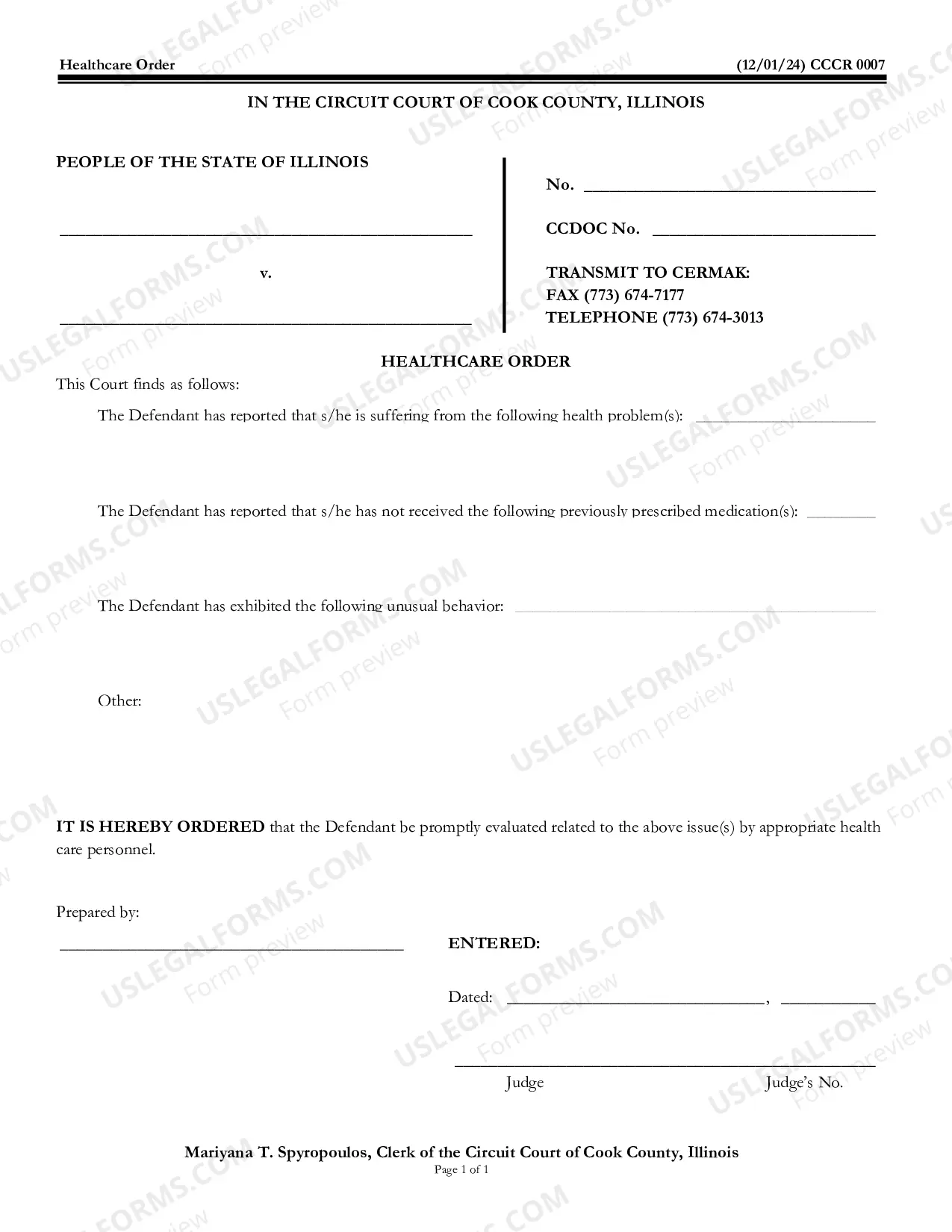
How to fill out Simple Bill Of Sale For Personal Property Used In Connection With Business?
Whether for commercial reasons or personal issues, everyone must deal with legal matters at some stage in their life.
Filling out legal documents demands meticulous attention, starting from choosing the right form example.
With an extensive US Legal Forms catalog available, you don’t have to waste time searching for the suitable sample across the web. Utilize the library’s straightforward navigation to find the right template for any situation.
- Obtain the sample you require by using the search bar or catalog navigation.
- Review the form’s description to ensure it suits your circumstance, state, and county.
- Click on the form’s preview to inspect it.
- If it is the incorrect form, return to the search function to locate the Personal Property Business Form For A Small Business sample you need.
- Acquire the file if it fulfills your requirements.
- If you already possess a US Legal Forms profile, click Log in to access previously stored templates in My documents.
- In case you don’t have an account yet, you can obtain the form by clicking Buy now.
- Choose the appropriate pricing option.
- Fill out the profile registration form.
- Select your payment method: use a credit card or PayPal account.
- Choose the document format you desire and download the Personal Property Business Form For A Small Business.
- Once it is saved, you can complete the form using editing software or print it out and finish it manually.
Form popularity
FAQ
Tangible personal property is a tax term describing personal property that can be physically relocated, such as furniture and office equipment. Tangible personal property is always depreciated over either a five- or seven-year period using straight-line depreciation but is eligible for accelerated depreciation as well.
Personal property generally refers to valuable items like cars and boats, as opposed to real estate, which is considered real property. States and localities with personal property taxes typically use the money to fund public works, such as schools and roads.
Business personal property is all property owned or leased by a business except real property. Business inventory is personal property but is 100 percent exempt from taxation.
How does a taxpayer file a Business Personal Property Rendition? The taxpayer completes Form 901 listing the original cost of the assets of the business concern. Assets include furniture and fixtures, machinery and equipment and a schedule of monthly inventories for the past year.
Responsibility for the assessment of all personal property throughout Maryland rests with the Department of Assessments and Taxation. Personal property generally includes furniture, fixtures, office and industrial equipment, machinery, tools, supplies, inventory and any other property not classified as real property.