Corporation First Meeting For New Team In Collin
Description
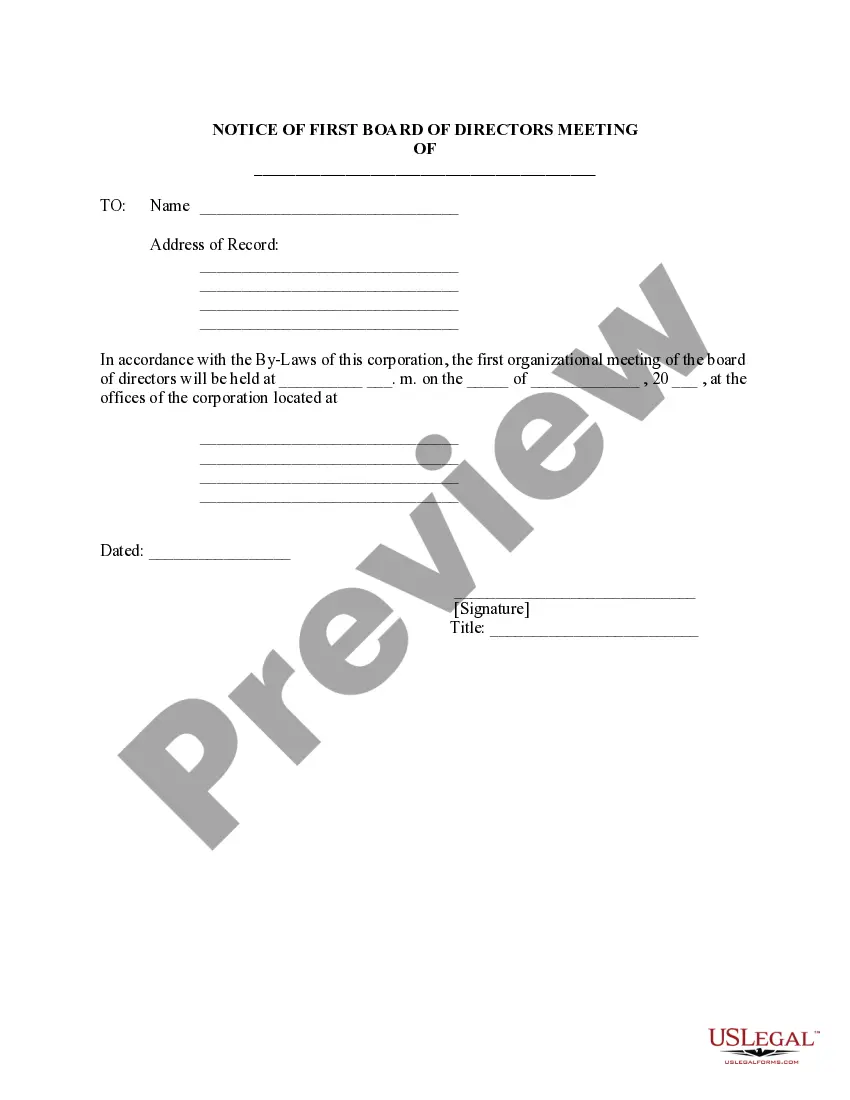


Get your form ready online
Our built-in tools help you complete, sign, share, and store your documents in one place.
Make edits, fill in missing information, and update formatting in US Legal Forms—just like you would in MS Word.
Download a copy, print it, send it by email, or mail it via USPS—whatever works best for your next step.
Sign and collect signatures with our SignNow integration. Send to multiple recipients, set reminders, and more. Go Premium to unlock E-Sign.
If this form requires notarization, complete it online through a secure video call—no need to meet a notary in person or wait for an appointment.
We protect your documents and personal data by following strict security and privacy standards.

Make edits, fill in missing information, and update formatting in US Legal Forms—just like you would in MS Word.

Download a copy, print it, send it by email, or mail it via USPS—whatever works best for your next step.

Sign and collect signatures with our SignNow integration. Send to multiple recipients, set reminders, and more. Go Premium to unlock E-Sign.

If this form requires notarization, complete it online through a secure video call—no need to meet a notary in person or wait for an appointment.

We protect your documents and personal data by following strict security and privacy standards.
Looking for another form?
Form popularity
FAQ
How to Introduce a New Employee in a Team Meeting Introduce the new team member before the meeting. Book additional time for intros. Provide the new team member with context. Make yourself available for a follow-up call. Create alternate space for socializing.
You must say that you are excited to be on this team and why. Assuming you are the leader of the team, you should also lay out in a sentance or two why you are gathered as a team, what you will be working on and how long you think it will take. I would also say how long this meeting will last.
During your first team meeting, begin by sharing your name, job title, and a brief overview of your background. Highlight a few key accomplishments or experiences that are relevant to your new role, and express your excitement about joining the team.
Your meeting should start by informing everyone what they can expect. Here, the aim is to inform everyone why they're there and what they'll have when they're done. You can say something like this: 'The purpose of today's meeting is….
Ideally, you want your team to take away the following three messages: I'm glad to be here, and I respect the work that you've done. Please be assured that I'm not here to cause you stress or to make your lives more difficult. I'm here to put you first and enable you to do your jobs well.
To schedule a meeting: Open the Teams mobile app. Tap Calendar . Tap Schedule a meeting . Tap Join with meeting ID , Meet now , or Schedule a meeting . Tap Add participants and add invitees. Tap Share to a channel to make it a channel meeting. Enter other meeting details.
How to introduce yourself to a new team Send a positive message or email introducing yourself. Schedule a team meeting. Start with an icebreaker or by sharing a fun fact. Talk about your professional background and experience. Open the floor for questions from the team. Write an “about me” or “read me” page.
For a first meeting, the goal should be to introduce yourself and get to know your whole team. However, you should break it down into specific action items and goals to provide more clarity to the attendees. You will, for example, need: An Icebreaker activity.
You can start the meeting with the classic 'Good morning/afternoon' and then thank all the attendees for joining. Here's an example: Good morning, everyone! Thank you for taking time out of your busy schedule and joining us for a discussion. Or, 'Good morning, everyone!
10 things to talk about with someone you just met Ask how they know the host, then ask. Ask where they're from, then ask. Ask where they work, then ask. Ask what they're doing for an upcoming holiday, then ask. Ask if they've been on a trip recently, then ask. If you're talking about popular movies/TV shows, ask:

