Letter Invitation For Christmas Party In Nevada
Description
Get your form ready online
Our built-in tools help you complete, sign, share, and store your documents in one place.
Make edits, fill in missing information, and update formatting in US Legal Forms—just like you would in MS Word.
Download a copy, print it, send it by email, or mail it via USPS—whatever works best for your next step.
Sign and collect signatures with our SignNow integration. Send to multiple recipients, set reminders, and more. Go Premium to unlock E-Sign.
If this form requires notarization, complete it online through a secure video call—no need to meet a notary in person or wait for an appointment.
We protect your documents and personal data by following strict security and privacy standards.

Make edits, fill in missing information, and update formatting in US Legal Forms—just like you would in MS Word.

Download a copy, print it, send it by email, or mail it via USPS—whatever works best for your next step.

Sign and collect signatures with our SignNow integration. Send to multiple recipients, set reminders, and more. Go Premium to unlock E-Sign.

If this form requires notarization, complete it online through a secure video call—no need to meet a notary in person or wait for an appointment.

We protect your documents and personal data by following strict security and privacy standards.
Looking for another form?
Form popularity
FAQ
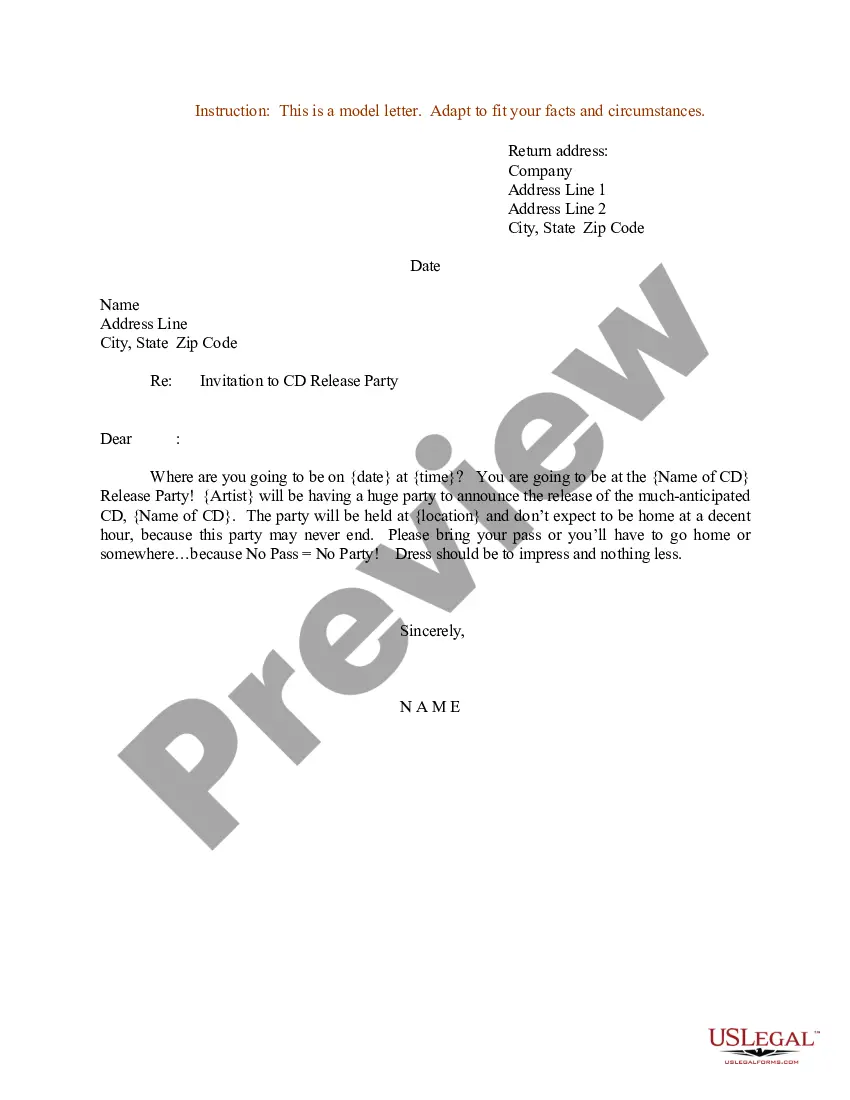
Be Casual and Friendly: Keep your tone light and inviting. You might say something like, ``Hey! I'm having a party this Saturday and would love for you to come!'' Provide Details: Include the date, time, location, and any other relevant information (like whether to bring anything or if it's a themed party).
Click “File” at the top toolbar and then “New.” A window will appear with template categories for you to choose on the left panel while the right will display thumbnail previews of the templates available for that particular category. Choose “Invitations” from the categories.
How To Write Christmas Invitations Host's name(s) Party date and time. Venue (with an address, especially if it's not a well-known location) RSVP instructions (including a deadline and contact information) Any special instructions (like parking information or a reminder to bring a gift for a Secret Santa exchange)
Here's our advice: Traditionally, it's recommended that a host invites their guests two-to-three weeks before the event, with a slightly longer lead time for more formal parties. If you like to plan ahead, you can either send out invitations three-to-four weeks ahead of time or start spreading the word a bit early.
How to create an invitation Step 1: Choose a design. Consider the theme of your event before choosing a design. Pick the right size. Standard invitation size is 5" x 7" (or 10" x 14"), printed on sturdy card stock. Step 3: Write your message. Step 4: Incorporate photos. Step 5: Print your invitation.
How To Write Christmas Invitations Host's name(s) Party date and time. Venue (with an address, especially if it's not a well-known location) RSVP instructions (including a deadline and contact information) Any special instructions (like parking information or a reminder to bring a gift for a Secret Santa exchange)
How do you write a party invitation? The date and time of your event. The address of the event. What time guests are expected to arrive. The dress code. What guests are expected to bring. The date and contact details guests should RSVP to.
We're throwing a bash on (Date) at (Time) at (Location), and we'd love for you to join the fun. This party is all about (Theme of party). Think (Highlights of the party): (Exciting activity/entertainment) (Delicious food/drinks) (Fun party favors) (Great music/ambiance)
Guidelines for writing invitations: State the occasion, date, time, and place. If you need a response, include a self-addressed, stamped reply card or envelope with your invitation. Express that you are looking forward to seeing the person.

