Letter Invitation For A Meeting In Nevada
Description
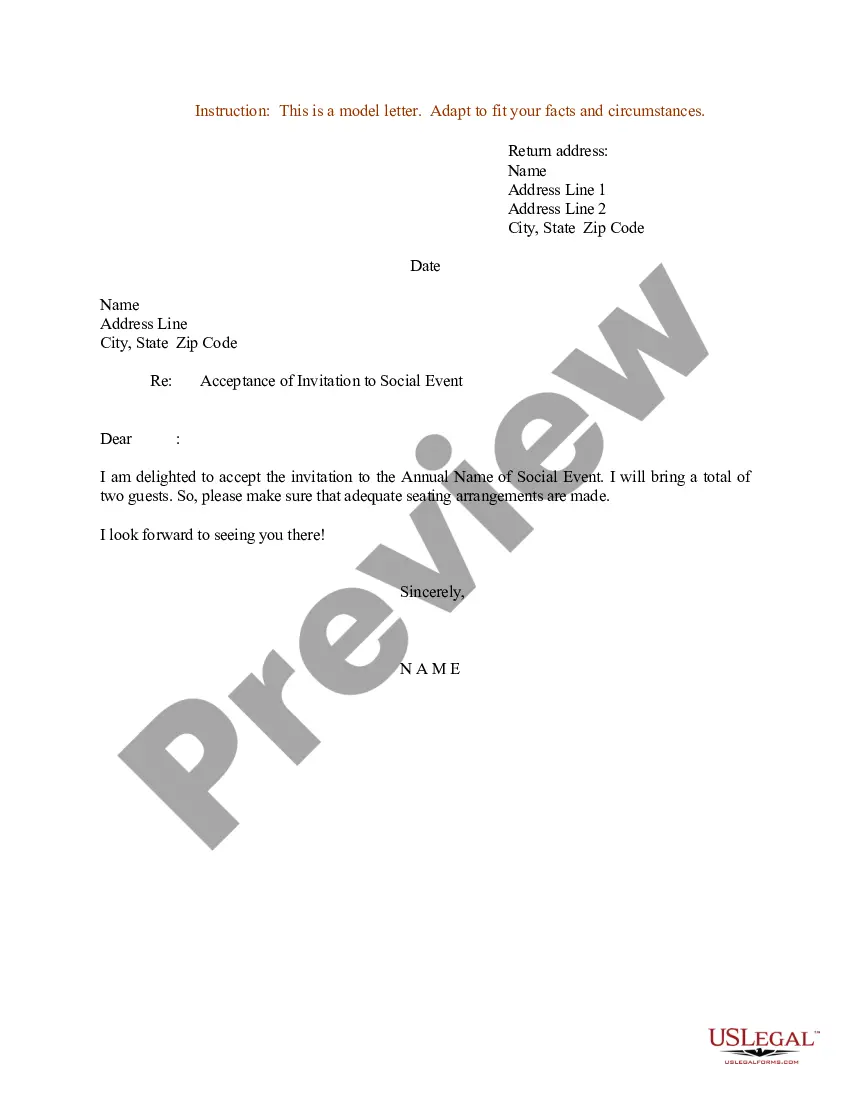
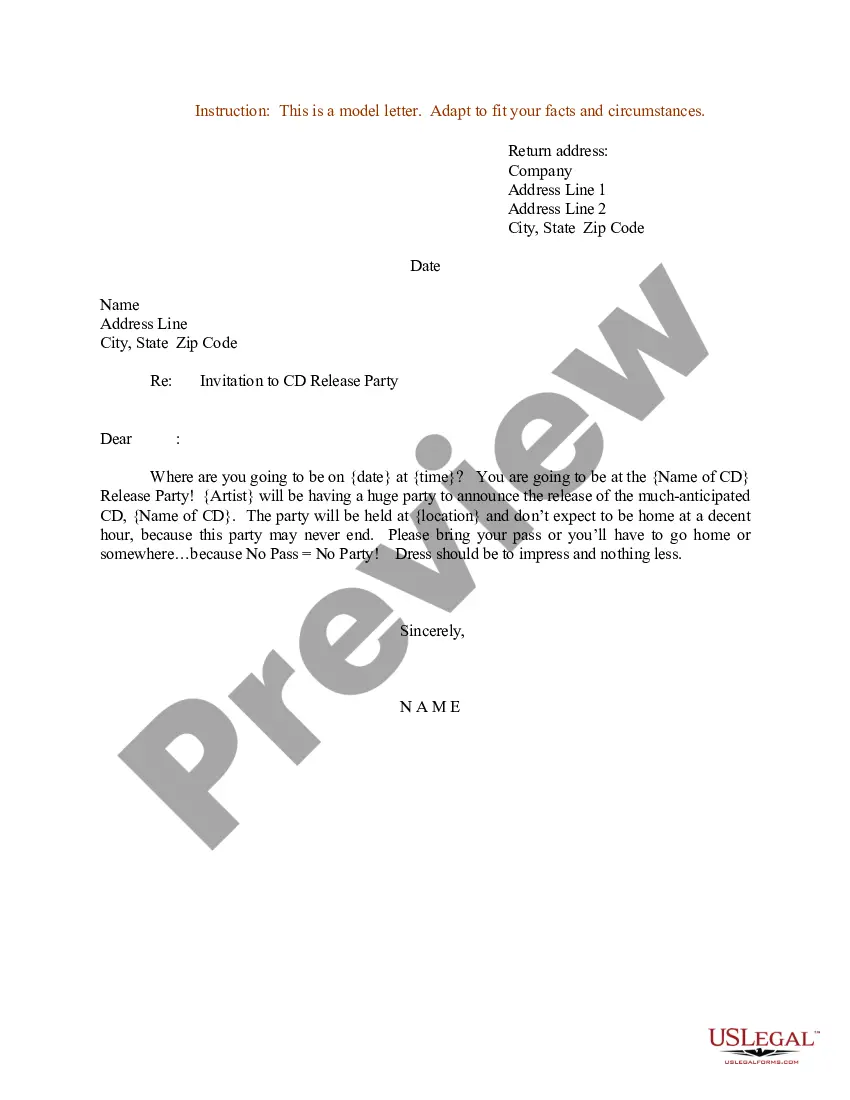
Get your form ready online
Our built-in tools help you complete, sign, share, and store your documents in one place.
Make edits, fill in missing information, and update formatting in US Legal Forms—just like you would in MS Word.
Download a copy, print it, send it by email, or mail it via USPS—whatever works best for your next step.
Sign and collect signatures with our SignNow integration. Send to multiple recipients, set reminders, and more. Go Premium to unlock E-Sign.
If this form requires notarization, complete it online through a secure video call—no need to meet a notary in person or wait for an appointment.
We protect your documents and personal data by following strict security and privacy standards.

Make edits, fill in missing information, and update formatting in US Legal Forms—just like you would in MS Word.

Download a copy, print it, send it by email, or mail it via USPS—whatever works best for your next step.

Sign and collect signatures with our SignNow integration. Send to multiple recipients, set reminders, and more. Go Premium to unlock E-Sign.

If this form requires notarization, complete it online through a secure video call—no need to meet a notary in person or wait for an appointment.

We protect your documents and personal data by following strict security and privacy standards.
Looking for another form?






Form popularity
FAQ
How to structure your meeting invitation email Craft an enticing subject line. First impressions are essential. Personalize the “send from” field. Spell out the 4 Ws. Explain the goal of your meeting. Share the meeting agenda. Explain how to prepare. Include relevant action items. Sign off with your email signature.
Your e-mail invitation should include the same basic details as a print invitation: the occasion for the event. the date and time. duration. location. RSVP or contact details. company or personal social media information. an image that captures the flavor of the event. a catchy invitation phrase.
We're throwing a bash on (Date) at (Time) at (Location), and we'd love for you to join the fun. This party is all about (Theme of party). Think (Highlights of the party): (Exciting activity/entertainment) (Delicious food/drinks) (Fun party favors) (Great music/ambiance)
Offer available times to meet in a Gmail message On your computer, go to Gmail. Create or reply to an email. At the bottom of your message, click Set up a time to meet. On the right, select the event duration. Choose multiple times in the calendar grid. Click Next. Add an event title. Click Add to email.
How to write a complete meeting invite email? Create a concise subject line. Start with a quick introduction. Describe the purpose of the meeting. Include the exact time and location. Share a meeting agenda. Request an RSVP. Tip 1: Keep it short and to the point. Tip 2: Consider your audience.
You can use these steps to effectively schedule a meeting by email: Write a clear and concise subject line. Use a salutation. Introduce yourself to colleagues you haven't met. Explain the purpose of the meeting. Offer multiple times and dates for the meeting. Request a reply or confirmation. Send a reminder.
An official invitation letter is a formal letter that is written to higher authorities or distinguished officials to invite them to attend a particular event.
Create a draft of the invitation Start by opening a new word processing document. Brainstorm all the information you want to include in the letter. Consider the tone you want to convey and the main points you want to make. Write out a draft of the letter, making sure to include all necessary information.
Dear Name, I would like to invite you to a presentation meeting that will be held date and time at location. During this meeting, we will be presenting topic of presentation and discussing main points of discussion. We hope to get your valuable insights and feedback on this matter.
Dear Recipient's Name, I hope this message finds you well. We are pleased to extend an invitation to you for an upcoming meeting organized by Your Company Name. This meeting will focus on main agenda, and it promises to be a valuable opportunity for networking and sharing insights.

