Letter Invitation For A Meeting In Houston
Description
Get your form ready online
Our built-in tools help you complete, sign, share, and store your documents in one place.
Make edits, fill in missing information, and update formatting in US Legal Forms—just like you would in MS Word.
Download a copy, print it, send it by email, or mail it via USPS—whatever works best for your next step.
Sign and collect signatures with our SignNow integration. Send to multiple recipients, set reminders, and more. Go Premium to unlock E-Sign.
If this form requires notarization, complete it online through a secure video call—no need to meet a notary in person or wait for an appointment.
We protect your documents and personal data by following strict security and privacy standards.

Make edits, fill in missing information, and update formatting in US Legal Forms—just like you would in MS Word.

Download a copy, print it, send it by email, or mail it via USPS—whatever works best for your next step.

Sign and collect signatures with our SignNow integration. Send to multiple recipients, set reminders, and more. Go Premium to unlock E-Sign.

If this form requires notarization, complete it online through a secure video call—no need to meet a notary in person or wait for an appointment.

We protect your documents and personal data by following strict security and privacy standards.
Looking for another form?


Form popularity
FAQ
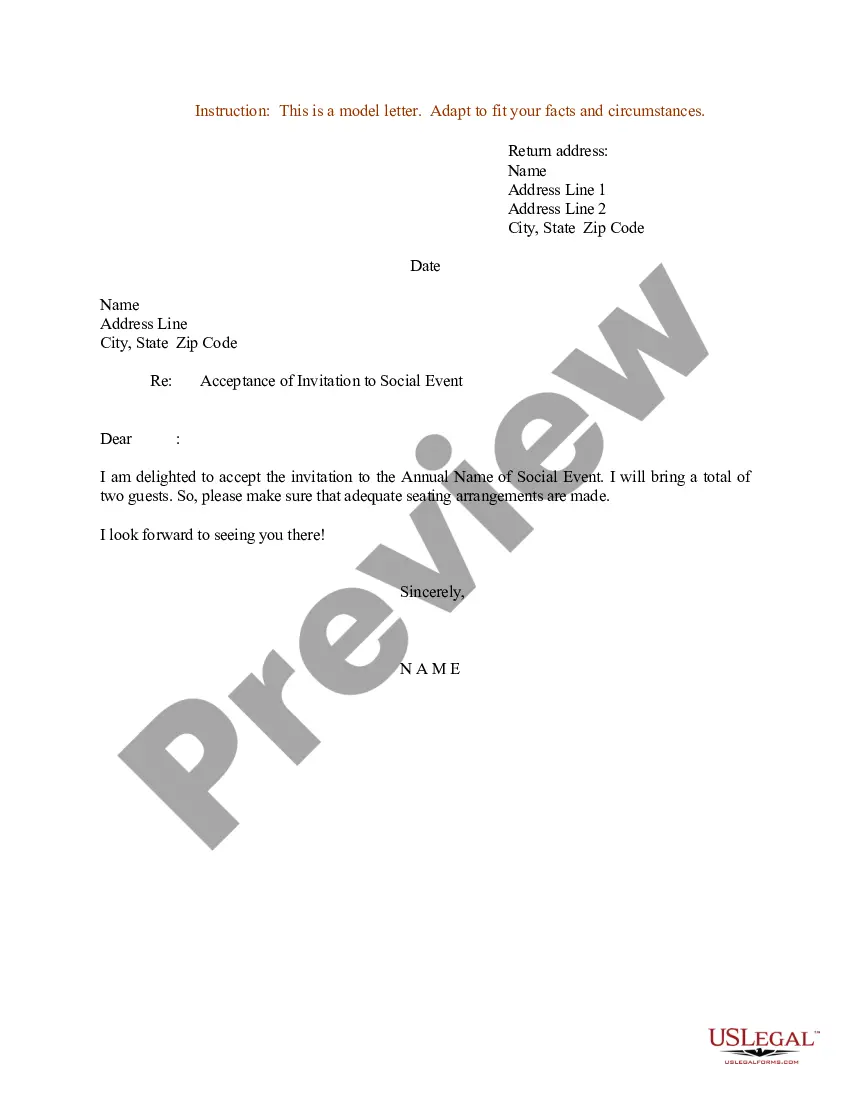
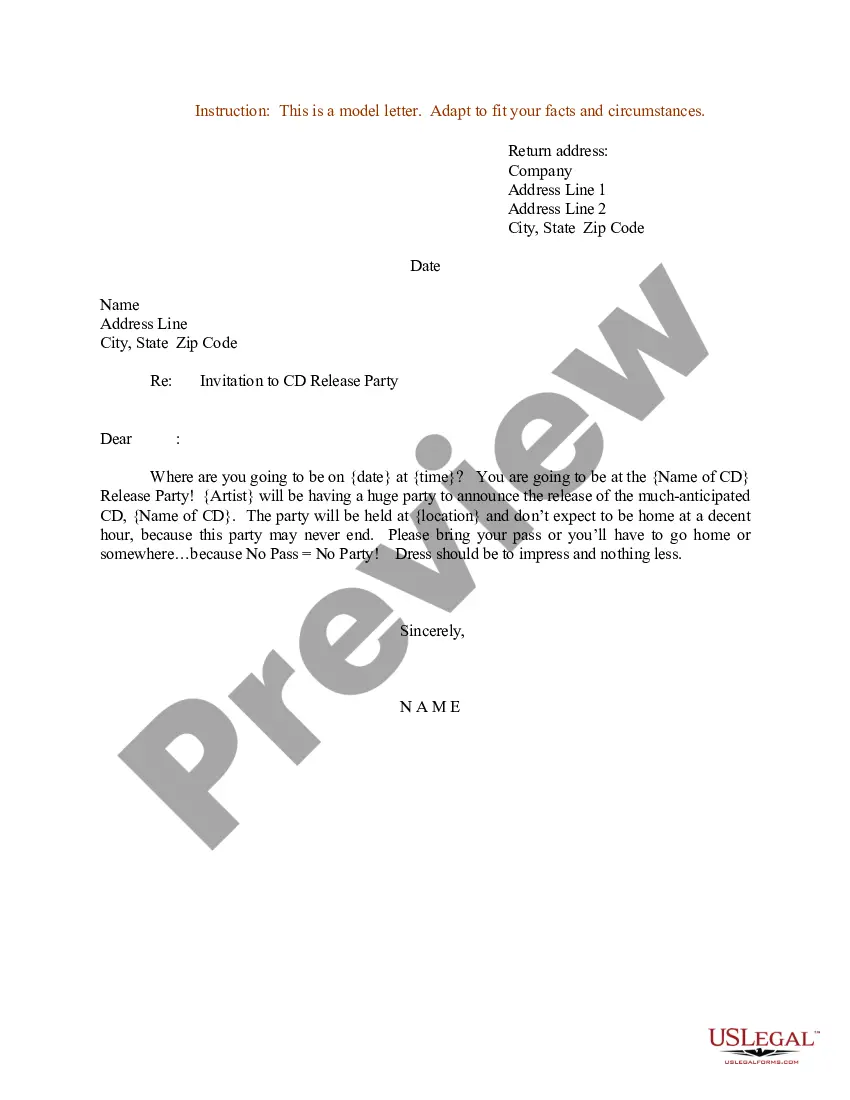
I am writing to invite you to a one-on-one meeting on date at time. The purpose of this meeting is to discuss/review/update topic. If this time and date do not work for you, please let me know so that we can reschedule. I look forward to meeting with you.
Dear Name, I would like to invite you to a presentation meeting that will be held date and time at location. During this meeting, we will be presenting topic of presentation and discussing main points of discussion. We hope to get your valuable insights and feedback on this matter.
5 tips for writing better meeting invitation emails Write a clear, concise subject line. Include important meeting details. Share a meeting agenda. Add a personal touch. Keep it short and sweet. Bonus tip: Stay in touch ahead of the meeting with reminders. Include your scheduling link.
I'm writing to invite you to attend the Meeting Name scheduled for Date at Time. This meeting will take place at Address or Meeting Link. The agenda for this meeting includes List of Topics. Kindly confirm your attendance at your earliest convenience.
To consider your meeting invitation email complete, it should include the following. Create a concise subject line. Start with a quick introduction. Describe the purpose of the meeting. Include the exact time and location. Share a meeting agenda. Request an RSVP. Tip 1: Keep it short and to the point.
How to write an official meeting invitation e-mail Begin with a subject line. A subject line can seem like an afterthought, but it's the first thing your recipients see. Include logistical details. Define the purpose. Outline the meeting agenda. Provide details to RSVP.
Use Polite and Friendly Language: Politeness goes a long way. Simple phrases like “Could you let me know your availability?” or “Would you be open to meeting on one of these dates?” set a respectful tone and encourage a positive response.
You can use these steps to effectively schedule a meeting by email: Write a clear and concise subject line. Use a salutation. Introduce yourself to colleagues you haven't met. Explain the purpose of the meeting. Offer multiple times and dates for the meeting. Request a reply or confirmation. Send a reminder.
Offer available times to meet in a Gmail message On your computer, go to Gmail. Create or reply to an email. At the bottom of your message, click Set up a time to meet. On the right, select the event duration. Choose multiple times in the calendar grid. Click Next. Add an event title. Click Add to email.

