Letter Invitation For A Meeting In Collin
Description
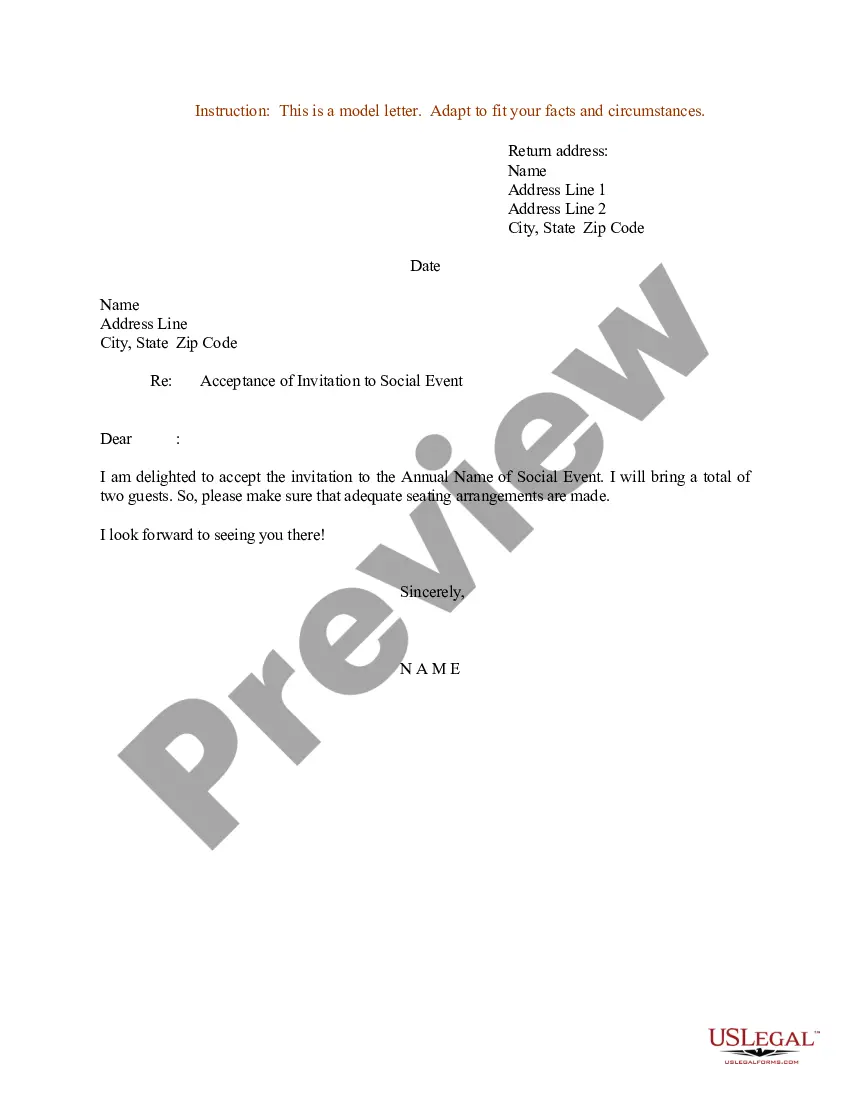
Get your form ready online
Our built-in tools help you complete, sign, share, and store your documents in one place.
Make edits, fill in missing information, and update formatting in US Legal Forms—just like you would in MS Word.
Download a copy, print it, send it by email, or mail it via USPS—whatever works best for your next step.
Sign and collect signatures with our SignNow integration. Send to multiple recipients, set reminders, and more. Go Premium to unlock E-Sign.
If this form requires notarization, complete it online through a secure video call—no need to meet a notary in person or wait for an appointment.
We protect your documents and personal data by following strict security and privacy standards.

Make edits, fill in missing information, and update formatting in US Legal Forms—just like you would in MS Word.

Download a copy, print it, send it by email, or mail it via USPS—whatever works best for your next step.

Sign and collect signatures with our SignNow integration. Send to multiple recipients, set reminders, and more. Go Premium to unlock E-Sign.

If this form requires notarization, complete it online through a secure video call—no need to meet a notary in person or wait for an appointment.

We protect your documents and personal data by following strict security and privacy standards.
Looking for another form?







Form popularity
FAQ
Meeting with an advisor is a good idea. They'll provide you with the best classes to take in order to graduate in your desired time frame. Sometimes they will even recommend what teachers to take. Sure you can graduate without meeting with one but why not? It's not going to hurt you, and you can even do it via zoom.
For details, please contact Academic Advising at 972.881. 5778 or AcademicAdvising@collin.
For New Students: If you do not have your username and password, take a picture ID to the Admissions and Records Office at a campus near you or e-mail admissions@collin.
Come See Us at Our Campus Advising Locations Celina Campus. Celina Campus, Room CE102. Courtyard Center. Courtyard Center, Room CYC 101B. Farmersville Campus. Farmersville Campus, Room 123. Frisco Campus. Frisco Campus, Founders Hall Room 109. McKinney Campus. Plano Campus. Technical Campus. Wylie Campus.
Advice for Working With Your Advisor Meet in person whenever possible or talk by phone. It's better to schedule a meeting instead of stopping by drop-in hours. Go to your advising session well prepared. Bring questions and course ideas.
The vast majority of universities recommend meeting your academic advisor at least once a semester. There may be times when you need to speak to them more often than that, but you shouldn't leave too long between advising sessions.
To consider your meeting invitation email complete, it should include the following. Create a concise subject line. Start with a quick introduction. Describe the purpose of the meeting. Include the exact time and location. Share a meeting agenda. Request an RSVP. Tip 1: Keep it short and to the point.
I'm writing to invite you to attend the Meeting Name scheduled for Date at Time. This meeting will take place at Address or Meeting Link. The agenda for this meeting includes List of Topics. Kindly confirm your attendance at your earliest convenience.
I am writing to invite you to a one-on-one meeting on date at time. The purpose of this meeting is to discuss/review/update topic. If this time and date do not work for you, please let me know so that we can reschedule. I look forward to meeting with you.
5 tips for writing better meeting invitation emails Write a clear, concise subject line. Include important meeting details. Share a meeting agenda. Add a personal touch. Keep it short and sweet. Bonus tip: Stay in touch ahead of the meeting with reminders. Include your scheduling link.

