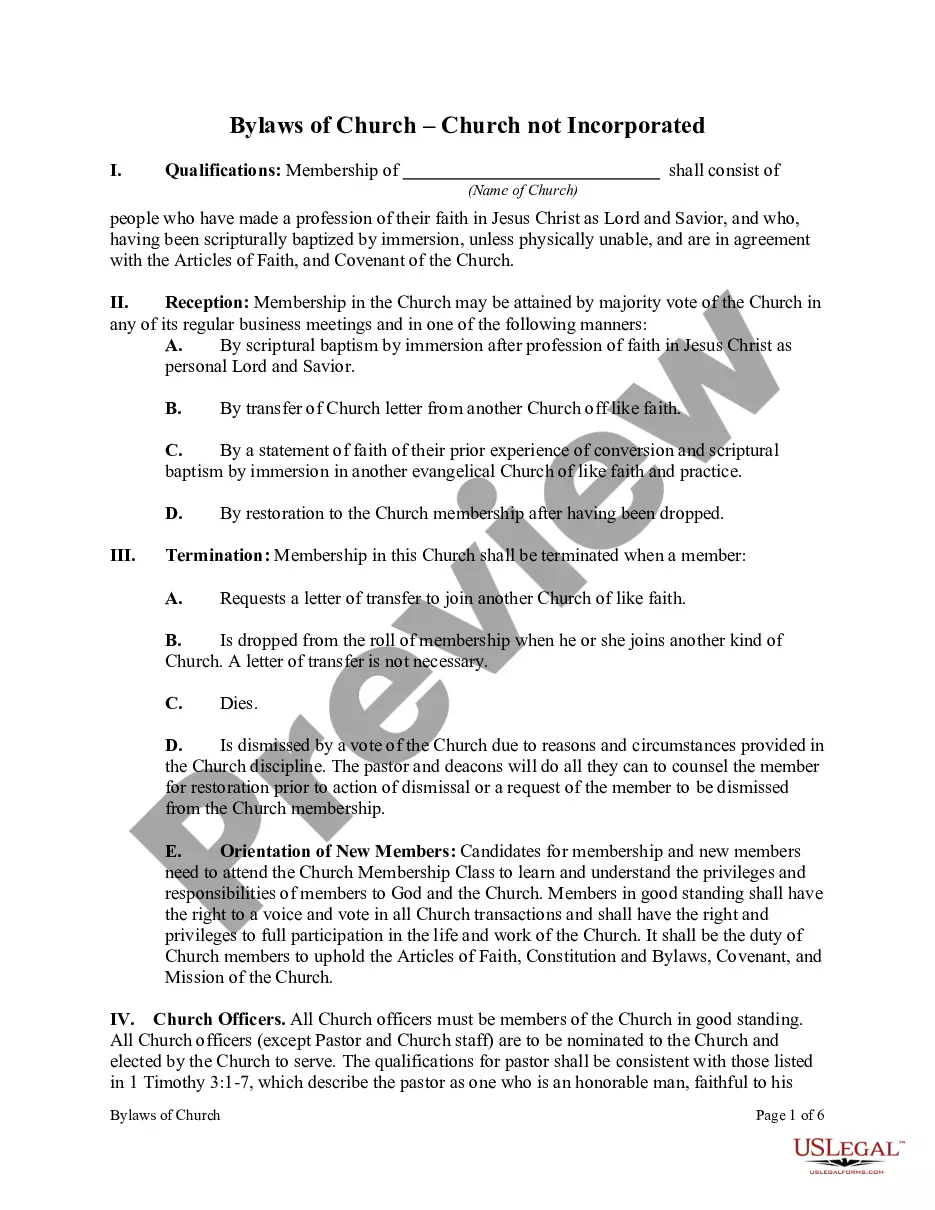
Printable Church Membership Form For Church In Florida
Description





Get your form ready online
Our built-in tools help you complete, sign, share, and store your documents in one place.
Make edits, fill in missing information, and update formatting in US Legal Forms—just like you would in MS Word.
Download a copy, print it, send it by email, or mail it via USPS—whatever works best for your next step.
Sign and collect signatures with our SignNow integration. Send to multiple recipients, set reminders, and more. Go Premium to unlock E-Sign.
If this form requires notarization, complete it online through a secure video call—no need to meet a notary in person or wait for an appointment.
We protect your documents and personal data by following strict security and privacy standards.

Make edits, fill in missing information, and update formatting in US Legal Forms—just like you would in MS Word.

Download a copy, print it, send it by email, or mail it via USPS—whatever works best for your next step.

Sign and collect signatures with our SignNow integration. Send to multiple recipients, set reminders, and more. Go Premium to unlock E-Sign.

If this form requires notarization, complete it online through a secure video call—no need to meet a notary in person or wait for an appointment.

We protect your documents and personal data by following strict security and privacy standards.
Looking for another form?

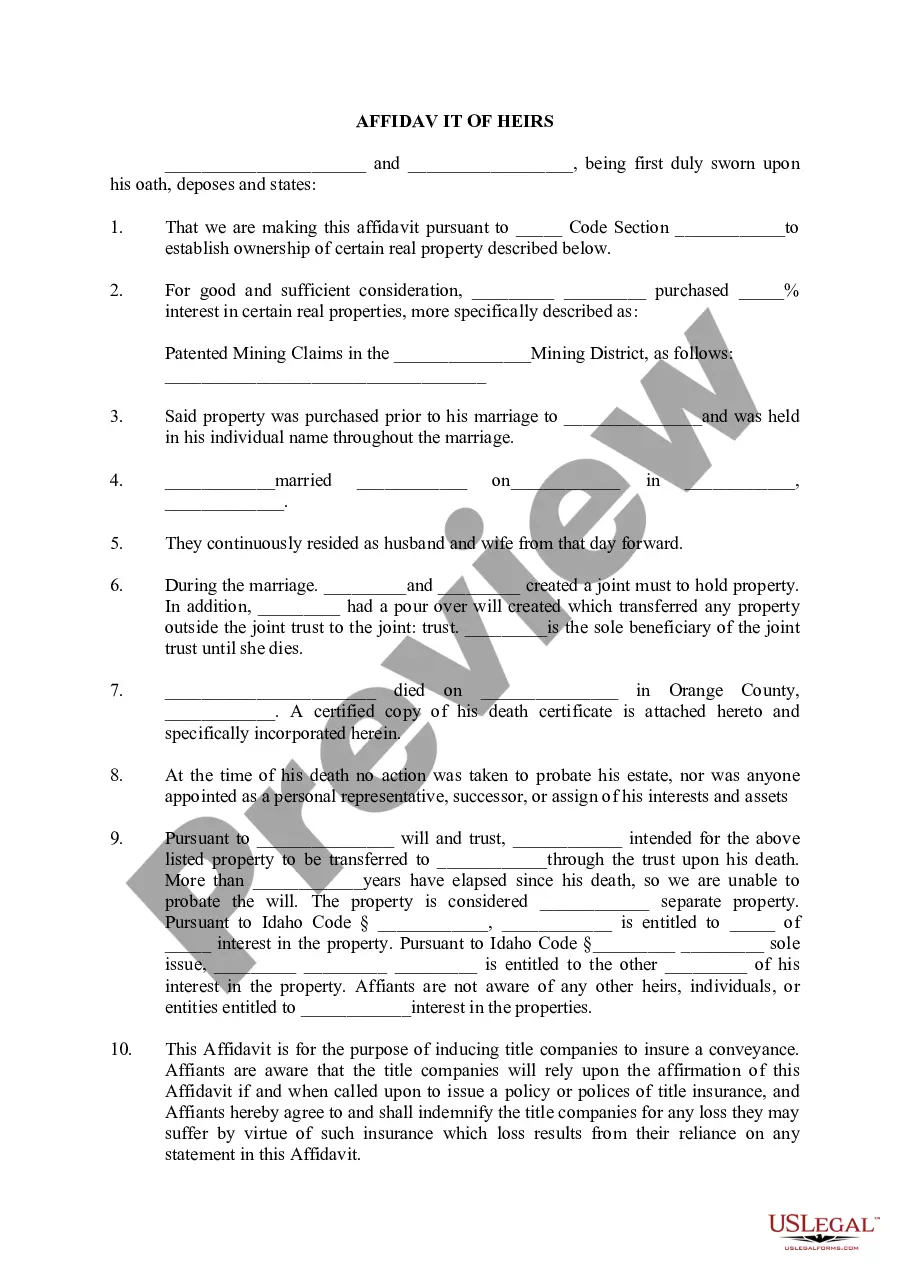
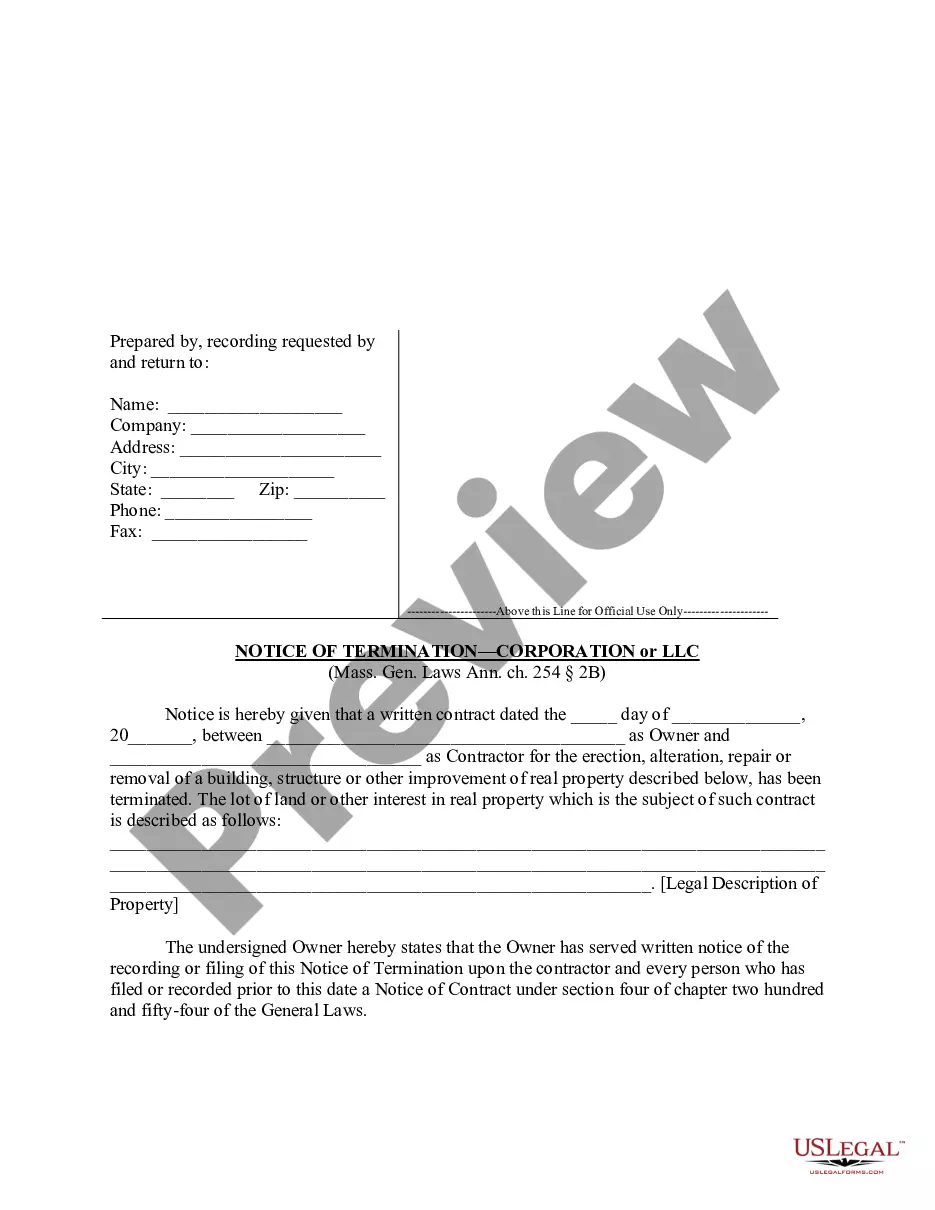



Form popularity
FAQ
Here are some tips on creating a clear and user-friendly membership application form. Start by describing shortly your club and what you have to offer. Collect personal data, such as name, date of birth (for future celebrations), email, phone number, address. List membership options and their fees.
6 Important Steps To Follow. Step 1: Make a visible Church name in the center. Step 2: Then you will have a section about the contact details. Step 3: Birth details in the next section. Step 4: Ask why the person wants to be a member. Step 5: Details of the occupation. Step 6: Add the thoughts of the church.
6 Important Steps To Follow. Step 1: Make a visible Church name in the center. Step 2: Then you will have a section about the contact details. Step 3: Birth details in the next section. Step 4: Ask why the person wants to be a member. Step 5: Details of the occupation. Step 6: Add the thoughts of the church.
Here are some tips on creating a clear and user-friendly membership application form. Start by describing shortly your club and what you have to offer. Collect personal data, such as name, date of birth (for future celebrations), email, phone number, address. List membership options and their fees.
How do I create a church directory? Set apart your timelines. Prepare the personnel. Create a membership information form. Sort out the forms. Prepare the directory form. Enter the member's information. Prepare for the photos phase. Use online forms.
There are usually a few procedures necessary to join a church. One must demonstrate a sincere desire to join the church. Participation is achieved through participating in church-sponsored events and consistently attending services. Many churches impose a schedule of classes or orientation meetings on members.
Share Branding. Market Your Church. Increase Your Digital Presence. Get Active On Social Media. Make Your Holiday Services Special. Welcome New Parishioners Every Week. Host An Event Outside Of Sundays. Create An Email Blast.
How to grow your church attendance Build a supportive community. Create a targeted communications plan. Encourage church membership. Make it easy to get involved. Recognize and celebrate members. Maintain strong community relationships. Create engaging youth programs. Let people lead.
This form is typically used when a new member joins a church or when updating existing member's information. It serves as a great tool for keep track of personal details, contact information, and other important data such as the member's interests and involvement in the church.
Table of Contents Membership Application Form. 6 Important Steps To Follow. Step 1: Make a visible Church name in the center. Step 2: Then you will have a section about the contact details. Step 3: Birth details in the next section. Step 4: Ask why the person wants to be a member. Step 5: Details of the occupation.