Arbitration Case Sample Forums In Suffolk
Description



Get your form ready online
Our built-in tools help you complete, sign, share, and store your documents in one place.
Make edits, fill in missing information, and update formatting in US Legal Forms—just like you would in MS Word.
Download a copy, print it, send it by email, or mail it via USPS—whatever works best for your next step.
Sign and collect signatures with our SignNow integration. Send to multiple recipients, set reminders, and more. Go Premium to unlock E-Sign.
If this form requires notarization, complete it online through a secure video call—no need to meet a notary in person or wait for an appointment.
We protect your documents and personal data by following strict security and privacy standards.

Make edits, fill in missing information, and update formatting in US Legal Forms—just like you would in MS Word.

Download a copy, print it, send it by email, or mail it via USPS—whatever works best for your next step.

Sign and collect signatures with our SignNow integration. Send to multiple recipients, set reminders, and more. Go Premium to unlock E-Sign.

If this form requires notarization, complete it online through a secure video call—no need to meet a notary in person or wait for an appointment.

We protect your documents and personal data by following strict security and privacy standards.
Looking for another form?

Form popularity
FAQ
If the parties to an arbitration reach a mutual settlement, they can either terminate the arbitration proceedings or request the arbitrator to record their settlement as an arbitral award. The settlement agreement can then be enforced as a binding agreement between the parties.
A claimant will typically start arbitration by sending a document known as a “request for arbitration” or a “notice to arbitrate” to its opponent.
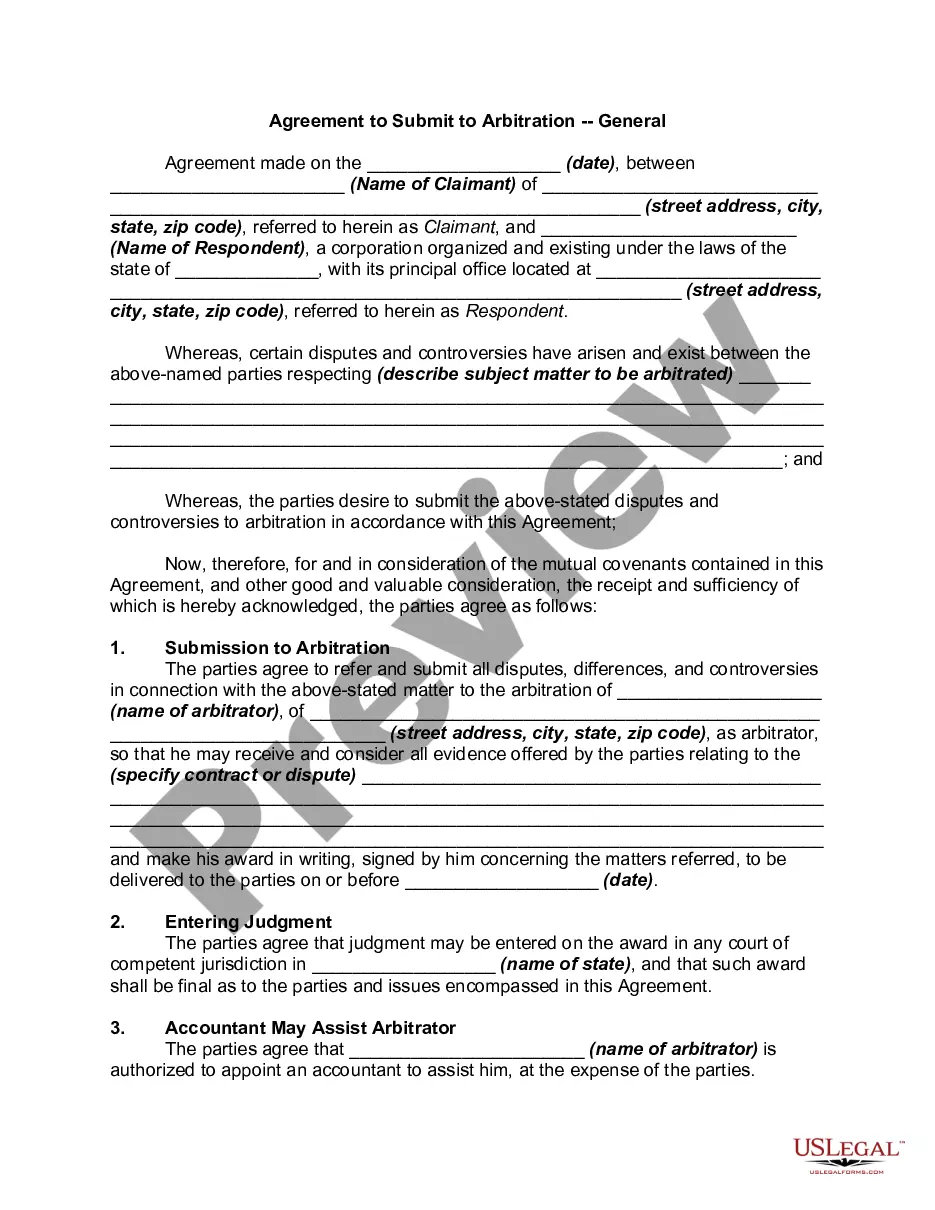
Arbitration is a procedure in which a dispute is submitted, by agreement of the parties, to one or more arbitrators who make a binding decision on the dispute. In choosing arbitration, the parties opt for a private dispute resolution procedure instead of going to court.
FINRA requires investors and other parties to file their arbitration claims via the DR Portal—except for investors representing themselves, who have the option to file by mail. If you are new to the DR Portal, please create an account. Login to the DR Portal and select “File a New Arbitration Claim” in the left column.
In order to request an arbitration hearing before the Florida New Motor Vehicle Arbitration Board, you must complete the Request for Arbitration form and send it, along with copies of all documents requested in the form, to the Office of the Attorney General, Lemon Law Arbitration Screening, PL-01, The Capitol, ...
There are typically seven stages of the arbitration process: Claimant Files a Claim. The first step for parties who want to file an arbitration claim is to submit the following to FINRA. Respondent Submits Answer. Parties Select Arbitrators. Parties Attend Initial Prehearing Conference. Parties Exchange Discovery.
MOTIONS/ORDERS TO SHOW CAUSE The Notice of Motion, affirmations, affidavits and exhibits must be filed as SEPARATE documents. A proposed Order To Show Cause is filed in the same manner as a Notice of Motion using document type ORDER TO SHOW CAUSE (PROPOSED) in place of the Notice of Motion.
File online using the New York Insurance ADR Center online version of the Arbitration Request form (AAA Form AR1). Upload documents stored on your desktop. In addition, the successful submission of a case in ADR Center immediately generates a case number that will assist the filer with tracking the status of the case.
A claimant will typically start arbitration by sending a document known as a “request for arbitration” or a “notice to arbitrate” to its opponent.