Federal Arbitration Act Rules Of Evidence In Nassau
Description

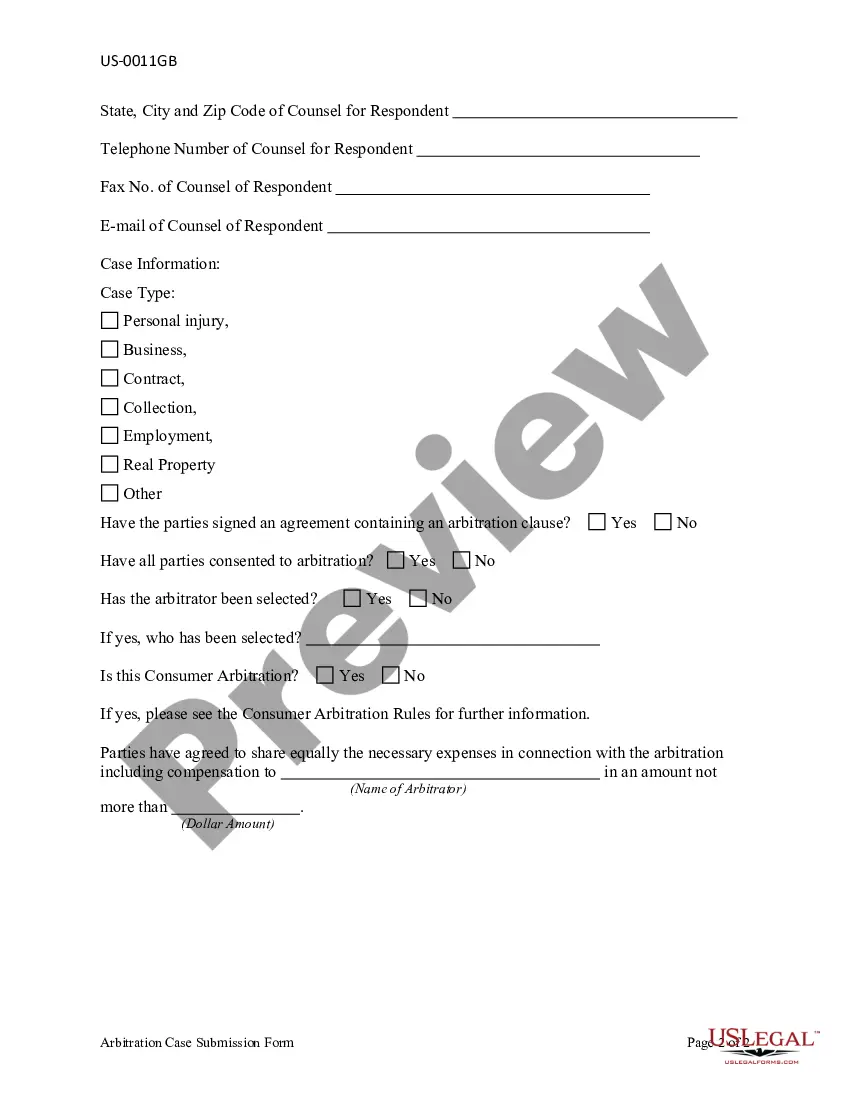

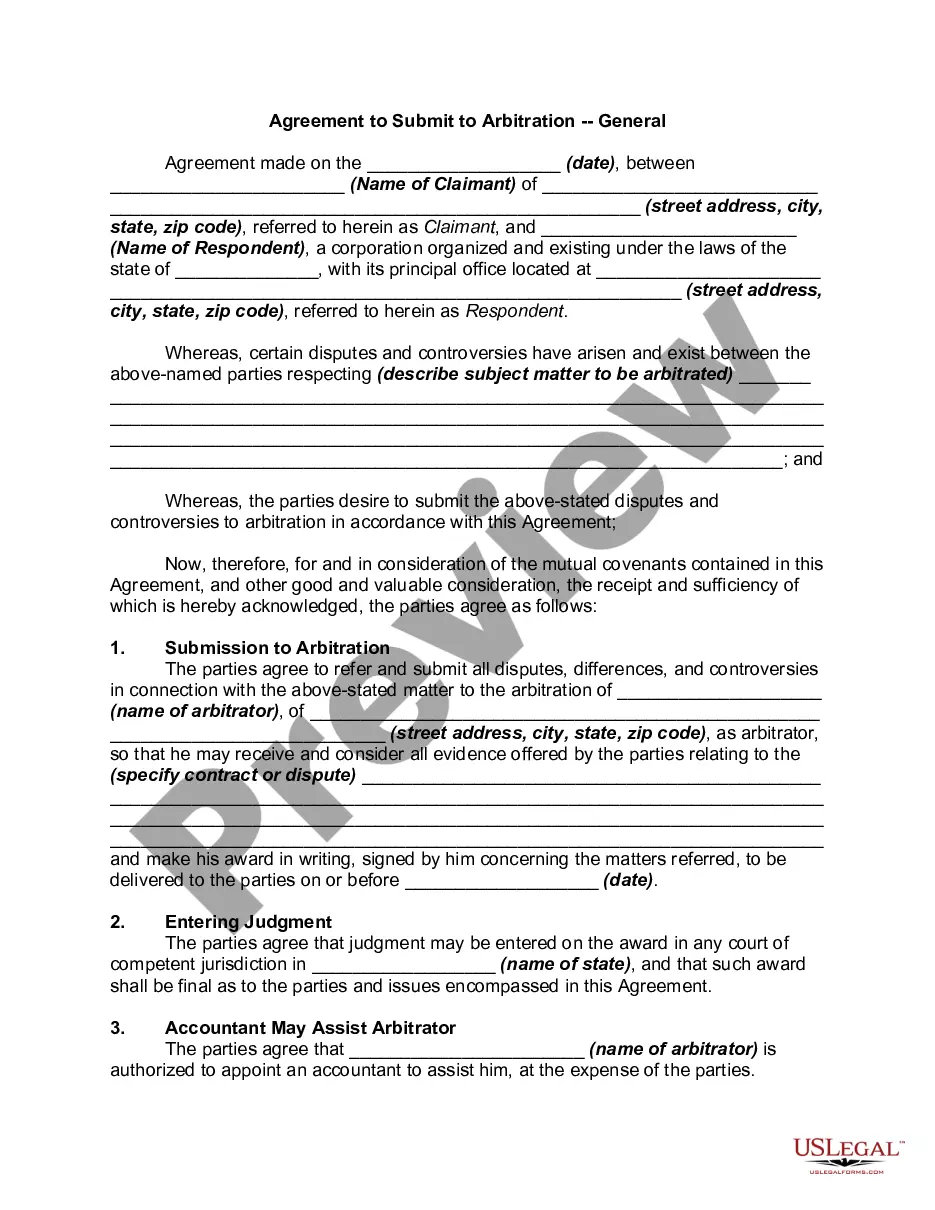

Get your form ready online
Our built-in tools help you complete, sign, share, and store your documents in one place.
Make edits, fill in missing information, and update formatting in US Legal Forms—just like you would in MS Word.
Download a copy, print it, send it by email, or mail it via USPS—whatever works best for your next step.
Sign and collect signatures with our SignNow integration. Send to multiple recipients, set reminders, and more. Go Premium to unlock E-Sign.
If this form requires notarization, complete it online through a secure video call—no need to meet a notary in person or wait for an appointment.
We protect your documents and personal data by following strict security and privacy standards.

Make edits, fill in missing information, and update formatting in US Legal Forms—just like you would in MS Word.

Download a copy, print it, send it by email, or mail it via USPS—whatever works best for your next step.

Sign and collect signatures with our SignNow integration. Send to multiple recipients, set reminders, and more. Go Premium to unlock E-Sign.

If this form requires notarization, complete it online through a secure video call—no need to meet a notary in person or wait for an appointment.

We protect your documents and personal data by following strict security and privacy standards.
Looking for another form?


Form popularity
FAQ
After drafting the Motion to Compel Arbitration, you'll need to file it with the court clerk. You can do this in person or let an attorney do it for you if you have one. Filing requirements vary from one court to another; you need to consult with the court clerk about local rules for filing that apply to your case.
Parties are encouraged to file their Requests electronically using ICC Case Connect. Via the Request form, claimant(s) will be invited to supply key information in relation to their Request, and to upload their Request and any relevant annexes.
Most arbitrators and academics have long understood that, absent terms to the contrary in the agreement providing for arbitration, the traditional rules of evidence do not apply, and certainly do not strictly apply, in arbitration.
Parties will need to provide material evidence during the arbitration process. Some arbitrators may require that some types of evidence (such as invoices, pictures, and party correspondence) be presented in a specific format, such as in a binder and labeled in a certain order.
File online using the New York Insurance ADR Center online version of the Arbitration Request form (AAA Form AR1). Upload documents stored on your desktop. In addition, the successful submission of a case in ADR Center immediately generates a case number that will assist the filer with tracking the status of the case.
A claimant will typically start arbitration by sending a document known as a “request for arbitration” or a “notice to arbitrate” to its opponent.
FINRA requires investors and other parties to file their arbitration claims via the DR Portal—except for investors representing themselves, who have the option to file by mail. If you are new to the DR Portal, please create an account. Login to the DR Portal and select “File a New Arbitration Claim” in the left column.
JAMS rules: The JAMS rules provide specific discovery obligations, and it requires the exchange of all relevant, non-privileged documents and electronically stored information, including the names of witnesses and experts who may be called to testify at the arbitration hearing.
Your letter of arbitration should be concise, professional, and factual. Follow the standard business letter format, including your name and contact information at the top. Ensure that your writing is clear, and avoid using jargon or technical terms that may not be familiar to the reader.
Always get straight to the merits without berating the other side or whining about how badly it has treated you. Another threat to your credibility is the “kitchen sink” arbitration demand or a response that includes numerous claims or defenses that have little chance of succeeding.