Agreement Online Contract With Company In Sacramento
Description
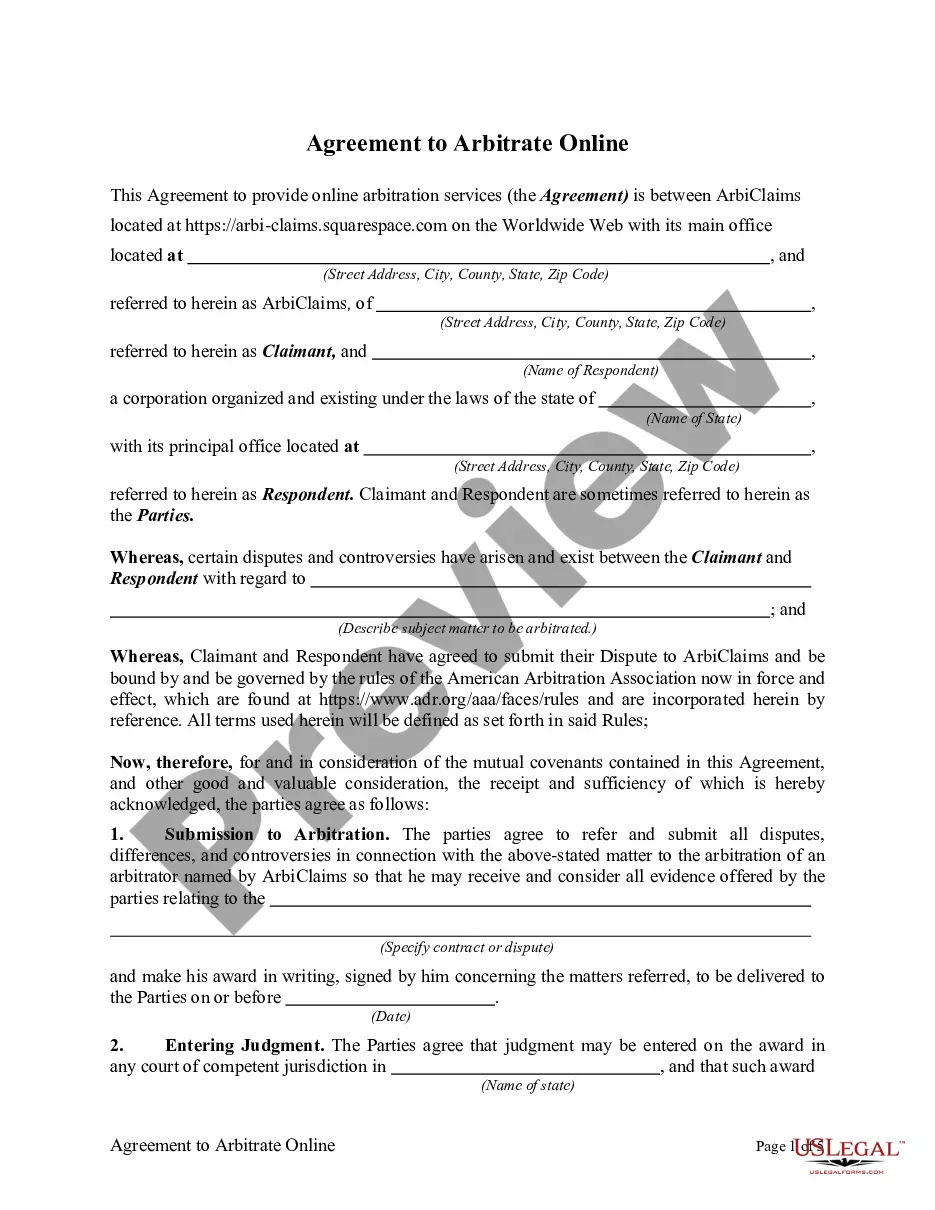
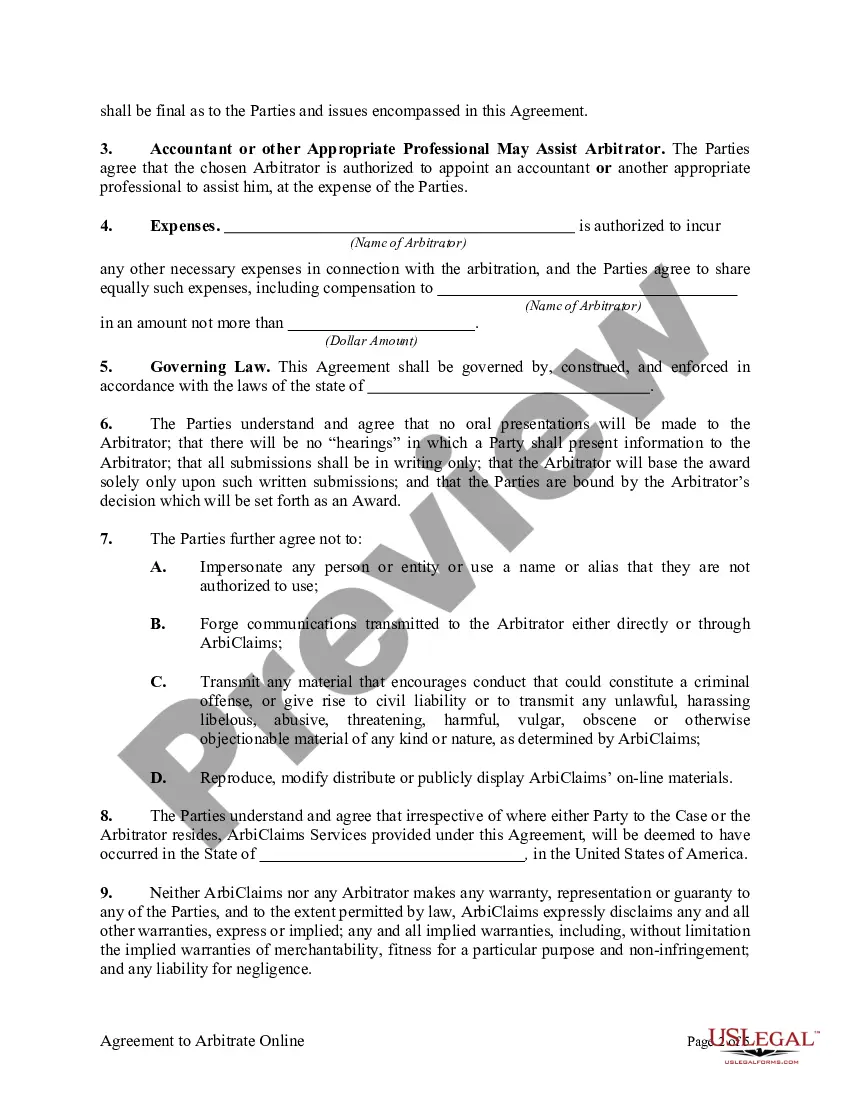
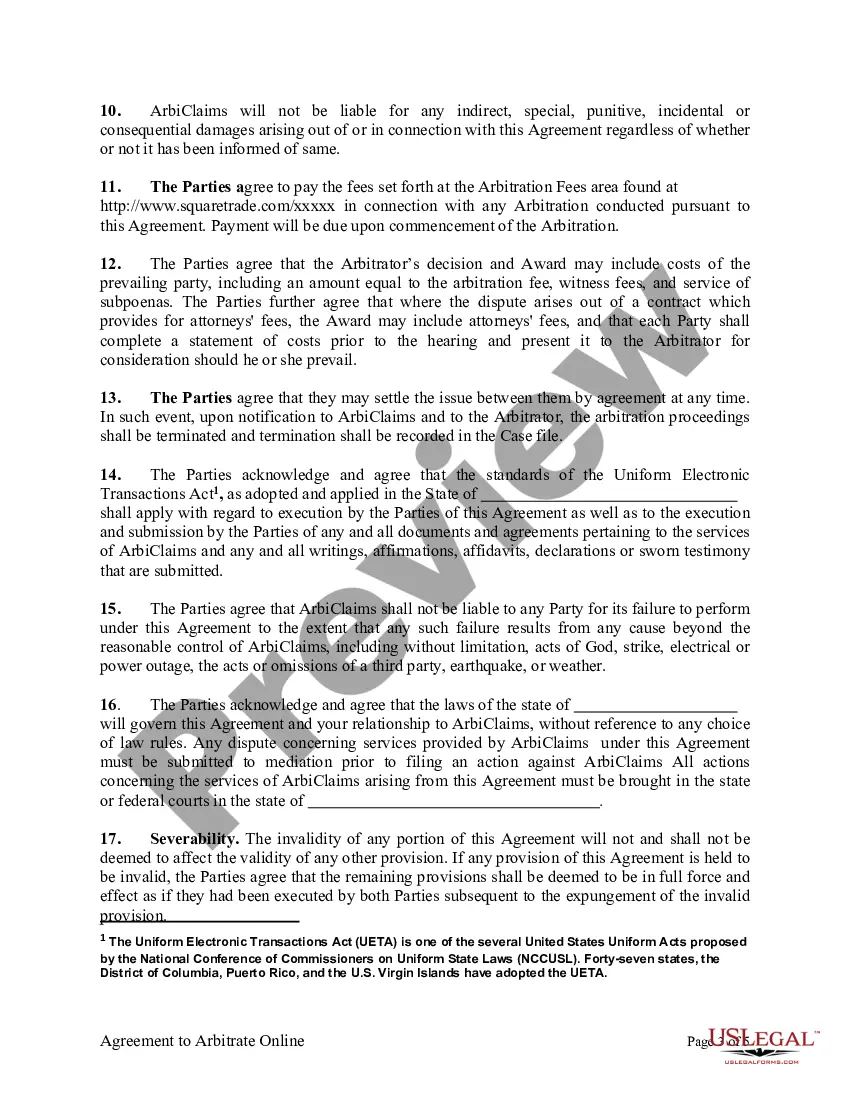


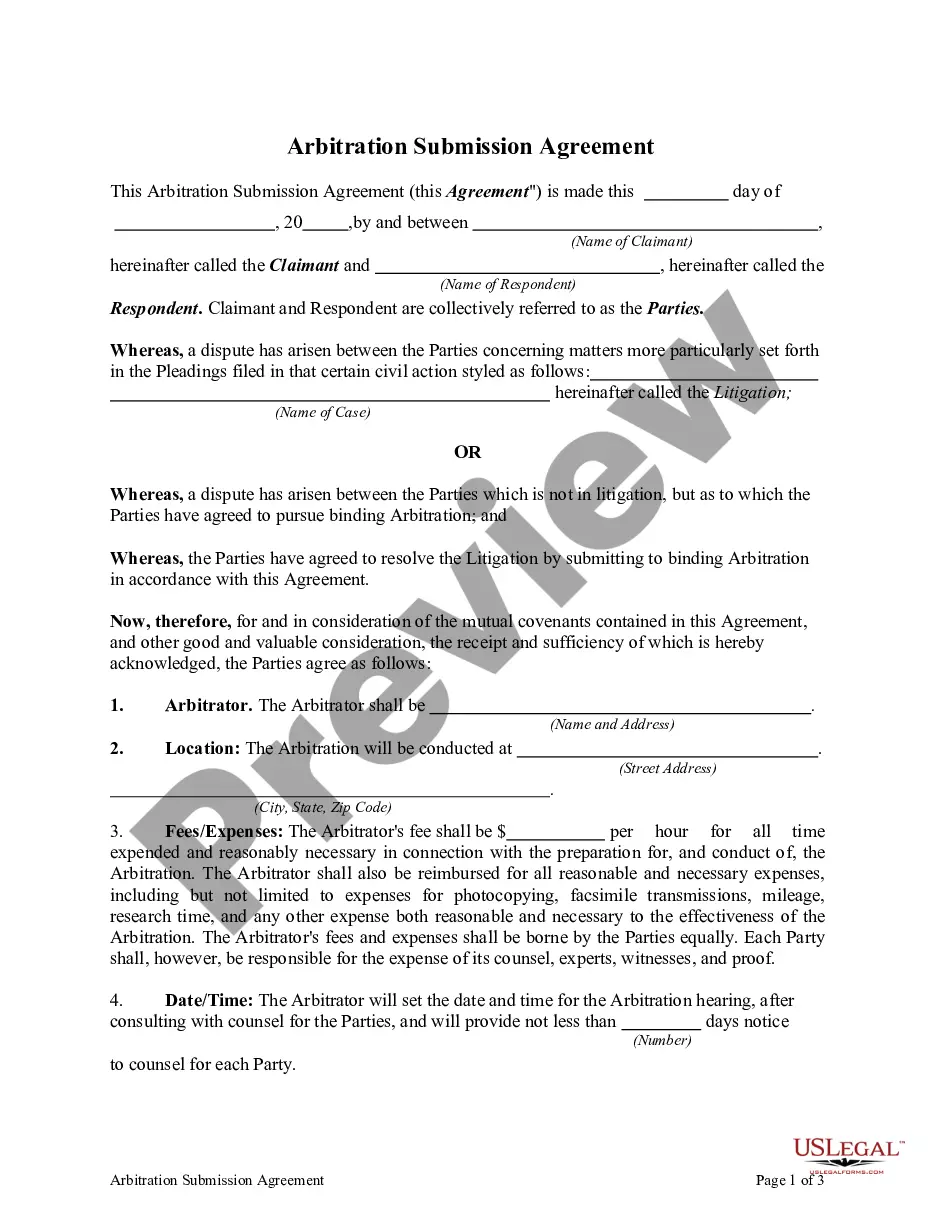
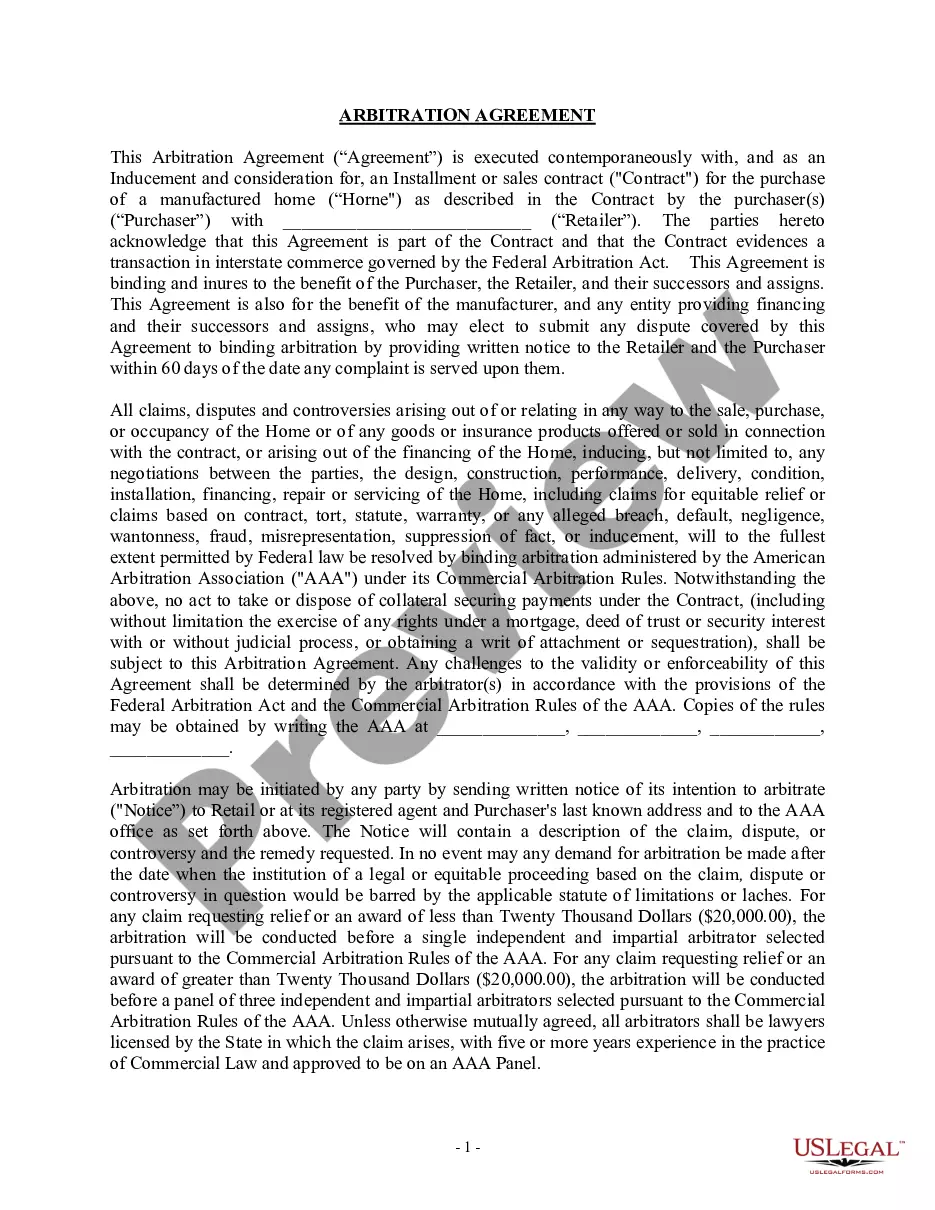
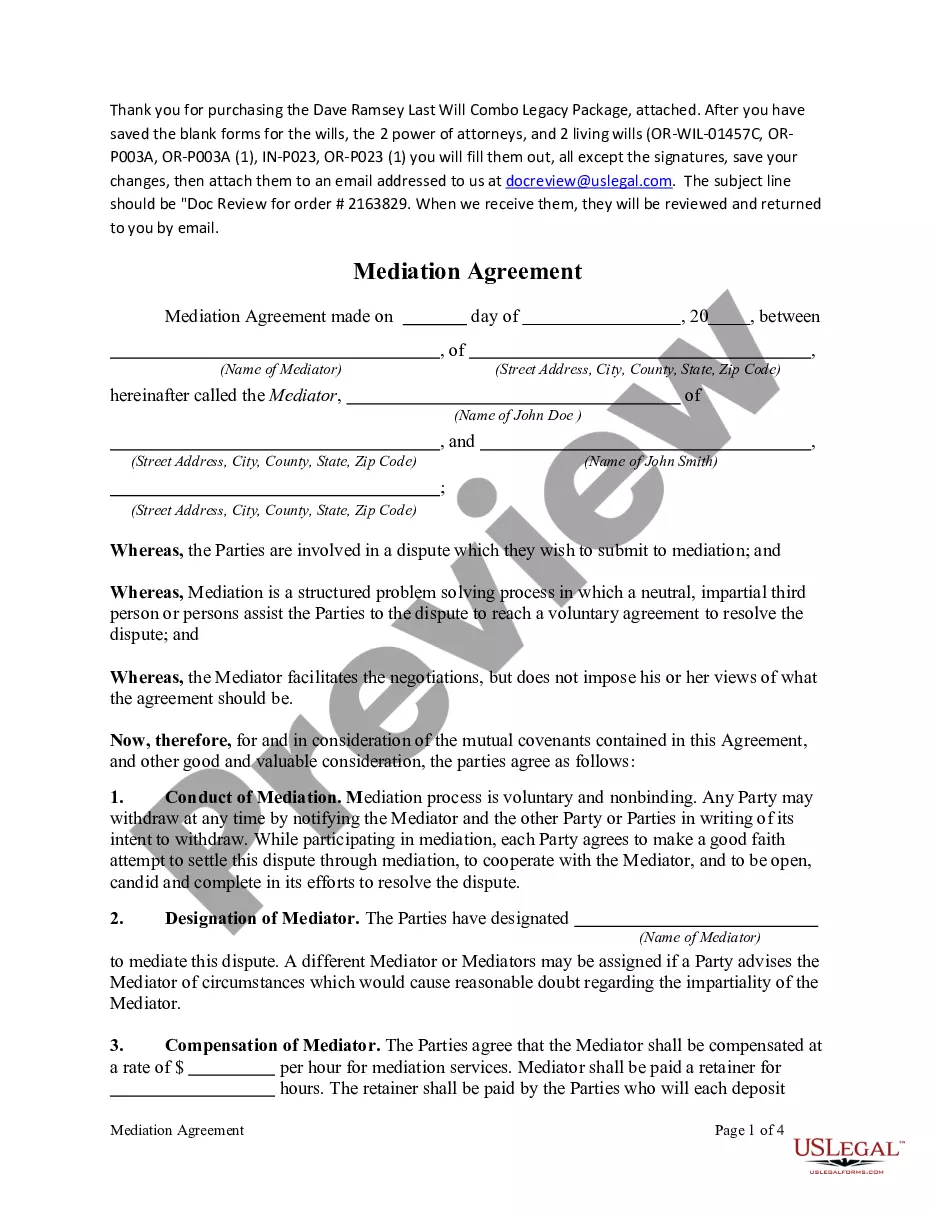
Get your form ready online
Our built-in tools help you complete, sign, share, and store your documents in one place.
Make edits, fill in missing information, and update formatting in US Legal Forms—just like you would in MS Word.
Download a copy, print it, send it by email, or mail it via USPS—whatever works best for your next step.
Sign and collect signatures with our SignNow integration. Send to multiple recipients, set reminders, and more. Go Premium to unlock E-Sign.
If this form requires notarization, complete it online through a secure video call—no need to meet a notary in person or wait for an appointment.
We protect your documents and personal data by following strict security and privacy standards.

Make edits, fill in missing information, and update formatting in US Legal Forms—just like you would in MS Word.

Download a copy, print it, send it by email, or mail it via USPS—whatever works best for your next step.

Sign and collect signatures with our SignNow integration. Send to multiple recipients, set reminders, and more. Go Premium to unlock E-Sign.

If this form requires notarization, complete it online through a secure video call—no need to meet a notary in person or wait for an appointment.

We protect your documents and personal data by following strict security and privacy standards.
Looking for another form?
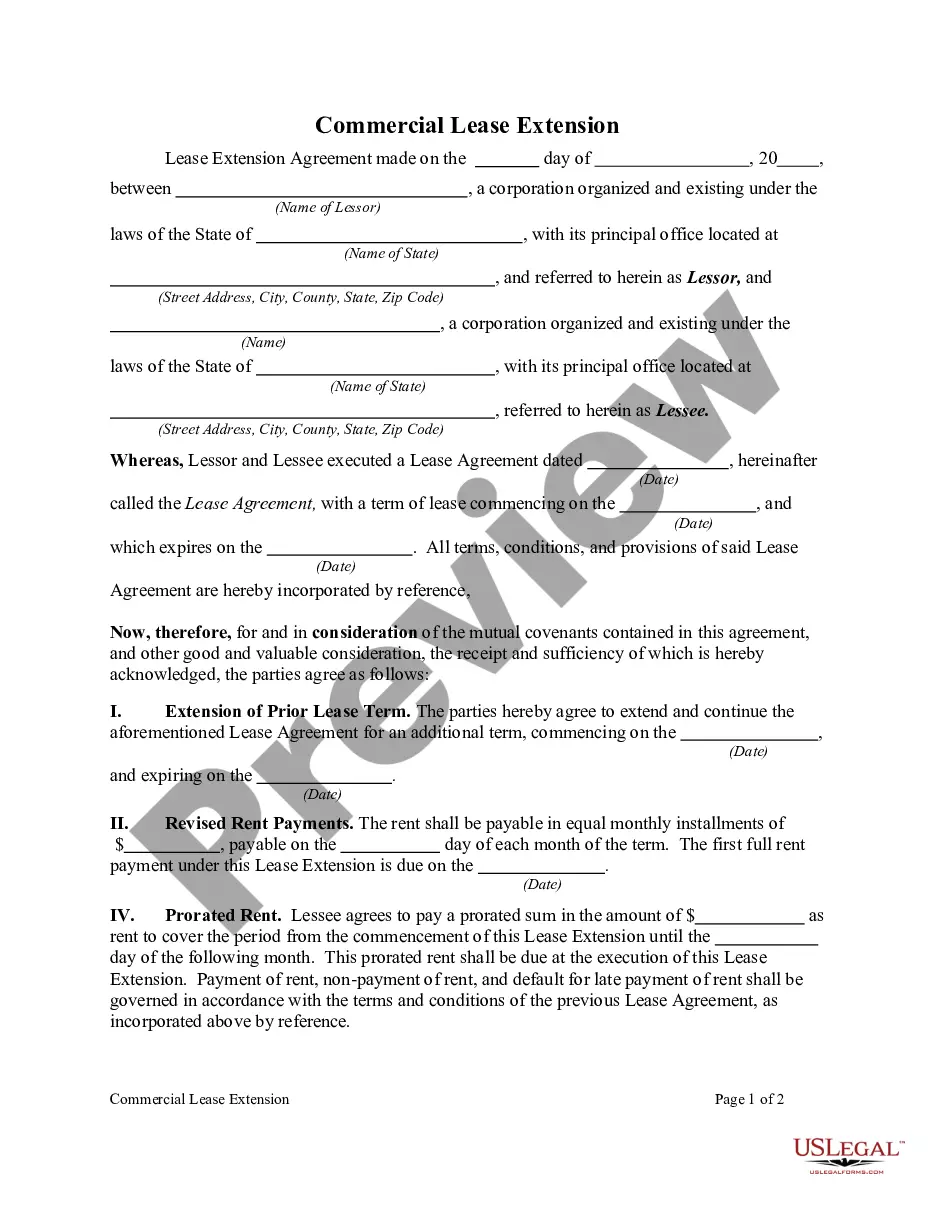
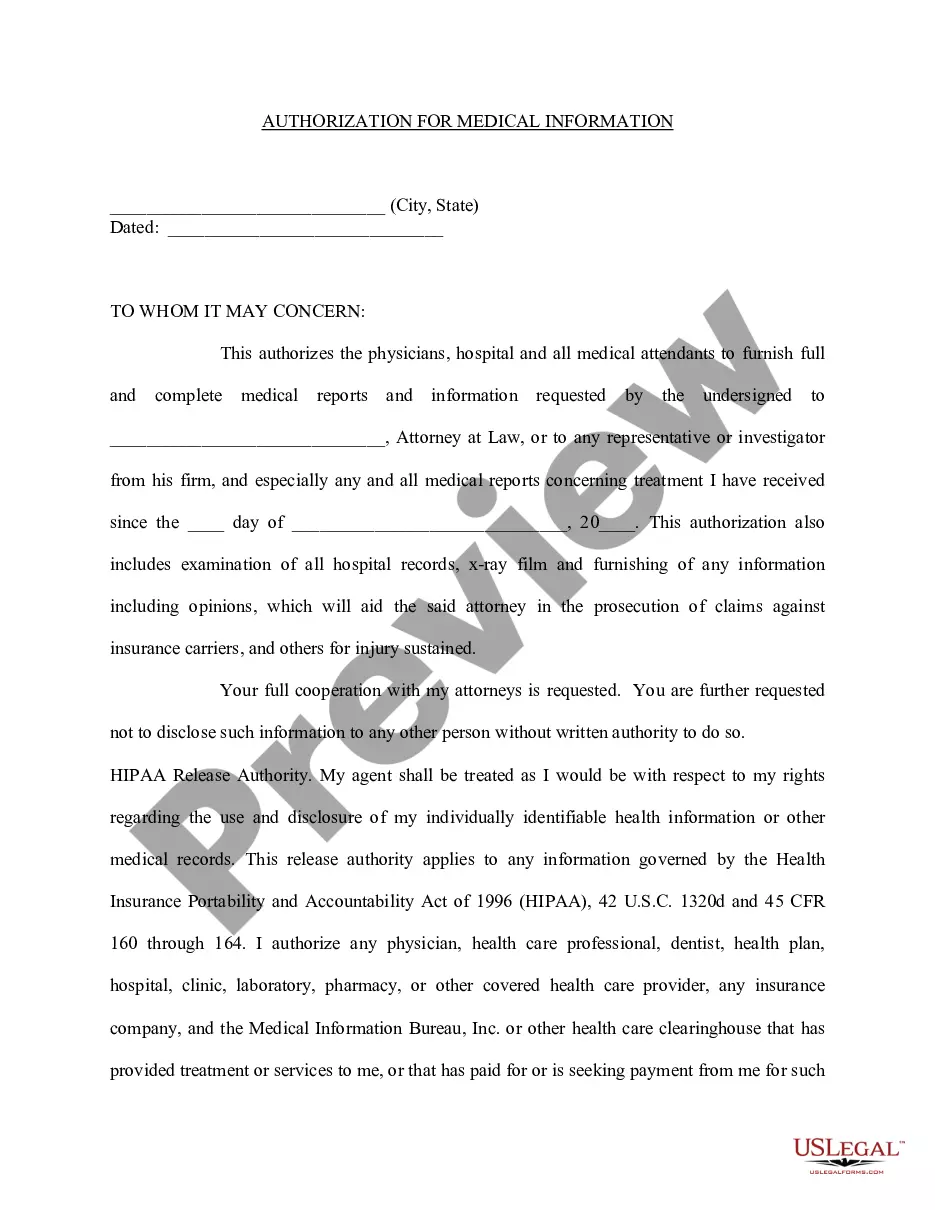
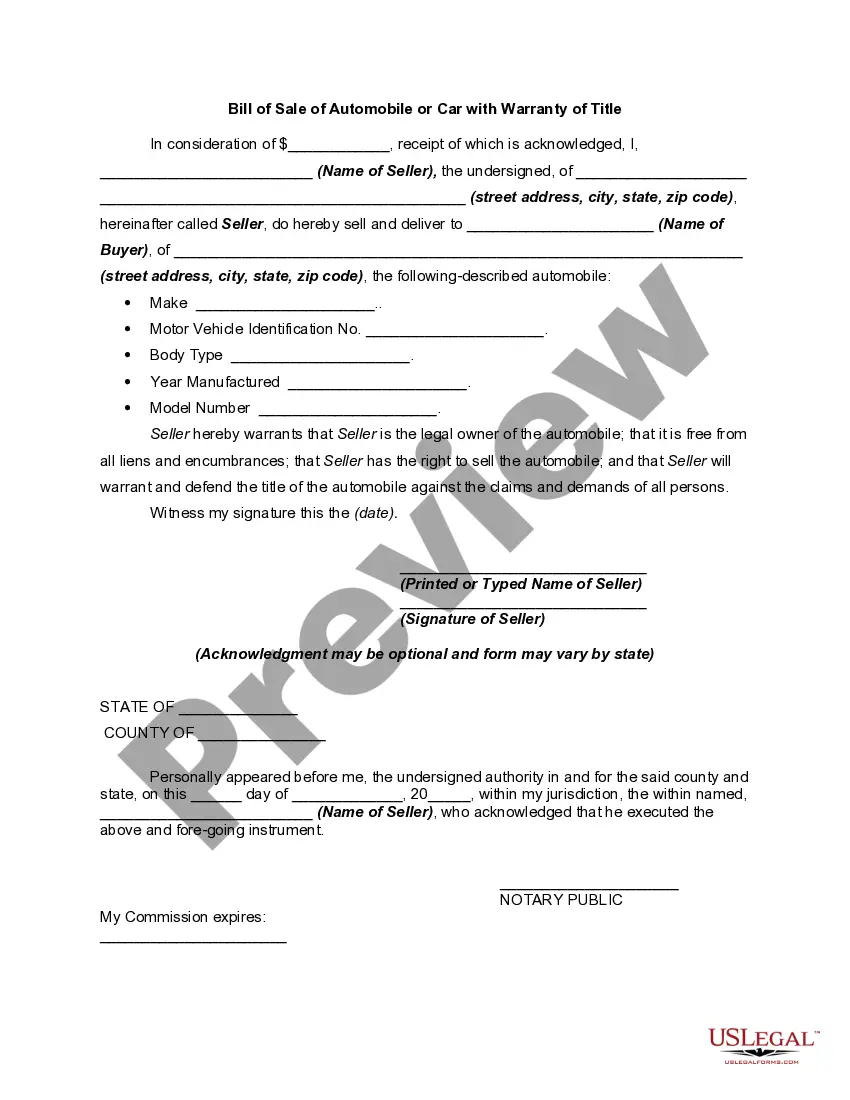
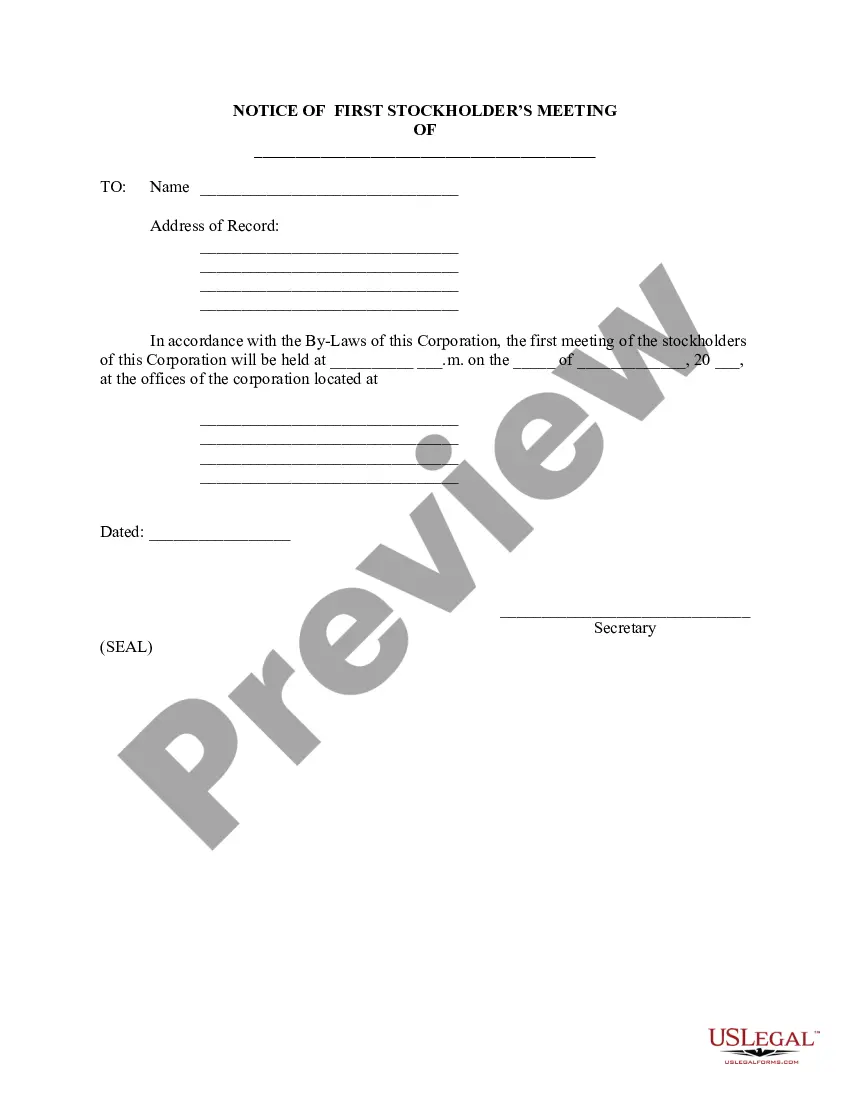

Form popularity
FAQ
Write the contract in six steps Start with a contract template. Open with the basic information. Describe in detail what you have agreed to. Include a description of how the contract will be ended. Write into the contract which laws apply and how disputes will be resolved. Include space for signatures.
For a contract to be binding it needs to satisfy four principles, offer, acceptance, consideration, and the intention to create legal relations. Generally, the law believes that an agreement is made when one party makes an offer and the other party accepts it.
Can I write my own contract? Yes, you can write your own contract. However, including all necessary elements is crucial to make it legally binding.
How to write a contract agreement in 7 steps. Determine the type of contract required. Confirm the necessary parties. Choose someone to draft the contract. Write the contract with the proper formatting. Review the written contract with a lawyer. Send the contract agreement for review or revisions.
Steps to Create an Online Contract Choose the Platform. The first thing to do is to choose the platform that best suits our needs. Create the Contract Document. Add All the Required Details. Digitally Sign the Contract. Share the Contract.
Ing to Boundy (2012), typically, a written contract will include: Date of agreement. Names of parties to the agreement. Preliminary clauses. Defined terms. Main contract clauses. Schedules/appendices and signature provisions (para. 5).
The State Contract Act governs state contracts for public works projects and, among other things, generally requires public notice of a project, the submission of bids, and the award of a contract to the lowest responsible bidder, as provided.
Advertise your business on Cal eProcure Go to .caleprocure.ca and log into your Cal eProcure account. Click "Start Search" to search the California State Contracts Register for bid solicitations. Click on the one you are interested in. Click the "Post Vendor Ads" button and fill out the advertisement.
Yes, electronic contracts and clickwrap agreements are legally binding. Electronic contracts and signatures are just as enforceable and legally binding as traditional signatures signed on paper.
Visit the MoHRE website (.mohre.ae) or download the MoHRE Smart App. Log in using your Emirates ID or work permit number. Navigate to the “Labour Contract Services” section. Enter the required details such as your work permit number or Emirates ID.