Minutes Template For A Meeting In Massachusetts
Description




Get your form ready online
Our built-in tools help you complete, sign, share, and store your documents in one place.
Make edits, fill in missing information, and update formatting in US Legal Forms—just like you would in MS Word.
Download a copy, print it, send it by email, or mail it via USPS—whatever works best for your next step.
Sign and collect signatures with our SignNow integration. Send to multiple recipients, set reminders, and more. Go Premium to unlock E-Sign.
If this form requires notarization, complete it online through a secure video call—no need to meet a notary in person or wait for an appointment.
We protect your documents and personal data by following strict security and privacy standards.

Make edits, fill in missing information, and update formatting in US Legal Forms—just like you would in MS Word.

Download a copy, print it, send it by email, or mail it via USPS—whatever works best for your next step.

Sign and collect signatures with our SignNow integration. Send to multiple recipients, set reminders, and more. Go Premium to unlock E-Sign.

If this form requires notarization, complete it online through a secure video call—no need to meet a notary in person or wait for an appointment.

We protect your documents and personal data by following strict security and privacy standards.
Looking for another form?
Form popularity
FAQ
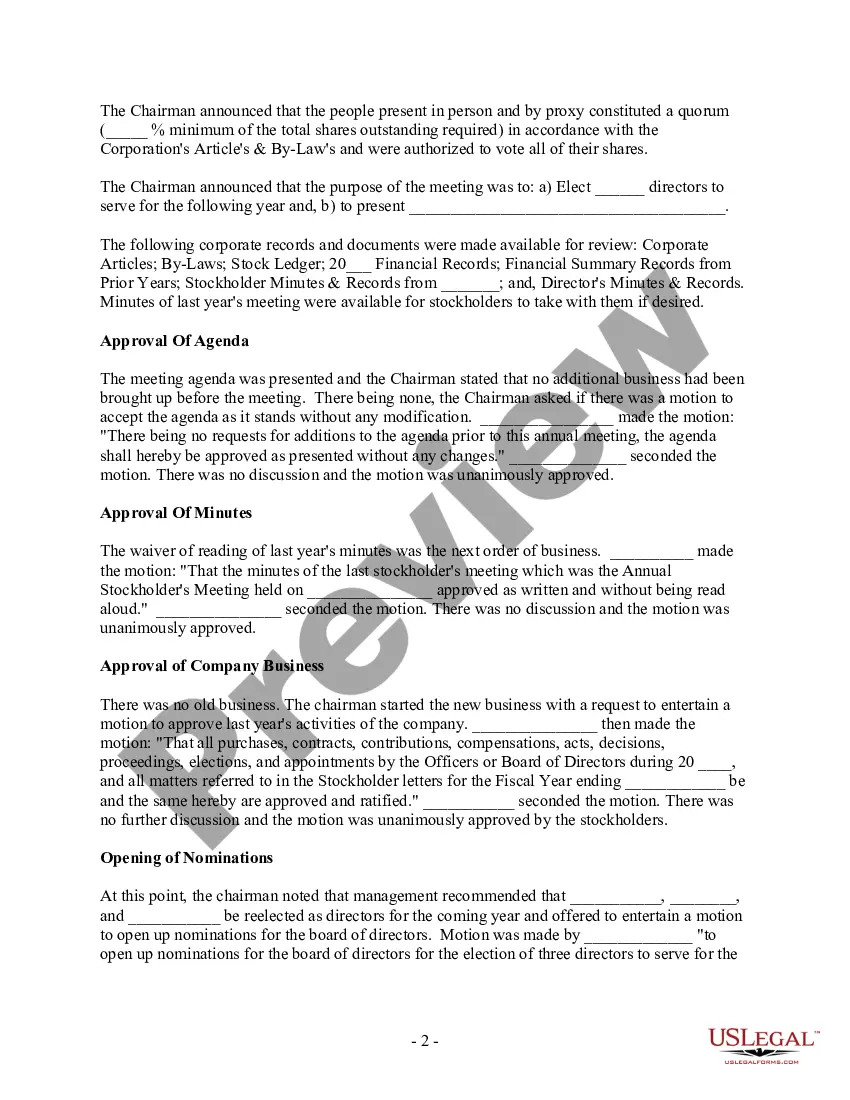
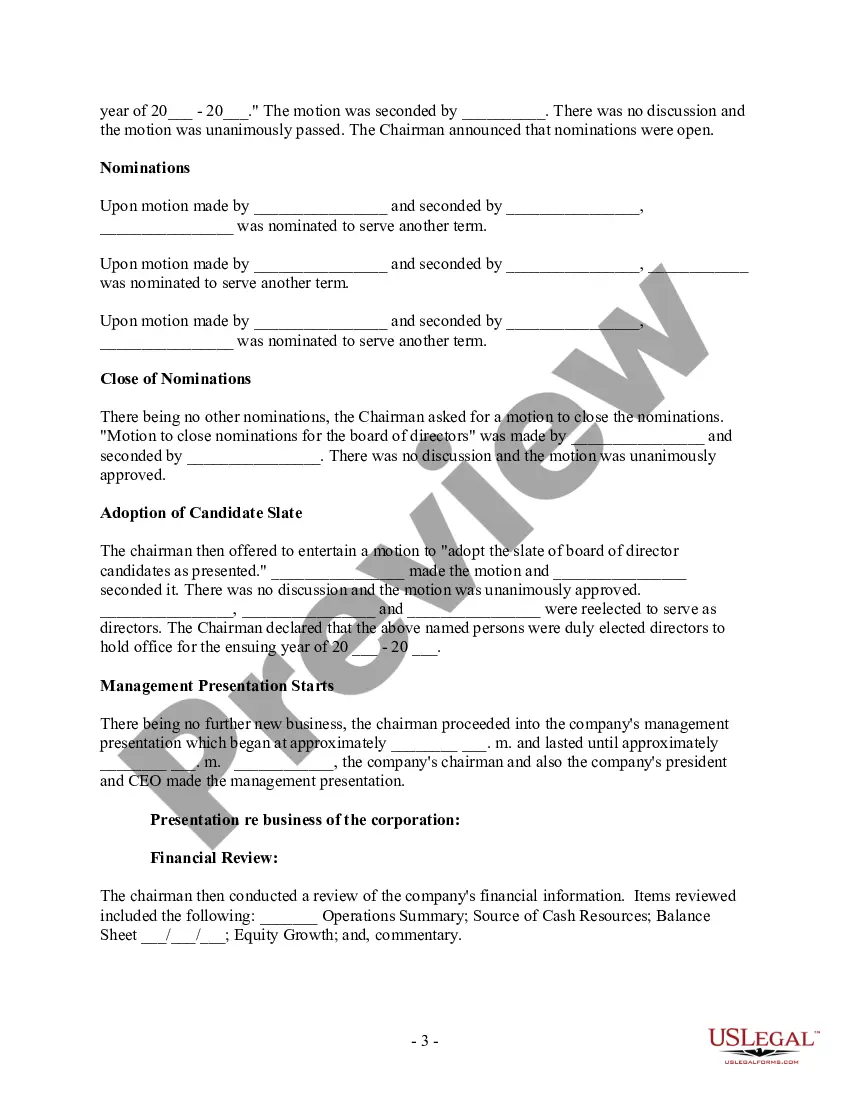
The format for a meeting depends on the meeting type and style. While there is no set format for meeting minutes, templates provide guidelines for essential information that should be included in your documentation.
At a minimum, minutes should include: Name and kind of meeting. Date, place, and time that the meeting began and ended. Names of the chair and secretary or their substitute. Names of voting members attending and whether a quorum was present. Names of guests and their subject matter.
Meeting Minutes Template: Organization Name. Meeting Minutes. Date: Opening: The meeting was called to order at Time by Name at Location. Present: List of all present members Absent: List of any members who were not present Approval of Agenda: The agenda was reviewed and approved. Approval of Minutes:
You can use Word document templates to design resumes, create business invoices, customize annual calendars, and more.
To access these in Word for the web, type Meeting Minutes into the search bar, and press Enter. Then, click the "Templates" tab to see the many options available. To do the same in the Word desktop app, click "New," type Meeting Minutes into the search bar, and press Enter.
10 Meeting Minutes Software to Use in 2024 ClickUp – Best for AI-powered meeting minutes. Fellow – Good for integration with other apps. FreJun – Good for automations. Magic Minutes – Good for stand alone meeting minutes. Evernote – Good for all-purpose note-taking. Beenote – Good for planning meeting notes.
The best meeting note software at a glance Meeting notes softwareStandout feature Zoho Notebook Collaborative, shareable Note Cards for sharing meeting minutes Notability Audio recording synced to meeting notes Google Keep Shareable, collaborative notes available on any device12 more rows •
What Should Be Included in Meeting Minutes? Date and time of the meeting. Names of the meeting participants and those unable to attend (e.g., “regrets”) Acceptance or corrections/amendments to previous meeting minutes. Decisions made about each agenda item, for example: Actions taken or agreed to be taken. Next steps.
At a minimum, minutes should include: Name and kind of meeting. Date, place, and time that the meeting began and ended. Names of the chair and secretary or their substitute. Names of voting members attending and whether a quorum was present. Names of guests and their subject matter.