Meeting Minutes Form Format Email In Fulton
Description

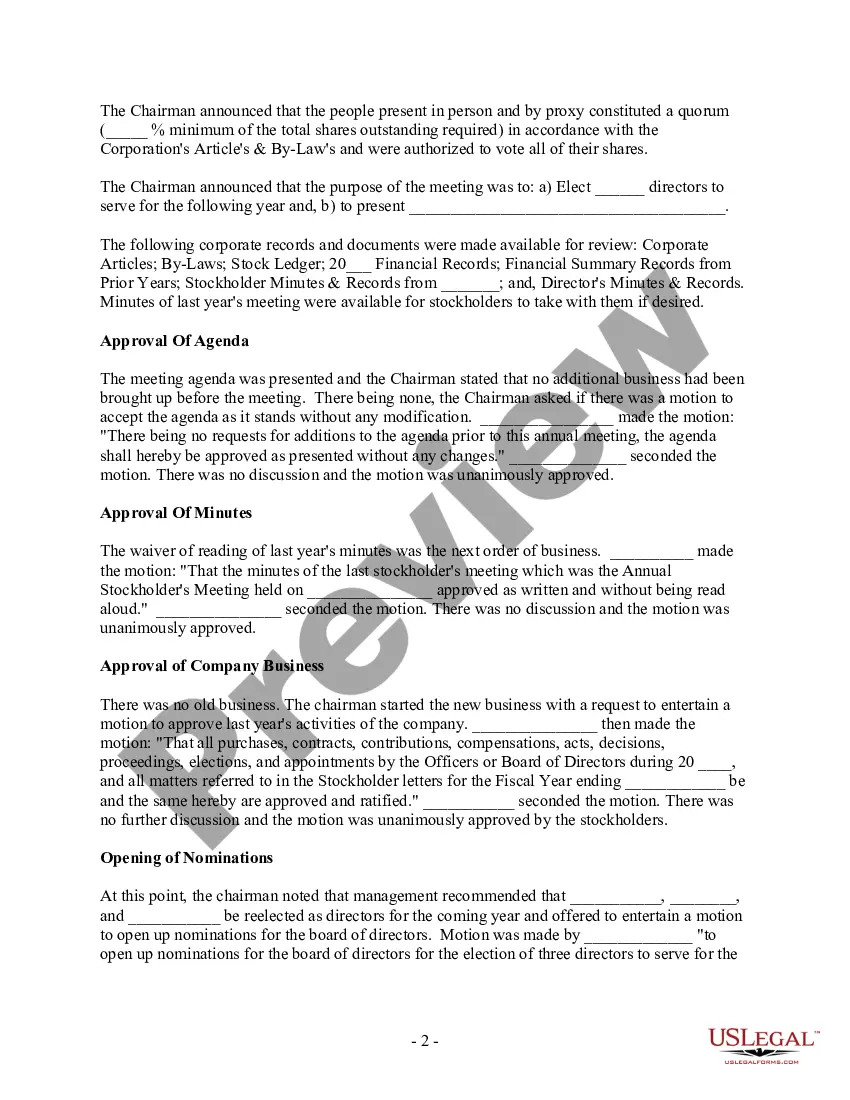
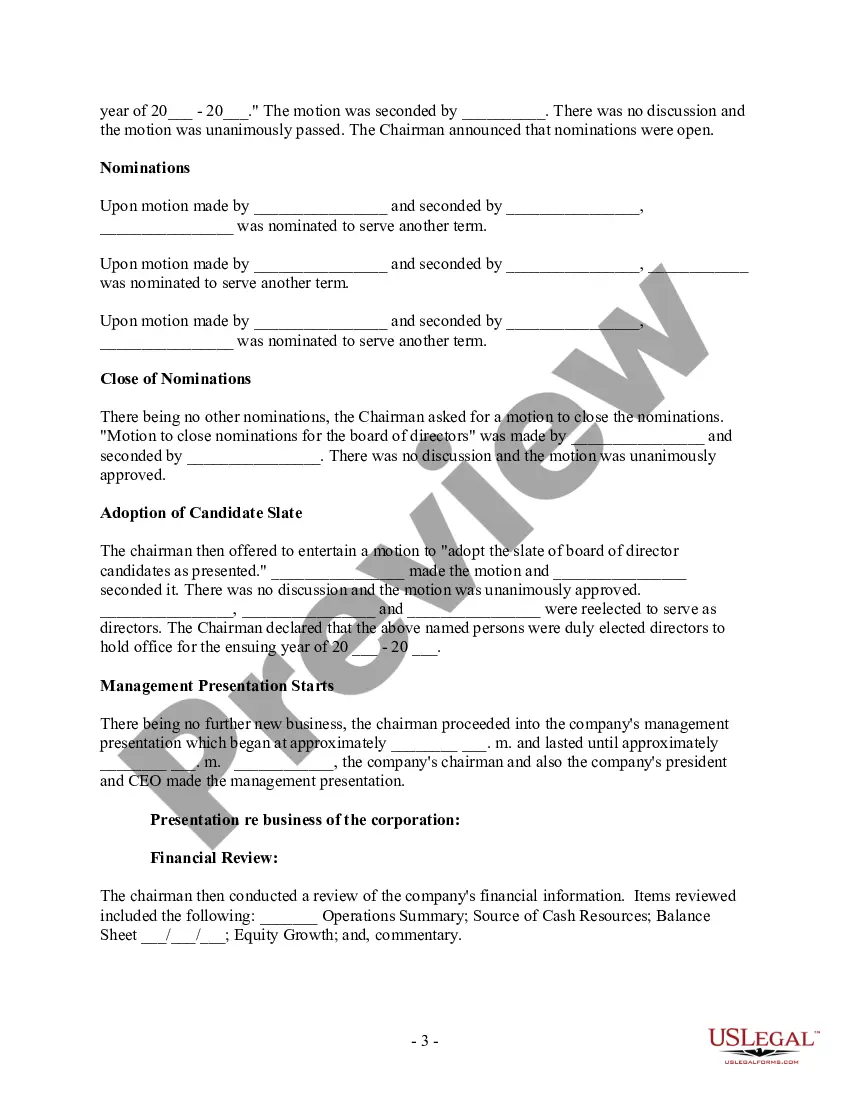
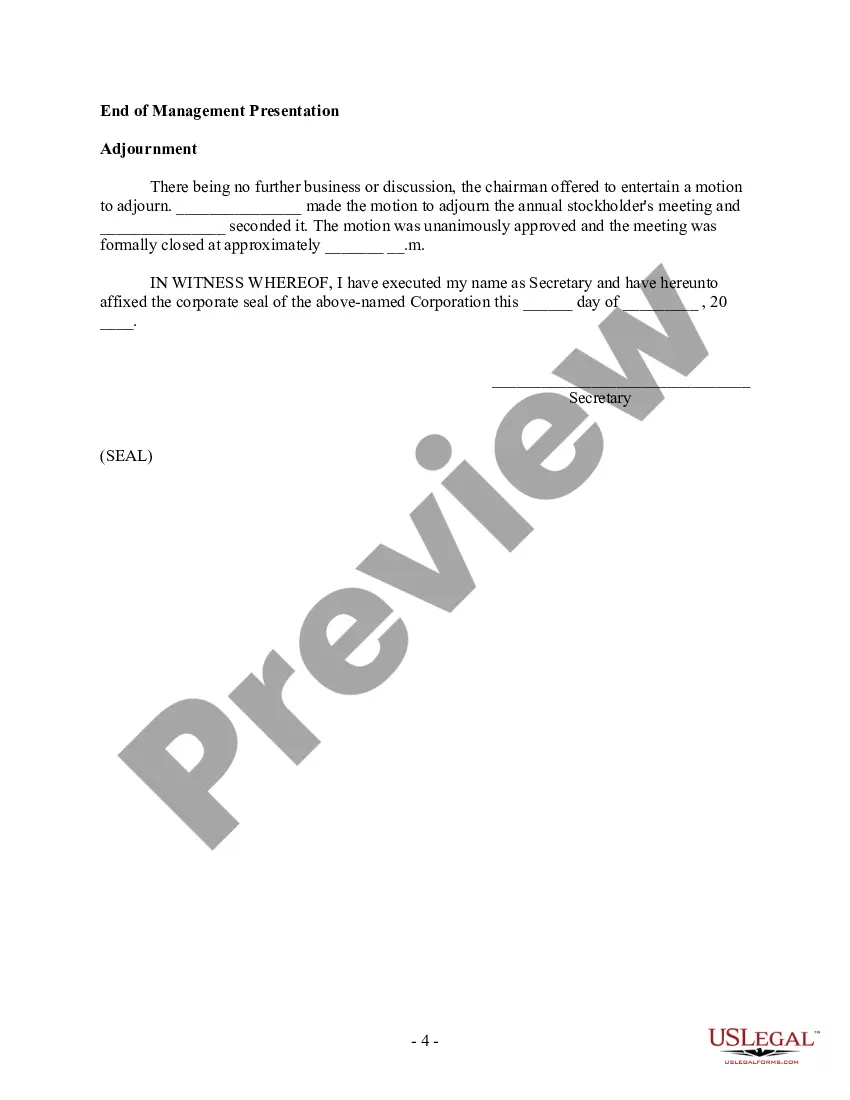



Get your form ready online
Our built-in tools help you complete, sign, share, and store your documents in one place.
Make edits, fill in missing information, and update formatting in US Legal Forms—just like you would in MS Word.
Download a copy, print it, send it by email, or mail it via USPS—whatever works best for your next step.
Sign and collect signatures with our SignNow integration. Send to multiple recipients, set reminders, and more. Go Premium to unlock E-Sign.
If this form requires notarization, complete it online through a secure video call—no need to meet a notary in person or wait for an appointment.
We protect your documents and personal data by following strict security and privacy standards.

Make edits, fill in missing information, and update formatting in US Legal Forms—just like you would in MS Word.

Download a copy, print it, send it by email, or mail it via USPS—whatever works best for your next step.

Sign and collect signatures with our SignNow integration. Send to multiple recipients, set reminders, and more. Go Premium to unlock E-Sign.

If this form requires notarization, complete it online through a secure video call—no need to meet a notary in person or wait for an appointment.

We protect your documents and personal data by following strict security and privacy standards.
Looking for another form?






Form popularity
FAQ
How to write meeting minutes Organization name. Meeting purpose. Start and end times. Date and location. List of attendees and absentees, if necessary. Space for important information like motions passed or deadlines given. Space for your signature and the meeting leader's signature.
The key to effective meeting minute distribution in project management is to promptly share them in a clear format, using email or your chosen collaboration tool. Encourage your team to review the minutes and take action on the assigned tasks, which will help streamline communication and drive project success.
Meeting Minutes Template: Organization Name. Meeting Minutes. Date: Opening: The meeting was called to order at Time by Name at Location. Present: List of all present members Absent: List of any members who were not present Approval of Agenda: The agenda was reviewed and approved. Approval of Minutes:
Write the email body: Reference the meeting minutes to populate agenda items, summaries for each and any related action items. Add attachments or references: Insert links to resources or attach documents to the email. Ensure you indicate where and why the attachments are important in the body of the email.
How to write meeting minutes Organization name. Meeting purpose. Start and end times. Date and location. List of attendees and absentees, if necessary. Space for important information like motions passed or deadlines given. Space for your signature and the meeting leader's signature.
Minutes (each item on the agenda should be sequentially numbered for ease of reference). principle that the directors are collectively delegated the authority of running the company, and also that the members have the opportunity to hold the directors to account.
I have attached a copy of the full meeting minutes for your reference. Please let me know if you have any questions or comments regarding the minutes. Thank you for your time and attention, and I look forward to your feedback on the minutes.
How to write meeting minutes reports Make an outline. Prior to the meeting, create an outline by picking or designing a template. Include factual information. Add factual details, such as where and when the meeting takes place. Write down the purpose. Record decisions made.
In Outlook, open the meeting for which you want to take notes. Choose Meeting > Meeting Notes. In the Meeting Notes dialog box, do one of the following: To share your meeting notes with others, choose Share notes with the meeting.
