Meeting Minutes Form For Nonprofit In Florida
Description
Get your form ready online
Our built-in tools help you complete, sign, share, and store your documents in one place.
Make edits, fill in missing information, and update formatting in US Legal Forms—just like you would in MS Word.
Download a copy, print it, send it by email, or mail it via USPS—whatever works best for your next step.
Sign and collect signatures with our SignNow integration. Send to multiple recipients, set reminders, and more. Go Premium to unlock E-Sign.
If this form requires notarization, complete it online through a secure video call—no need to meet a notary in person or wait for an appointment.
We protect your documents and personal data by following strict security and privacy standards.

Make edits, fill in missing information, and update formatting in US Legal Forms—just like you would in MS Word.

Download a copy, print it, send it by email, or mail it via USPS—whatever works best for your next step.

Sign and collect signatures with our SignNow integration. Send to multiple recipients, set reminders, and more. Go Premium to unlock E-Sign.

If this form requires notarization, complete it online through a secure video call—no need to meet a notary in person or wait for an appointment.

We protect your documents and personal data by following strict security and privacy standards.
Looking for another form?
Form popularity
FAQ
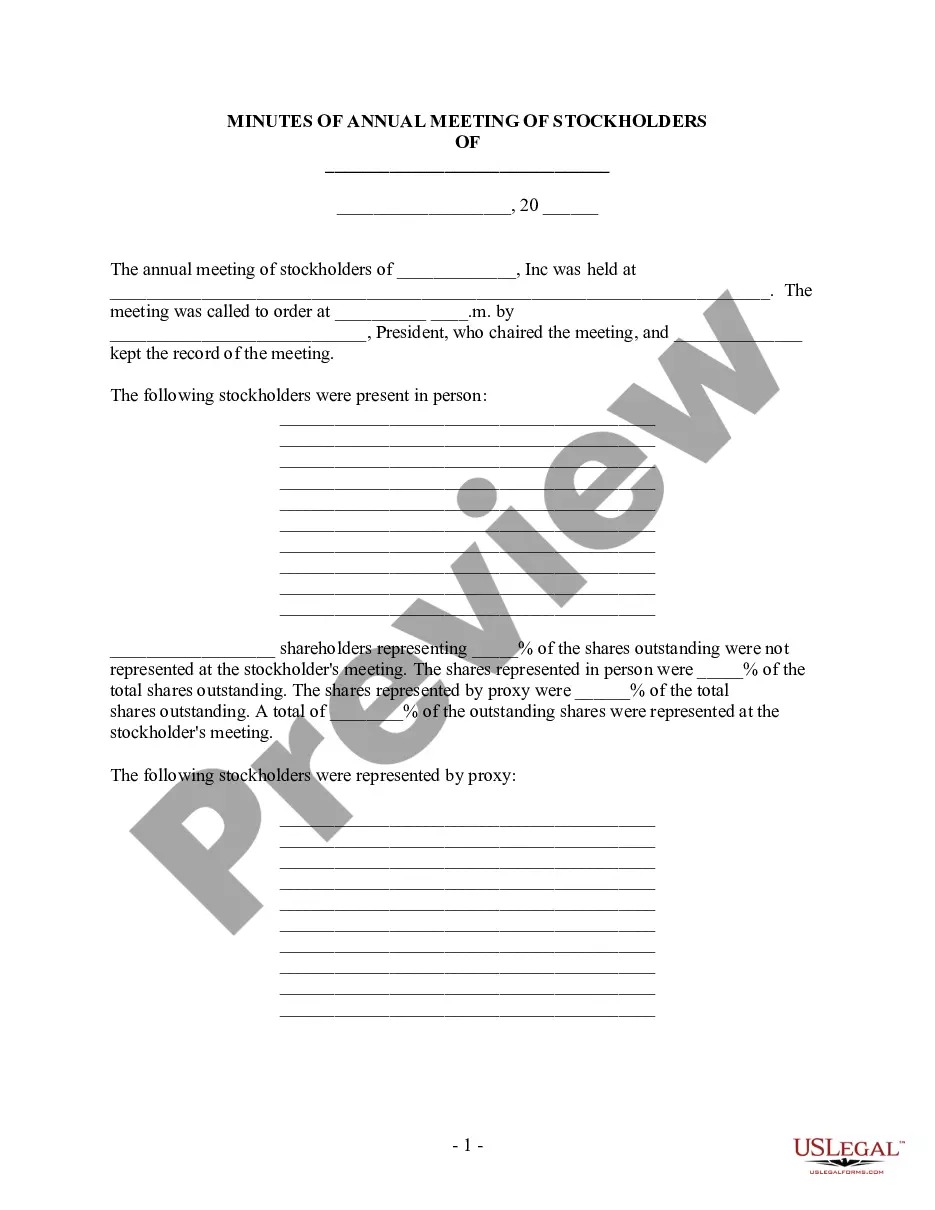
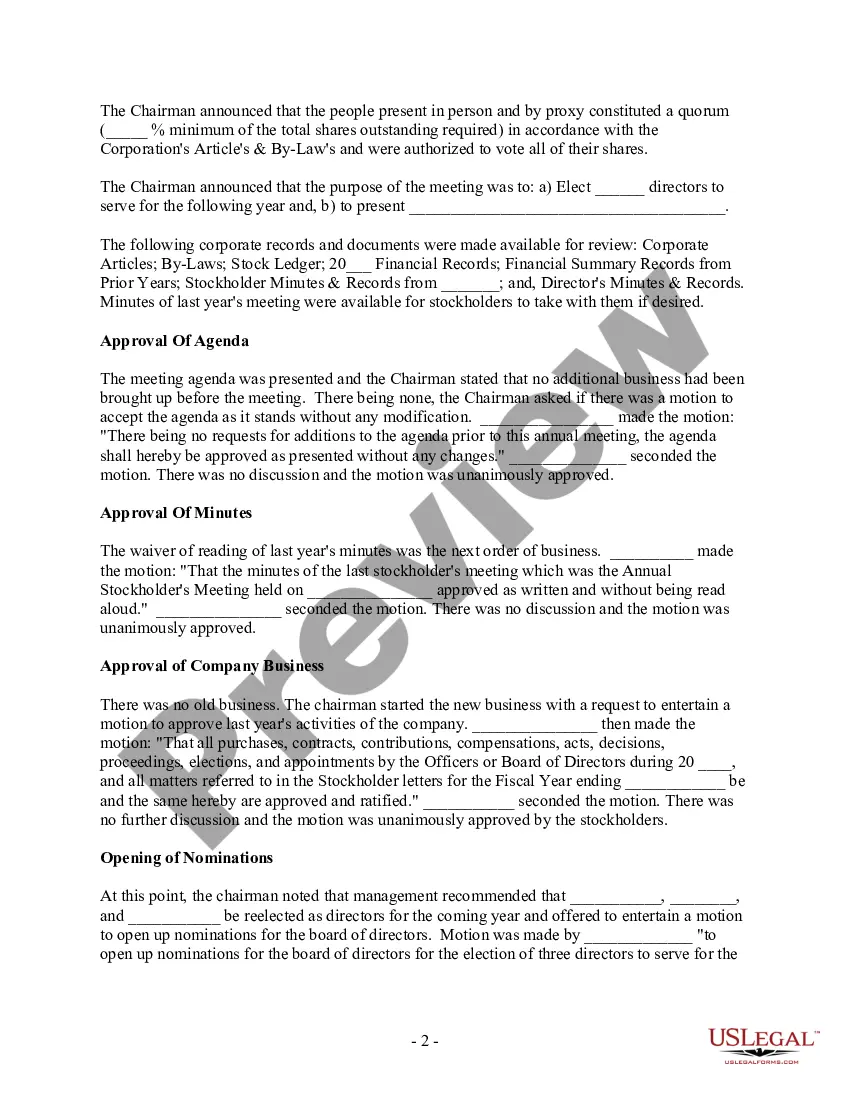
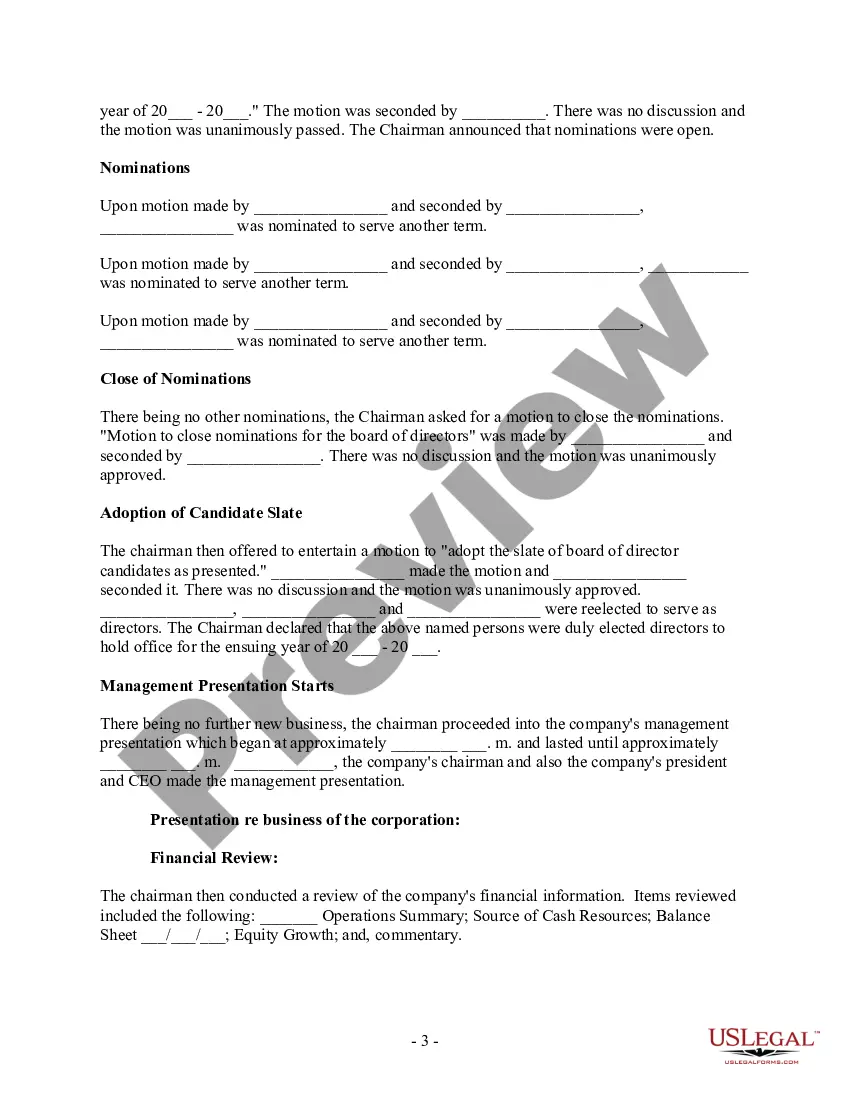
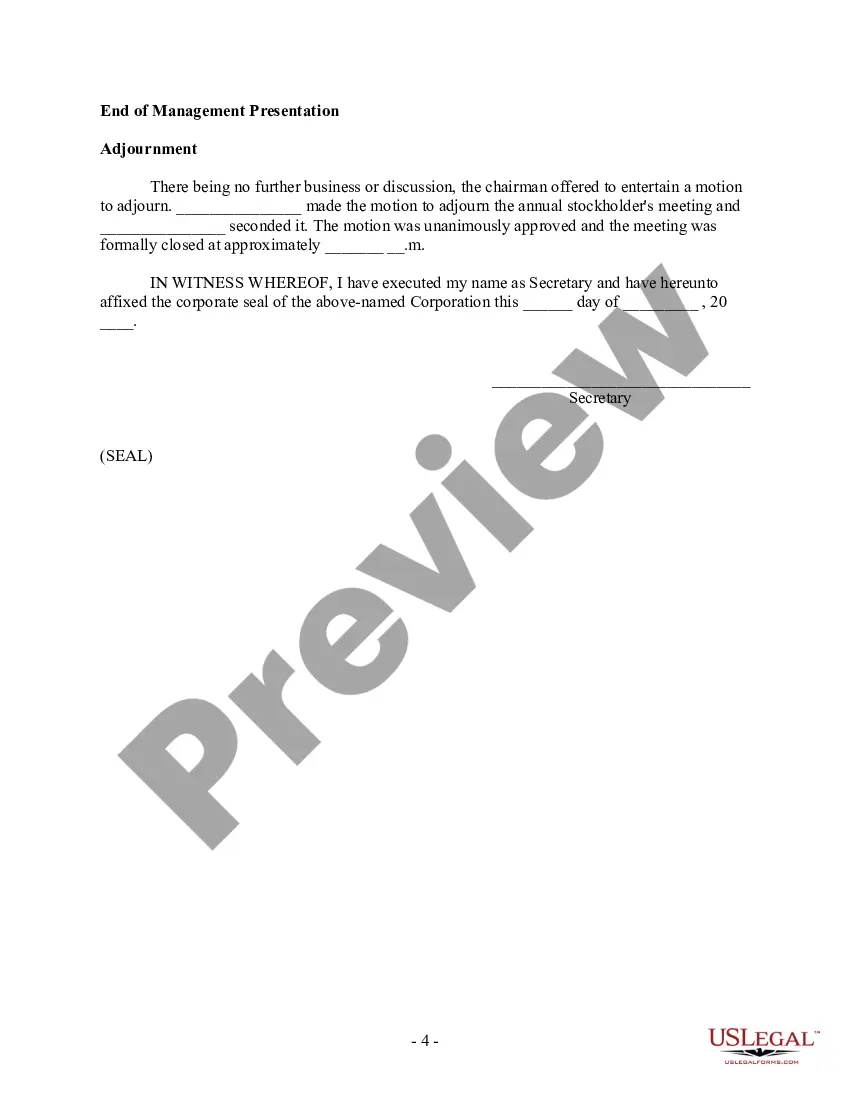
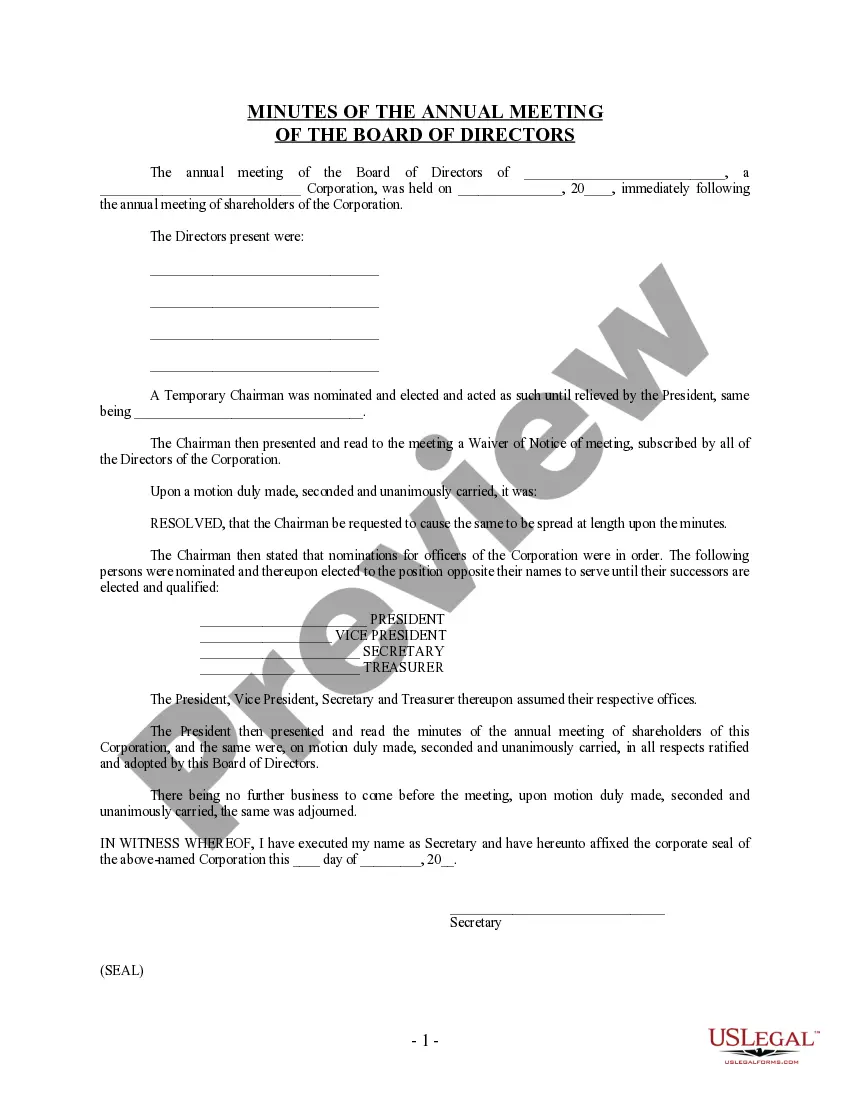
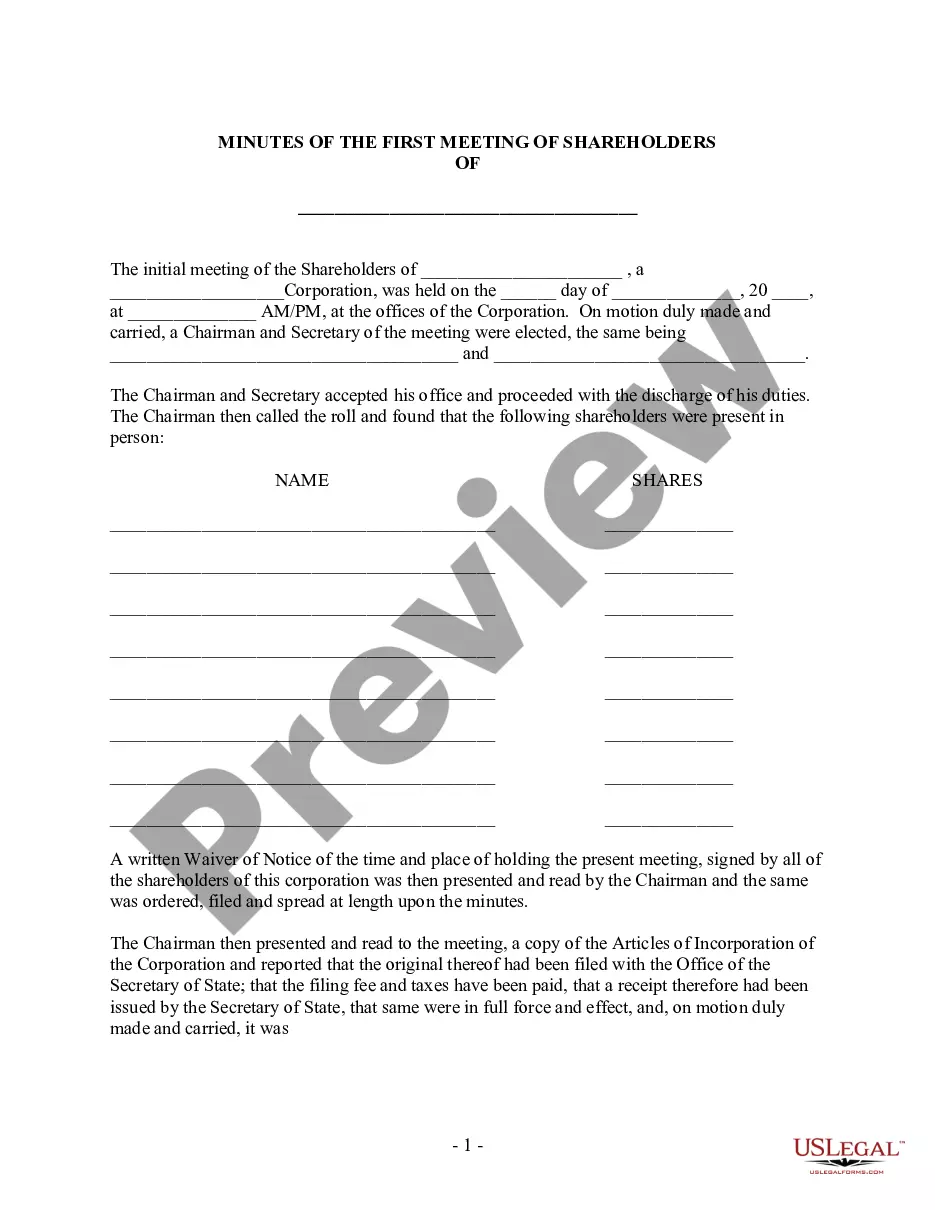
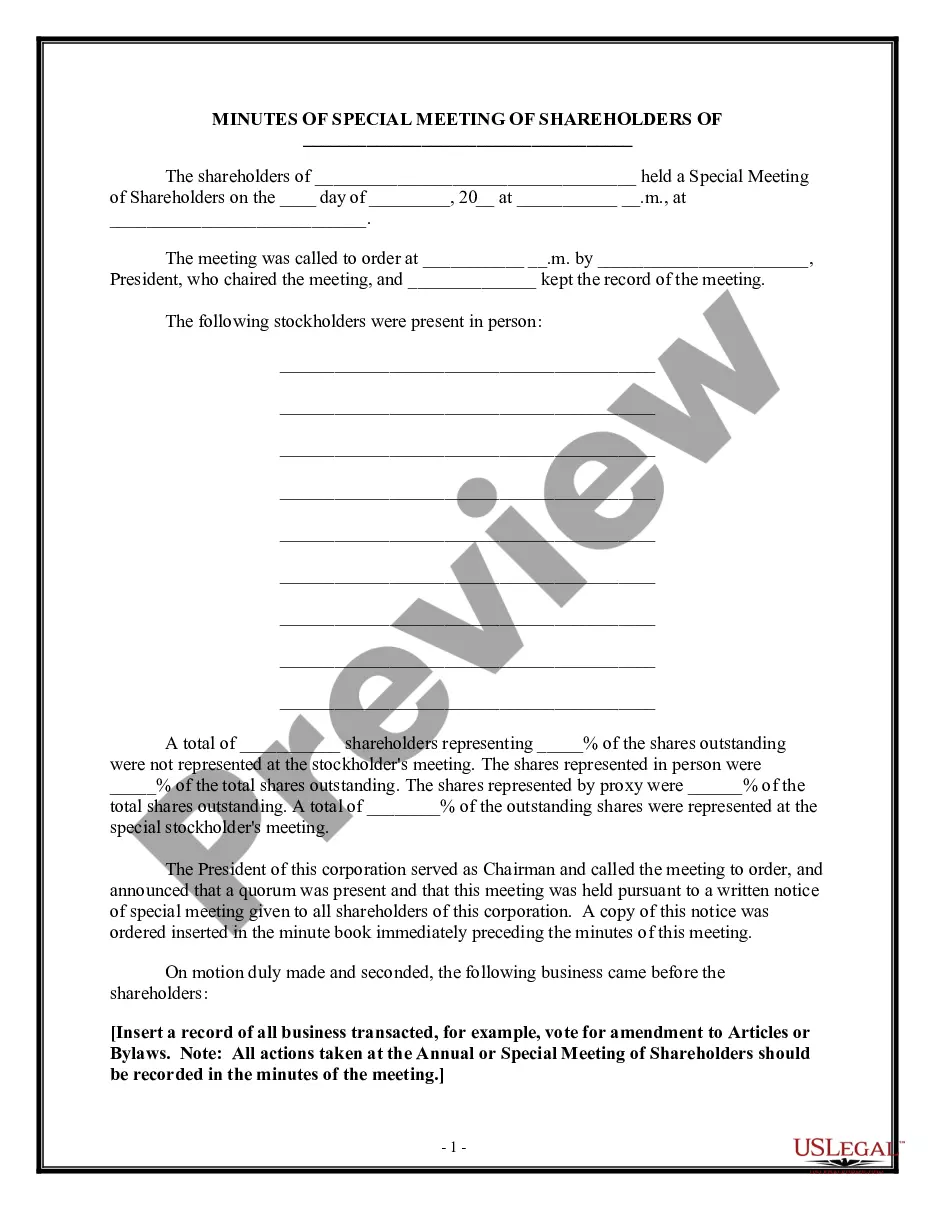
What to include Meeting date, time and location. Names of the committee or other group holding the meeting, the Chair and Secretary. List of those present, including guests in attendance, and any recorded regrets/absences. A record of formal motions and outcomes.
How to write meeting minutes Prepare a template before the meeting. Take notes during the meeting. Collect copies of any reports or presentations. Review your notes. Create a final draft. Request approval from leadership. Deliver the meeting minutes.
Most teams end meeting minutes with action items describing steps that must be taken to meet project goals.
What Should Be Included in Meeting Minutes? Date and time of the meeting. Names of the meeting participants and those unable to attend (e.g., “regrets”) Acceptance or corrections/amendments to previous meeting minutes. Decisions made about each agenda item, for example: Actions taken or agreed to be taken. Next steps.
Here are some important tips to bear in mind when taking non-profit meeting minutes. Prepare in advance. Use a standard template. Record attendance. Summarise key discussions. Document decisions and votes. List action items. How detailed should the minutes be?
What information do board meeting minutes contain? Meeting date, time and location. Type of meeting. Names and titles of attendees and guests. Any absent board directors. Quorum. Notes about directors who left early or re-entered the meeting. Board approvals, resolutions and acceptance of reports. Overview of discussions.
To take effective meeting minutes, the secretary should include: Date of the meeting. Time the meeting was called to order. Names of the meeting participants and absentees. Corrections and amendments to previous meeting minutes. Additions to the current agenda. Whether a quorum is present. Motions taken or rejected.
To take notes for board meeting minutes, focus on summarizing the most important points. Begin by noting the meeting start time and attendees. As the meeting progresses, document key discussions, decisions, and action items. Avoid writing verbatim; instead, summarize reports and motions.
Minutes of board meetings of most California nonprofit corporations are not required to be open to inspection by the general public. However, if the corporation has statutory members (i.e., voting members, as defined in California Corporations Code § 5056), the members have a right to inspect board meeting minutes.
A concise summary of the action taken by the board. The names of the persons making and seconding motions. A summary of votes, indicating when motions were adopted by unanimous votes or the breakdown in yeas and nays and abstentions.