Sample Email To Client For Company Introduction In San Diego
Description


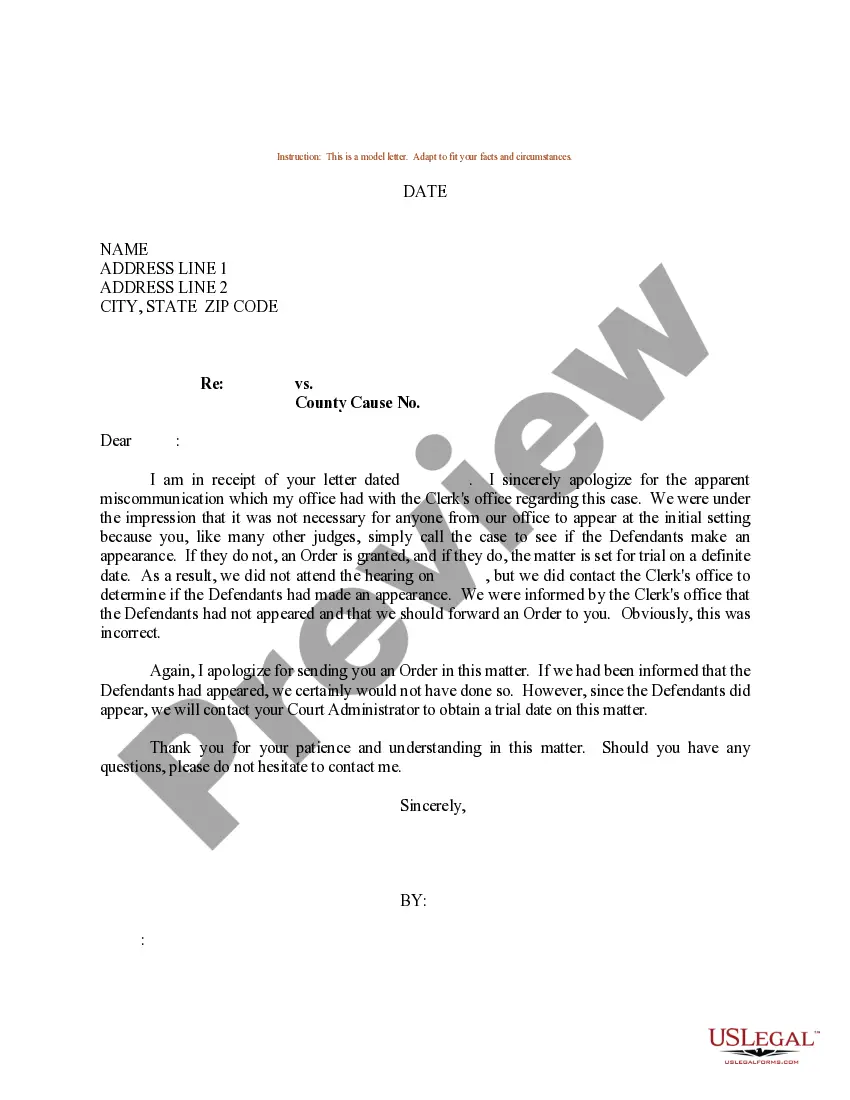

Get your form ready online
Our built-in tools help you complete, sign, share, and store your documents in one place.
Make edits, fill in missing information, and update formatting in US Legal Forms—just like you would in MS Word.
Download a copy, print it, send it by email, or mail it via USPS—whatever works best for your next step.
Sign and collect signatures with our SignNow integration. Send to multiple recipients, set reminders, and more. Go Premium to unlock E-Sign.
If this form requires notarization, complete it online through a secure video call—no need to meet a notary in person or wait for an appointment.
We protect your documents and personal data by following strict security and privacy standards.

Make edits, fill in missing information, and update formatting in US Legal Forms—just like you would in MS Word.

Download a copy, print it, send it by email, or mail it via USPS—whatever works best for your next step.

Sign and collect signatures with our SignNow integration. Send to multiple recipients, set reminders, and more. Go Premium to unlock E-Sign.

If this form requires notarization, complete it online through a secure video call—no need to meet a notary in person or wait for an appointment.

We protect your documents and personal data by following strict security and privacy standards.
Looking for another form?


Form popularity
FAQ
How to write an email to a potential client? Write a subject line. Include a salutation. Write an introduction. Evaluate the prospect's position in the buyer's journey. Ensure the email includes your value proposition. Close the email with a salutation. Sign your name in the email and include contact information.
Professional email characteristics A professional tone. An appropriate greeting. A clear and direct subject line. A concise message that states its purpose. An appropriate closing that explains what action should be taken. A sign-off.
How To Write An Introduction Email? Professional subject line. Introducing yourself in an email. Greeting. Use the recipient's name. Clarify your purpose for reaching out. Include a CTA: If you send an introduction email seeking a response, never forget to add a contextual CTA. Close the email with a polite request.
Introducing yourself to a potential client Hi Contact Name, I'mYour Name and I'm the Your Title at Your Company, a leading provider of Your Services to businesses like yours. Over the past Number years, we've helped Number clients just like yours Accomplishments using our proven Methodology.
I am writing to you today to introduce Your Company and to explore potential collaboration opportunities. We believe that our company's expertise and resources align perfectly with your interests in Industry Cause. Together, we could Potential Collaboration Goals and make a significant impact on Industry Cause.
Professional voice: Dear recipient's name, I hope this email finds you well. My name is your name and I recently joined your company as a your role. I wanted to take a moment to introduce myself and express my eagerness to collaborate and work closely with you on the upcoming projects.
How do you introduce a company profile in a presentation? To introduce your company profile in a presentation, start with a brief overview of your company's history, mission, and values. Then, highlight your products or services and any unique selling points.
Hi Client Name, I hope this email finds you well! My name is Your Name, and I'm with Your Company Name, a brief description of your business. We specialize in specific service/product, helping businesses like client's business type achieve specific outcome.
Here are some other things to keep in mind: Start your greeting with “Dear,” the participant's correct salutation and their last name. Avoid using the client's first name. Always name a specific contact. Use titles such as “Dr.” “Ms.” “Mr.” and “Mrs.”
Address the recipient by their name, such as 'Dear Name,' as it is a professional and respectful way to start a greeting email. Ensure you spell their name correctly. Strike a balance between professionalism and friendliness in your greeting.
