Management Option Purchase For E Payment System In Minnesota
Description

Get your form ready online
Our built-in tools help you complete, sign, share, and store your documents in one place.
Make edits, fill in missing information, and update formatting in US Legal Forms—just like you would in MS Word.
Download a copy, print it, send it by email, or mail it via USPS—whatever works best for your next step.
Sign and collect signatures with our SignNow integration. Send to multiple recipients, set reminders, and more. Go Premium to unlock E-Sign.
If this form requires notarization, complete it online through a secure video call—no need to meet a notary in person or wait for an appointment.
We protect your documents and personal data by following strict security and privacy standards.

Make edits, fill in missing information, and update formatting in US Legal Forms—just like you would in MS Word.

Download a copy, print it, send it by email, or mail it via USPS—whatever works best for your next step.

Sign and collect signatures with our SignNow integration. Send to multiple recipients, set reminders, and more. Go Premium to unlock E-Sign.

If this form requires notarization, complete it online through a secure video call—no need to meet a notary in person or wait for an appointment.

We protect your documents and personal data by following strict security and privacy standards.
Looking for another form?




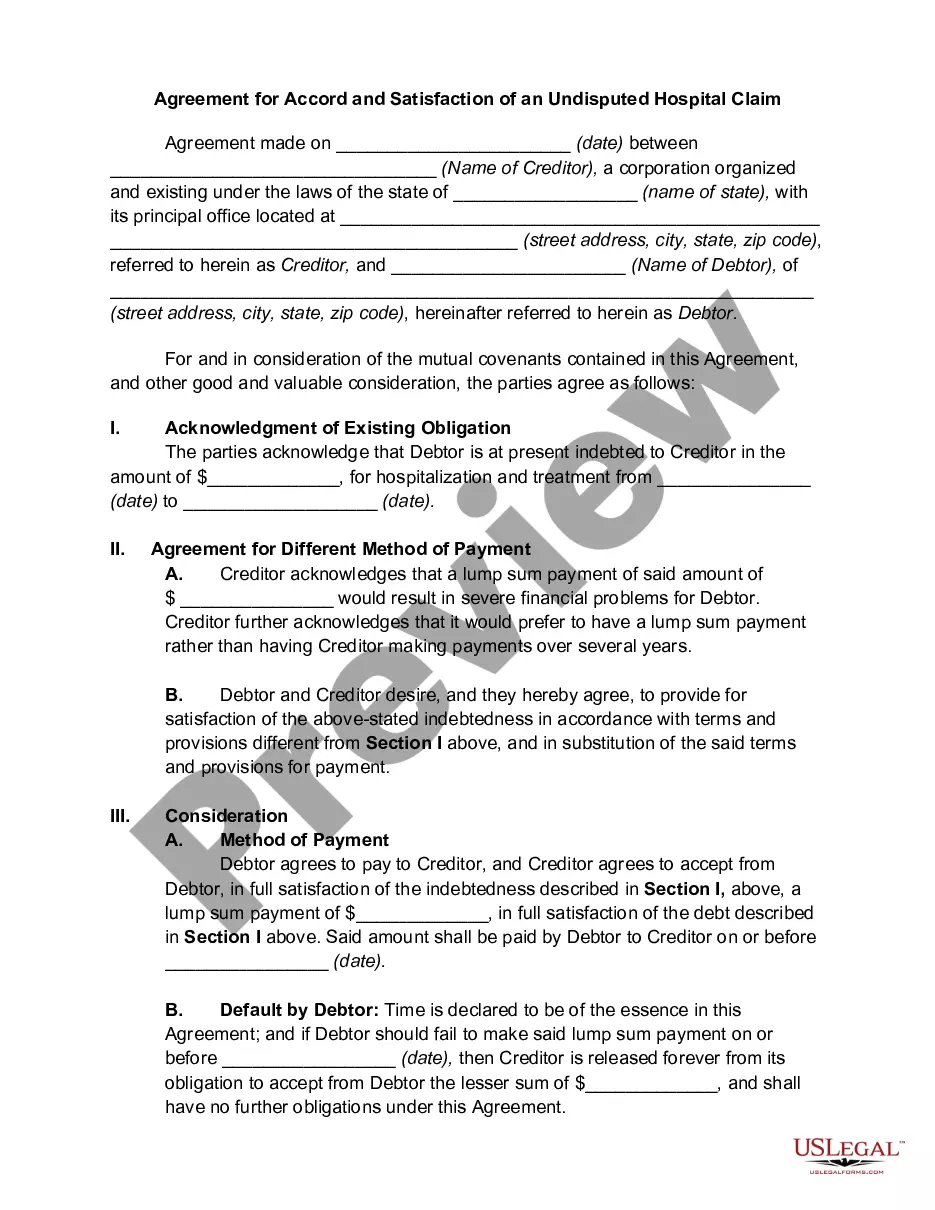


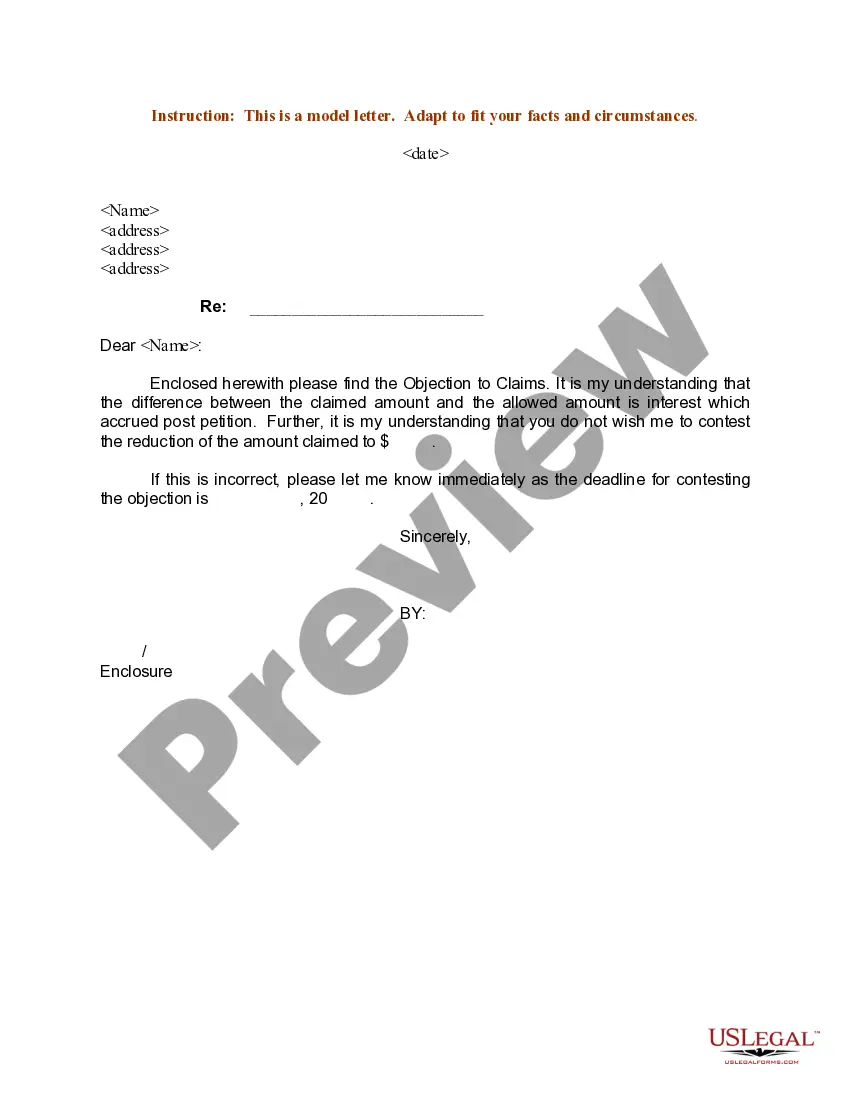


Form popularity
FAQ
Step- by step procedure for making e-payment. Step 1: Entering into e-payment homepage. Step 2: Selection of type of Act. Step 3: Details entry for e-payment for VAT. Step 4: Verification of payment details before submission: Step 5: Generation of e-payment reference no. Step 6: Logging into bank website:
Here's a general breakdown of how to set up online payments for your business: Find the right partner. Create an account with a payment processor. Integrate the steps into your operation. Ensure compliance with Payment Card Industry Data Security Standard (PCI DSS). Get started with test transactions.
Step- by step procedure for making e-payment. Step 1: Entering into e-payment homepage. Step 2: Selection of type of Act. Step 3: Details entry for e-payment for VAT. Step 4: Verification of payment details before submission: Step 5: Generation of e-payment reference no. Step 6: Logging into bank website:
There are many ways to send a payment electronically. In addition to debit and credit cards, you can use: Electronic wallets (e-wallets) – A prepaid account that stores user data for online transactions. Bank transfers – ACH transfers.
Electronic payment is a broad term encompassing various methods of transferring funds. Examples include credit or debit cards, online payment systems, and mobile wallets. ACH, on the other hand, refers specifically to bank transfer payments.
Electronic Payments entail the transfer of funds through electronic or digital mediums. You can choose from different e-payment methods like mobile wallets, bank cards, mobile banking, etc. E-payments are quick and efficient, and the fund transfer typically takes place instantly. It is a secure mode of making payments.
Examples include credit/debit cards, online bank transfers, digital wallets, etc. With many different types of electronic payment systems available, you can choose the best option to meet their needs and provide a smooth experience for their customers.
From humble beginnings, our Founder and CEO, Michael Nardy, built Electronic Payments into what it is today—one of the most respected merchant acquirers in the United States.
