Letter With Acceptance In Houston
Description
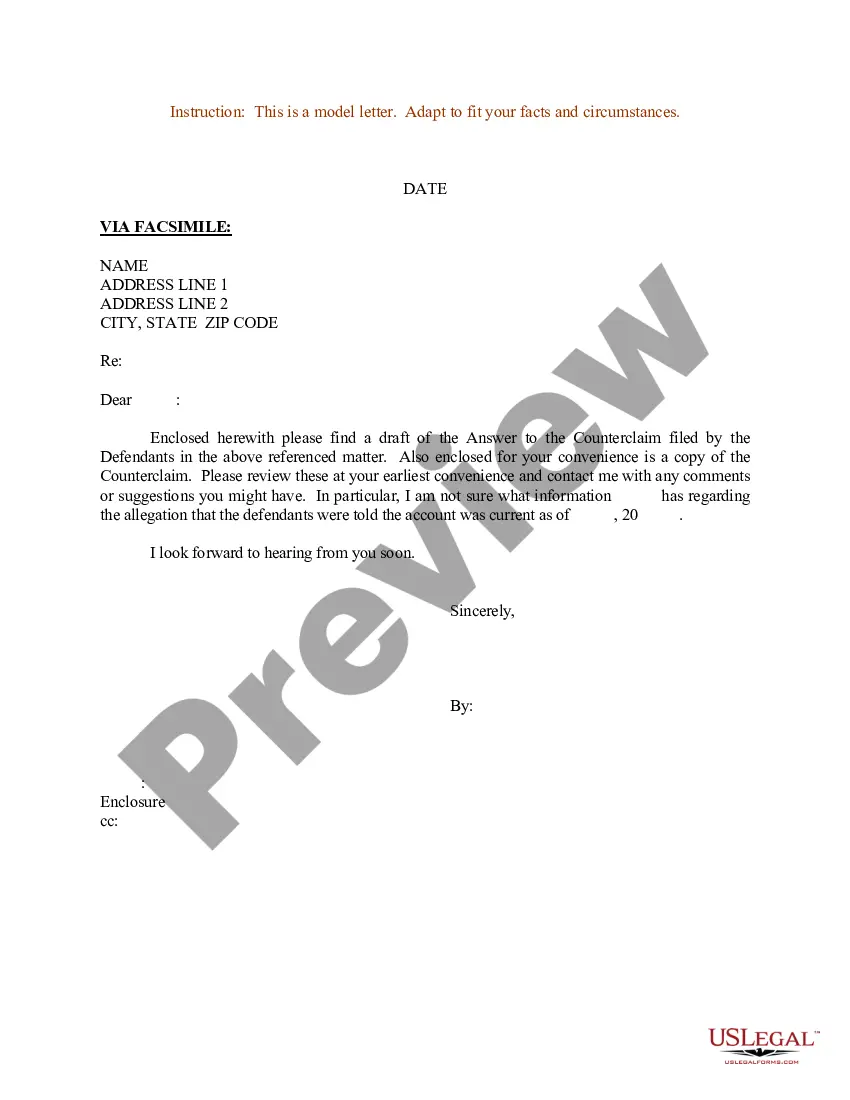
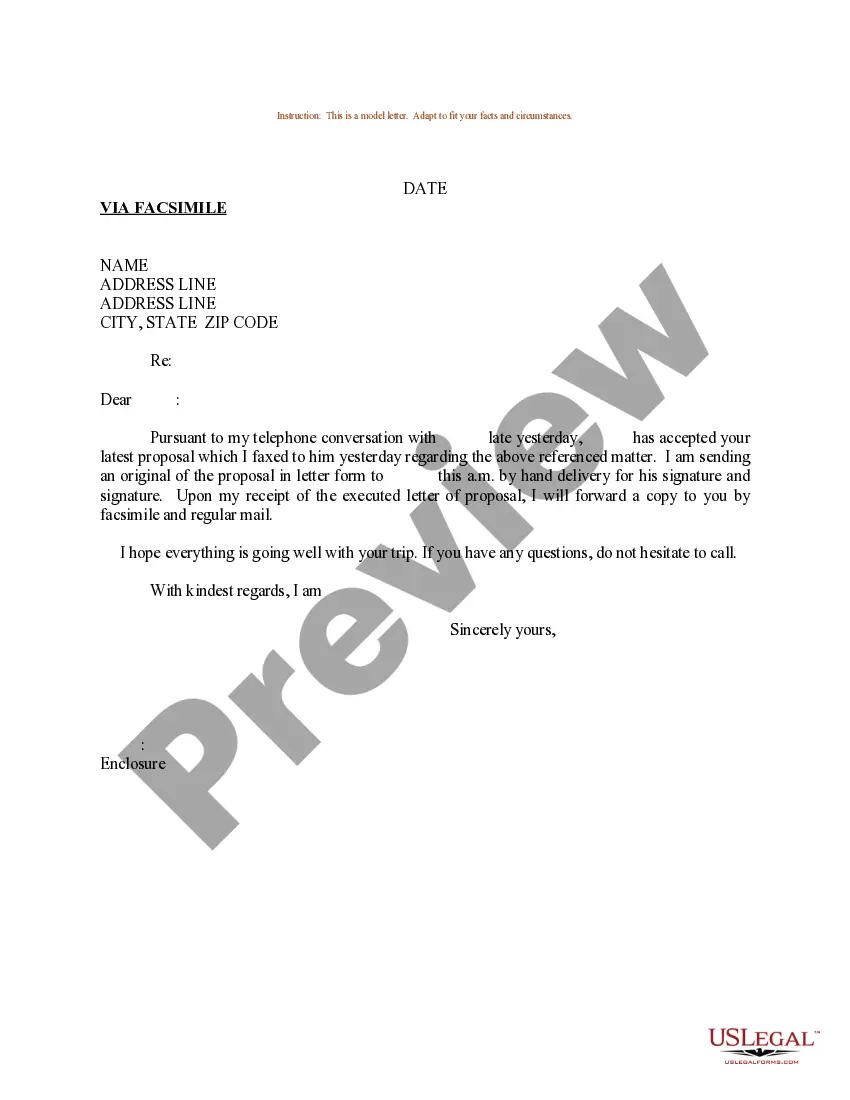
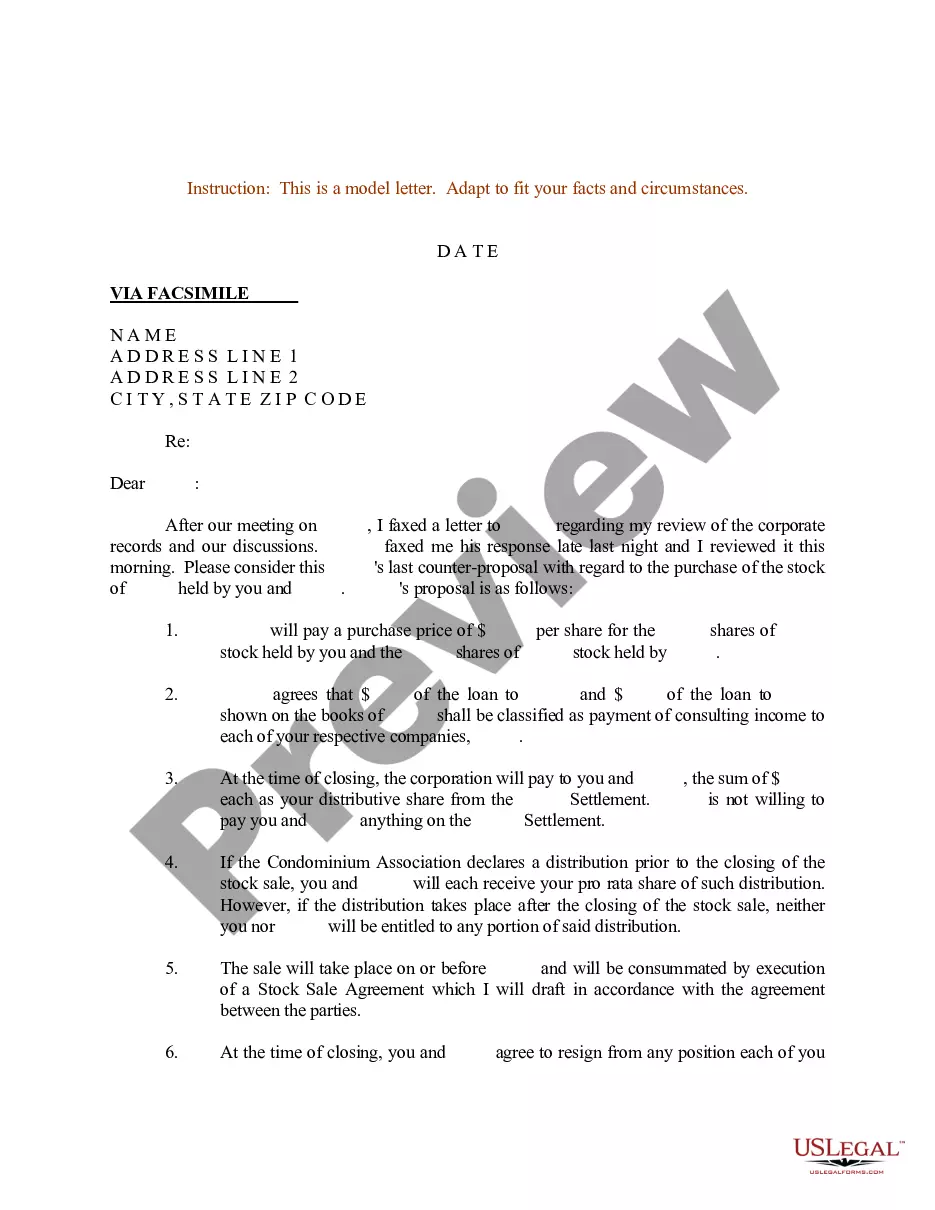
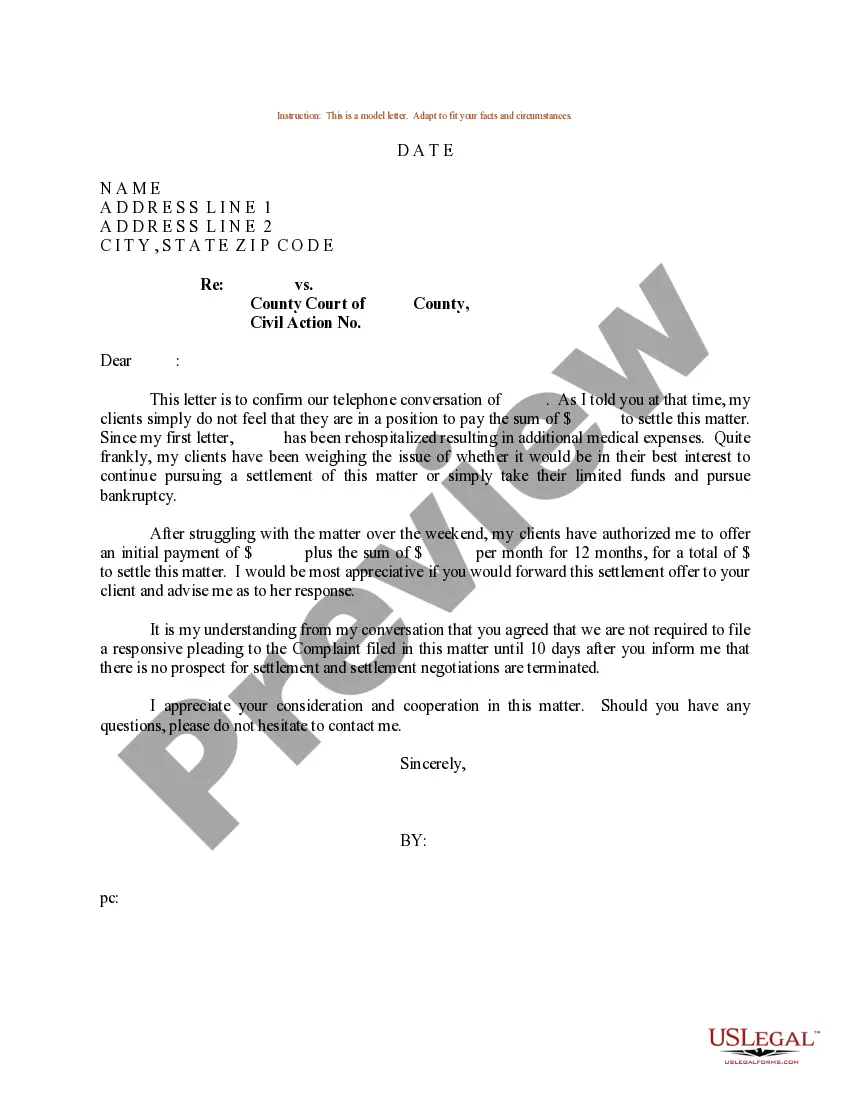
Get your form ready online
Our built-in tools help you complete, sign, share, and store your documents in one place.
Make edits, fill in missing information, and update formatting in US Legal Forms—just like you would in MS Word.
Download a copy, print it, send it by email, or mail it via USPS—whatever works best for your next step.
Sign and collect signatures with our SignNow integration. Send to multiple recipients, set reminders, and more. Go Premium to unlock E-Sign.
If this form requires notarization, complete it online through a secure video call—no need to meet a notary in person or wait for an appointment.
We protect your documents and personal data by following strict security and privacy standards.

Make edits, fill in missing information, and update formatting in US Legal Forms—just like you would in MS Word.

Download a copy, print it, send it by email, or mail it via USPS—whatever works best for your next step.

Sign and collect signatures with our SignNow integration. Send to multiple recipients, set reminders, and more. Go Premium to unlock E-Sign.

If this form requires notarization, complete it online through a secure video call—no need to meet a notary in person or wait for an appointment.

We protect your documents and personal data by following strict security and privacy standards.
Looking for another form?








Form popularity
FAQ
How to write an admissions acceptance letter Prepare the header. Begin the letter with an official header that includes the student's full name and address. Confirm the candidate's admission. Share congratulations. Explain how to accept. Include optional details. Encourage them to accept.
Also, once you've been accepted, there are many more deadlines to keep in mind such as submitting your FAFSA, scholarship applications, your final transcripts, and meeting with your counselor to double-check you're on target for graduation. It's easy to lose track, so monitor everything in a planner or calendar.
You Got Accepted — Now What? Steps to Take After College Acceptance Offers. Get More Information About Each College After Receiving Acceptance Letters. Compare the Colleges. Compare Financial Aid Awards. Make Your Acceptance Decision. Respond to the Colleges That Admitted You.
Things to Do After Receiving a College Acceptance Letter. Wait for more options. If you applied to more than one school, wait until you hear back from the others. Weigh the pros and cons of all your options before committing to the first school that accepts you.
It's in the name – an acceptance letter is a type of professional letter used to formally respond to offers or requests. Most commonly, they're used to accept job offers, but they could also be used to accept an award, event invitation, or even a school placement. They're more than a formal way to say “yes”, though.
Give the school your answer. Once your college acceptance letters are in and you've decided which college or university to attend, it's time to respond to your school of choice. You can usually do this by filling out a form and sending it to the college along with a non-refundable deposit.
Check Application Status Go to ApplyWeb. Choose Apply Online > Online Application. Enter your Username and Password. Once you are logged in, you should be able to see your Application details and status on the page that appears.
There's also a little bit of variation in how decisions are conveyed: you can expect many colleges to send acceptance letters by email or online portal, though some will still send a formal letter in your mailbox, too.
There's no standard for how long it takes colleges to send out acceptance letters, but generally, if you applied under regular decision, you can expect letters to begin arriving between mid-March and mid-April.
There are three ways you'll receive your letter of acceptance: by mail, email, or on your online portal. How schools choose to tell students about their university entry will vary.

