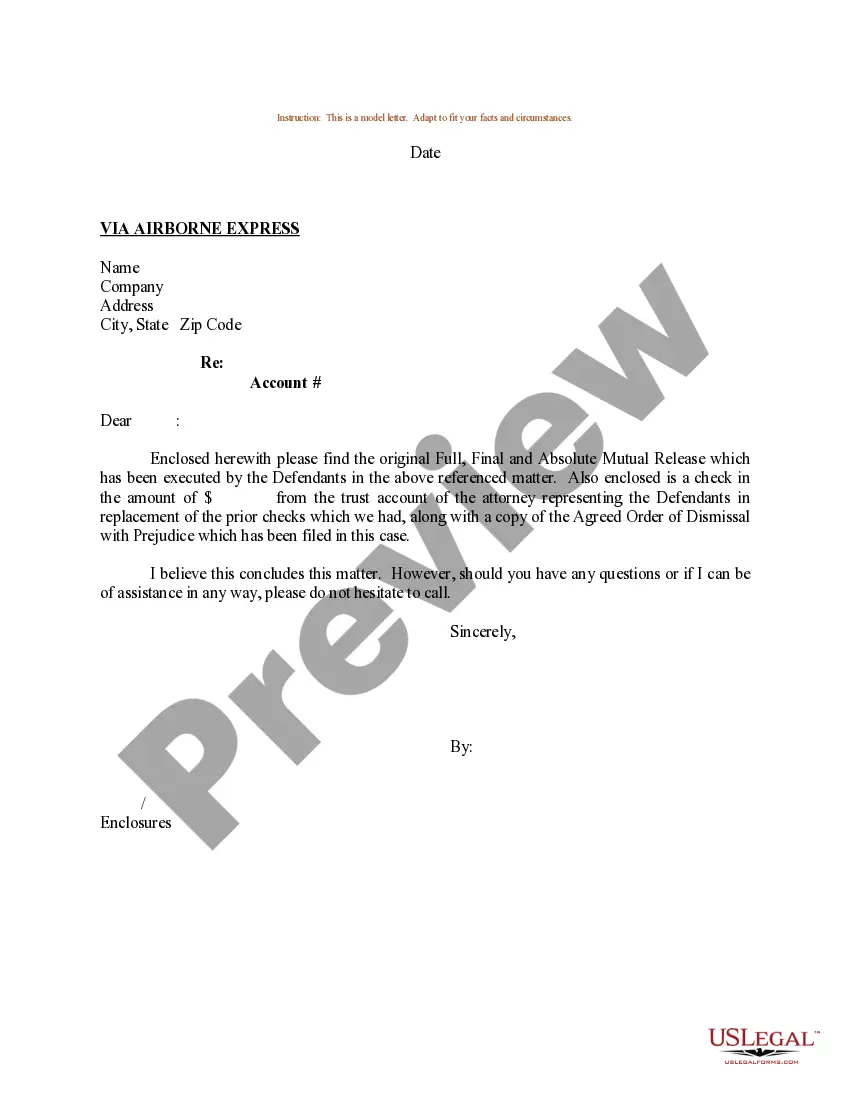
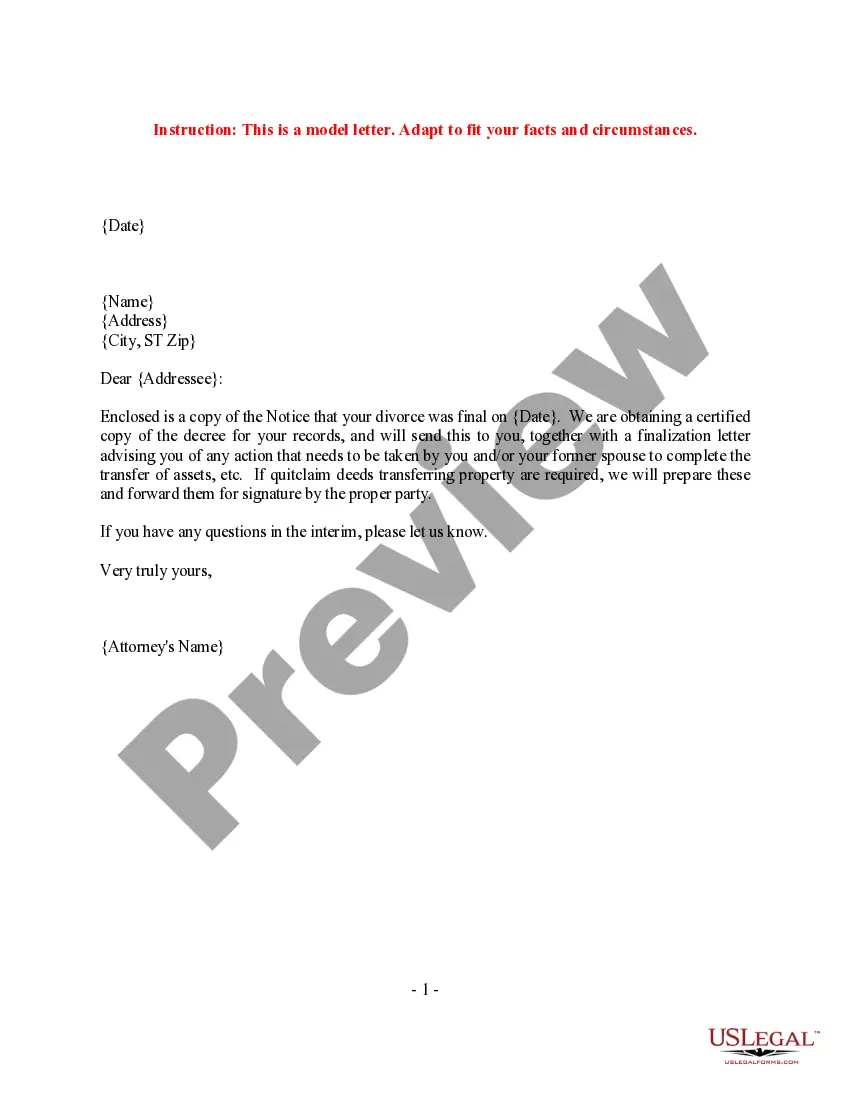
Sample Letter With Two Signatures In Sacramento
Description



Get your form ready online
Our built-in tools help you complete, sign, share, and store your documents in one place.
Make edits, fill in missing information, and update formatting in US Legal Forms—just like you would in MS Word.
Download a copy, print it, send it by email, or mail it via USPS—whatever works best for your next step.
Sign and collect signatures with our SignNow integration. Send to multiple recipients, set reminders, and more. Go Premium to unlock E-Sign.
If this form requires notarization, complete it online through a secure video call—no need to meet a notary in person or wait for an appointment.
We protect your documents and personal data by following strict security and privacy standards.

Make edits, fill in missing information, and update formatting in US Legal Forms—just like you would in MS Word.

Download a copy, print it, send it by email, or mail it via USPS—whatever works best for your next step.

Sign and collect signatures with our SignNow integration. Send to multiple recipients, set reminders, and more. Go Premium to unlock E-Sign.

If this form requires notarization, complete it online through a secure video call—no need to meet a notary in person or wait for an appointment.

We protect your documents and personal data by following strict security and privacy standards.
Looking for another form?







Form popularity
FAQ
A letter with two signatures can also help you and your team communicate a task that requires the authorization of more than one person. This letter can express a team's collective approval so that they can send a single letter instead of one document for each team member.
Yes, you can add multiple signatures to a Word document. Use signature lines as placeholders if multiple people are to sign. Navigate to the “Insert” tab, select “Signature Line,” and follow the setup process for each individual. For digital signatures, ensure each signer's digital certificate is set up properly.
How to write a letter with two signatures Prepare the letterhead. Within a letter that has two signatures, the letterhead comprises both individuals' names and addresses. List the remaining details for the beginning of the letter. Write the content of the letter. Create two sections for signatures.
Initials and abbreviations are a common type of signature that involves using just your first and last initials, or a combination of letters, to sign a document. This type of signature is often used in informal documents, such as emails or personal letters.
In most situations, an initial signature is a perfectly acceptable way to sign. You might want to reconsider an initials signature for your most important contracts, however. It's easier to verify a signature that features your full name, and you want to make sure your document can't be disputed.
By requiring two signatures, the company is verifying that both signers agree that the payment is proper and reasonable. The requirement of two signatures reduces the likelihood that one will write improper checks to themselves or writing checks to a fictitious company.
So, for a neat layout, you can place your signatures next to each other at the bottom of the letter. Remember to also add each signer's name, which will precede the signature fields or lines. If you have more than enough space left in your letter, you can place the signatures in sequential order, one after the other.
Initials and abbreviations are a common type of signature that involves using just your first and last initials, or a combination of letters, to sign a document. This type of signature is often used in informal documents, such as emails or personal letters.
Put your signature and that of anyone who co-authored at the top, then list all the signatures in alphabetical order, unless there are organizations you know command particular interest or respect that you wish to list at the top.
How to write a letter with two signatures Prepare the letterhead. Within a letter that has two signatures, the letterhead comprises both individuals' names and addresses. List the remaining details for the beginning of the letter. Write the content of the letter. Create two sections for signatures.

