Sample Letter To Irs For Business Name Change In Miami-Dade
Description


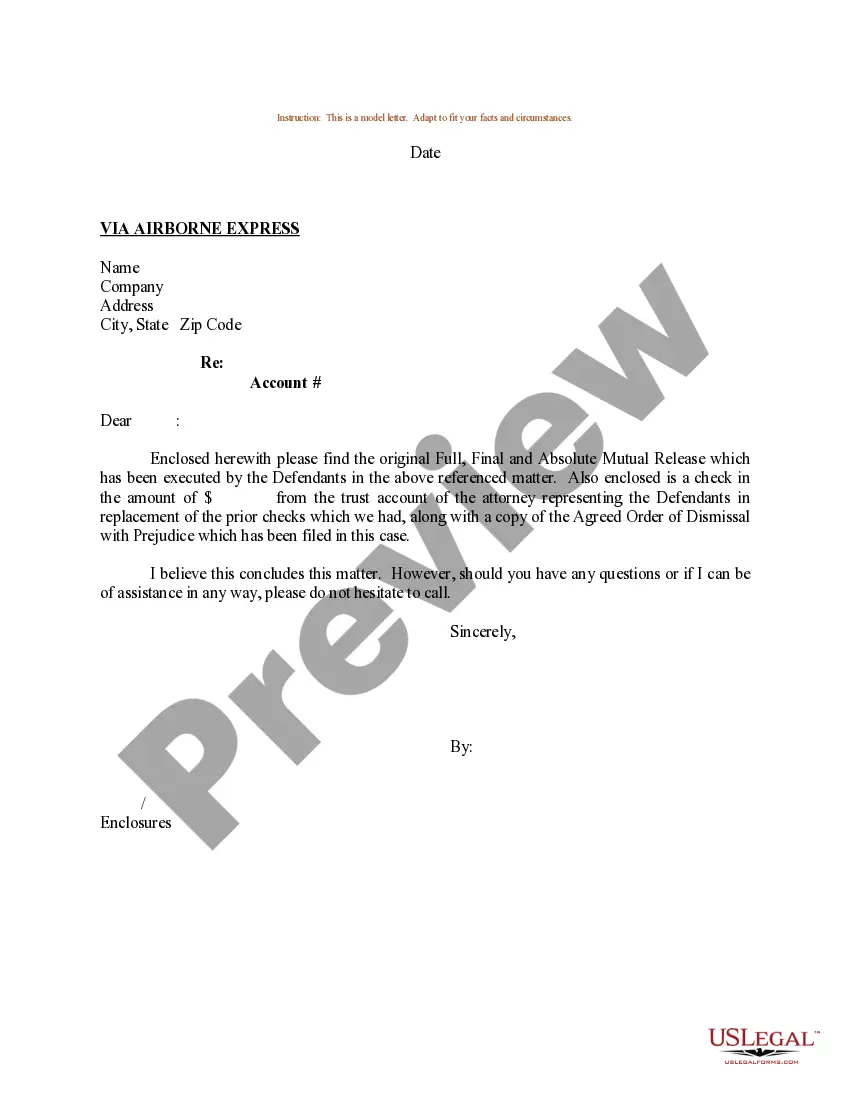

Get your form ready online
Our built-in tools help you complete, sign, share, and store your documents in one place.
Make edits, fill in missing information, and update formatting in US Legal Forms—just like you would in MS Word.
Download a copy, print it, send it by email, or mail it via USPS—whatever works best for your next step.
Sign and collect signatures with our SignNow integration. Send to multiple recipients, set reminders, and more. Go Premium to unlock E-Sign.
If this form requires notarization, complete it online through a secure video call—no need to meet a notary in person or wait for an appointment.
We protect your documents and personal data by following strict security and privacy standards.

Make edits, fill in missing information, and update formatting in US Legal Forms—just like you would in MS Word.

Download a copy, print it, send it by email, or mail it via USPS—whatever works best for your next step.

Sign and collect signatures with our SignNow integration. Send to multiple recipients, set reminders, and more. Go Premium to unlock E-Sign.

If this form requires notarization, complete it online through a secure video call—no need to meet a notary in person or wait for an appointment.

We protect your documents and personal data by following strict security and privacy standards.
Looking for another form?

Form popularity
FAQ
How to write a name change announcement in 5 steps Be positive. Regardless of the reason for the name change, it's important to use a positive tone. Explain the change. State the old name and what the new name is going forward. Address product changes. Address clients and customers. Present action.
When filing a current year tax return, you can change your business name with the IRS by checking the name change box on the entity's respective form: Corporations – Form 1120, Page 1, Line E, Box 3. S-Corporation – Form 1120S, Page, 1, Line H, Box 2.
Write to us at the address where you filed your return, informing the Internal Revenue Service (IRS) of the name change. Note: The notification must be signed by the business owner or authorized representative.
Writing to the IRS About Your Business's Name Change When doing so, use the same address that you would when filing your tax return. In this letter, you'll want to include your business's old name, its new name, and the effective date of the change.
The subject of the letter is “Name change request letter.” Salutation is done, e.g. Dear Sir or Madam, Respected Sir/Ma'am. Then the main body of the letter is written, which includes your old name and your new name, and a request to update it. Thank you/Thank you in anticipation/Thank you in advance.
Writing to the IRS About Your Business's Name Change When doing so, use the same address that you would when filing your tax return. In this letter, you'll want to include your business's old name, its new name, and the effective date of the change.
Dear Customer/Client/Employee's Name, We are thrilled to announce that, as part of our journey towards growth and enhanced service delivery, {Original Company Name} and {Partner Company Name} are merging. With this significant step, we are proud to introduce our new name: {New Company Name}.
Sample Business Name Change Letter to the IRS Dear Internal Revenue Representative, The purpose of this letter is to inform you that Old Name of Entity (EIN #______) has recently updated its name to New Name of Entity with the Secretary of State for (include your state) as of Date.
Your company name change must be reviewed and approved by the SEC's EDGAR Staff, which can take a few days. So, bake that into your timeline. Once accepted by the SEC staff, the updated name won't appear on EDGAR until you make your first filing subsequent to that.
Surprisingly, because you can't change a business name. At least not directly; you need to register a new business name and cancel the old one. It's effectively the same outcome, just with more paperwork.

