Syndication Agreement Template With Notary In Cook
Description
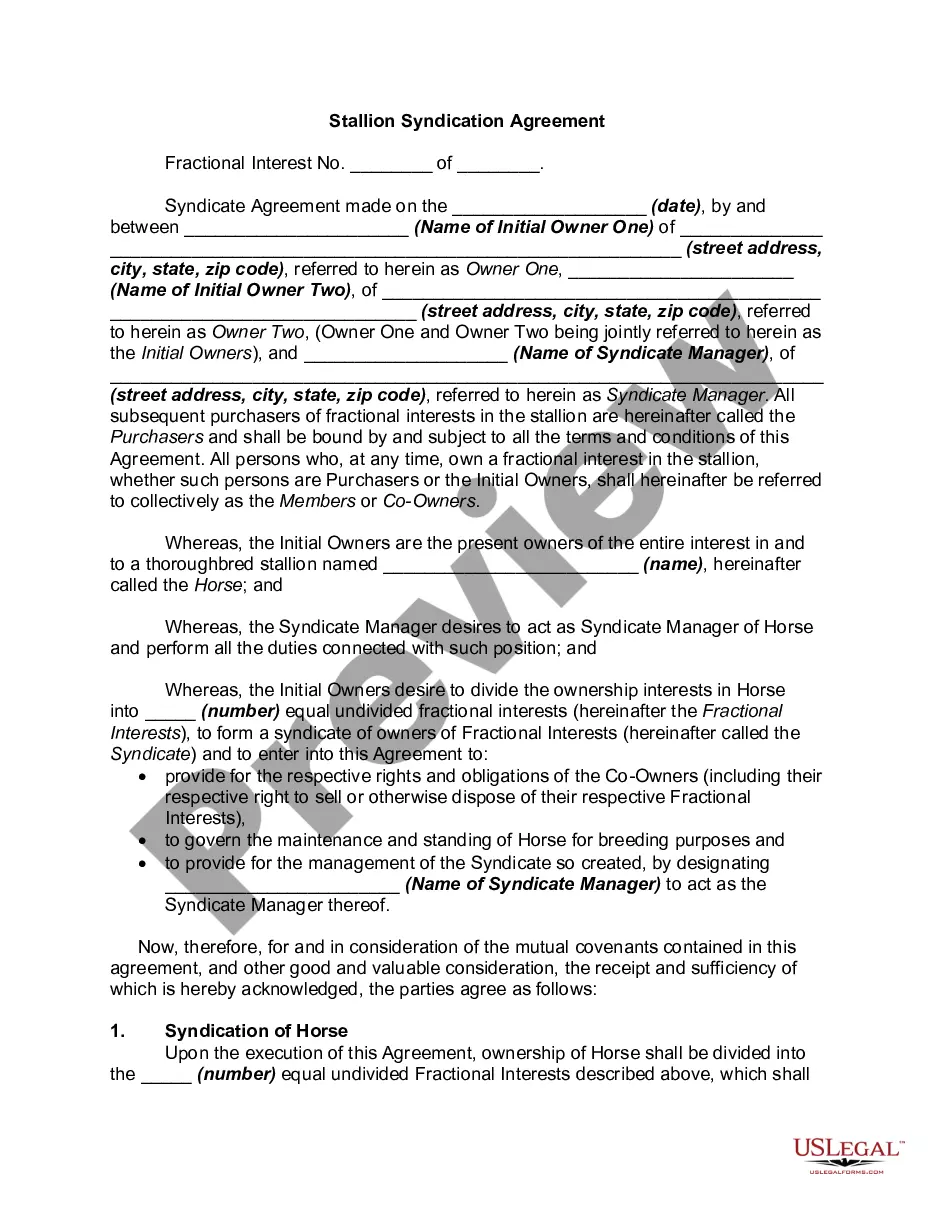
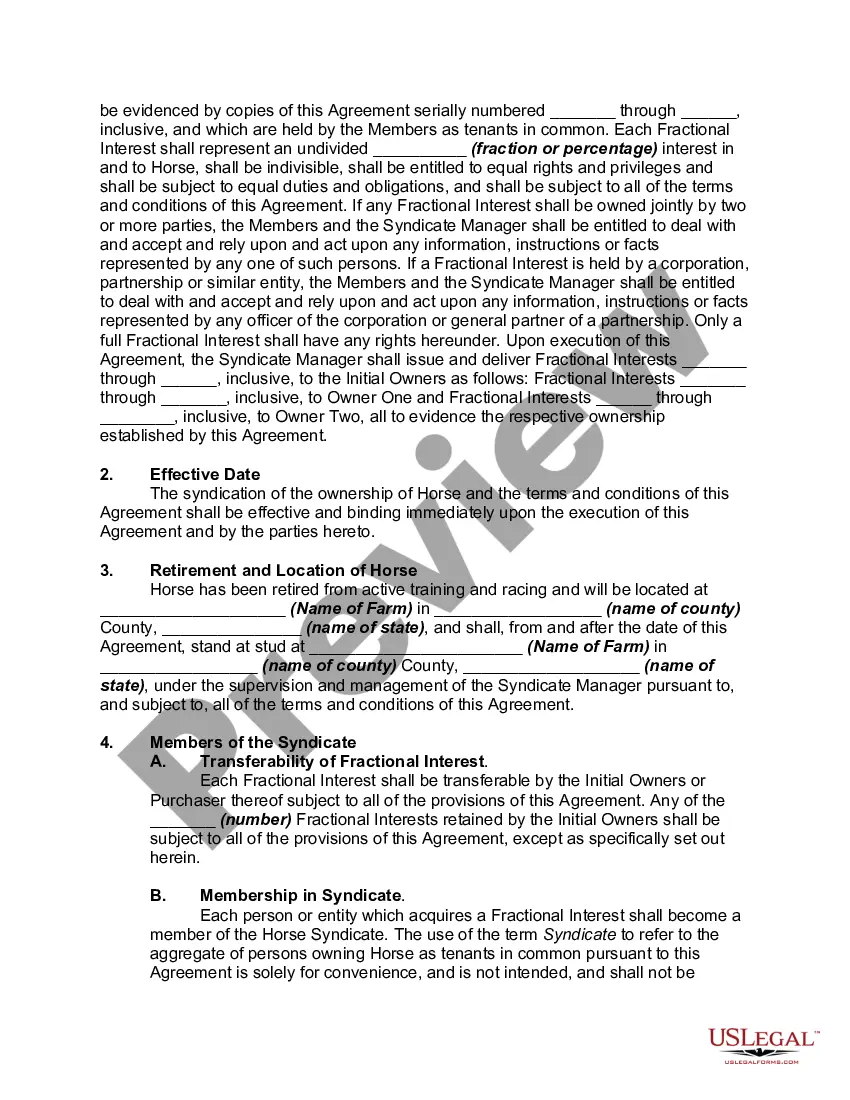
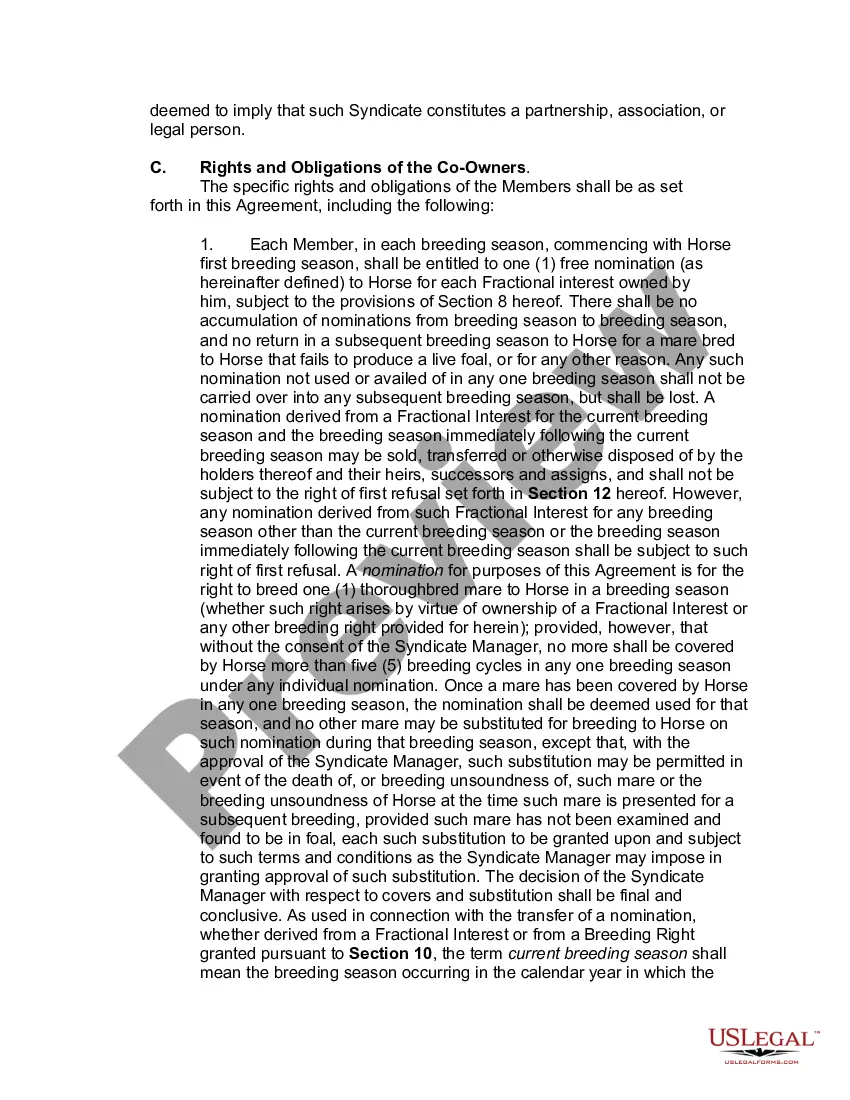
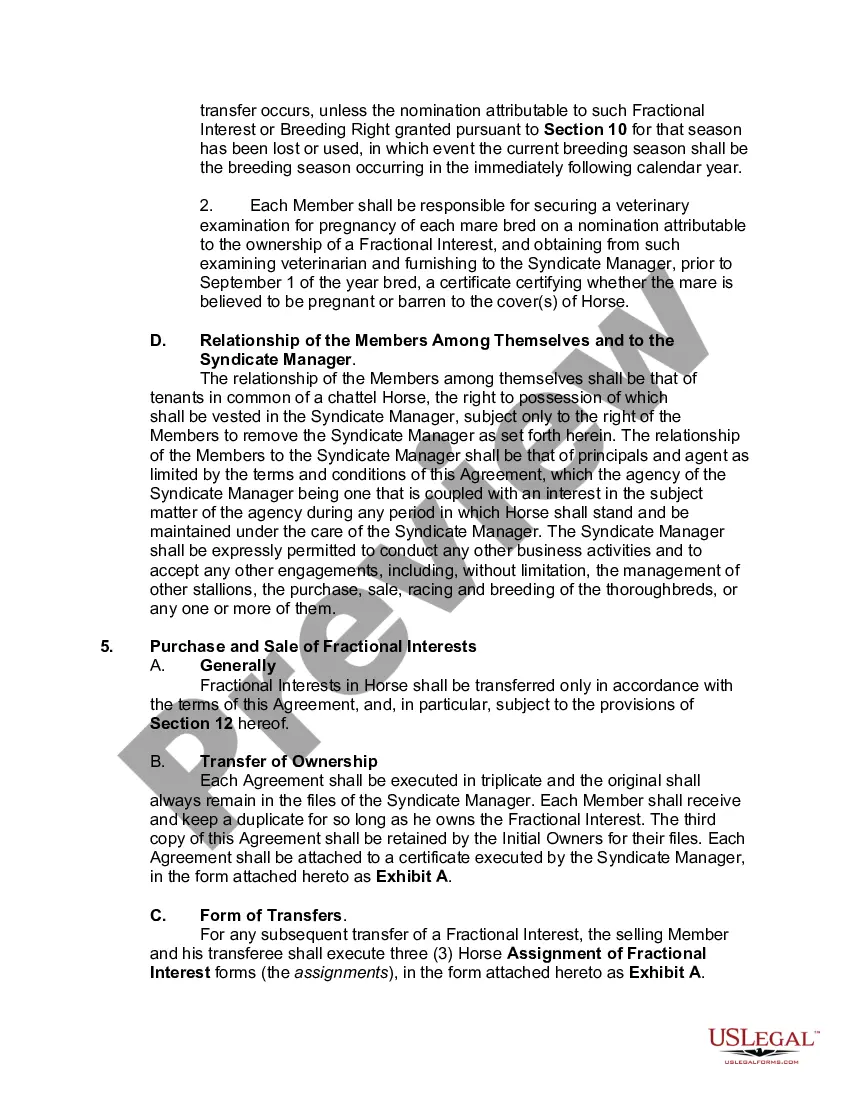
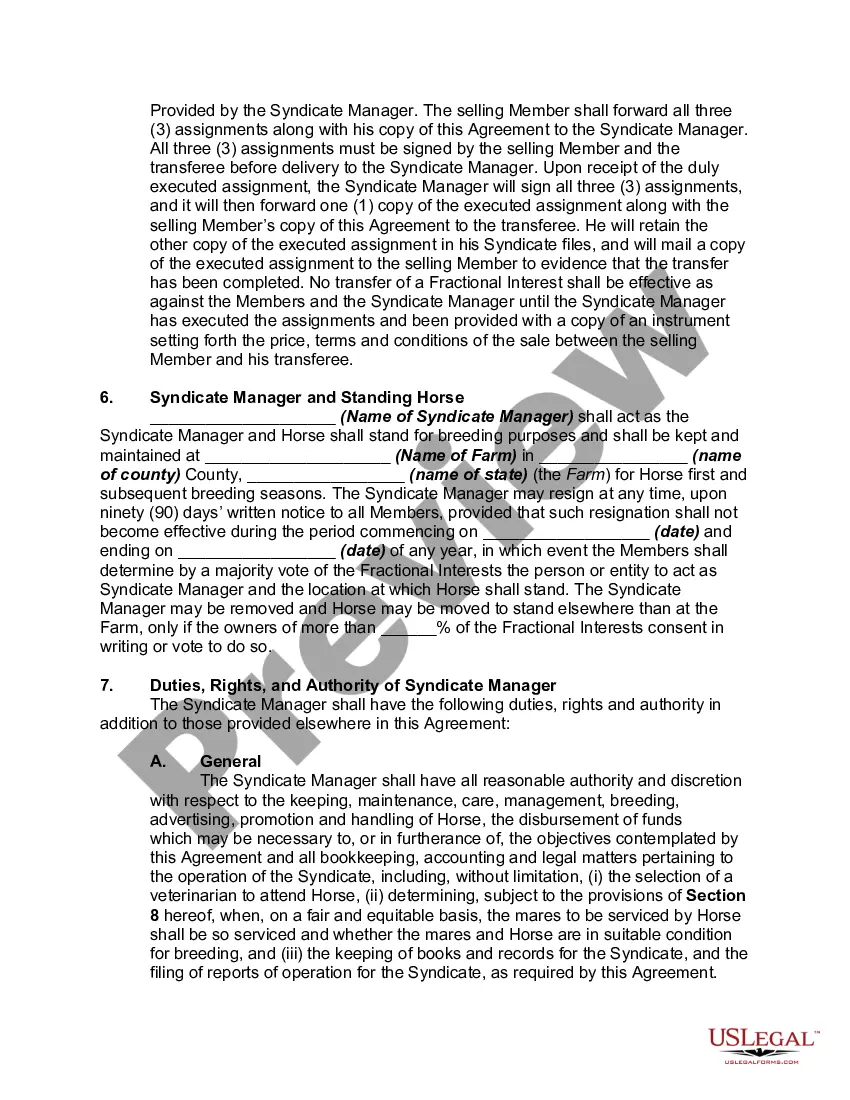
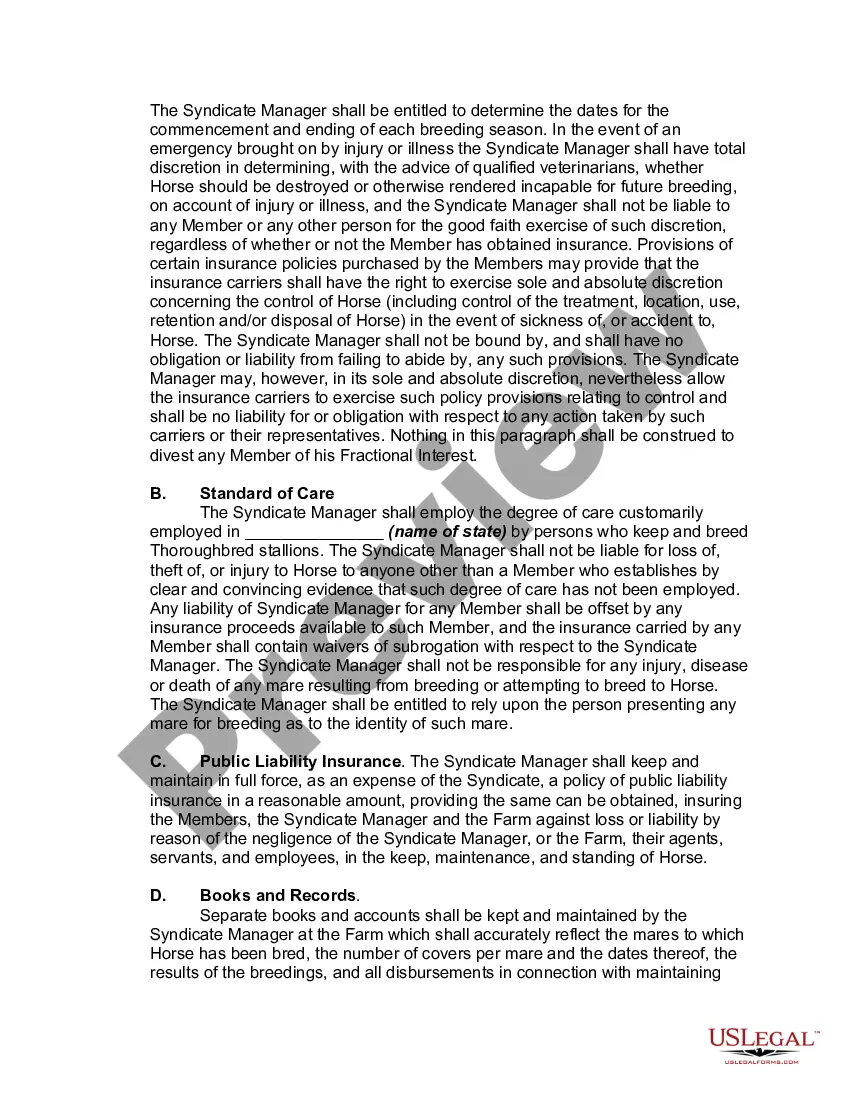
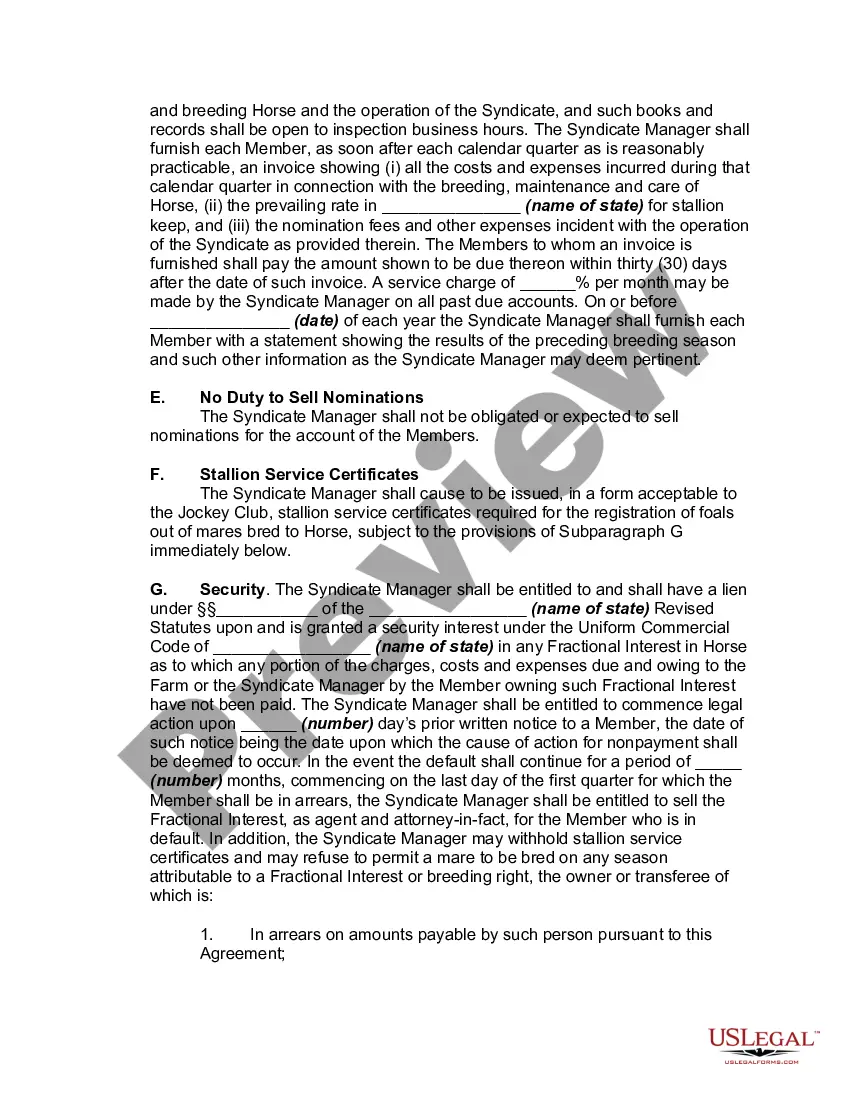
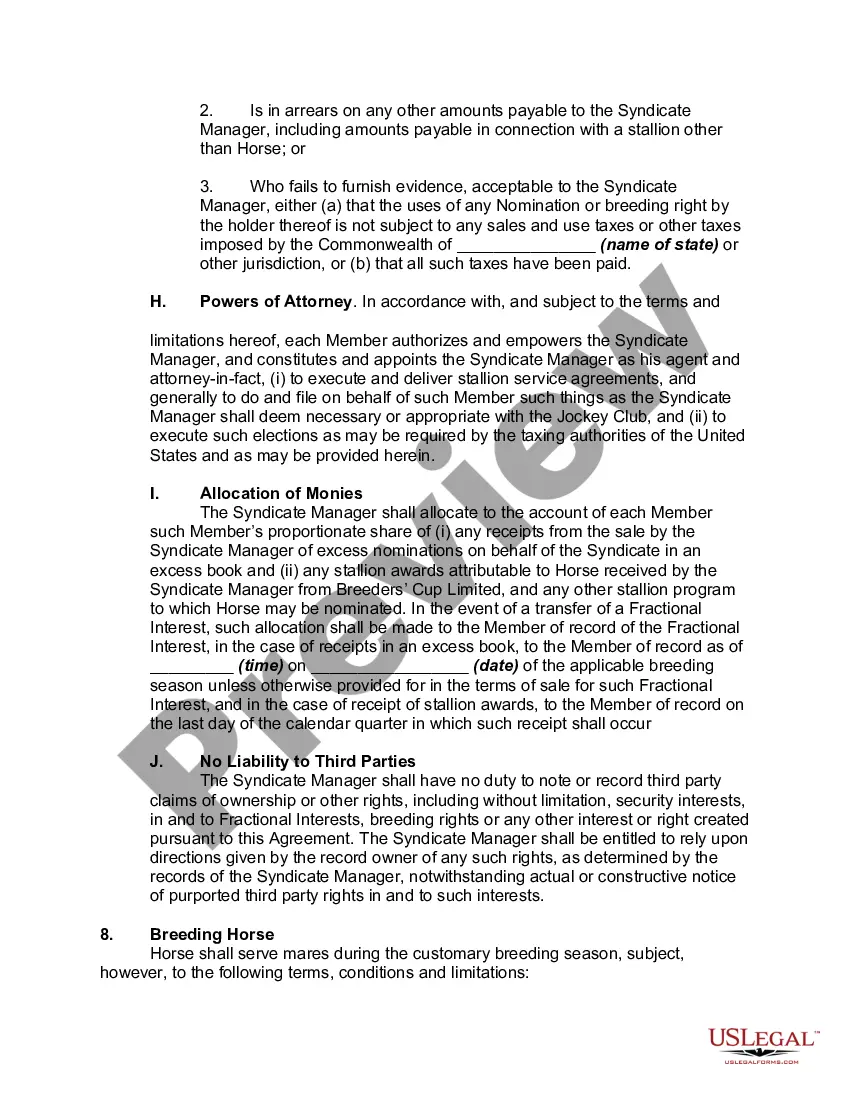
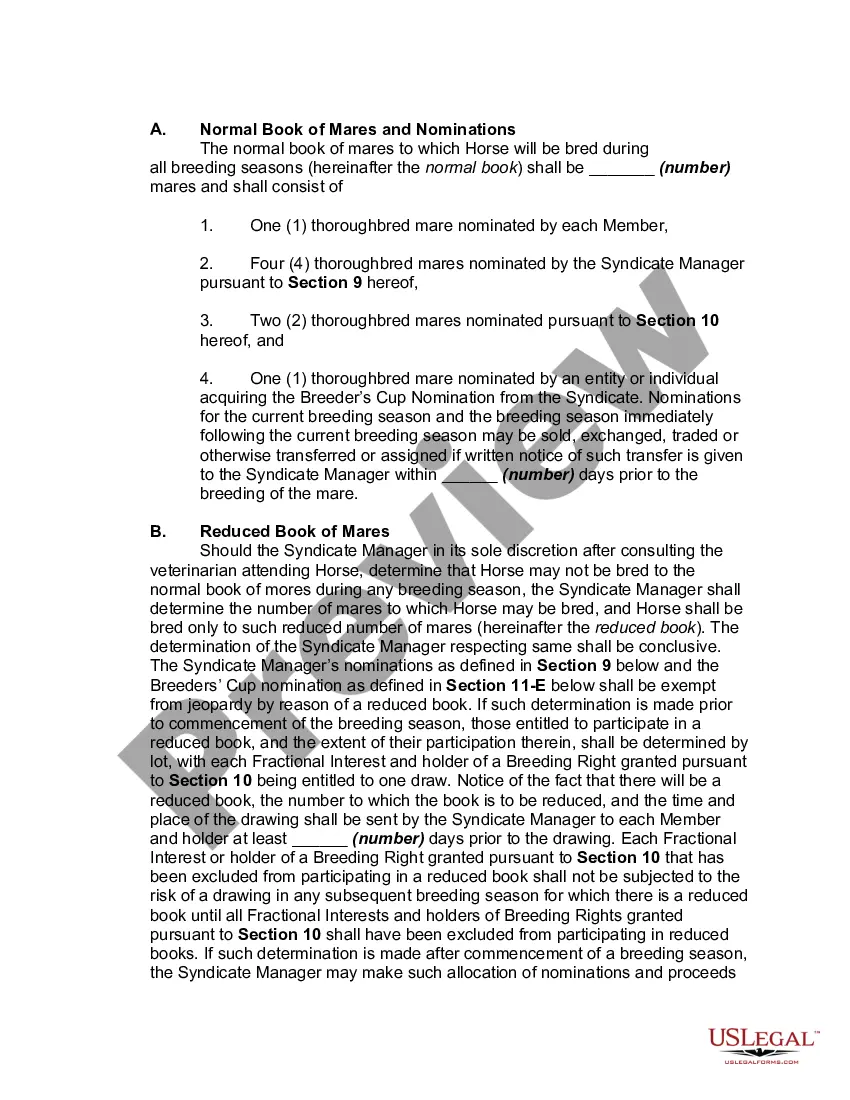
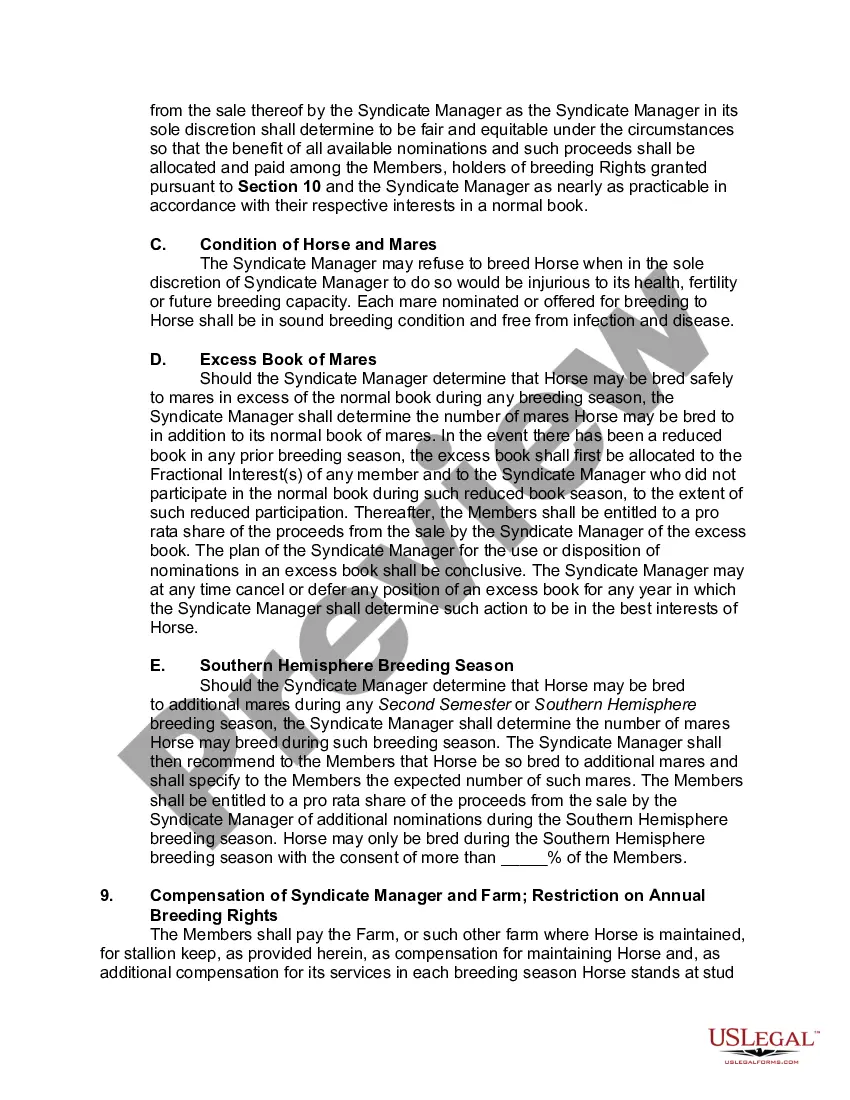

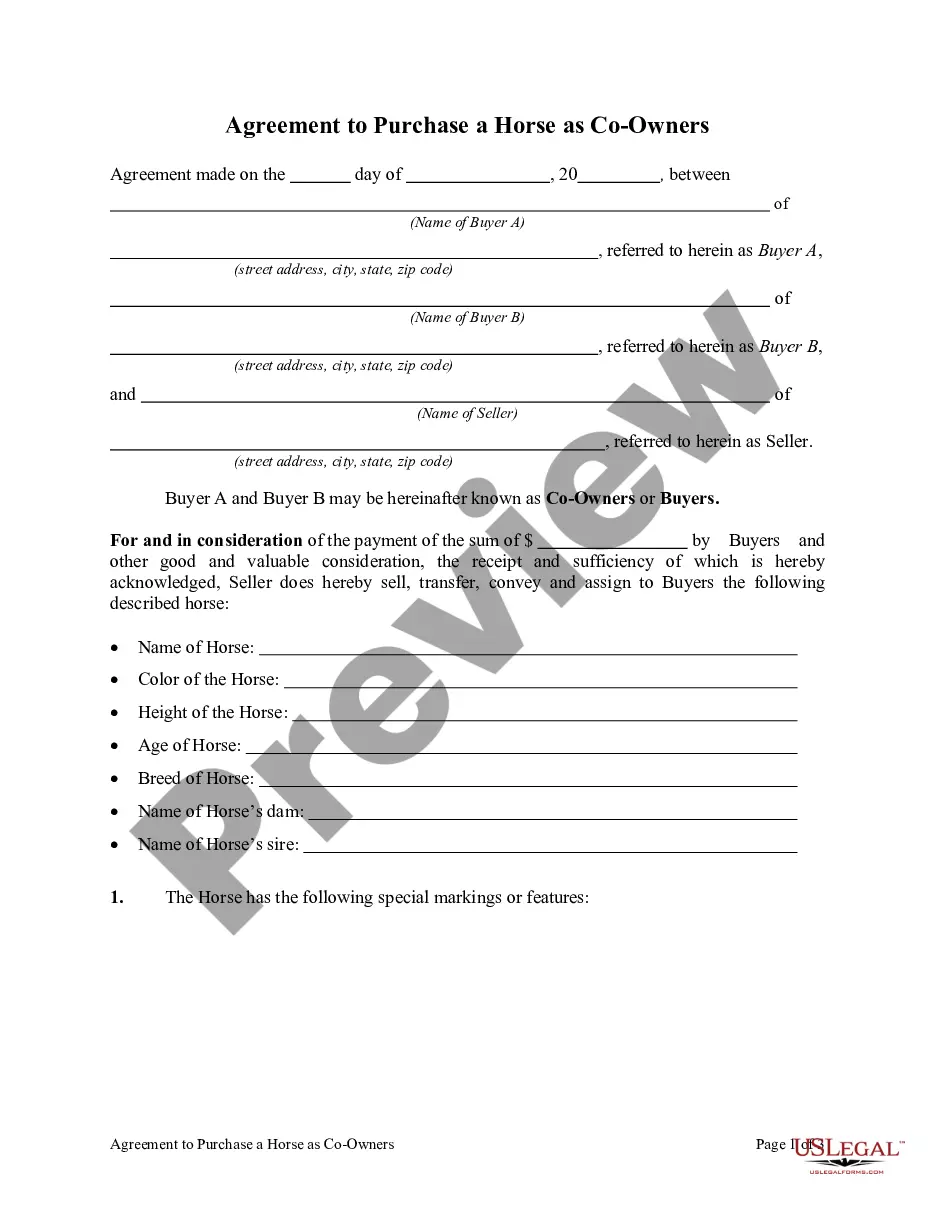
Get your form ready online
Our built-in tools help you complete, sign, share, and store your documents in one place.
Make edits, fill in missing information, and update formatting in US Legal Forms—just like you would in MS Word.
Download a copy, print it, send it by email, or mail it via USPS—whatever works best for your next step.
Sign and collect signatures with our SignNow integration. Send to multiple recipients, set reminders, and more. Go Premium to unlock E-Sign.
If this form requires notarization, complete it online through a secure video call—no need to meet a notary in person or wait for an appointment.
We protect your documents and personal data by following strict security and privacy standards.

Make edits, fill in missing information, and update formatting in US Legal Forms—just like you would in MS Word.

Download a copy, print it, send it by email, or mail it via USPS—whatever works best for your next step.

Sign and collect signatures with our SignNow integration. Send to multiple recipients, set reminders, and more. Go Premium to unlock E-Sign.

If this form requires notarization, complete it online through a secure video call—no need to meet a notary in person or wait for an appointment.

We protect your documents and personal data by following strict security and privacy standards.
Looking for another form?









Form popularity
FAQ
Many notaries are confused as to whether or not they can notarize documents that they have drafted. In most cases, a notary cannot draft documents. To do so might be considered unauthorized practice of law.
Every notarized letter of authorization must list the names of the requesting parties and the reason for authorization. The document must also contain the signatures of each party as well as the notary public's signature to confirm that they witnessed and verified the signatures.
To notarize a letter you will need the following; a letter with the details of the signatory, the identification document of the signatory, and a public notary. The notary will watch the signing of the notarized document, verify the details of the signatories, and add their official seal.
Microsoft Word Built-In Options Users can access these by navigating to “Insert,” then selecting “Signature Line.” This feature creates a placeholder, allowing recipients to add their digital signatures using certificates that verify identities. This method ensures document integrity and proves signature authenticity.
A notarized letter should include the date, full names of all parties, specific addresses, the purpose of the letter, relevant dates and terms, signatures, and a formal tone with proper formatting.
The notary public must affix his or her notary seal near his or her notary signature within the borders of the notarial certificate.
Yes, you may notarize a signature on a document that includes handwritten paragraphs. A document can be typed or handwritten. If the notarial certificate under the signature is not included, be sure to attach a loose certificate chosen by your customer.
To make a notarized letter, begin with your contact details, create a clear message explaining the purpose of the letter. Include any legal language if necessary. Conclude with a formal closing and leave space for your signature. And that's how you write a statement that needs to be notarized.
Use a formal letter template with a clear structure. Include a salutation, body, and closing. Ensure ample space for the notary's seal and signature. Maintaining a professional and organized layout enhances the document's credibility.
