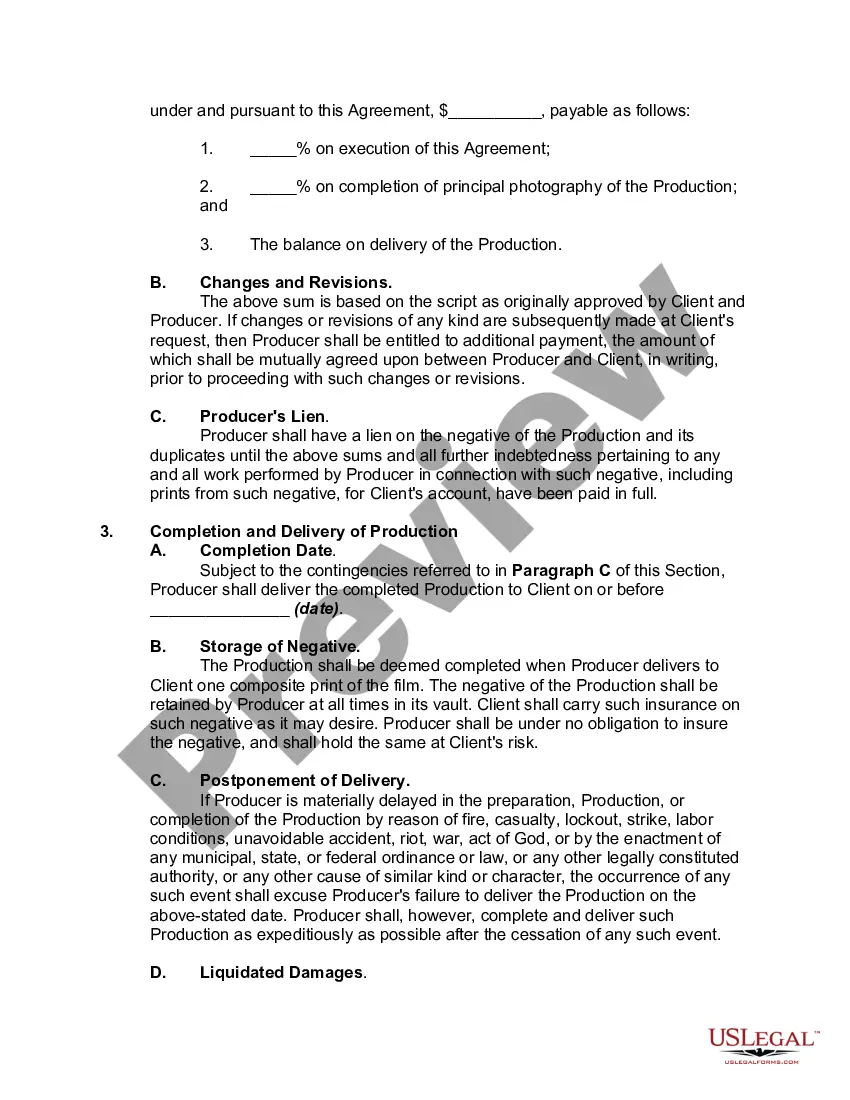
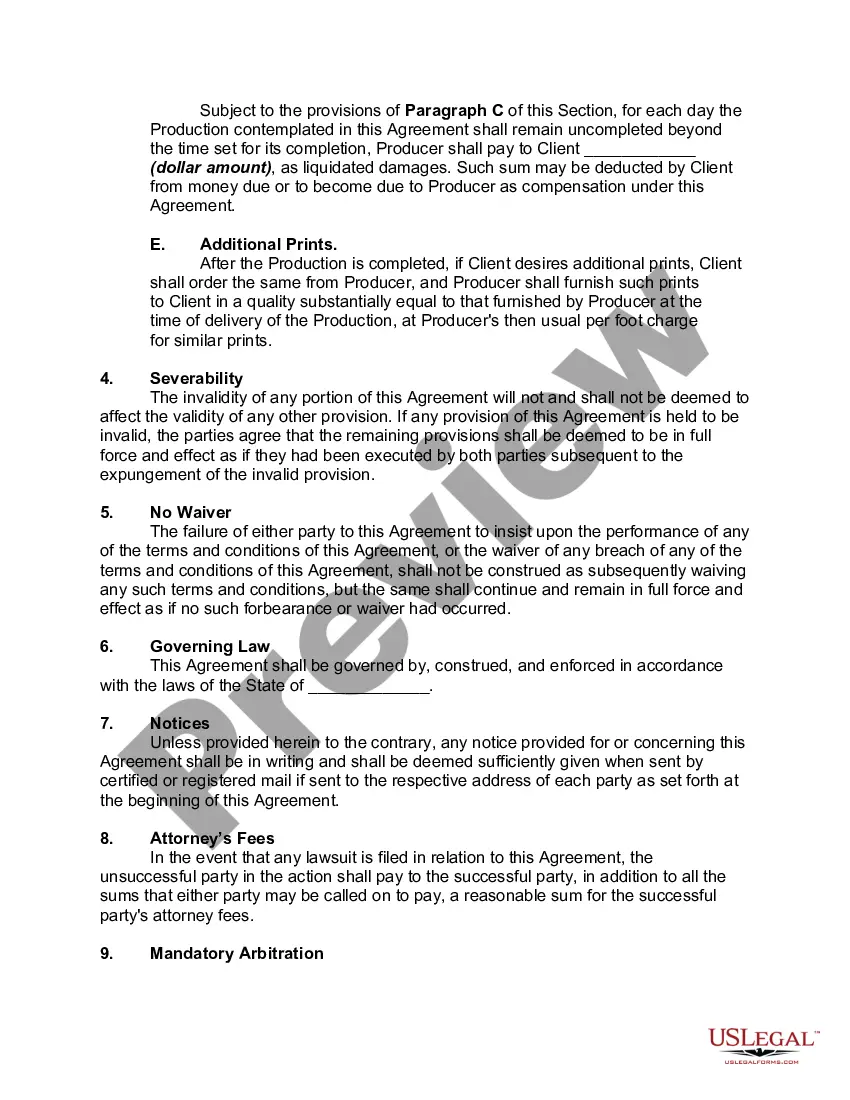
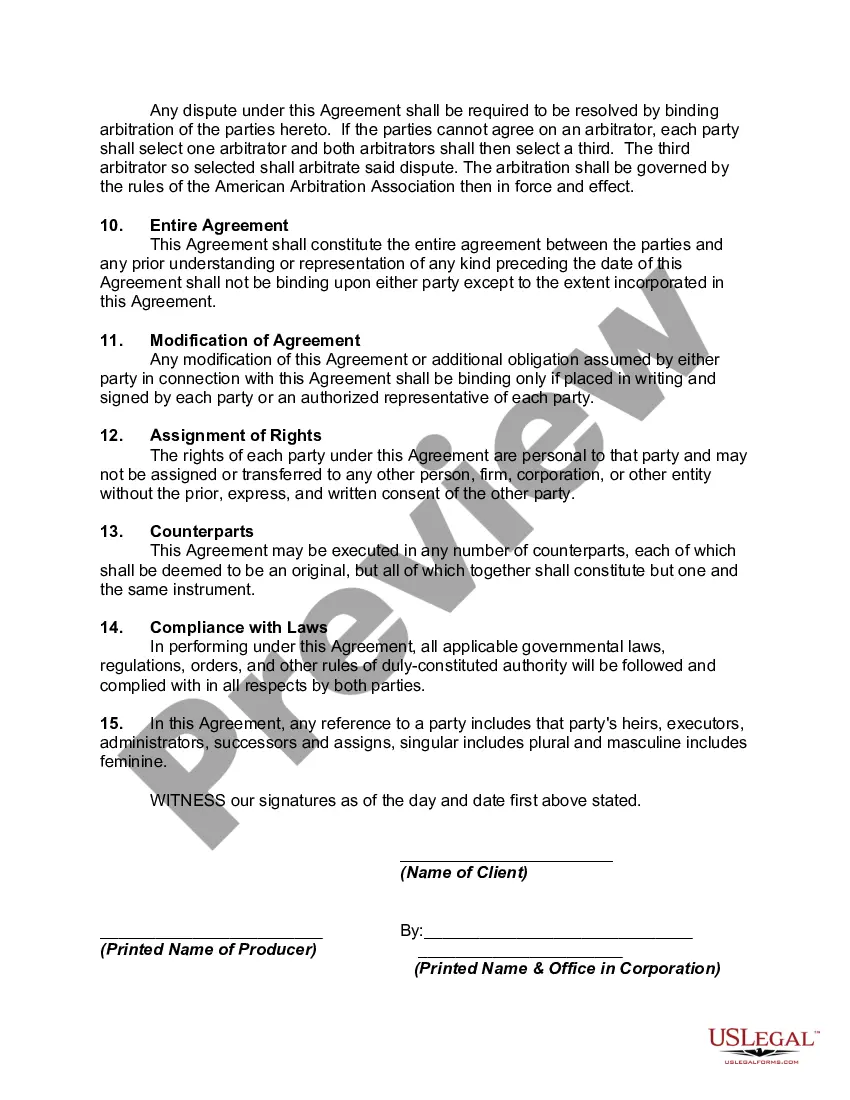
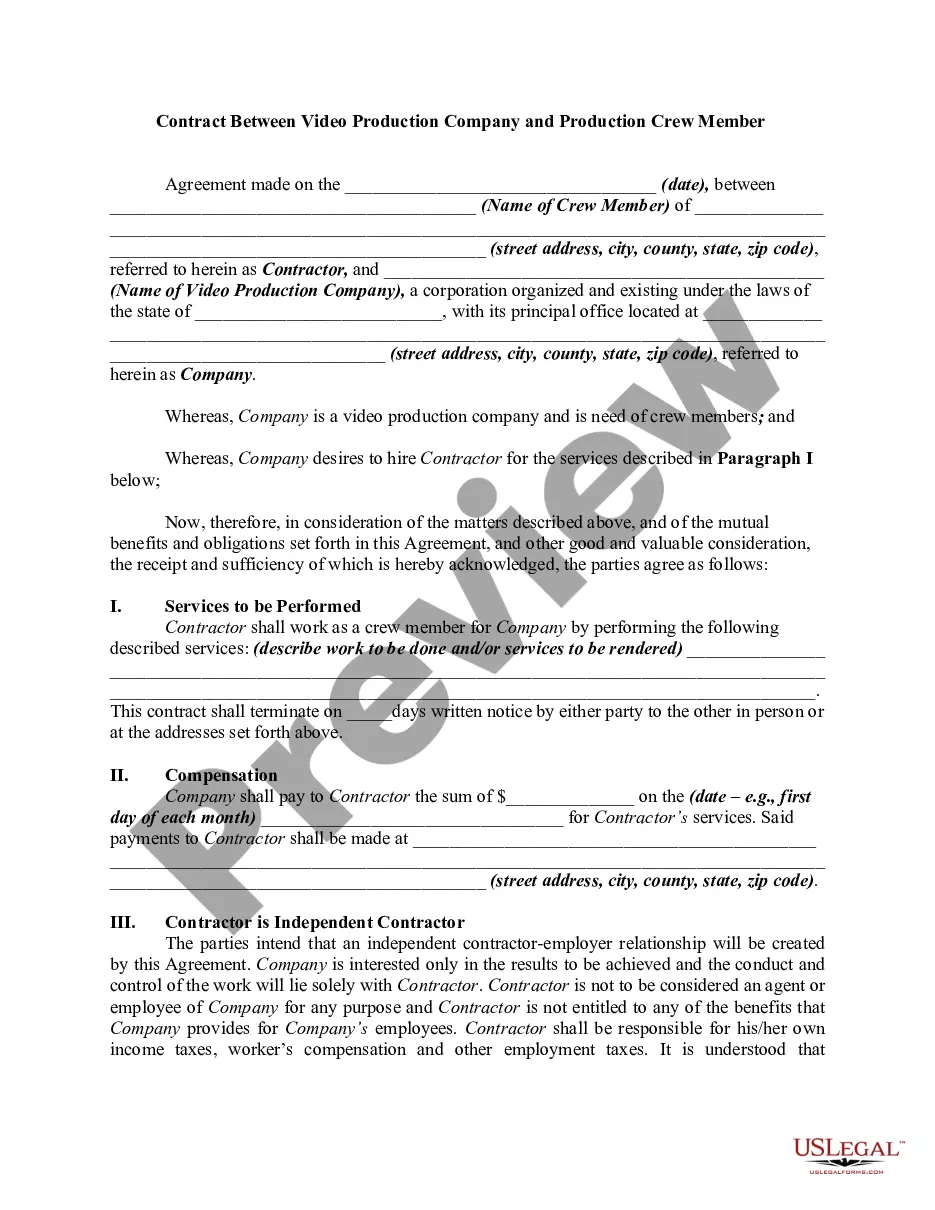
Film Contract Template With Audio In California
Description

Get your form ready online
Our built-in tools help you complete, sign, share, and store your documents in one place.
Make edits, fill in missing information, and update formatting in US Legal Forms—just like you would in MS Word.
Download a copy, print it, send it by email, or mail it via USPS—whatever works best for your next step.
Sign and collect signatures with our SignNow integration. Send to multiple recipients, set reminders, and more. Go Premium to unlock E-Sign.
If this form requires notarization, complete it online through a secure video call—no need to meet a notary in person or wait for an appointment.
We protect your documents and personal data by following strict security and privacy standards.

Make edits, fill in missing information, and update formatting in US Legal Forms—just like you would in MS Word.

Download a copy, print it, send it by email, or mail it via USPS—whatever works best for your next step.

Sign and collect signatures with our SignNow integration. Send to multiple recipients, set reminders, and more. Go Premium to unlock E-Sign.

If this form requires notarization, complete it online through a secure video call—no need to meet a notary in person or wait for an appointment.

We protect your documents and personal data by following strict security and privacy standards.
Looking for another form?

Form popularity
FAQ
The template library in Word includes a wide selection of contract templates for various needs. Users access industry-specific options, ensuring relevance and legal appropriateness. Each template offers a comprehensive structure, including essential clauses and standard legal language.
Write the contract in six steps Start with a contract template. Open with the basic information. Describe in detail what you have agreed to. Include a description of how the contract will be ended. Write into the contract which laws apply and how disputes will be resolved. Include space for signatures.
Generally, the producer acquires an exclusive right to lock in a script until the production of the movie begins. The conditions for termination of the above-mentioned rights will be specified in the agreement. All the remuneration and services provided to the writer is also agreed upon by the parties.
How to Properly Sign a Contract So It Will Be Enforceable Make Sure the Contract You're Signing Is the Contract You Agreed to Sign. Date the Contract. Make Sure Both Parties Sign the Contract. Make Sure Any Last Minute Changes to the Contract Are Initialed. The Parties Must Sign the Contract in Their Correct Capacity.
Here are some tips to make a song sound more professional: Improve the recording quality. Use a high-quality microphone, interface, and recording software. Ensure proper mic placement and room acoustics. Tighten up the timing and rhythm. Use a metronome during recording and quantize the timing as needed.
Clearly state the full legal names of two or more parties or entities bound by the agreement. Start and end dates. Specify when the contract goes into effect and, if applicable, when it will terminate. Contact information.
5 Tips to Record Professional-Quality Voice Over at Home Set up your recording space. Use the right equipment. Prepare yourself for the voice-over recording. Learn proper mic placement. Clean up your voice-over audio.
Begin the SAG-AFTRA signatory process by filling out a Preliminary Information Form. Producers can now answer questions online to begin the signatory process. Upon submission of the Preliminary Information Form, you will be contacted by a SAG-AFTRA representative to complete the process.
Pre-Production Begin by filling out the Signatory Application. Within 2-3 business days, you will be assigned a Signatory Business Representative. Once we receive and review the requested documents, you will receive a link to the Short Project Agreement and Pension & Health Adherence Letter.
The Short Film Agreement applies to those films shooting entirely in the United States with a total budget of less than $50,000 and a total run time of less than 35 minutes.
