Second Amended Print Format In Middlesex
Description


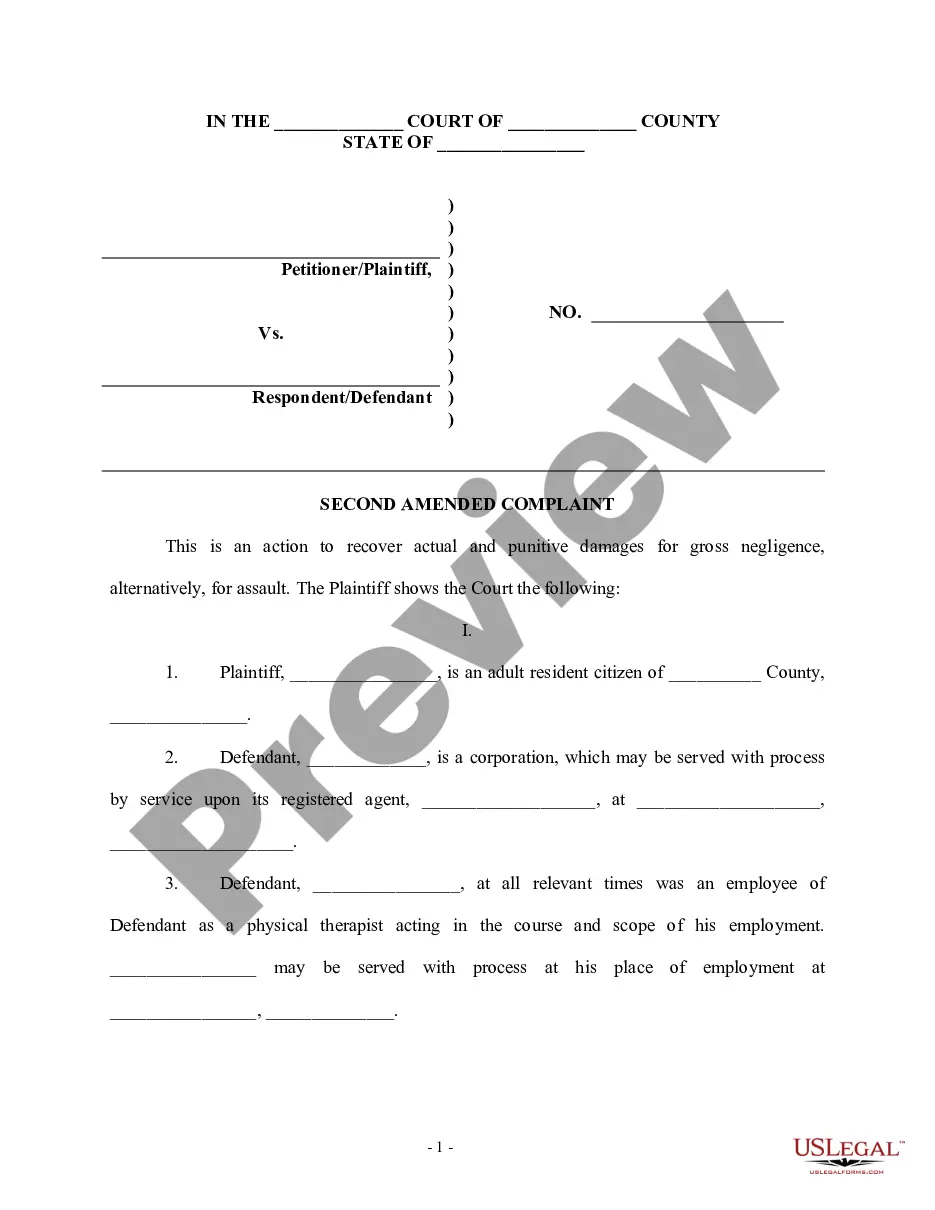
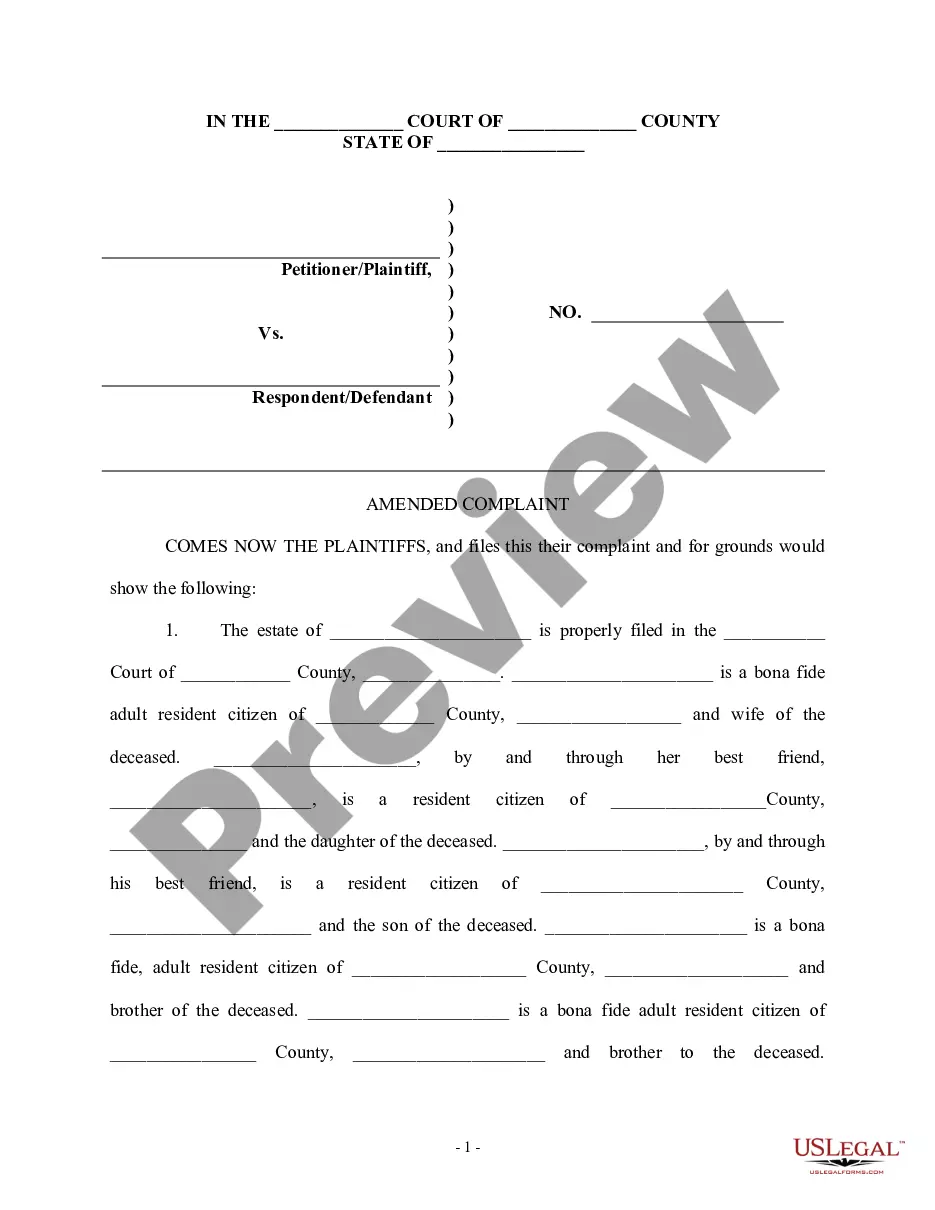
Get your form ready online
Our built-in tools help you complete, sign, share, and store your documents in one place.
Make edits, fill in missing information, and update formatting in US Legal Forms—just like you would in MS Word.
Download a copy, print it, send it by email, or mail it via USPS—whatever works best for your next step.
Sign and collect signatures with our SignNow integration. Send to multiple recipients, set reminders, and more. Go Premium to unlock E-Sign.
If this form requires notarization, complete it online through a secure video call—no need to meet a notary in person or wait for an appointment.
We protect your documents and personal data by following strict security and privacy standards.

Make edits, fill in missing information, and update formatting in US Legal Forms—just like you would in MS Word.

Download a copy, print it, send it by email, or mail it via USPS—whatever works best for your next step.

Sign and collect signatures with our SignNow integration. Send to multiple recipients, set reminders, and more. Go Premium to unlock E-Sign.

If this form requires notarization, complete it online through a secure video call—no need to meet a notary in person or wait for an appointment.

We protect your documents and personal data by following strict security and privacy standards.
Looking for another form?










Form popularity
FAQ
You must complete and submit an original and two copies of the enclosed complaint form as well as the Civil Cover Sheet. You should also keep an additional copy of any document filed with the Court for your own records. All copies of the complaint must be identical to the original.
This Note explains who may file a motion to dismiss, when they may file the motion, and the available defenses (grounds) to assert, including lack of subject matter or personal jurisdiction, insufficient process or service of process, failure to state a claim on which relief may be granted, and failure to join a ...
Steps Check if the court has blank motion forms. Some courts have "check the boxes" or "fill in the blank" motion forms. Create your caption. Title your motion. Draft the introductory paragraph to the body of the motion. Request relief. Lay out the applicable facts. Make your legal argument. Insert a signature block.
Steps Check if the court has blank motion forms. Some courts have "check the boxes" or "fill in the blank" motion forms. Create your caption. Title your motion. Draft the introductory paragraph to the body of the motion. Request relief. Lay out the applicable facts. Make your legal argument. Insert a signature block.
How do I fill this out? Review the form to understand the required sections. Fill in the plaintiff and defendant details accurately. Select the reason for dismissal from the listed options. Ensure the motion is signed by the plaintiff or their attorney. Print the completed forms and bring them to court.
If you received a summons for a lawsuit, you have 35 days to respond. After this time, you could lose the case by default judgment. To respond to a lawsuit summons, you need to complete the packet “How to File an Answer to a Complaint in Civil Court.” It includes the instructions and answer form.
General format - each motion generally consists of a case caption, a title that briefly identifies the relief sought, a series of numbered paragraphs that explains -- in a logical way -- why you are entitled to that relief, a prayer for relief, a signature block, a certification that a copy of the motion was sent to ...
