Discrimination Document Format In Bexar
Description

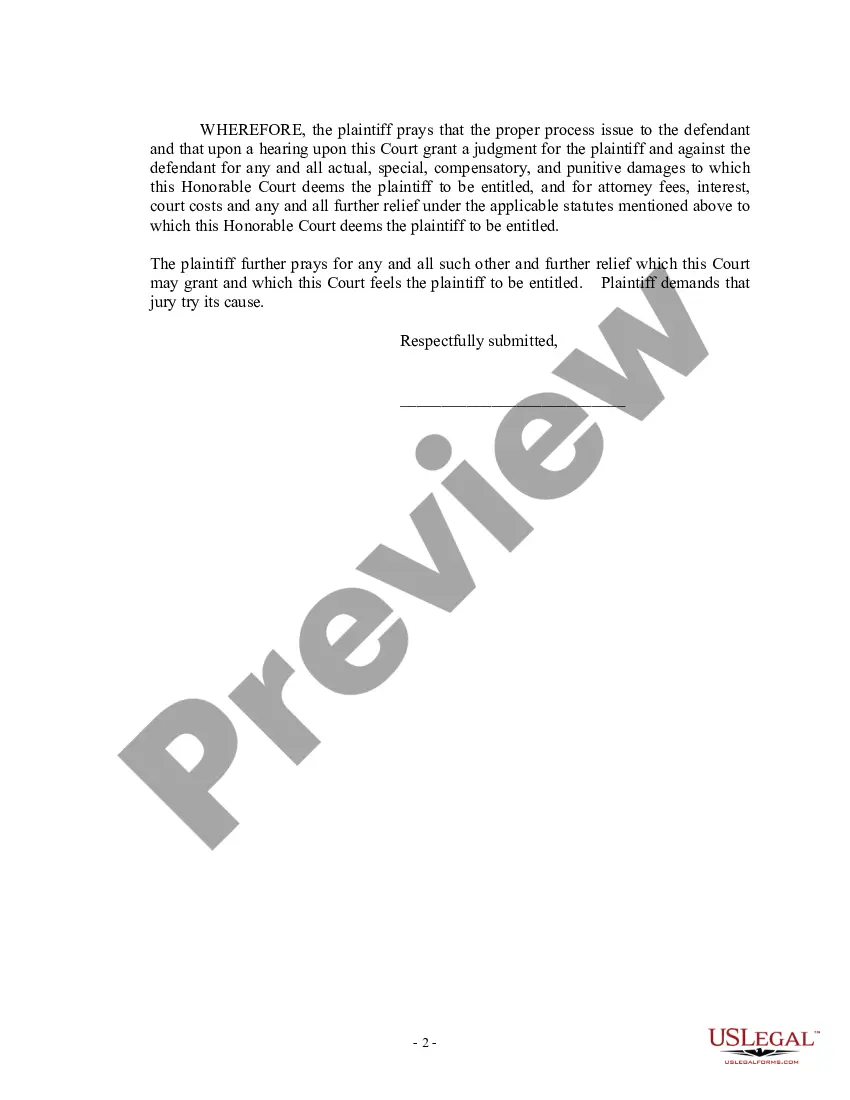
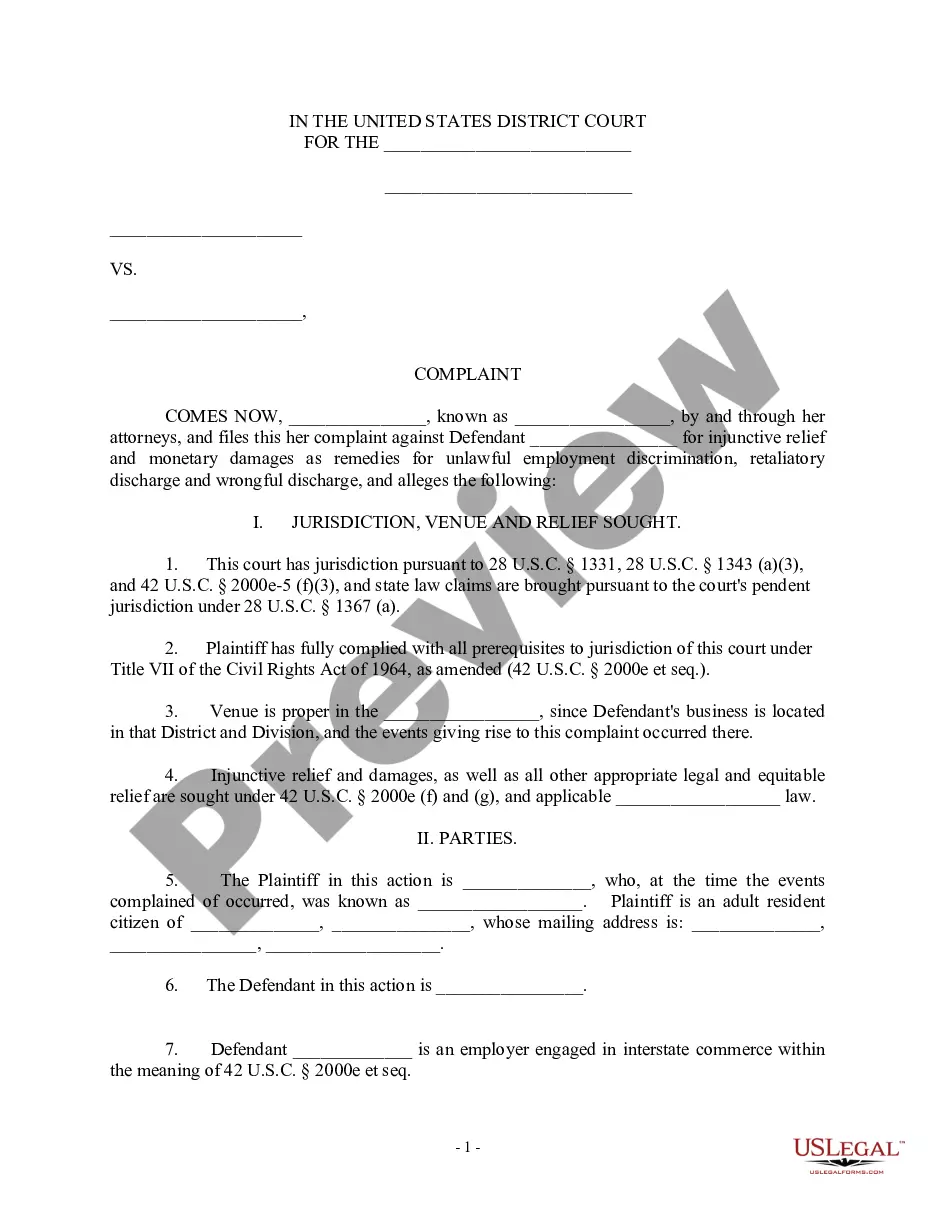

Get your form ready online
Our built-in tools help you complete, sign, share, and store your documents in one place.
Make edits, fill in missing information, and update formatting in US Legal Forms—just like you would in MS Word.
Download a copy, print it, send it by email, or mail it via USPS—whatever works best for your next step.
Sign and collect signatures with our SignNow integration. Send to multiple recipients, set reminders, and more. Go Premium to unlock E-Sign.
If this form requires notarization, complete it online through a secure video call—no need to meet a notary in person or wait for an appointment.
We protect your documents and personal data by following strict security and privacy standards.

Make edits, fill in missing information, and update formatting in US Legal Forms—just like you would in MS Word.

Download a copy, print it, send it by email, or mail it via USPS—whatever works best for your next step.

Sign and collect signatures with our SignNow integration. Send to multiple recipients, set reminders, and more. Go Premium to unlock E-Sign.

If this form requires notarization, complete it online through a secure video call—no need to meet a notary in person or wait for an appointment.

We protect your documents and personal data by following strict security and privacy standards.
Looking for another form?



Form popularity
FAQ
If you need non-certified or certified copies, letters of testamentary or guardianship, or to check the status of an order please contact the Probate Department main line at (210) 335-2241. To search for court records please visit the Bexar County Odyssey Portal.
Filing a Complaint The Texas Workforce Commission Civil Rights Division (TWCCRD) Employment Discrimination Inquiry Submission System (EDISS) is the method to submit your employment discrimination complaint. It provides an ample amount of space to describe how you have been discriminated against.
If you need non-certified or certified copies, letters of testamentary or guardianship, or to check the status of an order please contact the Probate Department main line at (210) 335-2241. To search for court records please visit the Bexar County Odyssey Portal.
Include the following in your complaint letter: Your name, address and telephone number. The name, address, and telephone number of your attorney or authorized representative, if you are represented. The basis of your complaint. The date(s) that the incident(s) you are reporting as discrimination occurred.
A Request for Public Information form must be submitted, either by email to MERecords@Bexar, mail, or in person during business hours Monday through Friday, AM - PM.
Re:SearchTX is an easy-to-use website that provides secure, cross-jurisdictional access to electronic court records and documents throughout the state. Before re:SearchTX, access to statewide court information from a single, unified website was previously impossible.
Request the transcript (orally or in writing) from the appropriate court reporter. Be sure to provide the defendant's name, case number, date of proceeding and type of proceeding to identify the material to be transcribed. Transcript Order (AO 435) (For NON-APPEAL requests)
Responding to unlawful discrimination speak to the person involved if it is safe to do so. speak to your manager or supervisor about what is happening. consider any policies that your workplace has about discrimination and dealing with a grievance. speak to Human Resources team, if your workplace has one.
Report discrimination to a local Fair Employment Practices Agency (FEPA). If the discrimination breaks both a state and federal law, the FEPA will also send your complaint to the EEOC. Use the EEOC's directory of field offices to find the FEPA near you.
This includes notes of any incidents, copies of emails, and any relevant documents or recordings. Keeping a journal of the discriminatory or retaliatory behavior is also helpful to help keep track of events and dates and also as evidence of discrimination, retaliation, and the emotional impact on the employee.
