Acceptance For Appointment Letter In North Carolina
Description

Get your form ready online
Our built-in tools help you complete, sign, share, and store your documents in one place.
Make edits, fill in missing information, and update formatting in US Legal Forms—just like you would in MS Word.
Download a copy, print it, send it by email, or mail it via USPS—whatever works best for your next step.
Sign and collect signatures with our SignNow integration. Send to multiple recipients, set reminders, and more. Go Premium to unlock E-Sign.
If this form requires notarization, complete it online through a secure video call—no need to meet a notary in person or wait for an appointment.
We protect your documents and personal data by following strict security and privacy standards.

Make edits, fill in missing information, and update formatting in US Legal Forms—just like you would in MS Word.

Download a copy, print it, send it by email, or mail it via USPS—whatever works best for your next step.

Sign and collect signatures with our SignNow integration. Send to multiple recipients, set reminders, and more. Go Premium to unlock E-Sign.

If this form requires notarization, complete it online through a secure video call—no need to meet a notary in person or wait for an appointment.

We protect your documents and personal data by following strict security and privacy standards.
Looking for another form?
Form popularity
FAQ
Template 1: Simple appointment confirmation “Hi (Client's Name), This confirms your appointment with (Business Name) for (Date) at (Time). We look forward to seeing you. Please reply with HELP or RESCHEDULE If you have any questions or need to reschedule. Thank you!”
Follow these steps to write a letter of acceptance: Address the appropriate recipient. Express your gratitude for the job offer. Agree on the employment terms. Use a professional sign off. Follow up with the letter's recipient.
How to reply to an email to confirm an appointment Adjust the subject line. Address the recipient. Acknowledge their statement. State the time of the appointment. Reference the topic of the appointment. Review details about the location. Provide your contact information. Ask for a response if necessary.
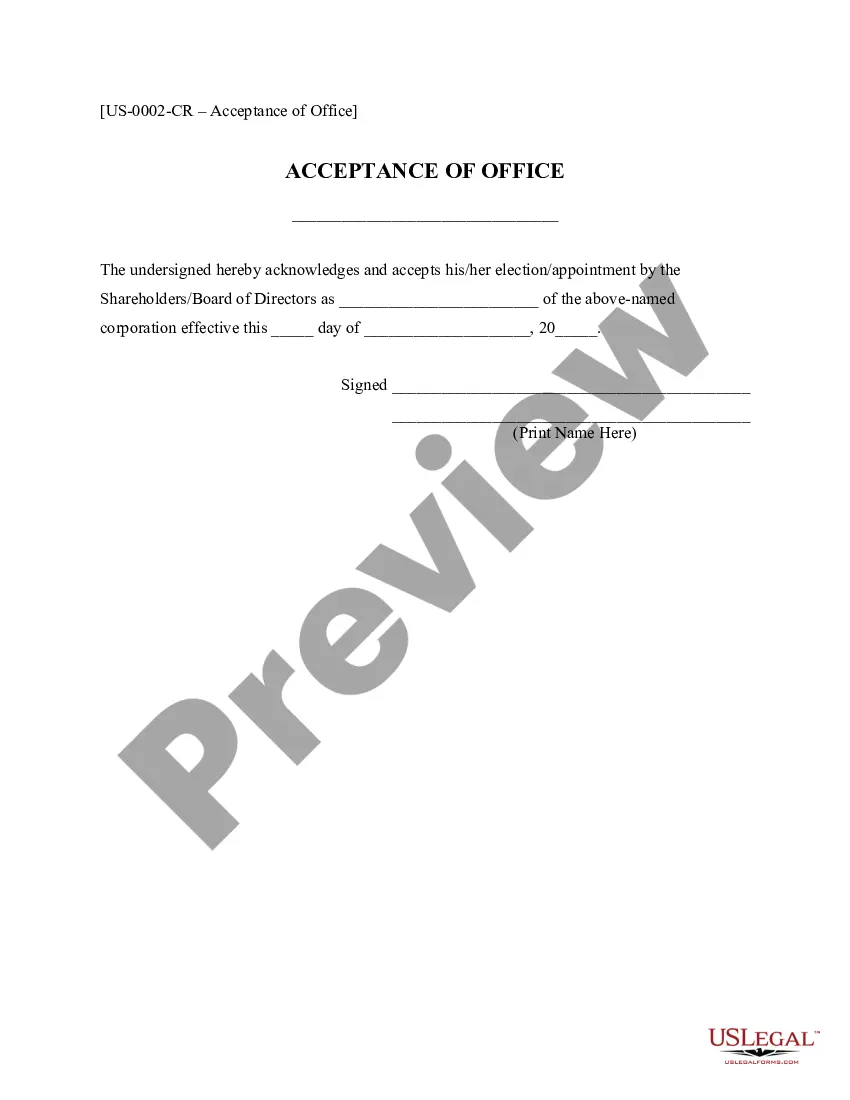
Dear Sir: I hereby accept the appointment to the position set forth in the Selection Order. I agree to serve during the period for which I was appointed and until my successor has been selected and has qualified.
How to reply to an email to confirm an appointment Adjust the subject line. Address the recipient. Acknowledge their statement. State the time of the appointment. Reference the topic of the appointment. Review details about the location. Provide your contact information. Ask for a response if necessary.
Dear (Employer's Name), Thank you for offering me the position of (Job Title) at (Company Name). I am delighted and grateful to accept this offer and I look forward to joining your team. I appreciate the opportunity you have given me to work with such a reputable and respected organization.
With reference to Subject mentioned above, I am glad to inform you that, I have read the letter & hereby accept my appointment as Assistant Professor. I have also gone through the Terms & Conditions enclosed with the letter and I accept these in totality.
How To Write An Offer Letter Acceptance Email Review your job offer. Read your job offer carefully. Start drafting your email. Write a concise subject line. Address your email to the right person. Express gratitude. Make a formal statement of acceptance. Conclude and sign. Format your email.
Intestate letters are called “Letters of Administration” and are granted to an Administrator. How do I begin the estate administration process and apply for letters? To formally begin the estate administration process, you will need to visit the clerk of court in the appropriate county.
An appointment letter is an official communication between an employer and a candidate who is selected for a job position. It is a legal document that confirms the appointment of the candidate for a particular job opportunity.
