Appointment Resolutions Form In Hennepin
Description
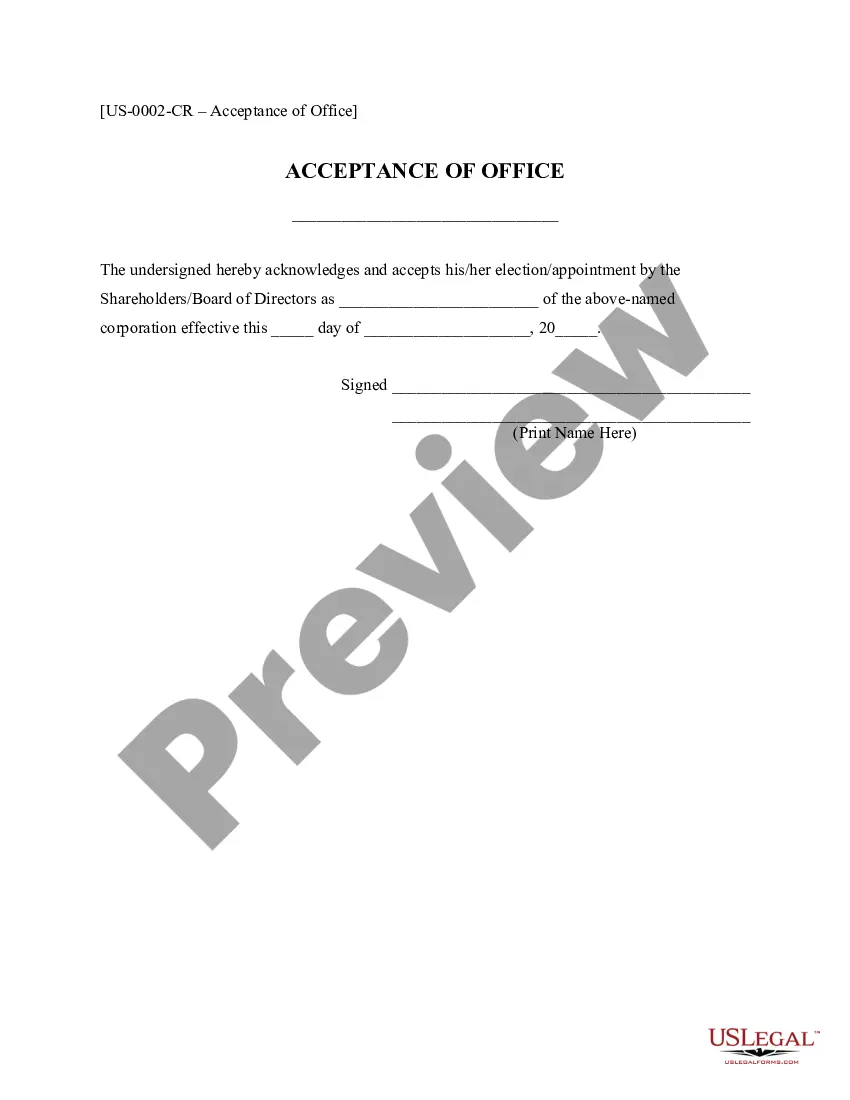

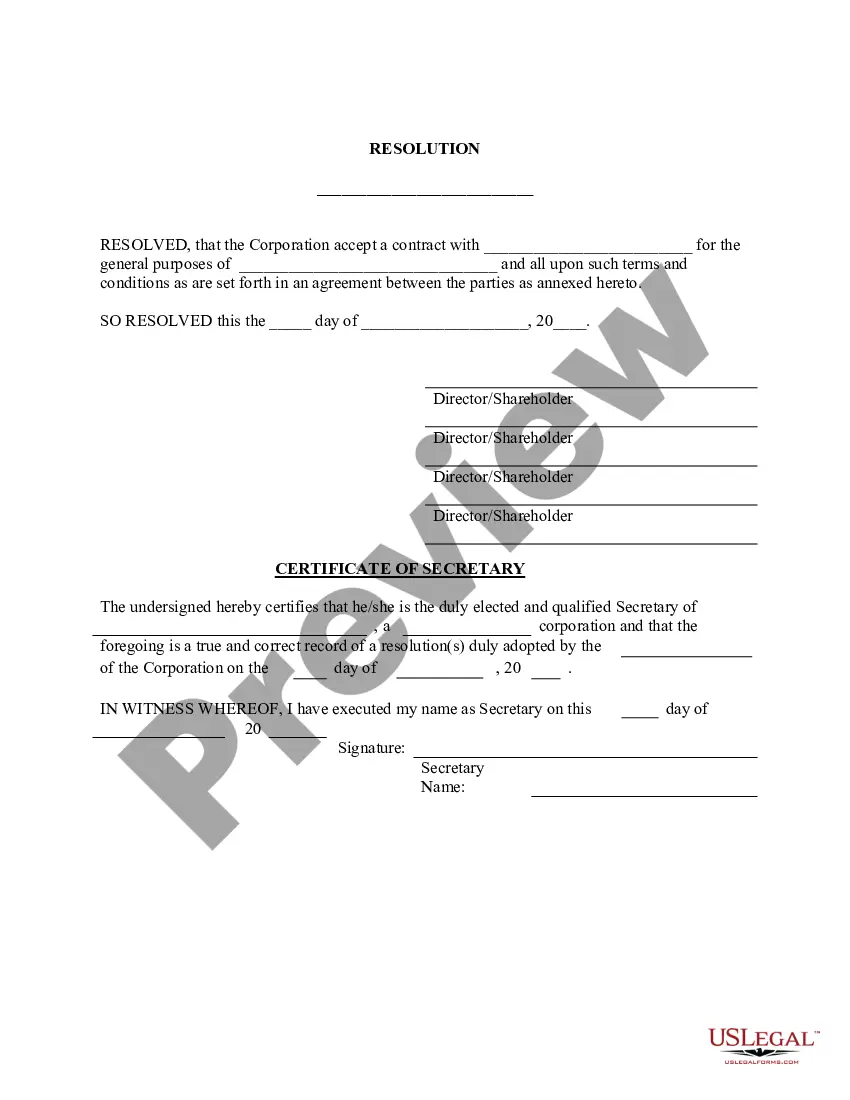
Get your form ready online
Our built-in tools help you complete, sign, share, and store your documents in one place.
Make edits, fill in missing information, and update formatting in US Legal Forms—just like you would in MS Word.
Download a copy, print it, send it by email, or mail it via USPS—whatever works best for your next step.
Sign and collect signatures with our SignNow integration. Send to multiple recipients, set reminders, and more. Go Premium to unlock E-Sign.
If this form requires notarization, complete it online through a secure video call—no need to meet a notary in person or wait for an appointment.
We protect your documents and personal data by following strict security and privacy standards.

Make edits, fill in missing information, and update formatting in US Legal Forms—just like you would in MS Word.

Download a copy, print it, send it by email, or mail it via USPS—whatever works best for your next step.

Sign and collect signatures with our SignNow integration. Send to multiple recipients, set reminders, and more. Go Premium to unlock E-Sign.

If this form requires notarization, complete it online through a secure video call—no need to meet a notary in person or wait for an appointment.

We protect your documents and personal data by following strict security and privacy standards.
Looking for another form?










Form popularity
FAQ
SNAP: Clients MUST complete a Household Update Form (HUF) (DHS-8107), Combined Application Form (CAF) (DHS-5223) (PDF), MNbenefits application or a Combined Annual Renewal for Certain Populations (DHS-3727) (PDF), have an interview, and provide required verifications to be recertified.
Give the name and address of the person you are appointing. You may appoint a relative, friend, advocate, attorney, or your physician, or any other qualified person to represent you. In addition, you must date and sign this section as the beneficiary, and provide your address and phone number.
How to submit forms and documents and update your information Update information and upload documents to InfoKeep. Upload to MNbenefits. Fax to 612-288-2981. Mail to: Hennepin County Human Services Department. P.O. Box 107. Minneapolis, MN 55440.
For questions about employment and training resources, call 612-596-1708 or email wfd.snap.et@hennepin. If you don't agree with an action taken on your case, you have the right to appeal.
An examiner's directive is a written directive to the registrar of titles to do something to affect current title or to transfer title. This is a statutory authority for the examiner of titles to administratively affect or transfer title. The examiner's directive is recordable without an acknowledgement.
With the "abstract system" an abstract is evidence of title. In the "Torrens system" the certificate of title is the title. In Minnesota the County Recorder is the Registrar of Titles. The Registrar is an arm of the District Court and under its control.
Phone – 612-348-8240.
To get a certificate of title number or find out if land is Torrens, call 612-348-5139 or email recordinginfo@hennepin.
You may come into the Recorder's Office and look at the official plat, order a copy online by entering the name of the plat instead of the document number, search for the property on LandShark GIS, search/download the plat using LandShark online searching, or contact the Public Works Department at 651-213-8700.

