Employee Sql
Description


Get your form ready online
Our built-in tools help you complete, sign, share, and store your documents in one place.
Make edits, fill in missing information, and update formatting in US Legal Forms—just like you would in MS Word.
Download a copy, print it, send it by email, or mail it via USPS—whatever works best for your next step.
Sign and collect signatures with our SignNow integration. Send to multiple recipients, set reminders, and more. Go Premium to unlock E-Sign.
If this form requires notarization, complete it online through a secure video call—no need to meet a notary in person or wait for an appointment.
We protect your documents and personal data by following strict security and privacy standards.

Make edits, fill in missing information, and update formatting in US Legal Forms—just like you would in MS Word.

Download a copy, print it, send it by email, or mail it via USPS—whatever works best for your next step.

Sign and collect signatures with our SignNow integration. Send to multiple recipients, set reminders, and more. Go Premium to unlock E-Sign.

If this form requires notarization, complete it online through a secure video call—no need to meet a notary in person or wait for an appointment.

We protect your documents and personal data by following strict security and privacy standards.
Looking for another form?
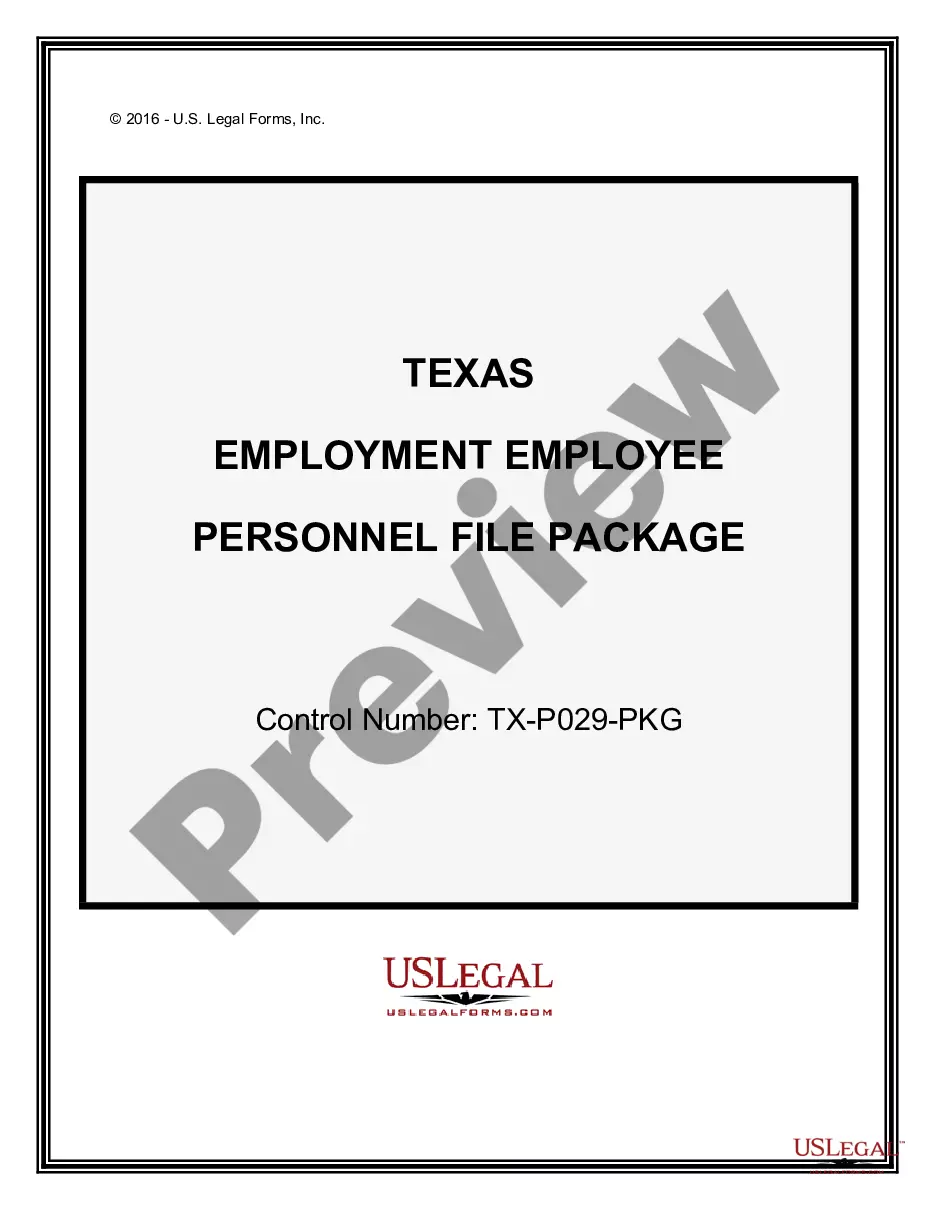
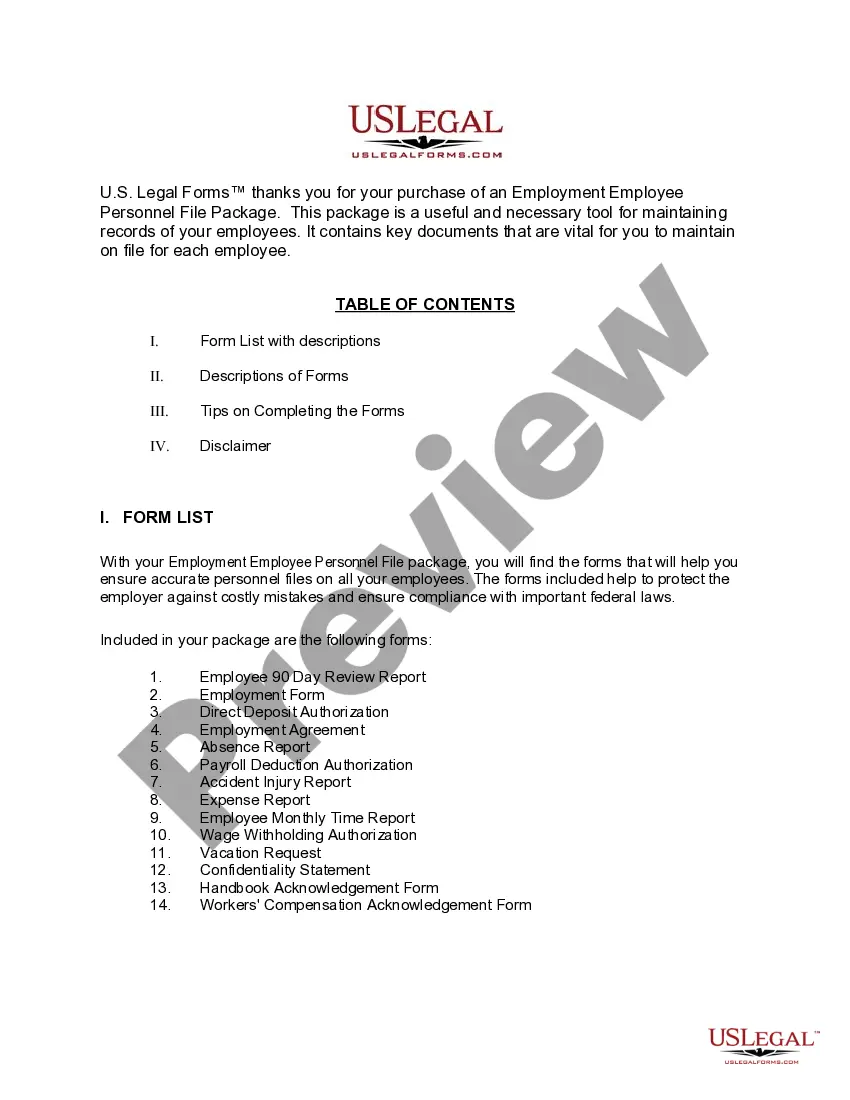
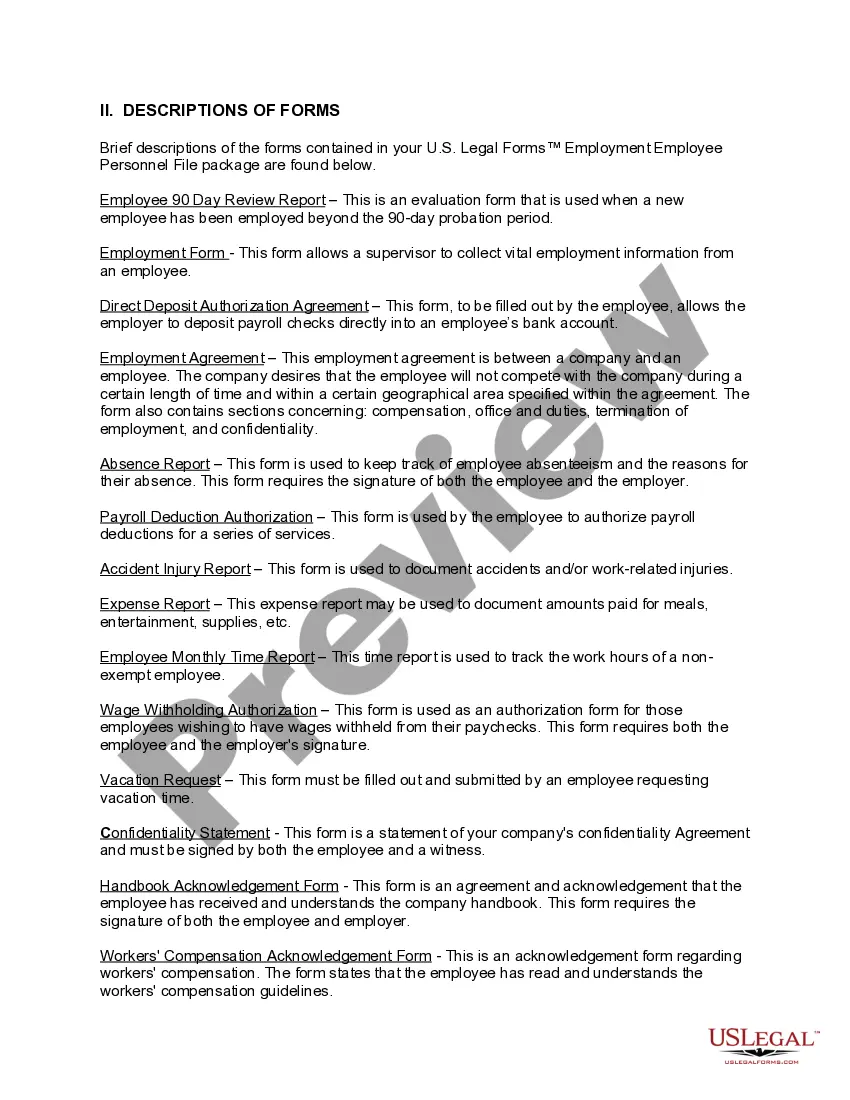
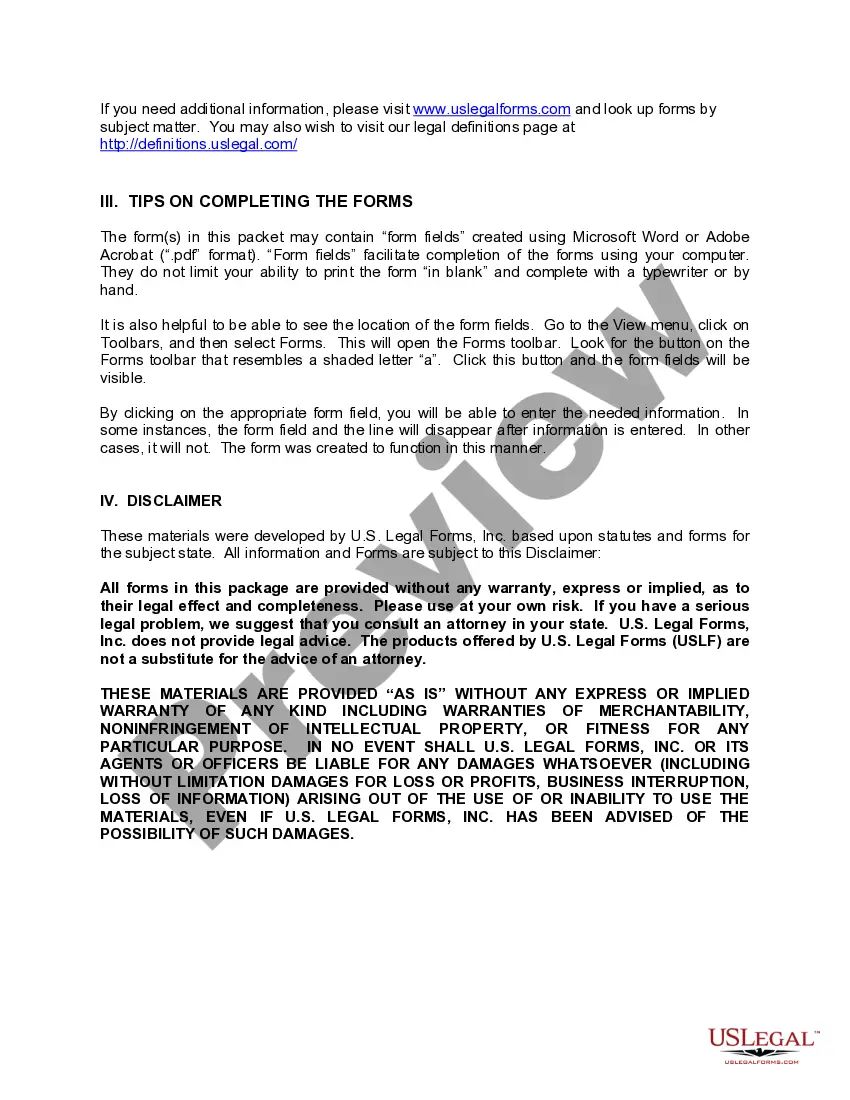
How to fill out Texas Employment Employee Personnel File Package?
- If you are an existing user, log in to your account and verify your subscription status to download the suitable form template.
- For first-time users, start by reviewing the form description in Preview mode to ensure it meets your needs and is compliant with local jurisdiction requirements.
- If the selected form is unsuitable, utilize the Search tab to find alternatives that better match your requirements.
- Once you've chosen a form, click 'Buy Now' and select a subscription plan that fits your needs. You'll need to create an account to access the library.
- Proceed to checkout by entering your payment information, either via credit card or PayPal, to complete your purchase.
- After payment, download the form directly to your device. You can also find it anytime in the My Forms section of your profile.
Following these simple steps ensures you have access to comprehensive legal forms tailored to employee SQL needs. With premium support available, you can feel confident that your documents are accurate and legally compliant.
Start exploring the US Legal Forms library today and empower yourself to create legal documents with ease!
Form popularity
FAQ
The 'SELECT FROM employees' command retrieves all columns and rows from the employees table in your SQL database. This includes every piece of information about your employees stored within that table, such as names, job titles, and departments. Utilizing this command is crucial for quick insights into your employee SQL data, thus facilitating better decision-making and reporting in your organization.
To get a specific table in MySQL, connect to your database and use the command 'SHOW TABLES;' to view all available tables. Once you know the table's name, you can access its data with 'SELECT FROM table_name;' This straightforward process allows you to manage and query employee SQL data efficiently. Having easy access to your tables enhances your database management capabilities.
Importing an employee table in SQL involves using the 'LOAD DATA INFILE' or 'IMPORT' commands, depending on the SQL database you are utilizing. You can typically specify a CSV or Excel file that contains your employee data. By importing this information, you can streamline the process of loading essential employee SQL data. Make sure your table structure matches the incoming data format for smooth integration.
To retrieve user roles in SQL, you can execute a query against a designated roles or permissions table. For example, you may use 'SELECT role FROM user_roles WHERE user_id = your_user_id;' to find the specific roles assigned to a user. Keeping track of user roles within your employee SQL database ensures appropriate access and authority management in your organization. Implementing this helps maintain security and compliance.
An employee table in SQL is a structured set of data that holds information about employees within an organization. Typically, it includes columns like employee ID, name, position, and department. This table allows organizations to easily query and manage employee SQL data, making it essential for HR and administrative tasks. Understanding how to design this table can improve data handling in your organization.
To view the user table in MySQL, you need to connect to your database using a MySQL client. After establishing a connection, use the command 'SHOW TABLES;' to list all tables. You can then use 'SELECT FROM user;' to display all records in the user table. This process helps you effectively manage your employee SQL data.
In SQL, employee ID is commonly represented using the INT data type. This allows for easy numeric identification of employees. Ensuring a unique identity per employee helps maintain integrity in your employee SQL database. Using the INT data type for employee IDs simplifies lookup and indexing, improving overall database efficiency.
To create a #table in SQL Server, use the CREATE TABLE statement with a hashtag prefix before the table name. For example, the command CREATE TABLE #tempEmployees (id INT, name VARCHAR(100)) establishes a temporary table. This table exists only for the duration of the session, making it ideal for managing employee data temporarily in your employee SQL tasks.
#table in SQL Server refers to a temporary table, which is a table that exists temporarily during a session. It allows you to store and manipulate data within that specific session without affecting the main database. Temporary tables help streamline processes like data analysis and report generation. You're efficiently managing employee data with temporary tables in your employee SQL management.
In SQL Server, creating a datatable typically involves using temporary tables or table variables. You begin with the CREATE TABLE statement, defining the structure similarly to a normal table. Using a temporary table might look like this: CREATE TABLE #tempEmployees (id INT, name VARCHAR(100)). This approach helps manage employee data dynamically during the session within your employee SQL operations.