Employee Employee
Description

Get your form ready online
Our built-in tools help you complete, sign, share, and store your documents in one place.
Make edits, fill in missing information, and update formatting in US Legal Forms—just like you would in MS Word.
Download a copy, print it, send it by email, or mail it via USPS—whatever works best for your next step.
Sign and collect signatures with our SignNow integration. Send to multiple recipients, set reminders, and more. Go Premium to unlock E-Sign.
If this form requires notarization, complete it online through a secure video call—no need to meet a notary in person or wait for an appointment.
We protect your documents and personal data by following strict security and privacy standards.

Make edits, fill in missing information, and update formatting in US Legal Forms—just like you would in MS Word.

Download a copy, print it, send it by email, or mail it via USPS—whatever works best for your next step.

Sign and collect signatures with our SignNow integration. Send to multiple recipients, set reminders, and more. Go Premium to unlock E-Sign.

If this form requires notarization, complete it online through a secure video call—no need to meet a notary in person or wait for an appointment.

We protect your documents and personal data by following strict security and privacy standards.
Looking for another form?
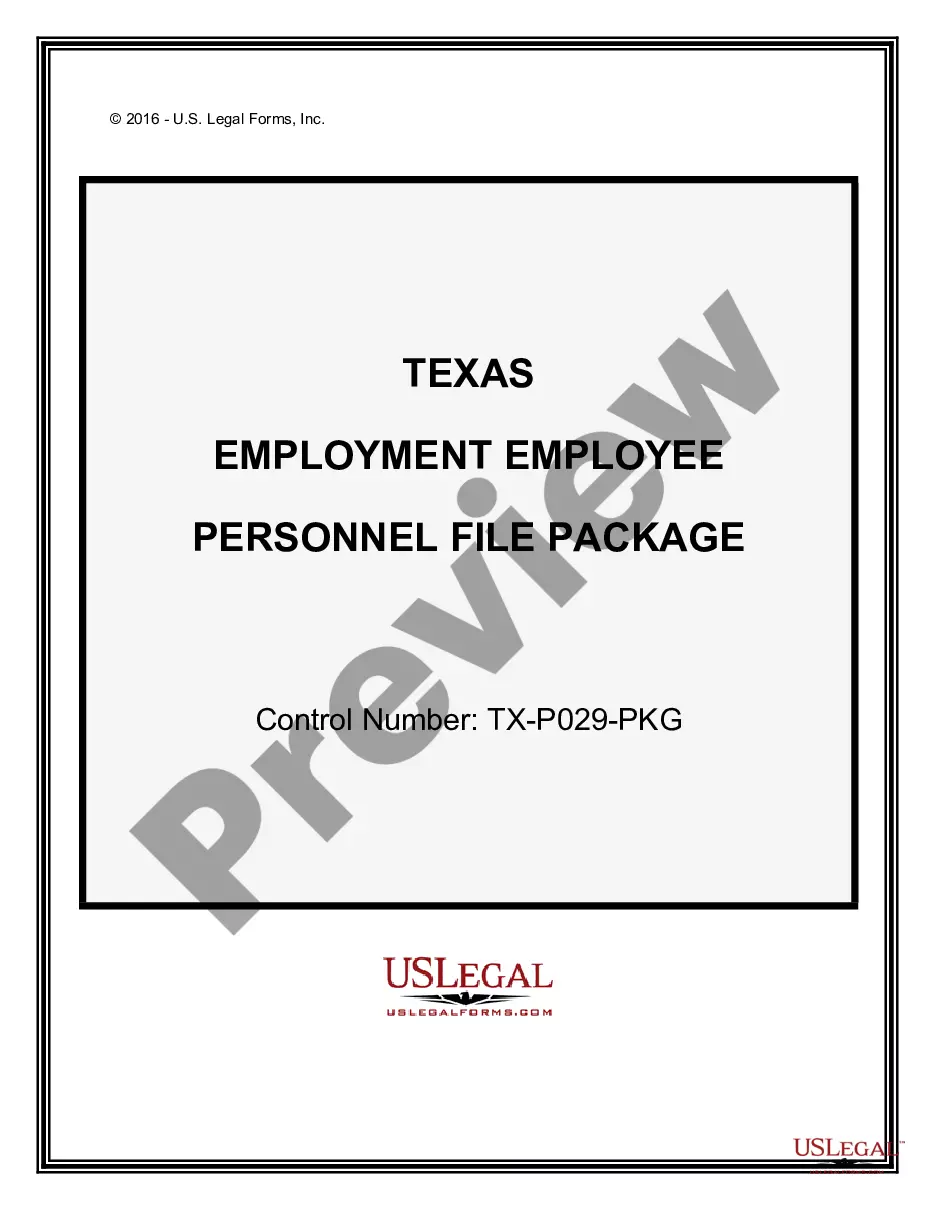
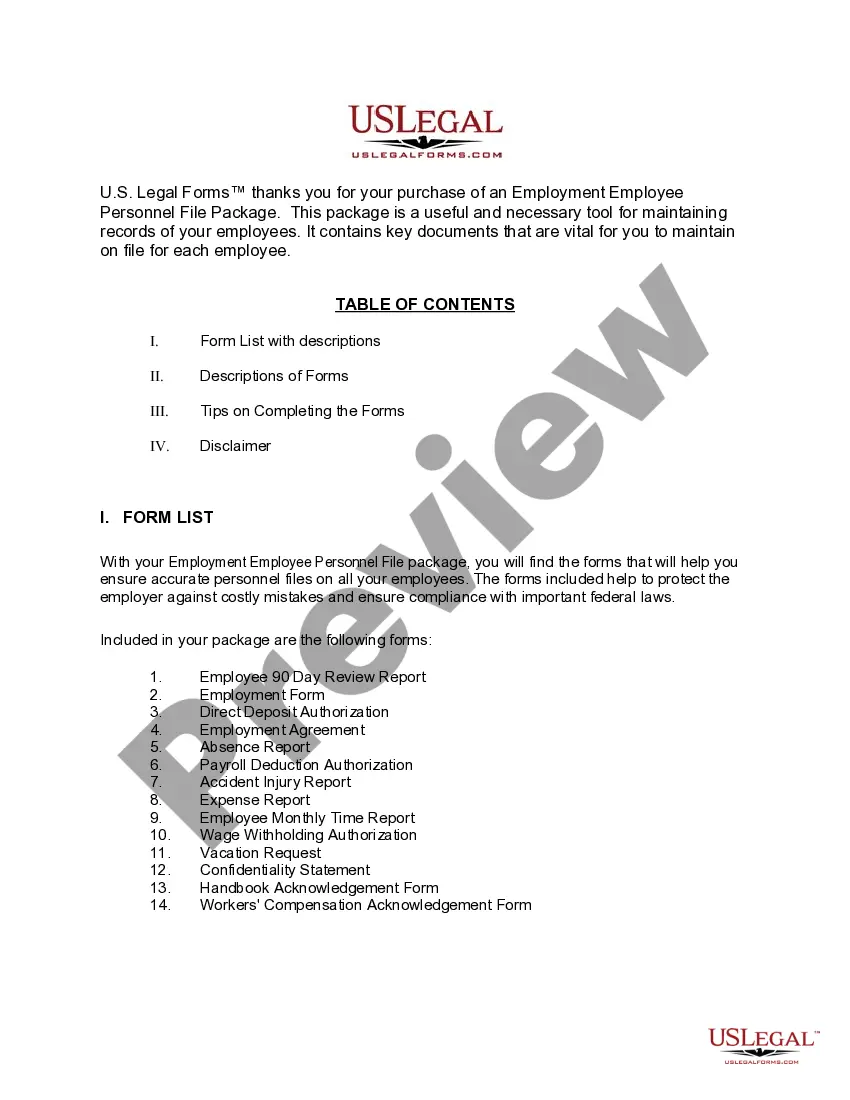
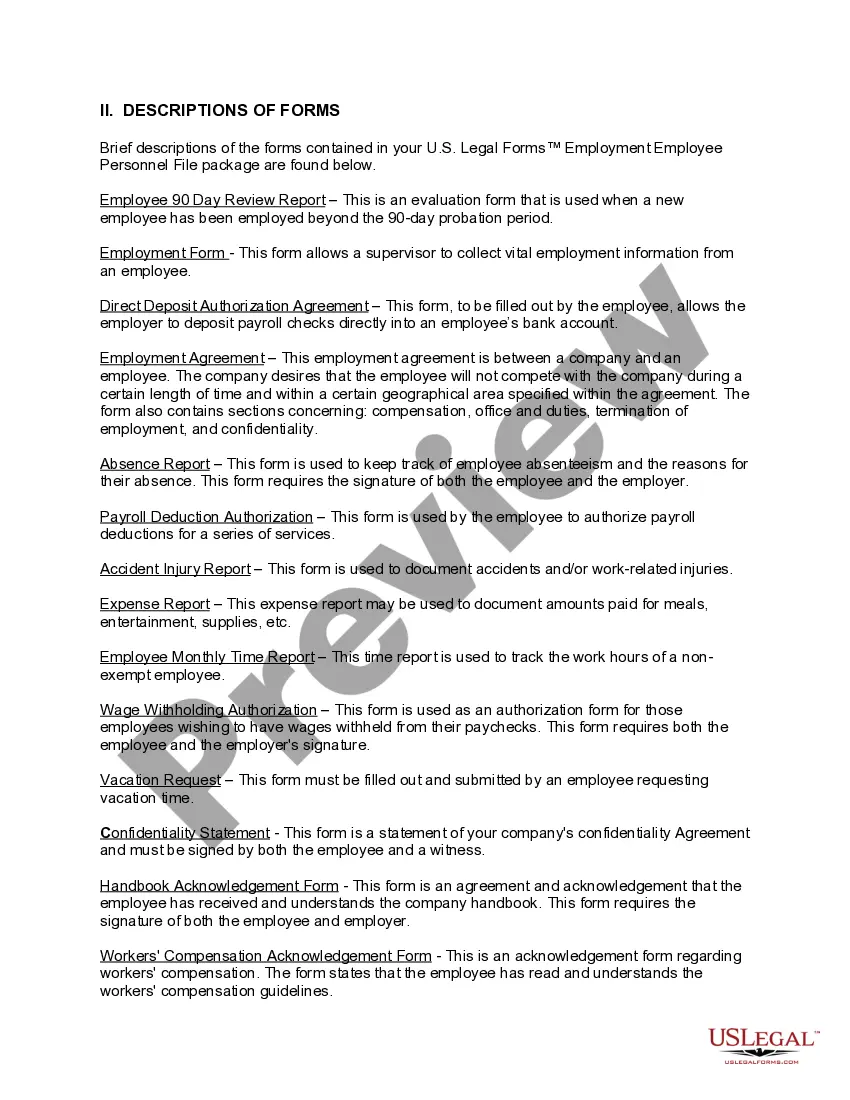
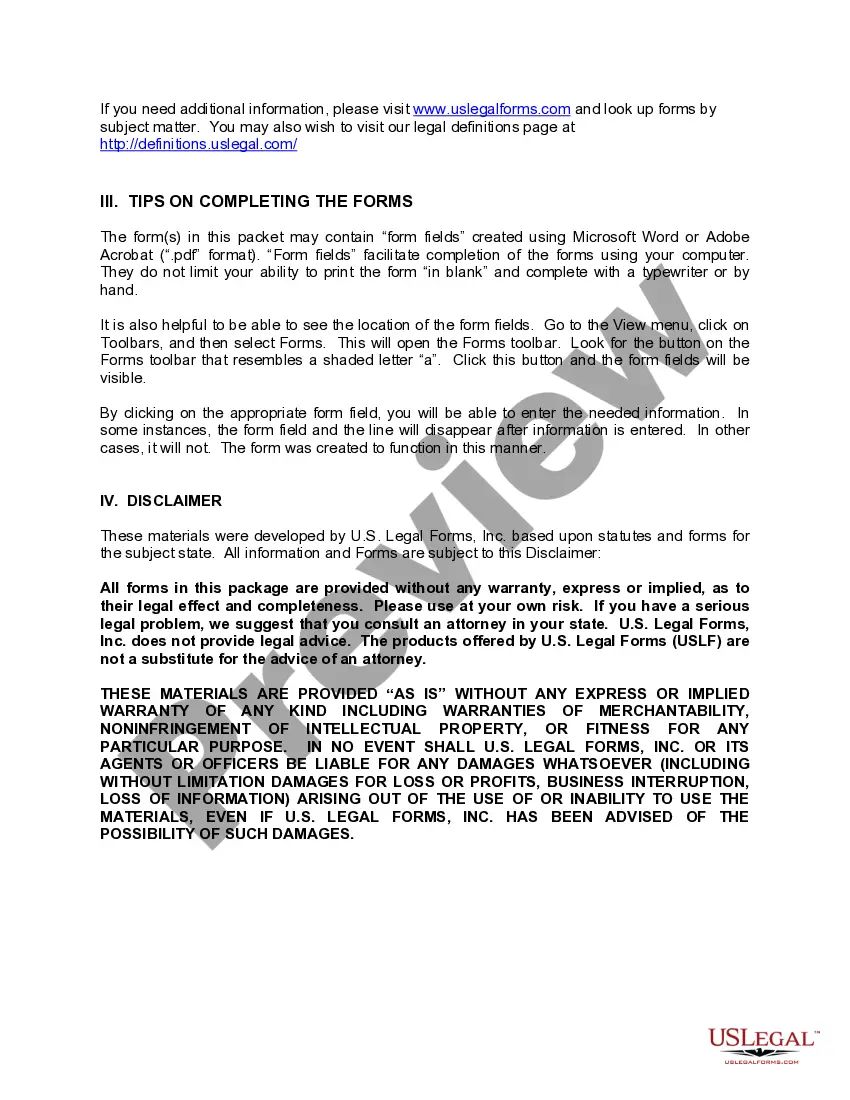
How to fill out Texas Employment Employee Personnel File Package?
- If you're a returning user, log in to your account and check if your subscription is active. Download the needed form by clicking the Download button.
- For first-time users, begin by looking at the Preview mode and form description. Confirm you have selected the correct document that aligns with your jurisdiction's requirements.
- If you need a different template, utilize the Search tab to find the right one. Once you spot the ideal form, proceed to the next step.
- Select your document by clicking the Buy Now button, then choose your subscription plan. An account registration is necessary for full access.
- Complete your purchase by entering your credit card information or using your PayPal account for payment.
- Finally, download your form to your device. It will also be accessible anytime via the My Forms section of your profile.
By following these steps, you ensure that you have the necessary legal forms tailored to your specific requirements. US Legal Forms makes this process seamless and convenient.
Don't wait any longer; begin your journey with US Legal Forms today and access a wealth of legal documents at your fingertips!
Form popularity
FAQ
The term employee employee isn't standard, but it could refer to the broader concept of employees within the context of workplace dynamics. It may also highlight discussions regarding employee relations, rights, or benefits. For those exploring complex employment scenarios, US Legal Forms can provide templates and resources to clarify legal language and requirements.
No, the word employers does not need an apostrophe when used in its plural form to refer to multiple organizations. However, if you are indicating possession, such as 'the employers' responsibility', then an apostrophe is necessary. This distinction aids in clear communication about employer obligations.
The word employee does not require an apostrophe when referring to the person in a standard context. However, when indicating possession, such as 'the employee's contract', you would use an apostrophe. Make sure to clarify where ownership applies to enhance understanding.
To make staff possessive, simply add an apostrophe after the word, resulting in staff's. This indicates ownership or belonging, such as in the phrase 'the staff's meeting'. Clarity in writing fosters better communication about your employee employee relations.
The correct spelling is employee. Employe is an incorrect variant that may arise from confusion with the French language. Using the correct term is important, especially in professional settings where clarity and precision matter.
Employé is a French word that means 'employee' in English. It refers to a person who is hired to work for another person or company. If you are discussing labor markets or hiring practices in a broader context, understanding this term can be valuable, especially in multilingual environments.
The plural for employee is employees. When you refer to more than one individual who works for a business or organization, use employees. It is essential to use this form to clearly communicate that you are talking about multiple staff members.
To maintain an effective employee file, you need to include documents such as the employee's application, tax forms, and performance reviews. It's also important to keep records of any benefits enrollment and disciplinary actions. A well-organized employee file promotes accountability and compliance with legal standards.
An employee file should avoid including irrelevant personal information, such as medical records or anything that doesn't pertain to work performance. Additionally, avoid keeping documents that could violate privacy laws, such as notes from personal conversations unrelated to job performance. Fostering a respectful workplace means keeping employee files focused on professional matters.
For a 1099 employee, the primary paperwork includes a signed contract or agreement outlining the terms of the collaboration. You must also gather tax forms, like the W-9, which provides the contractor's Taxpayer Identification Number. Using US Legal Forms can streamline this process and ensure you don't miss any necessary documentation.