Certificate Of Service Form Ontario
Description
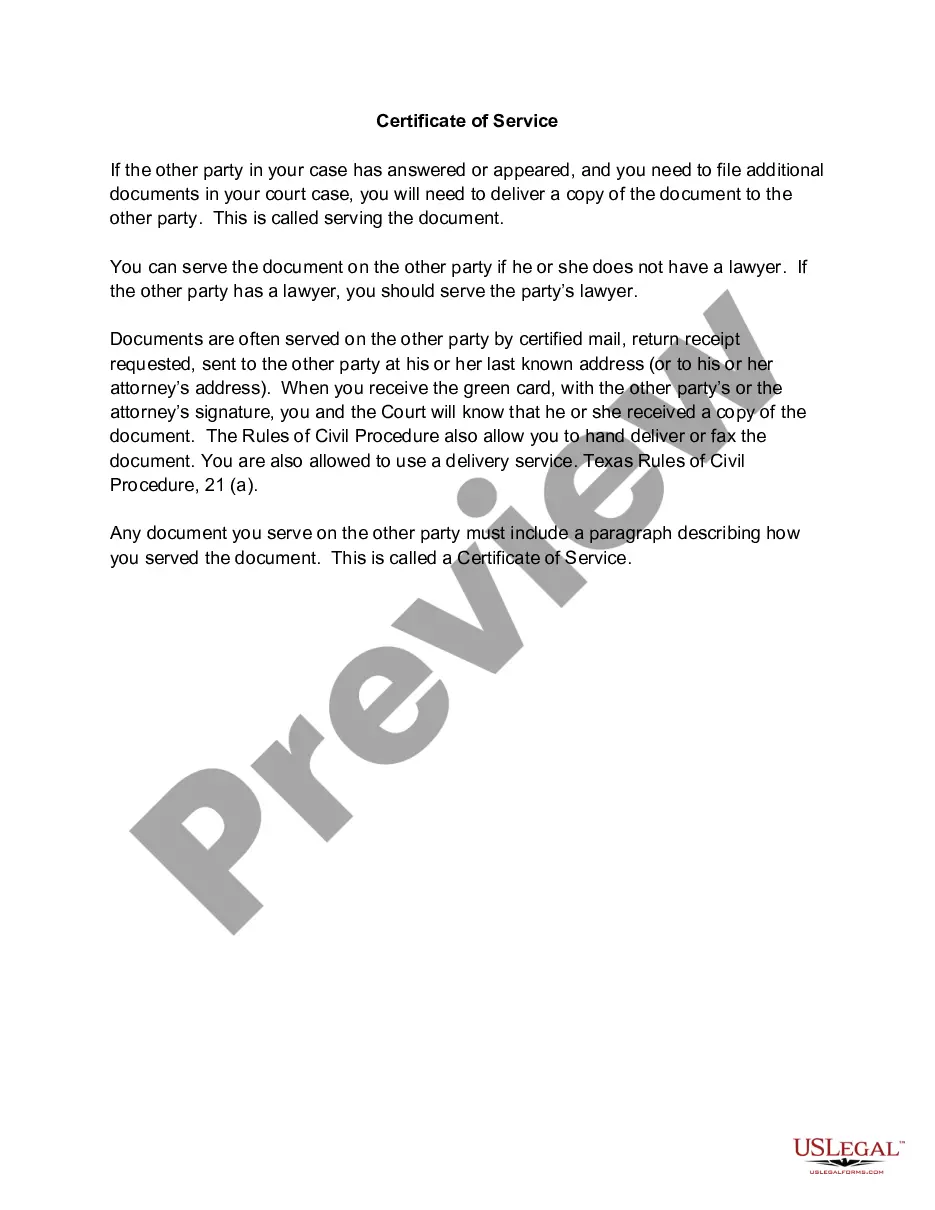
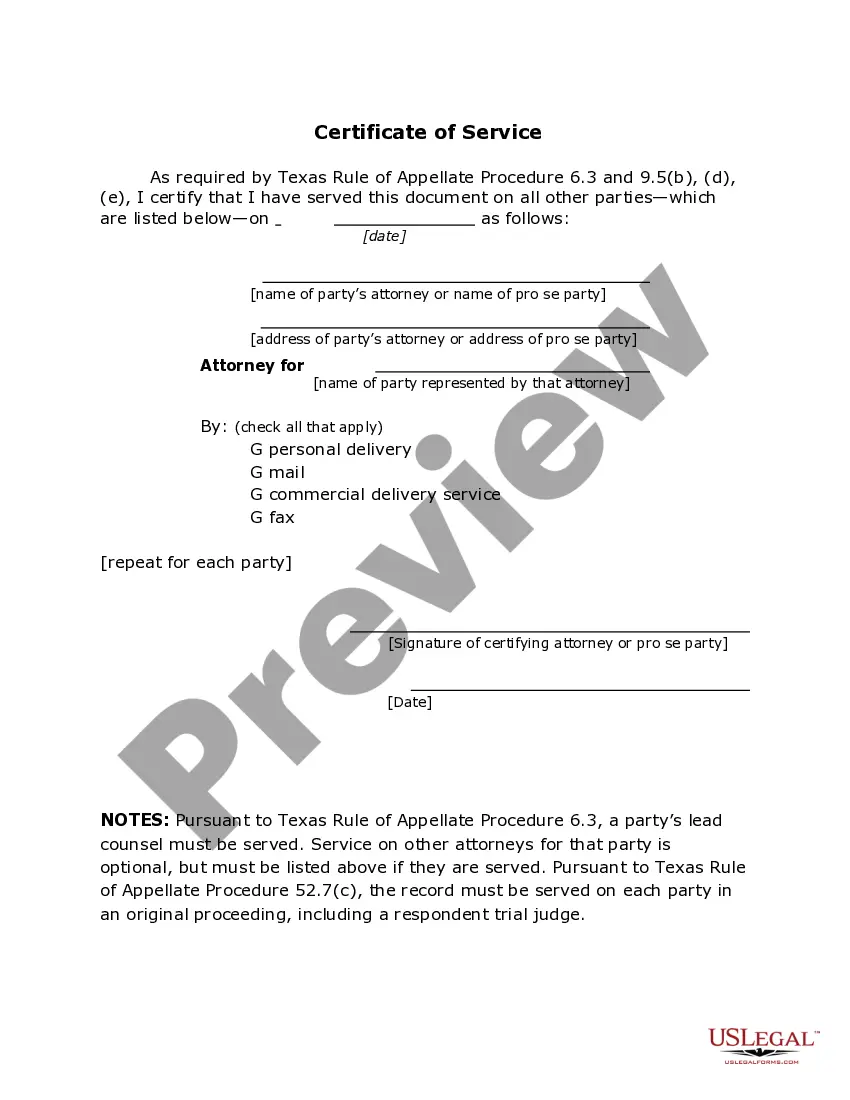
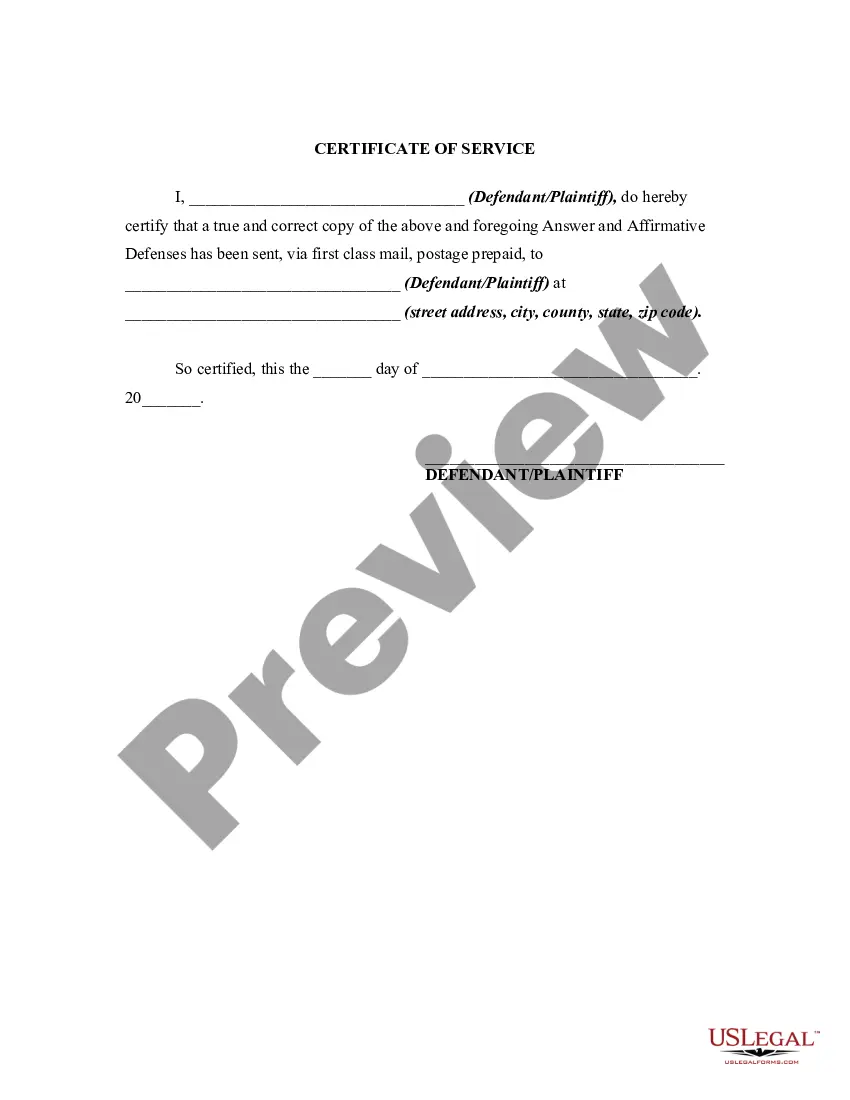
Get your form ready online
Our built-in tools help you complete, sign, share, and store your documents in one place.
Make edits, fill in missing information, and update formatting in US Legal Forms—just like you would in MS Word.
Download a copy, print it, send it by email, or mail it via USPS—whatever works best for your next step.
Sign and collect signatures with our SignNow integration. Send to multiple recipients, set reminders, and more. Go Premium to unlock E-Sign.
If this form requires notarization, complete it online through a secure video call—no need to meet a notary in person or wait for an appointment.
We protect your documents and personal data by following strict security and privacy standards.

Make edits, fill in missing information, and update formatting in US Legal Forms—just like you would in MS Word.

Download a copy, print it, send it by email, or mail it via USPS—whatever works best for your next step.

Sign and collect signatures with our SignNow integration. Send to multiple recipients, set reminders, and more. Go Premium to unlock E-Sign.

If this form requires notarization, complete it online through a secure video call—no need to meet a notary in person or wait for an appointment.

We protect your documents and personal data by following strict security and privacy standards.
Looking for another form?

How to fill out Texas Certificate Of Service - TX R.App.Proc. 6.3?
The Ontario Certificate of Service Form you see on this site is a reusable official template created by qualified attorneys in accordance with federal and regional regulations.
For over 25 years, US Legal Forms has supplied individuals, organizations, and lawyers with more than 85,000 authenticated, state-specific forms for any business and personal occasion.
Choose the pricing plan that works best for you and set up an account. Use PayPal or a credit card to make a swift payment. If you already possess an account, Log In and verify your subscription to continue.
- Search for the document you require and verify it.
- Browse through the example you searched and preview it or examine the form description to confirm it meets your requirements.
- If it doesn't, utilize the search feature to locate the suitable one.
- Click Buy Now when you have located the template you desire.
- Select and Log In.
Form popularity
FAQ
Title to the Confidential Information will remain solely in the Disclosing Party. All use of Confidential Information by the Receiving Party shall be for the benefit of the Disclosing Party and any modifications and improvements thereof by the Receiving Party shall be the sole property of the Disclosing Party.
This Nondisclosure Agreement (the "Agreement") is entered into by and between _______________ with its principal offices at _______________ ("Disclosing Party") and _______________, located at _______________ ("Receiving Party") for the purpose of preventing the unauthorized use and disclosure of Confidential ...
There are three types of NDAs: unilateral, bilateral, and multilateral. Read on to learn when you should use each type. You'll also learn how to use a contract management tool like Ironclad to draft and manage them.
You do not need a lawyer to create and sign a non-disclosure agreement. However, if the information you are trying to protect is important enough to warrant an NDA, you may want to have the document reviewed by someone with legal expertise.
Most standard NDAs follow this format: Introduction. Definition of confidential information. How to handle confidential information. Exclusions from confidential information. Obligations of receiving party. Duration of agreement. Resolving disputes. Integration.
drafted NonDisclosure Agreement should include the following specific information: The scope and definition of the confidential information. The permitted use of the confidential information. The obligations of the NonDisclosure Agreement. The parties' names and addresses. The duration of nondisclosure.
You do not need a lawyer to create and sign a non-disclosure agreement. However, if the information you are trying to protect is important enough to warrant an NDA, you may want to have the document reviewed by someone with legal expertise.