Sc Last Will And Testament Requirements
Description
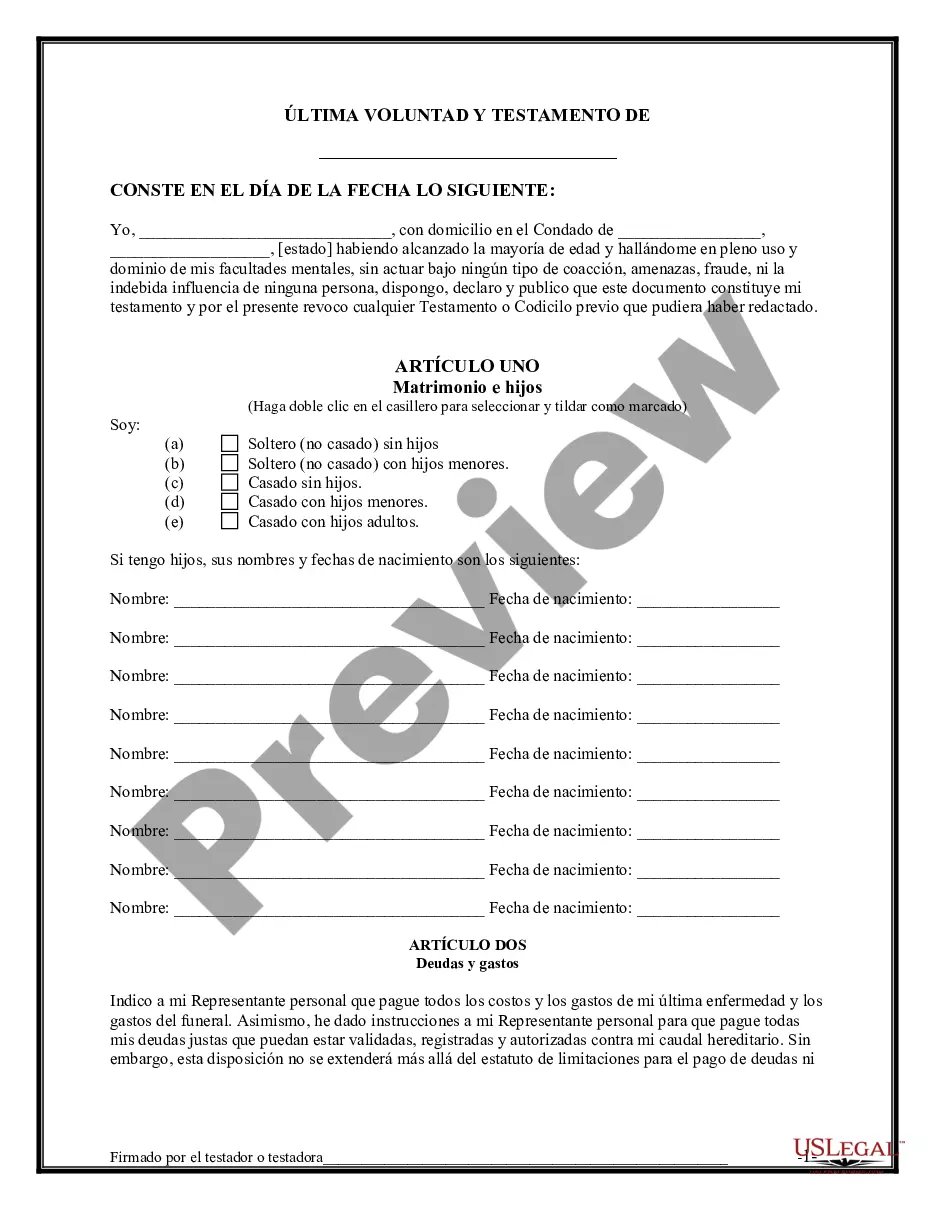
Get your form ready online
Our built-in tools help you complete, sign, share, and store your documents in one place.
Make edits, fill in missing information, and update formatting in US Legal Forms—just like you would in MS Word.
Download a copy, print it, send it by email, or mail it via USPS—whatever works best for your next step.
Sign and collect signatures with our SignNow integration. Send to multiple recipients, set reminders, and more. Go Premium to unlock E-Sign.
If this form requires notarization, complete it online through a secure video call—no need to meet a notary in person or wait for an appointment.
We protect your documents and personal data by following strict security and privacy standards.

Make edits, fill in missing information, and update formatting in US Legal Forms—just like you would in MS Word.

Download a copy, print it, send it by email, or mail it via USPS—whatever works best for your next step.

Sign and collect signatures with our SignNow integration. Send to multiple recipients, set reminders, and more. Go Premium to unlock E-Sign.

If this form requires notarization, complete it online through a secure video call—no need to meet a notary in person or wait for an appointment.

We protect your documents and personal data by following strict security and privacy standards.
Looking for another form?


How to fill out South Carolina Last Will And Testament Package?
Working with legal documents and procedures might be a time-consuming addition to your day. Sc Last Will And Testament Requirements and forms like it often require that you search for them and navigate how you can complete them appropriately. Consequently, regardless if you are taking care of financial, legal, or individual matters, using a extensive and convenient online library of forms at your fingertips will go a long way.
US Legal Forms is the top online platform of legal templates, boasting more than 85,000 state-specific forms and a number of tools to assist you complete your documents quickly. Check out the library of pertinent papers available to you with just a single click.
US Legal Forms gives you state- and county-specific forms offered by any time for downloading. Protect your document management processes having a top-notch services that lets you prepare any form within minutes without additional or hidden charges. Simply log in in your profile, locate Sc Last Will And Testament Requirements and acquire it straight away within the My Forms tab. You may also gain access to formerly saved forms.
Could it be the first time making use of US Legal Forms? Sign up and set up up your account in a few minutes and you’ll have access to the form library and Sc Last Will And Testament Requirements. Then, follow the steps listed below to complete your form:
- Be sure you have discovered the proper form using the Review option and reading the form description.
- Pick Buy Now once ready, and choose the subscription plan that meets your needs.
- Select Download then complete, sign, and print the form.
US Legal Forms has 25 years of expertise assisting users handle their legal documents. Find the form you require right now and enhance any operation without having to break a sweat.
Form popularity
FAQ
Because of these requirements, South Carolina essentially does not allow a Holographic Will. This is a Will that is handwritten and signed by the Testator, without any witnesses. While this type of Will may be valid in other states, in South Carolina a handwritten Will must be signed before witnesses.
There are three requirements for a valid will in South Carolina: It is signed by the will-maker. It must have two witness signatures. It must be notarized by a notary public.
All wills must be property signed and witnessed to be effective. For example, South Carolina requires two witnesses for a will to be valid. A notary is not sufficient, or even required.
Yes, by law, you can draft your own will or trust in South Carolina.
There are several legal requirements when you make a will in South Carolina ? notarization isn't one of them. ?For a will to be legally binding in South Carolina, it needs to be: In writing. Created by a testator (the person making the will) who is of sound mind and at least 18 years old.