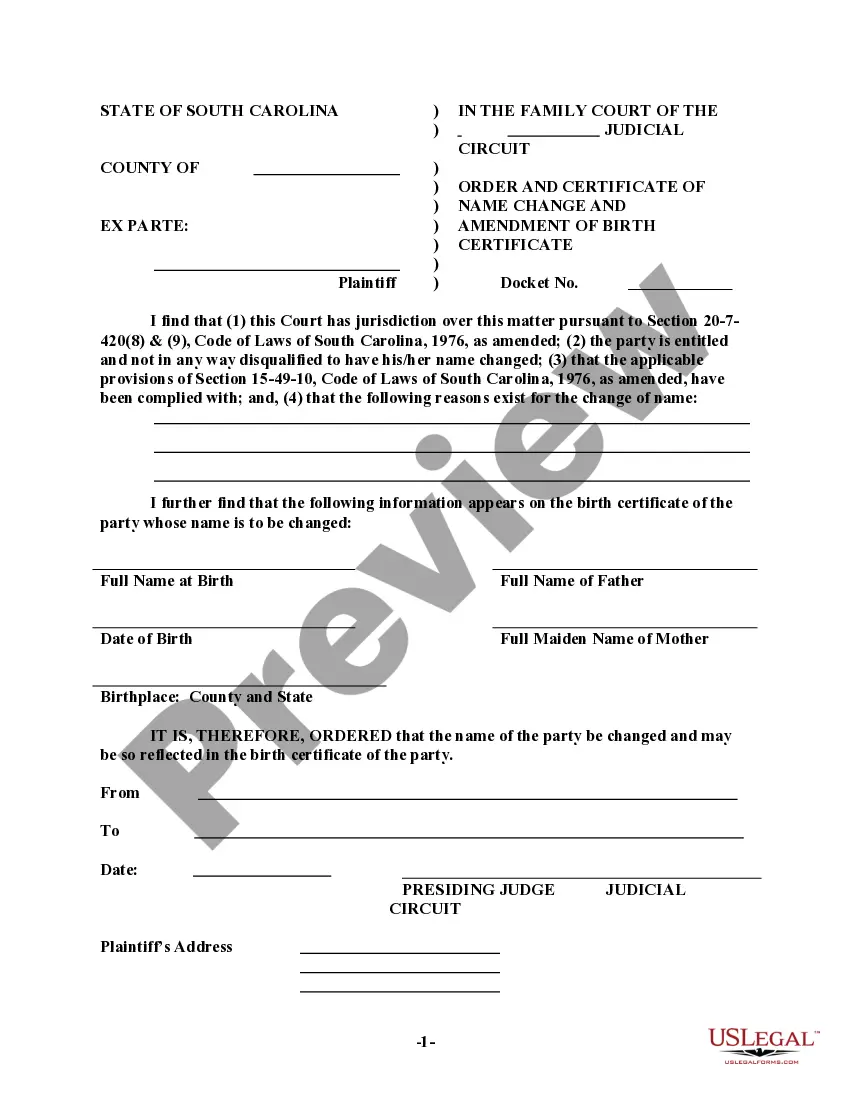
South Carolina Birth Certificate Amendment Form With Child
Description


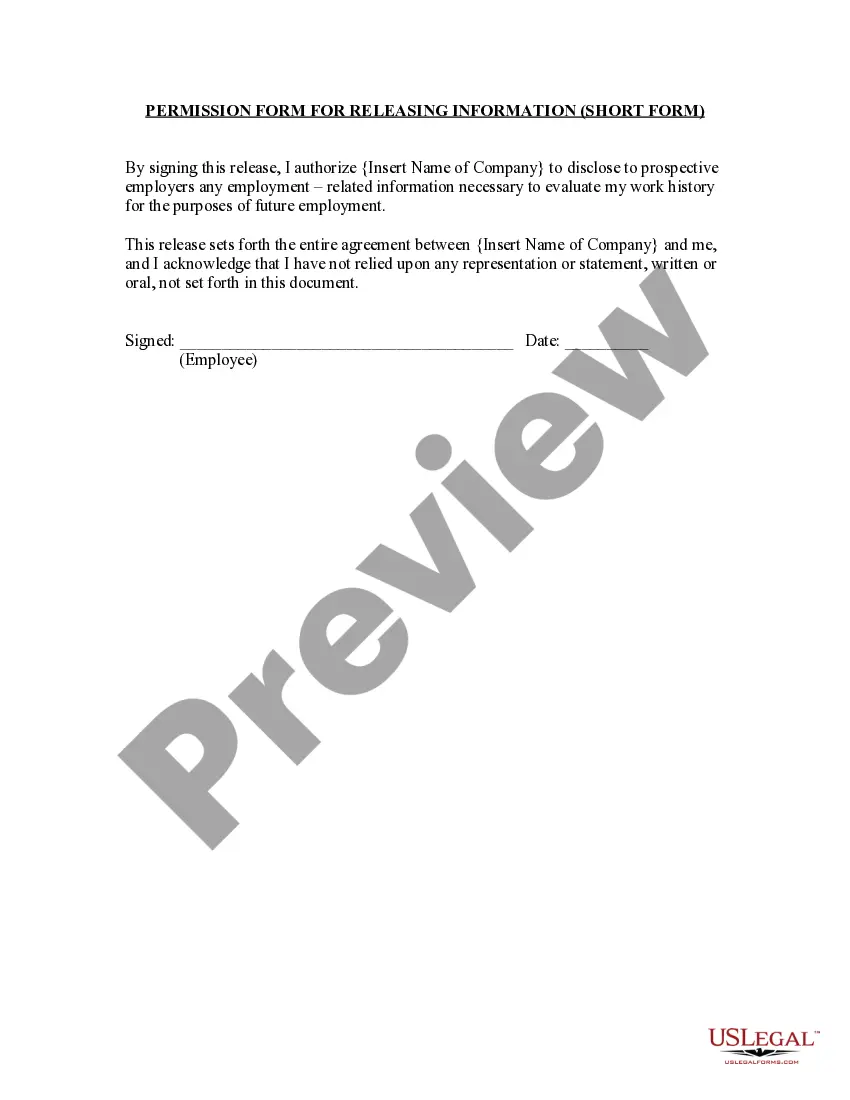

Get your form ready online
Our built-in tools help you complete, sign, share, and store your documents in one place.
Make edits, fill in missing information, and update formatting in US Legal Forms—just like you would in MS Word.
Download a copy, print it, send it by email, or mail it via USPS—whatever works best for your next step.
Sign and collect signatures with our SignNow integration. Send to multiple recipients, set reminders, and more. Go Premium to unlock E-Sign.
If this form requires notarization, complete it online through a secure video call—no need to meet a notary in person or wait for an appointment.
We protect your documents and personal data by following strict security and privacy standards.

Make edits, fill in missing information, and update formatting in US Legal Forms—just like you would in MS Word.

Download a copy, print it, send it by email, or mail it via USPS—whatever works best for your next step.

Sign and collect signatures with our SignNow integration. Send to multiple recipients, set reminders, and more. Go Premium to unlock E-Sign.

If this form requires notarization, complete it online through a secure video call—no need to meet a notary in person or wait for an appointment.

We protect your documents and personal data by following strict security and privacy standards.
Looking for another form?




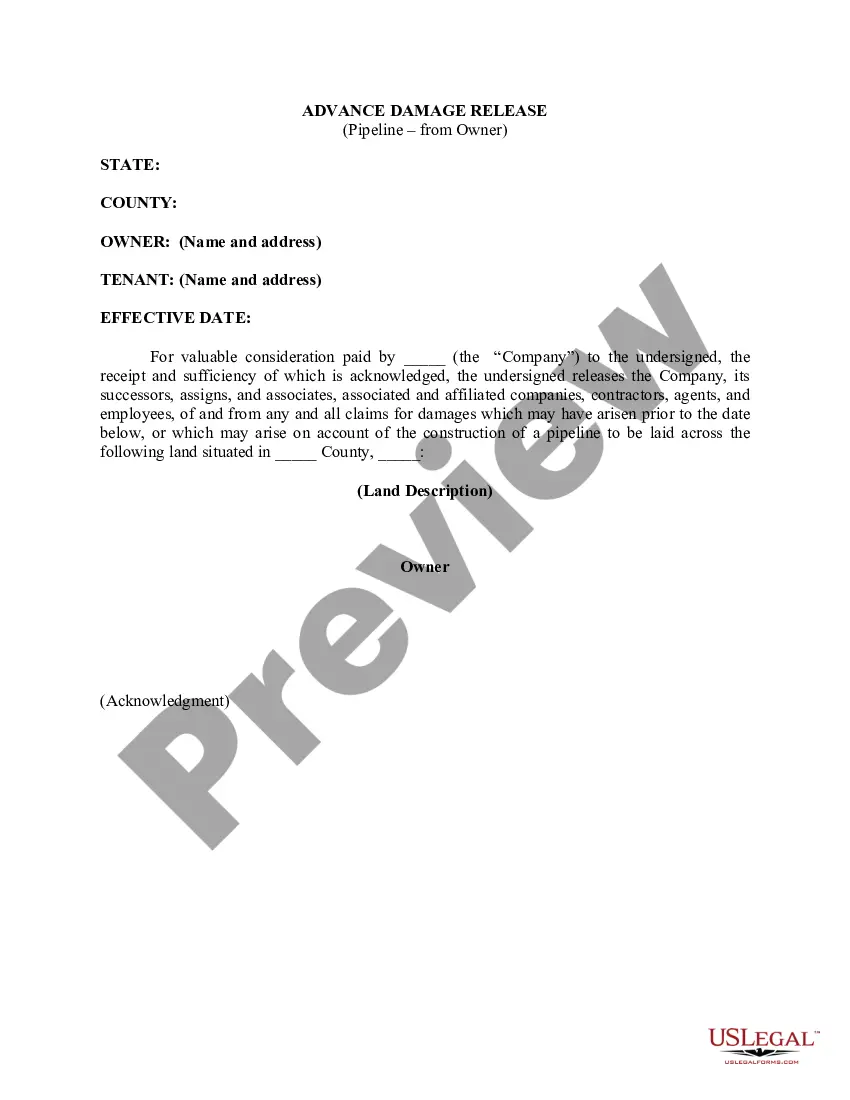



How to fill out South Carolina Order And Certificate Of Name Change And Amendment Of Birth Record For Adult?
Utilizing legal templates that adhere to federal and local regulations is essential, and the internet provides a plethora of options to choose from.
However, what’s the benefit of squandering time searching for the suitable South Carolina Birth Certificate Amendment Form With Child example online when the US Legal Forms digital library has assembled such templates in one centralized location.
US Legal Forms is the premier online legal repository with over 85,000 customizable templates created by attorneys for any professional and personal circumstance.
Evaluate the template using the Preview feature or via the text outline to confirm it meets your requirements.
- They are simple to search through, with all documents categorized by state and intended use.
- Our specialists stay updated with legislative modifications, ensuring your form is current and compliant when obtaining a South Carolina Birth Certificate Amendment Form With Child from our platform.
- Acquiring a South Carolina Birth Certificate Amendment Form With Child is straightforward and fast for both existing and new users.
- If you already possess an account with an active subscription, Log In to download the document sample you need in your chosen format.
- If you are a newcomer to our site, follow the steps below.
Form popularity
FAQ
Yes. We offer online registration through our electronic Copyright Office (eCO). See Circular 2, Copyright Registration.
When your original work is ready to be copyrighted, you can find the copyright registration application on copyright.gov. Registering your copyright is also important if you need to file a lawsuit for copyright infringement. The filing fee for copyright registration ranges from $35 to $55.
Works that no longer attract copyright protection are said to be in the public domain, and you are free to use them without restriction. That includes no restrictions on copying and adapting, no need to seek permission, and no uncertainty about your rights as a user.
When your original work is ready to be copyrighted, you can find the copyright registration application on copyright.gov. Registering your copyright is also important if you need to file a lawsuit for copyright infringement. The filing fee for copyright registration ranges from $35 to $55.
In general, all you need to do is create a work of authorship and write it down or otherwise record it somewhere. This will automatically create copyright protections. In theory, you do not need to own the original copy in order to own the copyright.
Can I get a copyright for free? If you are a creator looking to obtain copyright for your creations, you may be surprised to learn that you automatically gain copyright for your original creative works from the moment that work is "fixed in a tangible form of expression."
Order forms and other publications from Library of Congress, Copyright Office- COPUBS, 101 Independence Avenue SE, Washington, DC 20559 or call (202) 707-9100 or 1-877-476-0778 (toll free). Access and download circulars and other information from the Copyright Office website at .copyright.gov.
Yes. Please be aware that when you register your claim to a copyright in a work with the U.S. Copyright Office, you are making a public record. All the information you provide on your copyright registration is available to the public and will be available on the Internet.