Power Of Attorney Irs
Description
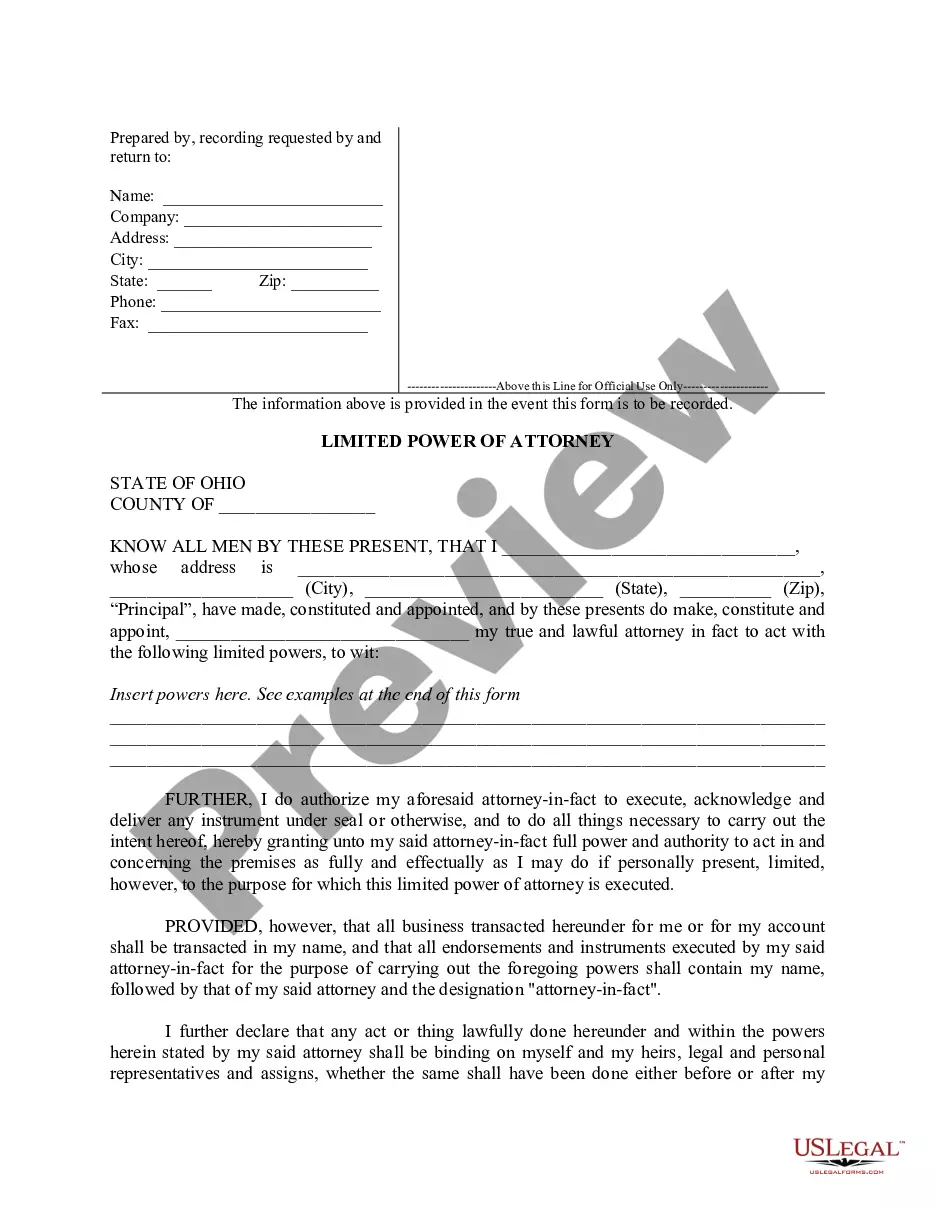
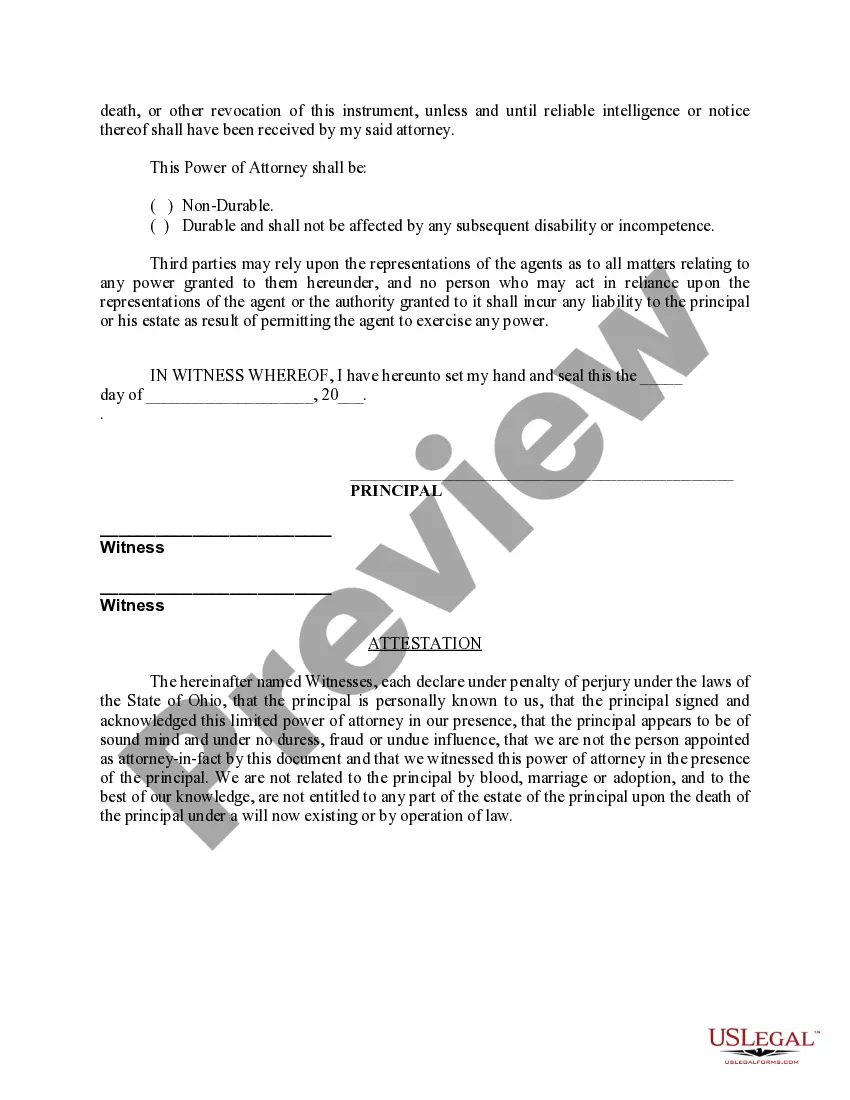
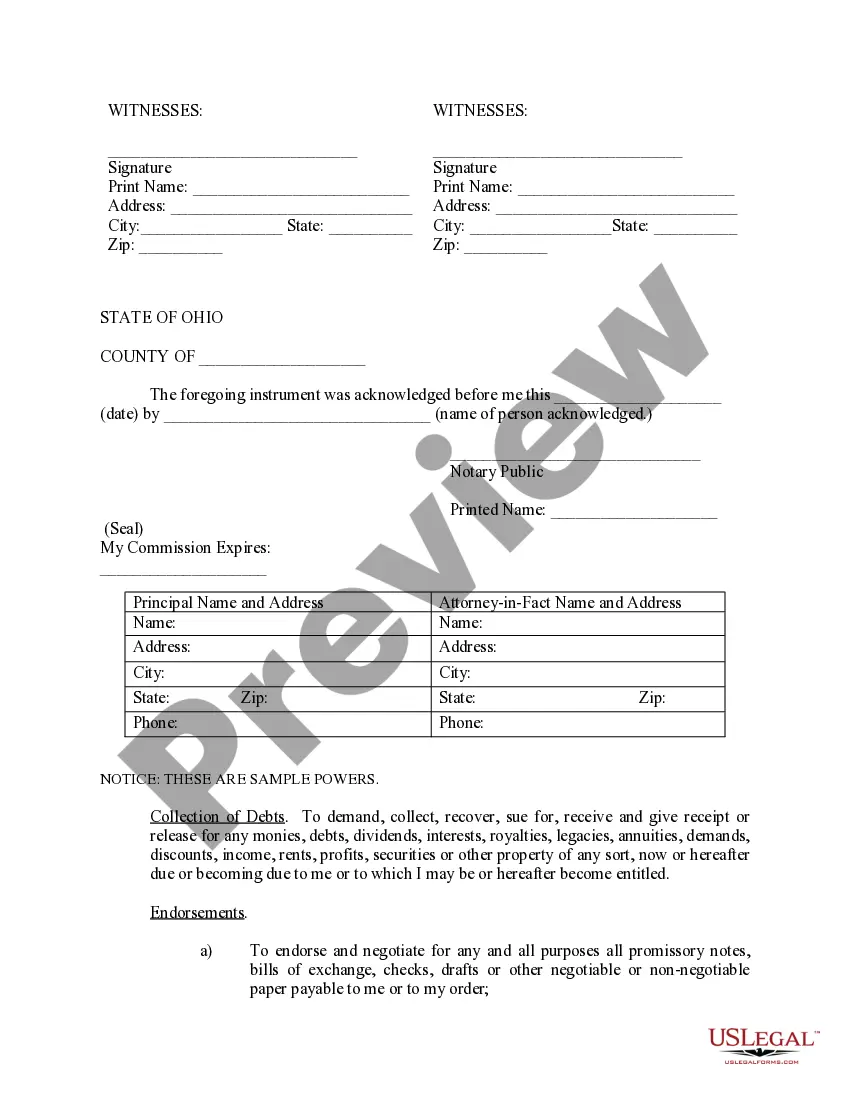

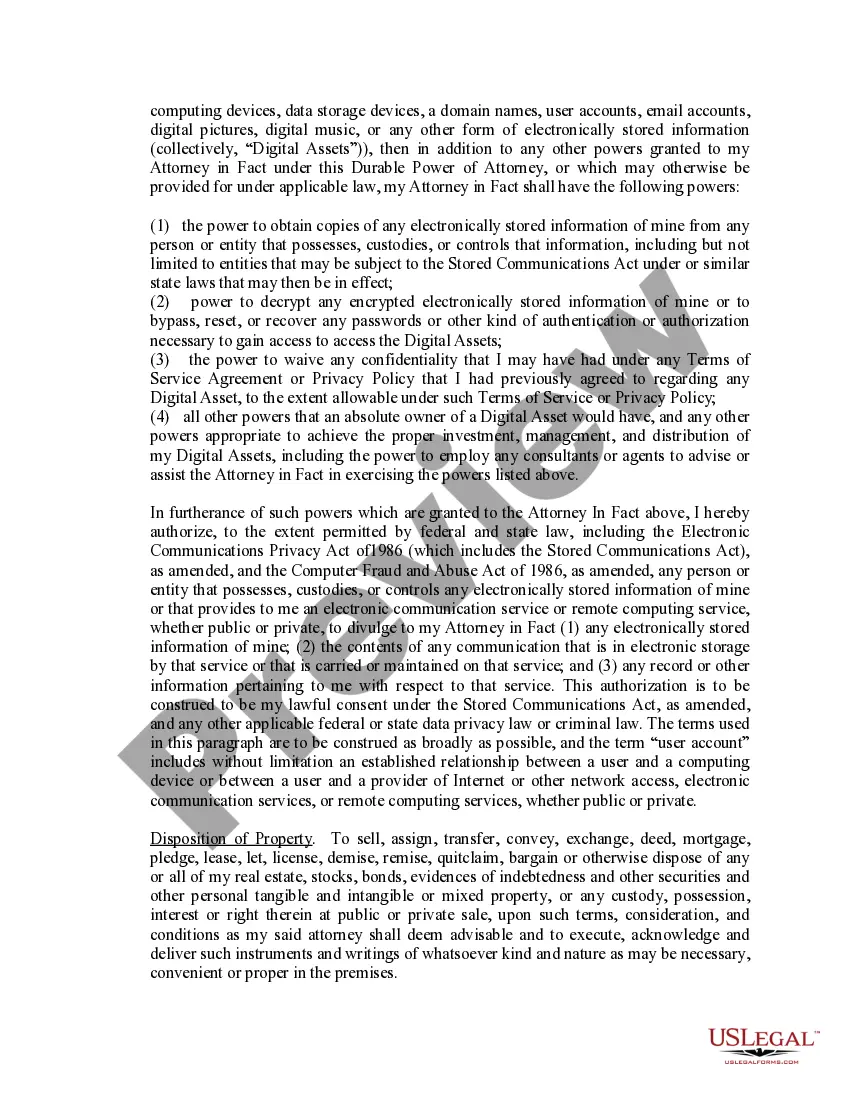

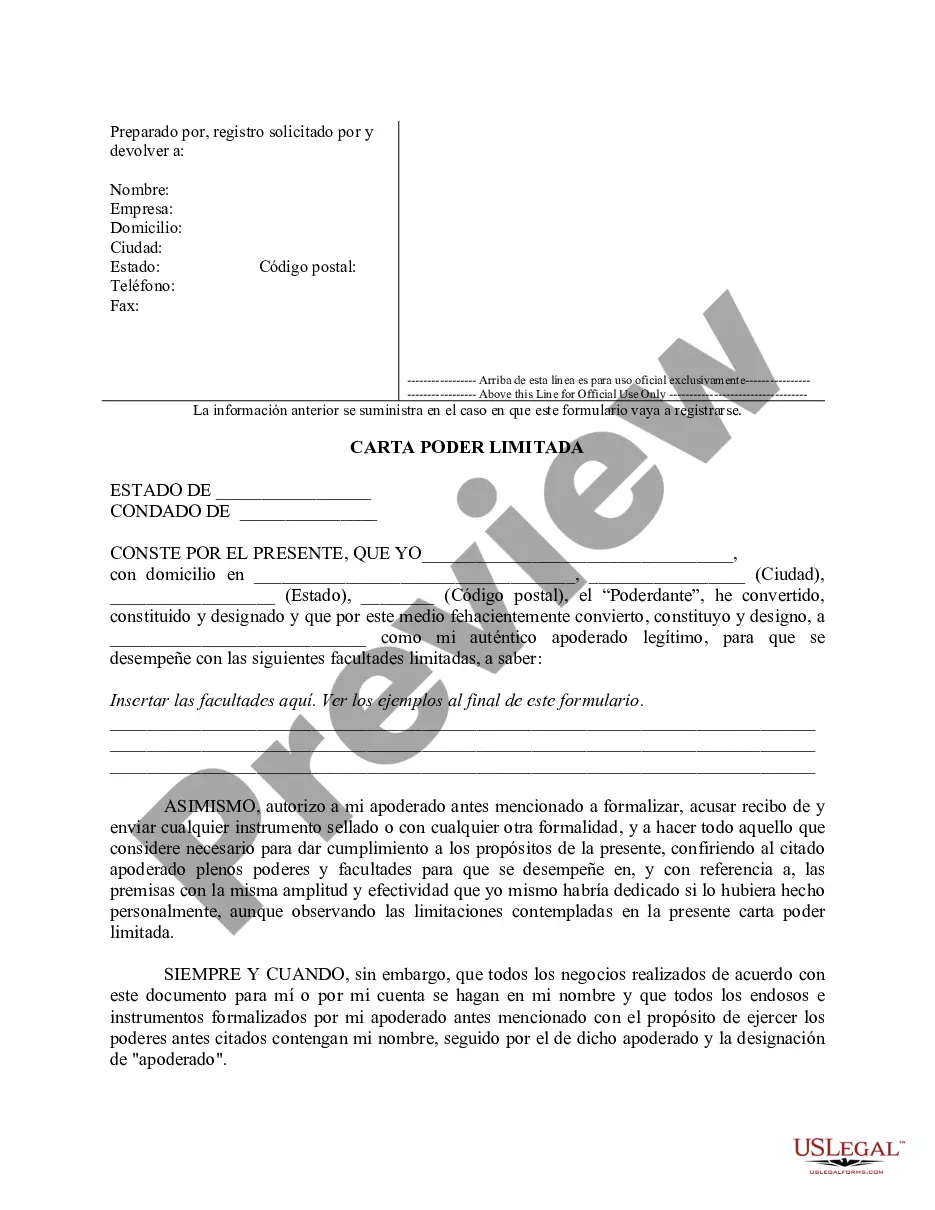
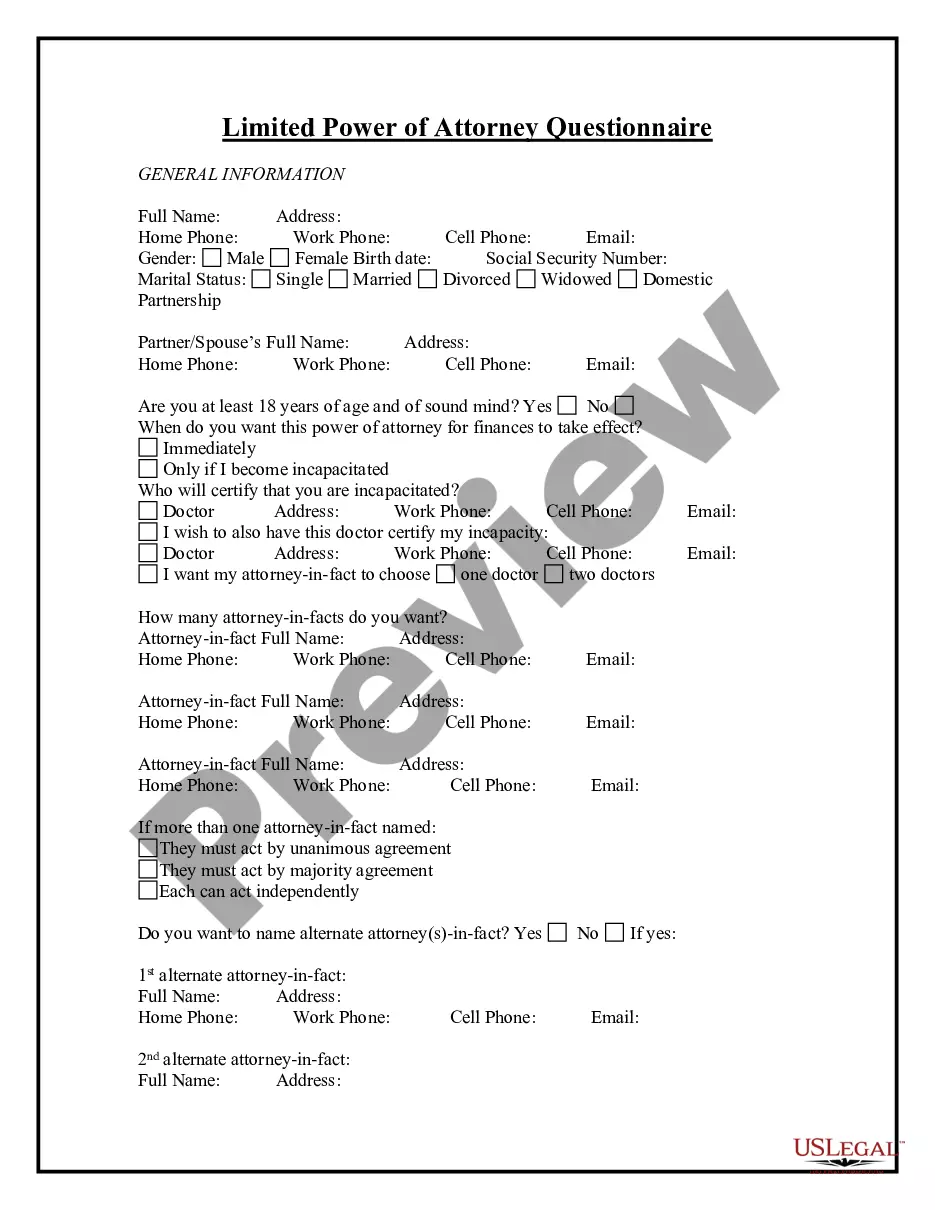
Get your form ready online
Our built-in tools help you complete, sign, share, and store your documents in one place.
Make edits, fill in missing information, and update formatting in US Legal Forms—just like you would in MS Word.
Download a copy, print it, send it by email, or mail it via USPS—whatever works best for your next step.
Sign and collect signatures with our SignNow integration. Send to multiple recipients, set reminders, and more. Go Premium to unlock E-Sign.
If this form requires notarization, complete it online through a secure video call—no need to meet a notary in person or wait for an appointment.
We protect your documents and personal data by following strict security and privacy standards.

Make edits, fill in missing information, and update formatting in US Legal Forms—just like you would in MS Word.

Download a copy, print it, send it by email, or mail it via USPS—whatever works best for your next step.

Sign and collect signatures with our SignNow integration. Send to multiple recipients, set reminders, and more. Go Premium to unlock E-Sign.

If this form requires notarization, complete it online through a secure video call—no need to meet a notary in person or wait for an appointment.

We protect your documents and personal data by following strict security and privacy standards.
Looking for another form?
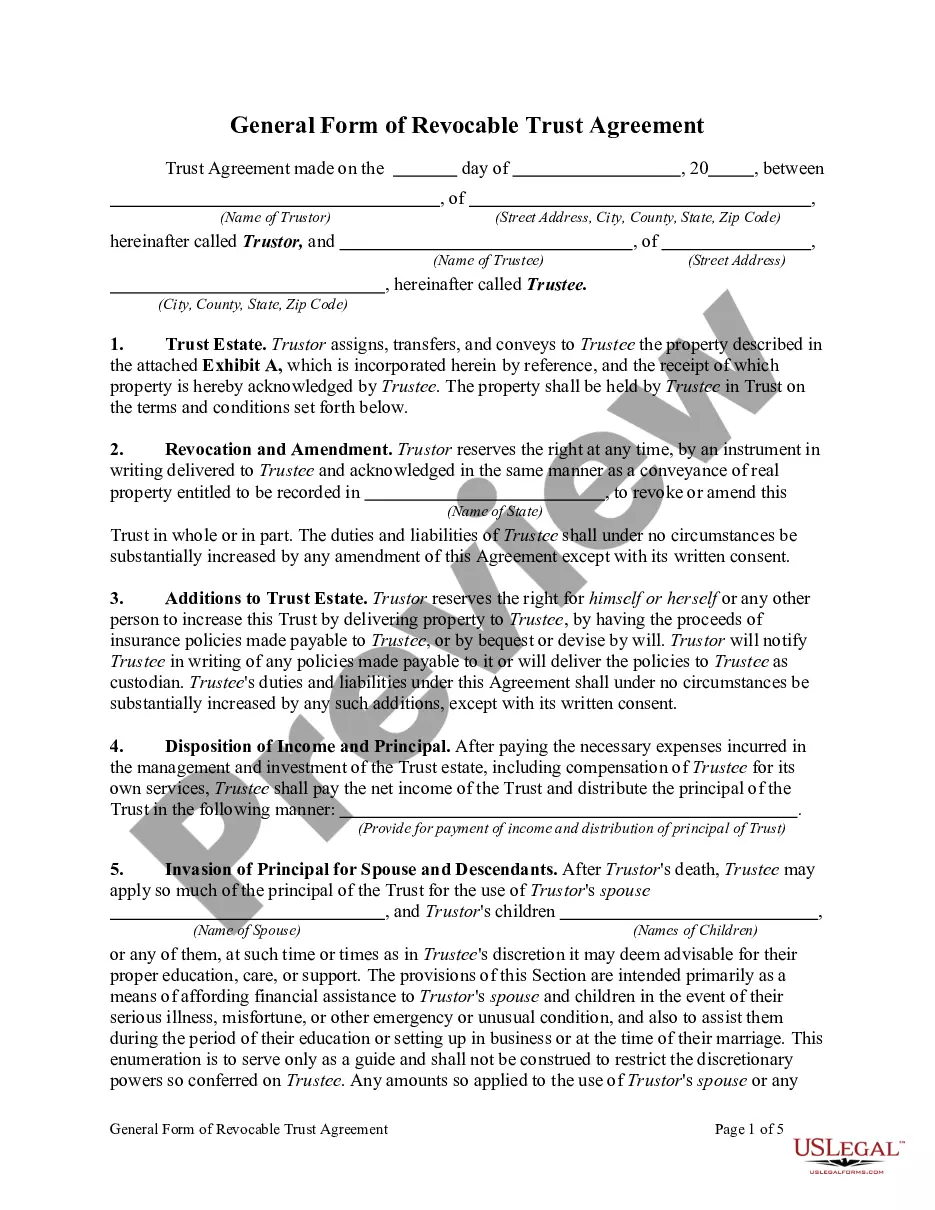

How to fill out Ohio Limited Power Of Attorney Where You Specify Powers With Sample Powers Included?
- Visit the US Legal Forms website and log in to your account if you have used our service before. Ensure your subscription is active; if it isn't, renew it according to your plan.
- If you're new to our service, browse the extensive online library. Check the Preview mode and ensure the form you select aligns with your specific jurisdiction's requirements.
- Utilize the Search tab to find the correct form if needed. Make sure it meets your needs before proceeding.
- Once you find the right document, click on the 'Buy Now' button and select your preferred subscription plan. Create an account to gain access to our comprehensive library.
- Complete your purchase by entering your payment details, either through credit card or PayPal.
- After your payment is processed, download your form to your device. You can find it later in the 'My Forms' section of your profile.
In conclusion, US Legal Forms empowers you to easily access and complete necessary legal documents with its extensive resources. Our platform simplifies the often complex process of obtaining a power of attorney.
Start your journey today by visiting the US Legal Forms website and experience the difference!
Form popularity
FAQ
To obtain a power of attorney for the IRS, first, you need to fill out IRS Form 2848, which authorizes another person to represent you. After completing the form, submit it to the IRS either by mailing it or faxing it to the appropriate number listed in the instructions. Make sure to specify the tax matters and tax years involved to ensure the authority is correctly granted. Utilizing the US Legal Forms platform can simplify this process, providing you with easy-to-use templates and guidance tailored for the power of attorney for IRS.
The processing time for the IRS to accept a power of attorney typically ranges from a few weeks to several months, depending on their workload. Once the IRS processes Form 2848, they will notify you and your representative about the approval. It's important to submit the form as early as possible, especially close to tax deadlines. For a smooth experience, accessible resources from uslegalforms can help expedite your application.
To file taxes with a power of attorney, complete Form 2848 to authorize your representative, then ensure they have the appropriate documentation to file on your behalf. Once the IRS processes the form, your representative can complete and submit your taxes accordingly. This approach provides peace of mind, knowing a qualified individual is managing your tax responsibilities. Visit uslegalforms for efficient tools and templates to assist you in this process.
You submit a power of attorney to the IRS by completing IRS Form 2848, which outlines the authority you grant to your representative. After filling out the form, you can submit it via mail, fax, or electronically, depending on the case. Make sure to include all necessary signatures and details for swift processing. For additional support, uslegalforms offers templates to guide you through filling out the form correctly.
To file a tax return with a power of attorney, you must first complete and submit Form 2848 to the IRS. After the IRS accepts the form, your attorney can file your tax return for you. This process simplifies tax management, allowing a trusted legal representative to handle sensitive matters efficiently. You can find reliable templates for Form 2848 on the uslegalforms platform.
Yes, an attorney can file a tax return on behalf of a client if they have been granted a power of attorney (POA) for IRS matters. This allows the attorney to act on behalf of the taxpayer, ensuring compliance with tax laws. If you need assistance in setting up a POA, uslegalforms provides the necessary resources to streamline this procedure.
The best way to submit a power of attorney (POA) to the IRS is by using Form 2848, which is specifically designed for this purpose. You can submit this form by mail, fax, or online, depending on the circumstances. Make sure to double-check the submission guidelines on the IRS website, as they may change. Additionally, uslegalforms offers templates and guidance to simplify the process.
Yes, a power of attorney can be signed electronically in accordance with IRS rules. This approach simplifies the process, allowing you to execute your tax matters quickly and efficiently. Always verify that your method of electronic signature aligns with IRS guidelines to avoid any issues.
In most cases, the IRS does not require a power of attorney to be notarized. However, it's crucial to check the specific requirements outlined by the IRS to ensure compliance. Using USLegalForms can help clarify any grey areas and provide you with the necessary templates to streamline the process.
To submit a power of attorney to the IRS, you can mail or fax the completed form to the appropriate address provided by the IRS for your specific situation. Make sure to retain a copy for your records. Additionally, consider using USLegalForms for guidance on submitting your form correctly and effectively.