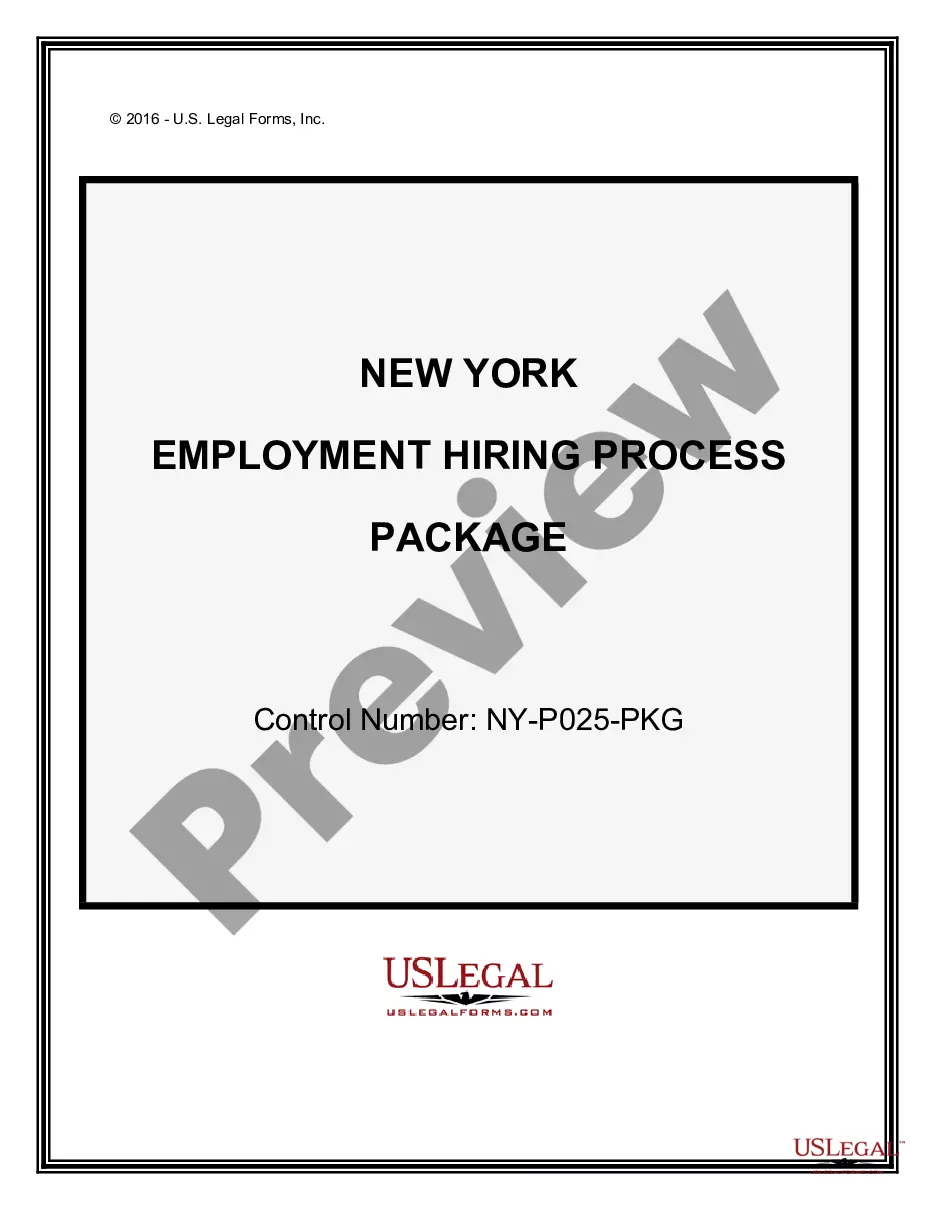
New York Employment Form For Employers
Description
Get your form ready online
Our built-in tools help you complete, sign, share, and store your documents in one place.
Make edits, fill in missing information, and update formatting in US Legal Forms—just like you would in MS Word.
Download a copy, print it, send it by email, or mail it via USPS—whatever works best for your next step.
Sign and collect signatures with our SignNow integration. Send to multiple recipients, set reminders, and more. Go Premium to unlock E-Sign.
If this form requires notarization, complete it online through a secure video call—no need to meet a notary in person or wait for an appointment.
We protect your documents and personal data by following strict security and privacy standards.

Make edits, fill in missing information, and update formatting in US Legal Forms—just like you would in MS Word.

Download a copy, print it, send it by email, or mail it via USPS—whatever works best for your next step.

Sign and collect signatures with our SignNow integration. Send to multiple recipients, set reminders, and more. Go Premium to unlock E-Sign.

If this form requires notarization, complete it online through a secure video call—no need to meet a notary in person or wait for an appointment.

We protect your documents and personal data by following strict security and privacy standards.
Looking for another form?
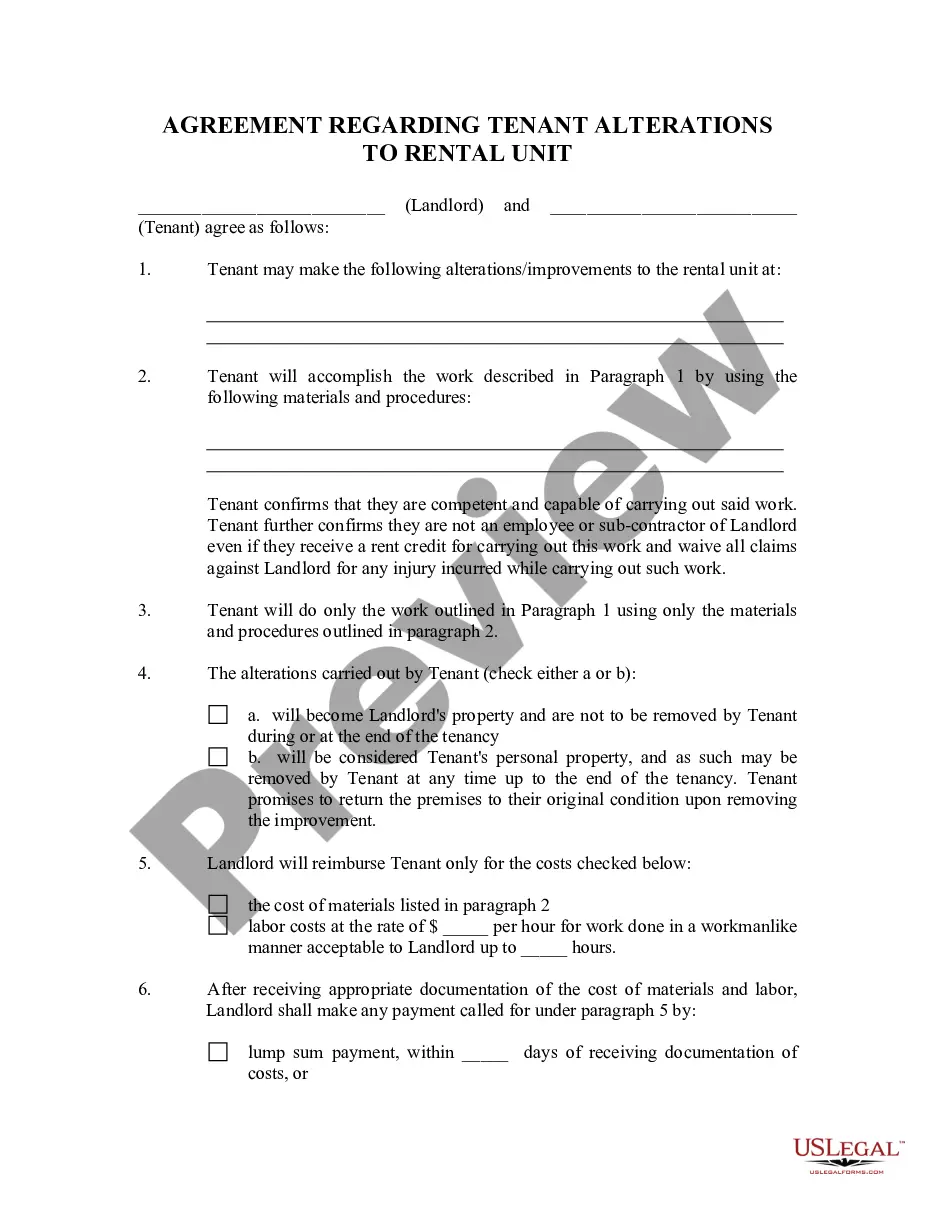
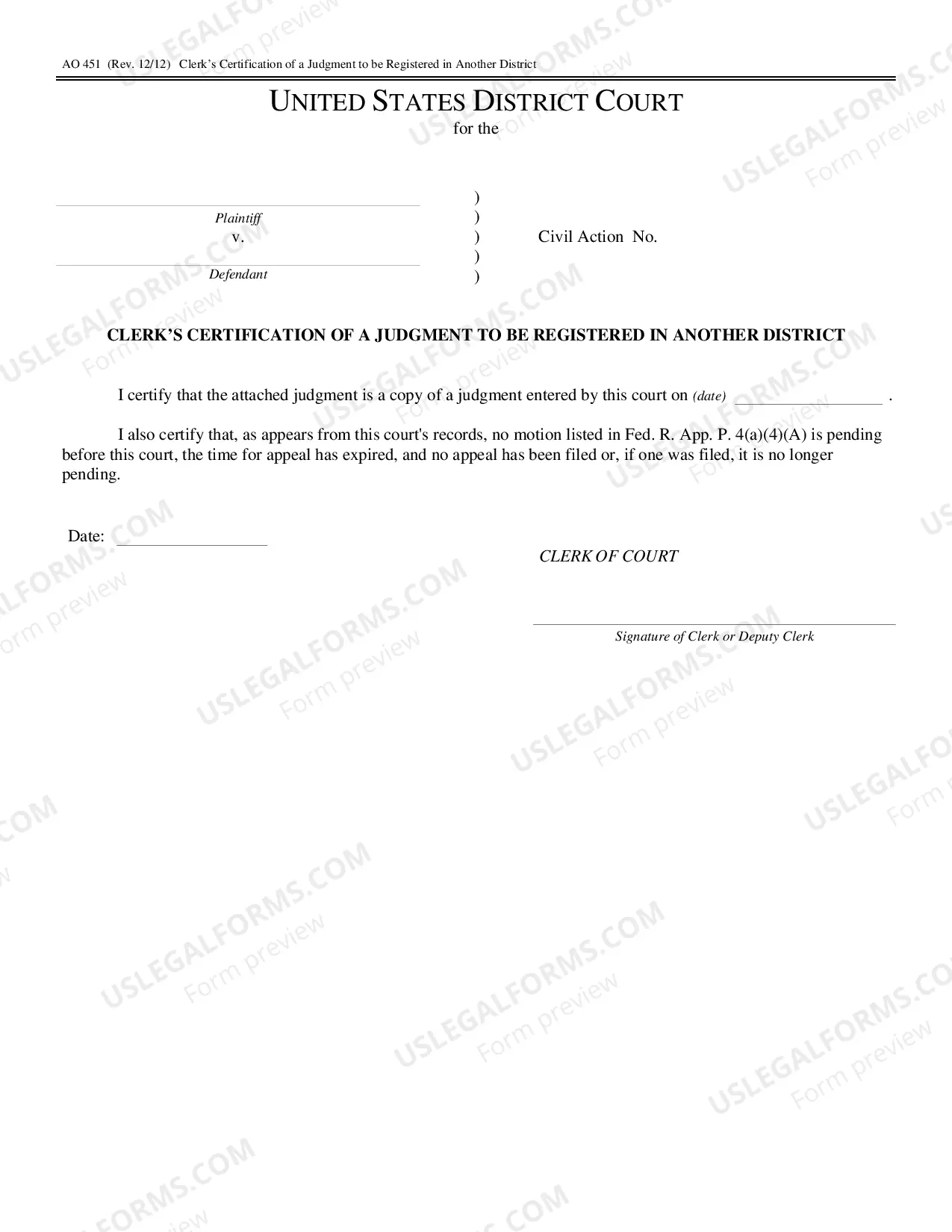
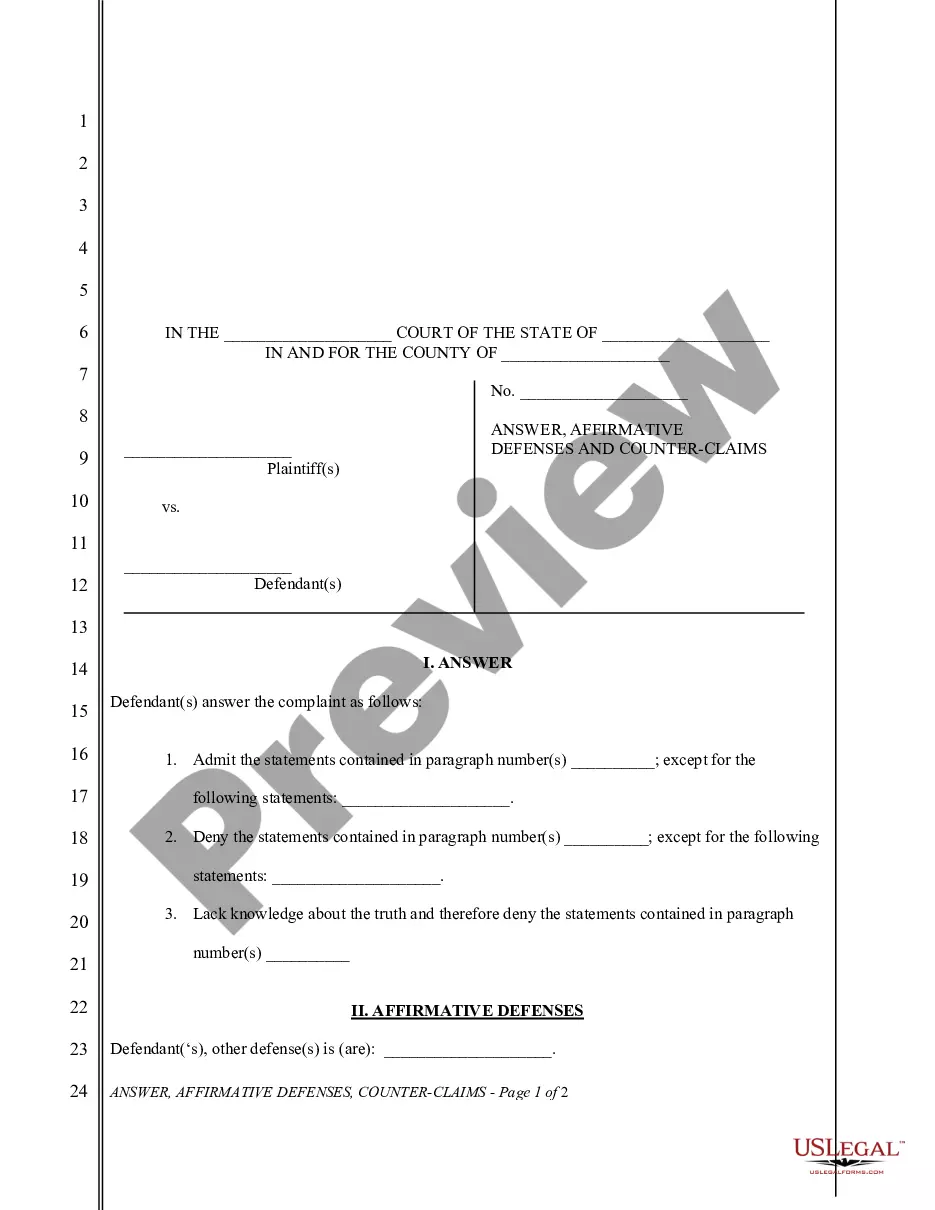
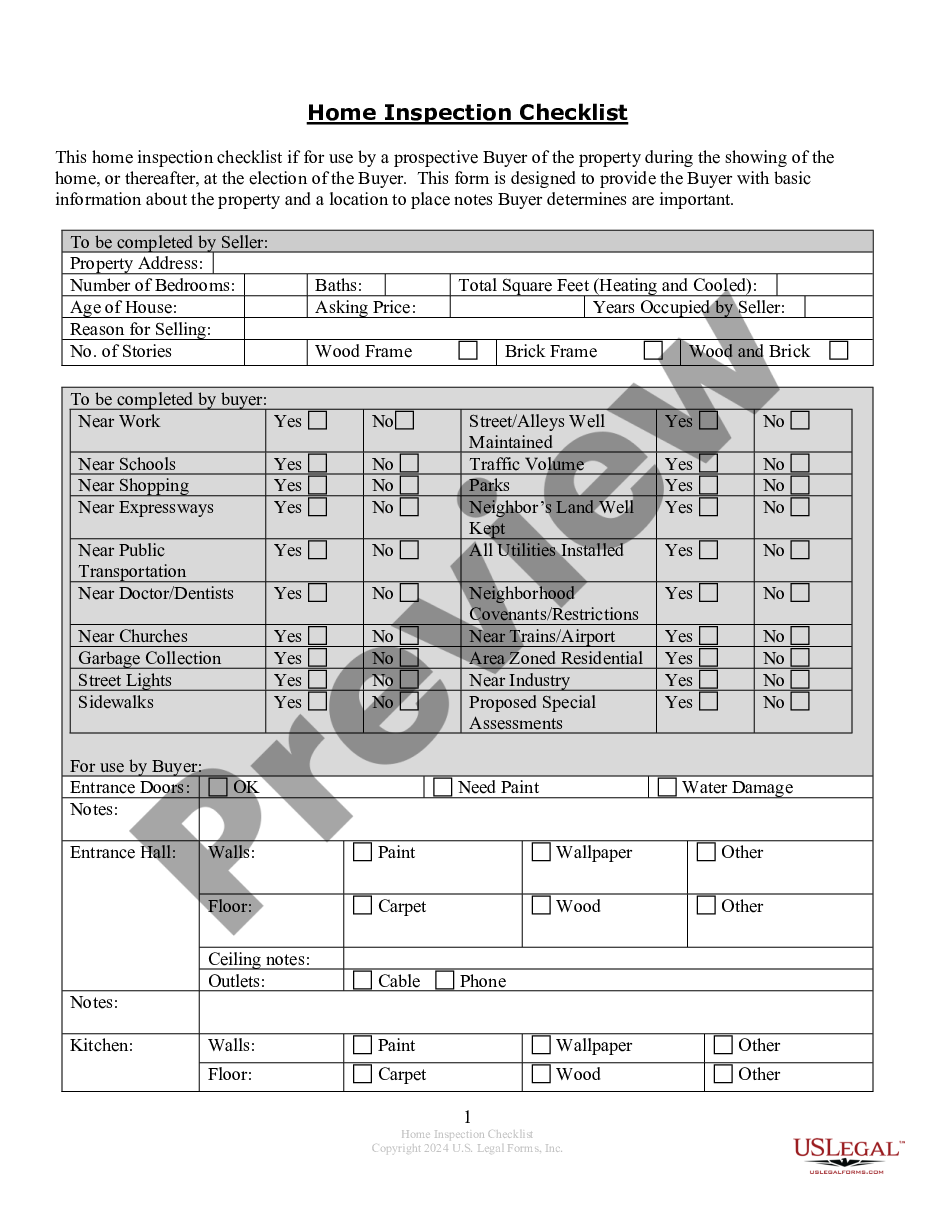
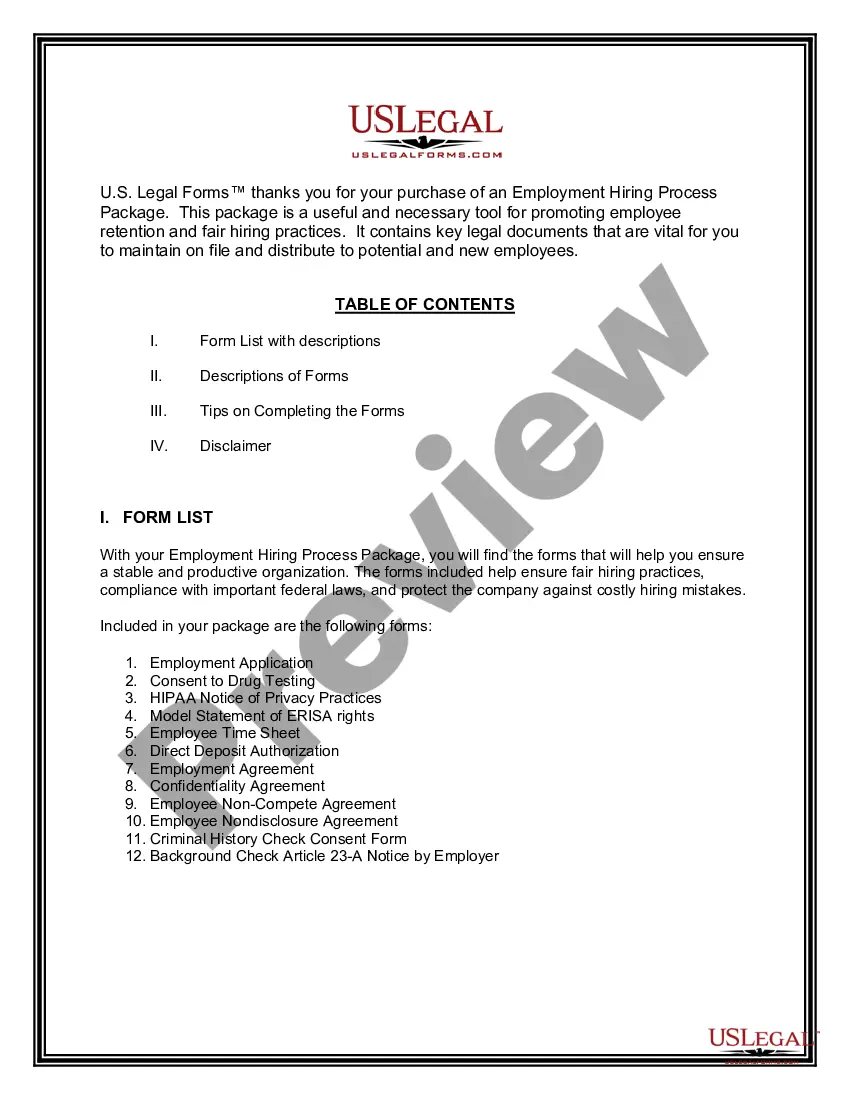
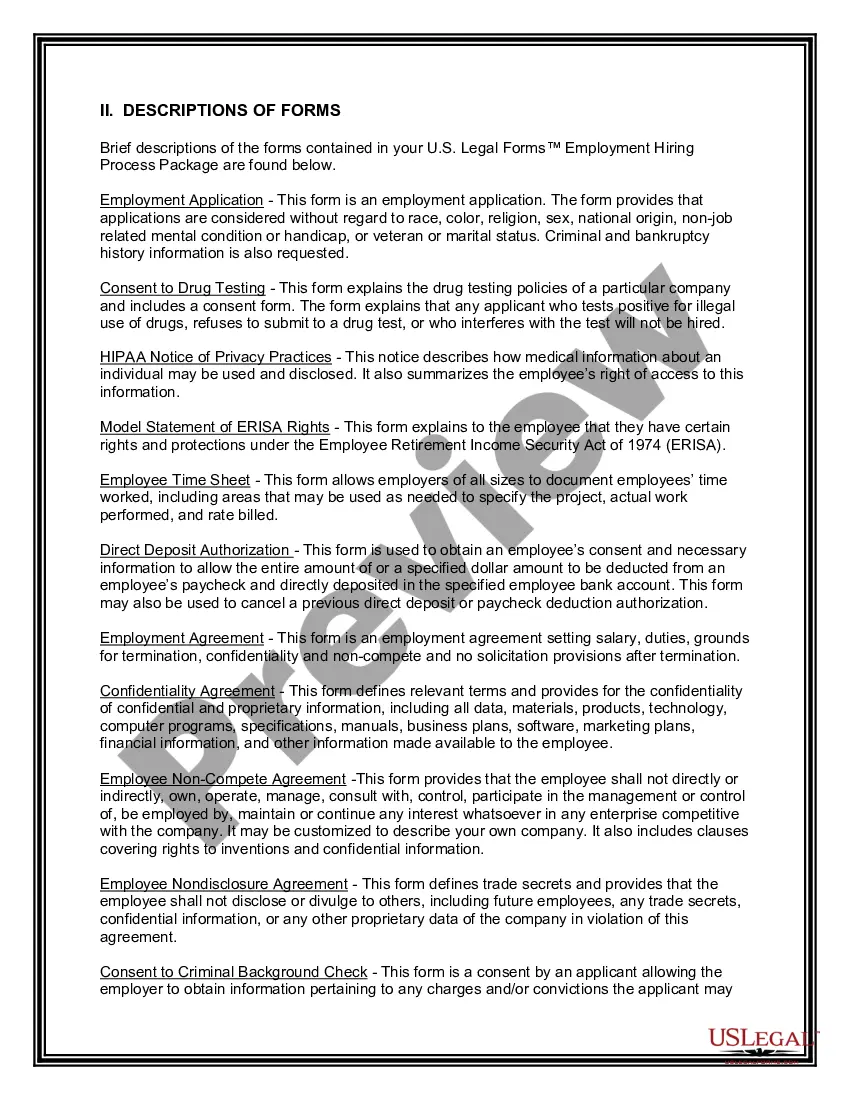
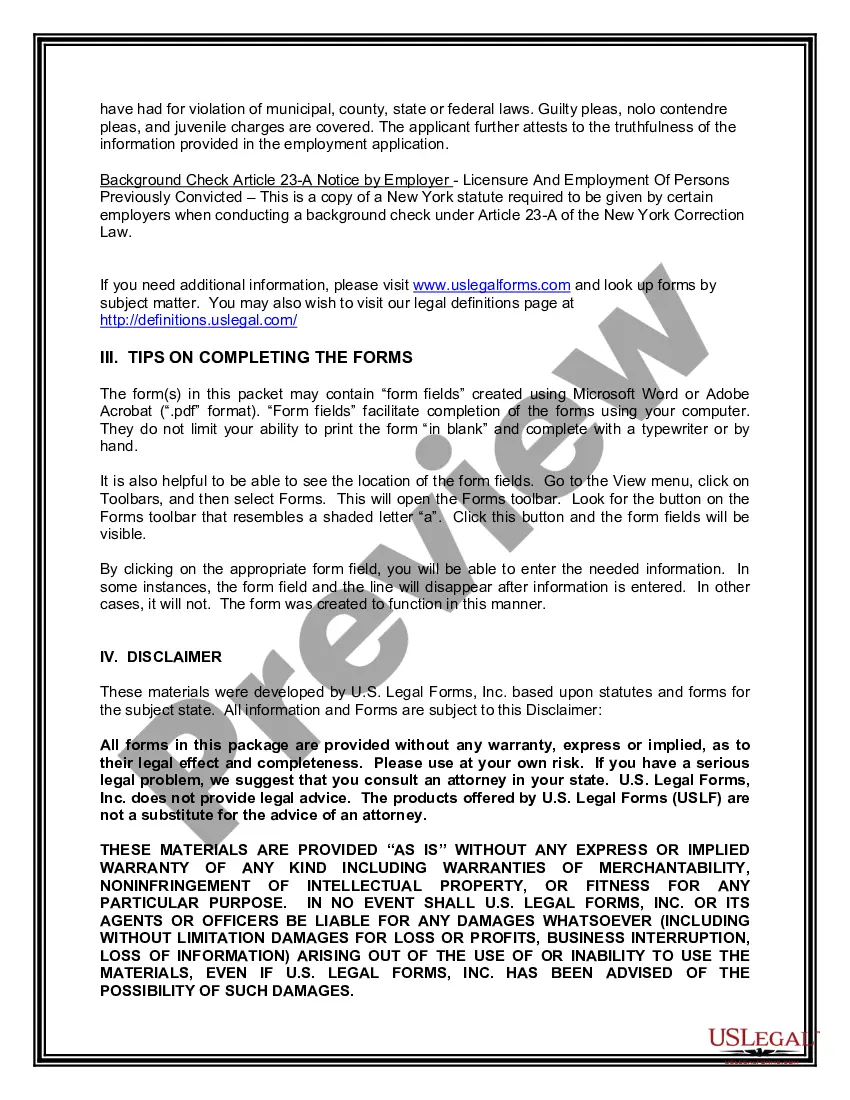
How to fill out New York Employment Hiring Process Package?
Whether for corporate reasons or personal matters, everyone must navigate legal situations at some stage in their life.
Filling out legal documents requires meticulous attention, beginning with selecting the appropriate form template.
With a comprehensive catalog from US Legal Forms available, you don’t need to waste time searching for the right template online. Use the library’s user-friendly navigation to find the suitable template for any occasion.
- For example, if you choose an incorrect version of a New York Employment Form For Employers, it will be rejected upon submission.
- Thus, it is vital to have a reliable source for legal documents such as US Legal Forms.
- If you need to obtain a New York Employment Form For Employers template, follow these straightforward steps.
- Locate the template you require by utilizing the search bar or browsing the catalog.
- Review the form’s details to ensure it corresponds with your situation, state, and county.
- Click on the form’s preview to inspect it.
- If it is the incorrect form, return to the search feature to find the New York Employment Form For Employers sample that you need.
- Acquire the file if it meets your requirements.
- If you already possess a US Legal Forms account, simply click Log in to access previously stored documents in My documents.
- If you don’t have an account yet, you can obtain the form by clicking Buy now.
- Choose the appropriate pricing option.
- Complete the profile registration form.
- Select your payment method: use a credit card or PayPal account.
- Choose the file format you desire and download the New York Employment Form For Employers.
- Once saved, you can fill out the form using editing software or print it and complete it by hand.
Form popularity
FAQ
To obtain a certificate of employment from your employer, you should formally request this document, specifying the reasons for your request. Employers typically require a written request or may have a specific form to complete. This certificate can be essential for various purposes, such as applying for loans or other employment opportunities. If you need guidance on drafting your request or understanding the process, the US Legal Forms platform can provide templates and resources tailored for your needs.
The New York State employee withholding form is known as Form IT-2104. This form is crucial for employers as it helps determine the amount of state tax to withhold from employees’ wages. Completing and submitting this form accurately ensures compliance with state tax laws, reducing the risk of penalties. For an organized approach to managing such forms, the US Legal Forms platform offers resources tailored for employers in New York.
The new employee form for New York State is the New York State Department of Taxation and Finance Form IT-2104. This form allows employers to determine the correct amount of state income tax withholding from an employee's paycheck. It's essential for employers to collect this form from each new hire to ensure proper tax compliance. For easy access to this form and others, consider using the US Legal Forms platform to simplify your hiring process.
The IT 201 and IT 203 forms in New York serve different purposes for taxpayers. IT 201 is the New York State Resident Income Tax Return, which applies to residents who earn income in the state. In contrast, IT 203 is the Nonresident and Part-Year Resident Income Tax Return, designed for those who earn income in New York but do not reside there. Understanding these forms is crucial for compliance, and you can find detailed guidance on the US Legal Forms platform to assist you.
To obtain a New York State employer registration number, you must complete the appropriate form through the New York State Department of Taxation and Finance. This process typically involves providing information about your business, such as its structure and location. Once submitted, the state will process your application and issue your registration number, which is essential for filing taxes and other employment-related obligations. Utilizing the US Legal Forms platform can help you find the correct forms and streamline your submission.
Filling out the NYS withholding form involves providing the employee's name, Social Security number, and filing status. You will also need to indicate the number of allowances claimed and any additional withholding amounts. This New York employment form for employers is vital for ensuring accurate tax deductions. Utilizing the USLegalForms platform can streamline this process, offering clear forms and guidance for both employers and employees.
When completing an employment verification form, begin by entering the employee's personal information, including their position and employment dates. Be sure to include your contact details as the employer. This New York employment form for employers is key for potential employers to confirm the candidate's work history. Consider using USLegalForms to access templates and instructions that make this task easier.
To fill out a verification of employment form, start by providing accurate employee details, such as name, job title, and dates of employment. Ensure that you include the employer's information and any requested salary details. It is essential to be precise and clear, as this New York employment form for employers serves as a crucial document for job verification. The USLegalForms platform can help you navigate this process effectively.
In New York, new employees typically need to complete the W-4 form for tax withholding, the I-9 form for employment eligibility verification, and possibly other company-specific forms. Each of these New York employment forms for employers ensures compliance with state and federal regulations. Using the USLegalForms platform can simplify this process by providing easy access to the necessary forms and guidance on how to complete them correctly.