Fifty Dollars On Check For 500
Description
Get your form ready online
Our built-in tools help you complete, sign, share, and store your documents in one place.
Make edits, fill in missing information, and update formatting in US Legal Forms—just like you would in MS Word.
Download a copy, print it, send it by email, or mail it via USPS—whatever works best for your next step.
Sign and collect signatures with our SignNow integration. Send to multiple recipients, set reminders, and more. Go Premium to unlock E-Sign.
If this form requires notarization, complete it online through a secure video call—no need to meet a notary in person or wait for an appointment.
We protect your documents and personal data by following strict security and privacy standards.

Make edits, fill in missing information, and update formatting in US Legal Forms—just like you would in MS Word.

Download a copy, print it, send it by email, or mail it via USPS—whatever works best for your next step.

Sign and collect signatures with our SignNow integration. Send to multiple recipients, set reminders, and more. Go Premium to unlock E-Sign.

If this form requires notarization, complete it online through a secure video call—no need to meet a notary in person or wait for an appointment.

We protect your documents and personal data by following strict security and privacy standards.
Looking for another form?








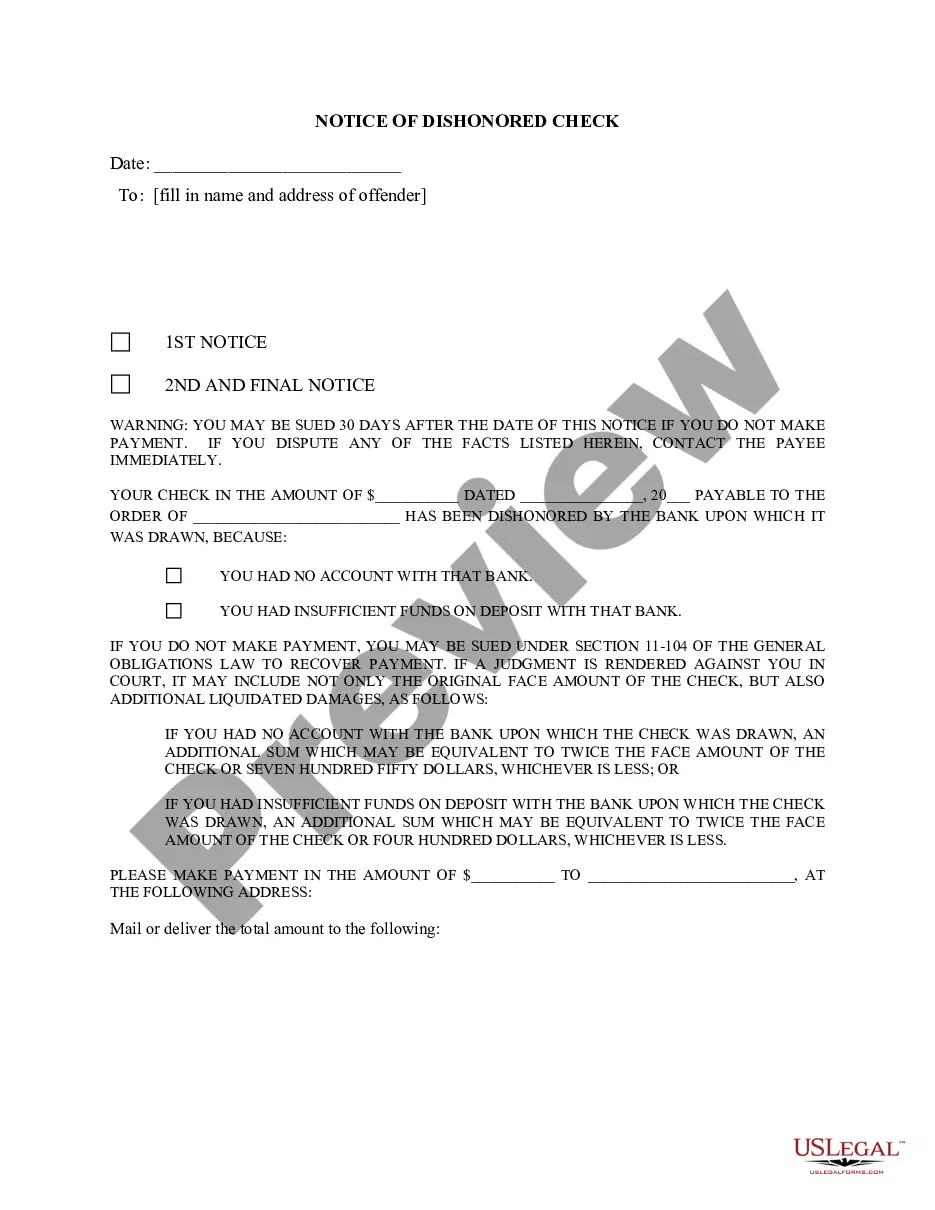
How to fill out New York English Notice Of Dishonored Check - Civil - Keywords: Bad Check, Bounced Check?
Securing a reliable location to obtain the most up-to-date and suitable legal templates is part of the challenge of navigating bureaucracy.
Identifying the appropriate legal documents requires accuracy and careful consideration, which is why it is essential to obtain samples of Fifty Dollars On Check For 500 exclusively from trustworthy sources, such as US Legal Forms. An incorrect template will squander your time and delay the issue you are facing. With US Legal Forms, you can have minimal concerns.
Once you have the document on your device, you can edit it with the editor or print it and complete it manually. Eliminate the hassle associated with your legal paperwork. Discover the extensive US Legal Forms collection to find legal templates, evaluate their applicability to your situation, and download them instantly.
- Utilize the library navigation or search bar to locate your template.
- Examine the form’s description to confirm it meets the criteria of your state and county.
- Check the form preview, if available, to ensure the template is the one you seek.
- Return to the search and locate the appropriate template if the Fifty Dollars On Check For 500 does not meet your requirements.
- If you are confident about the form’s relevance, download it.
- As a registered user, click Log in to verify and access your selected templates in My documents.
- If you do not possess an account yet, click Buy now to acquire the form.
- Select the pricing plan that aligns with your preferences.
- Proceed with the registration to finalize your purchase.
- Complete your acquisition by choosing a payment method (credit card or PayPal).
- Select the document format for downloading Fifty Dollars On Check For 500.
Form popularity
FAQ
How to Write Out a Check Field #1: Date. In the top right-hand corner of the check, you'll find the date line. ... Field #2: Pay to the Order of. This line is where you write who you are writing the check for. ... Field #3: Dollar Box. ... Field #4: Dollars Line. ... Field #5: Memo. ... Field #6: Signature Line. ... Field #7: Check Numbers.
Spell out the amount Below the recipient's name, you'll spell out the amount you wrote in numbers. Make sure to include cents and draw a line through any unfilled space. The above examples spelled out: Fifty Dollars and 0/100 cents.
Writing it out in both words and numerals ensures there's no confusion over the amount. You want to fill in the entire line here, too. If you're writing a check for $250, you'd write, "two hundred and fifty and 00/100." Instead of writing out cents, you would put the cent amount slash 100.
500 in Words can be written as Five Hundred. If you have saved 500 dollars, then you can write, ?I have just saved Five Hundred dollars.? Five Hundred is the cardinal number word of 500 which denotes a quantity. Let us write the given number in the place value chart.
Ensure everything is correct before you're finished. Date the check. Make sure your check reflects the current date?and write it in the top right corner. ... Fill in the recipient's name. ... Write the dollar amount in numbers. ... Write the dollar amount in words. ... Include a memo. ... Sign the check.