Postnuptial Agreement Template Without Lawyers

Description
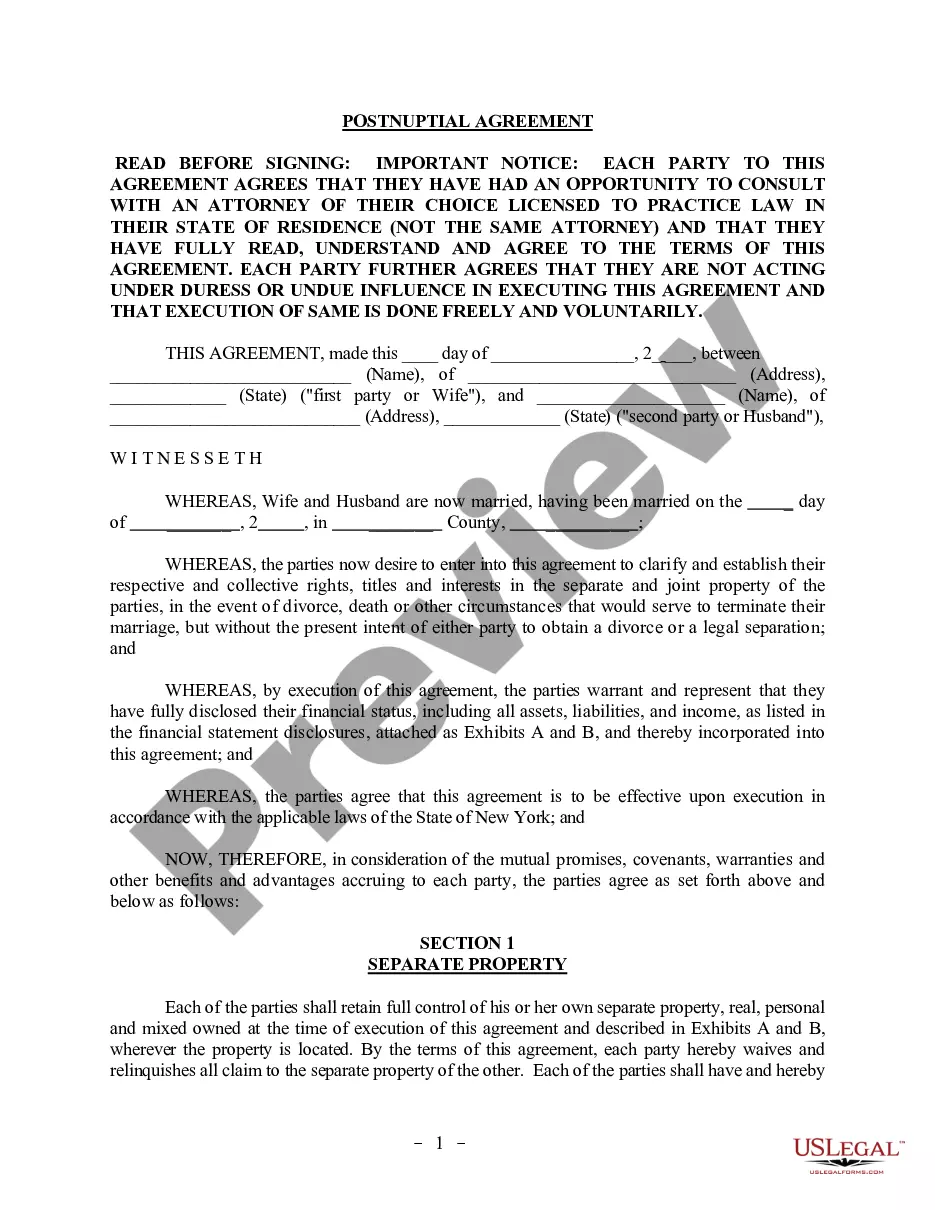
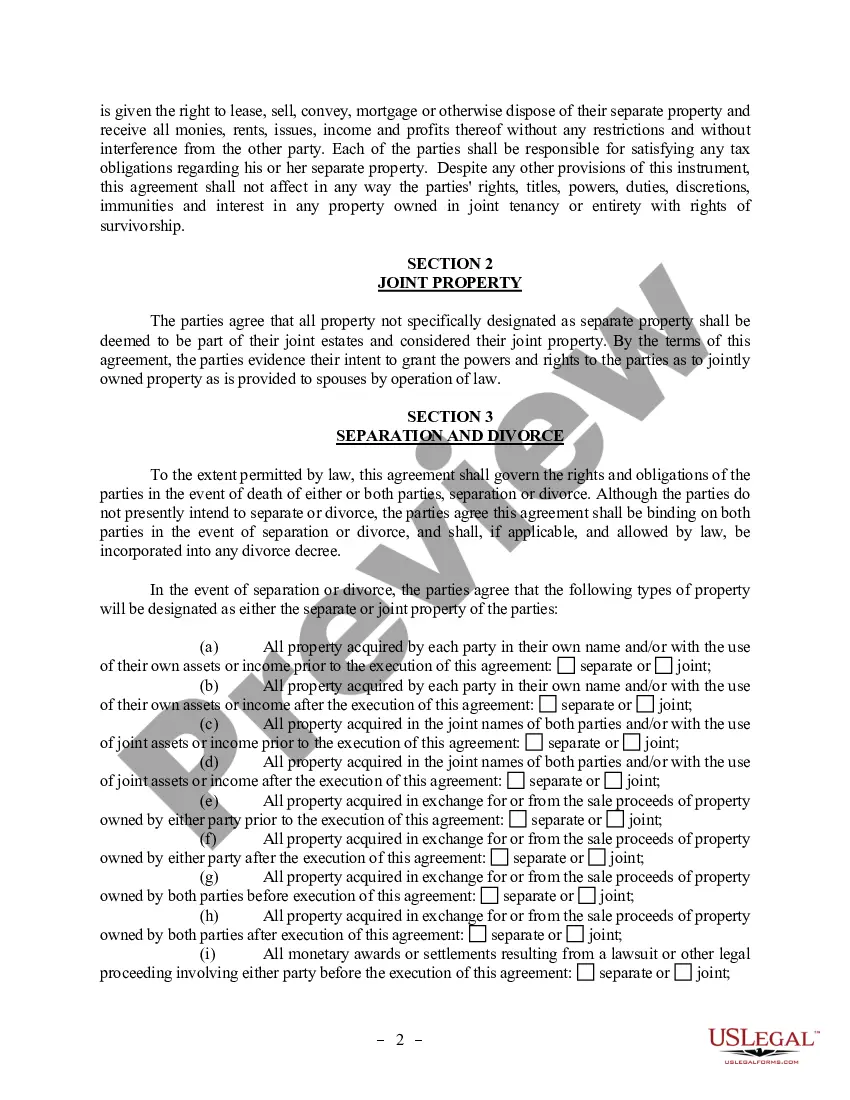
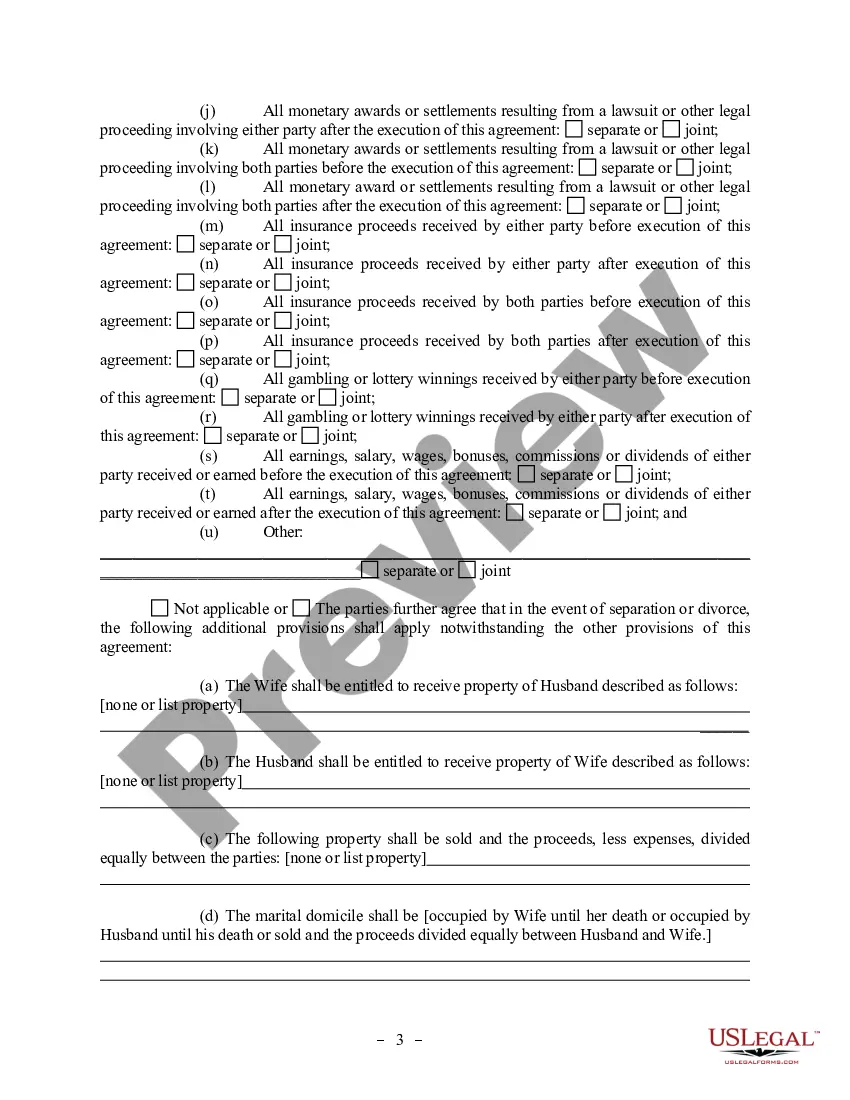
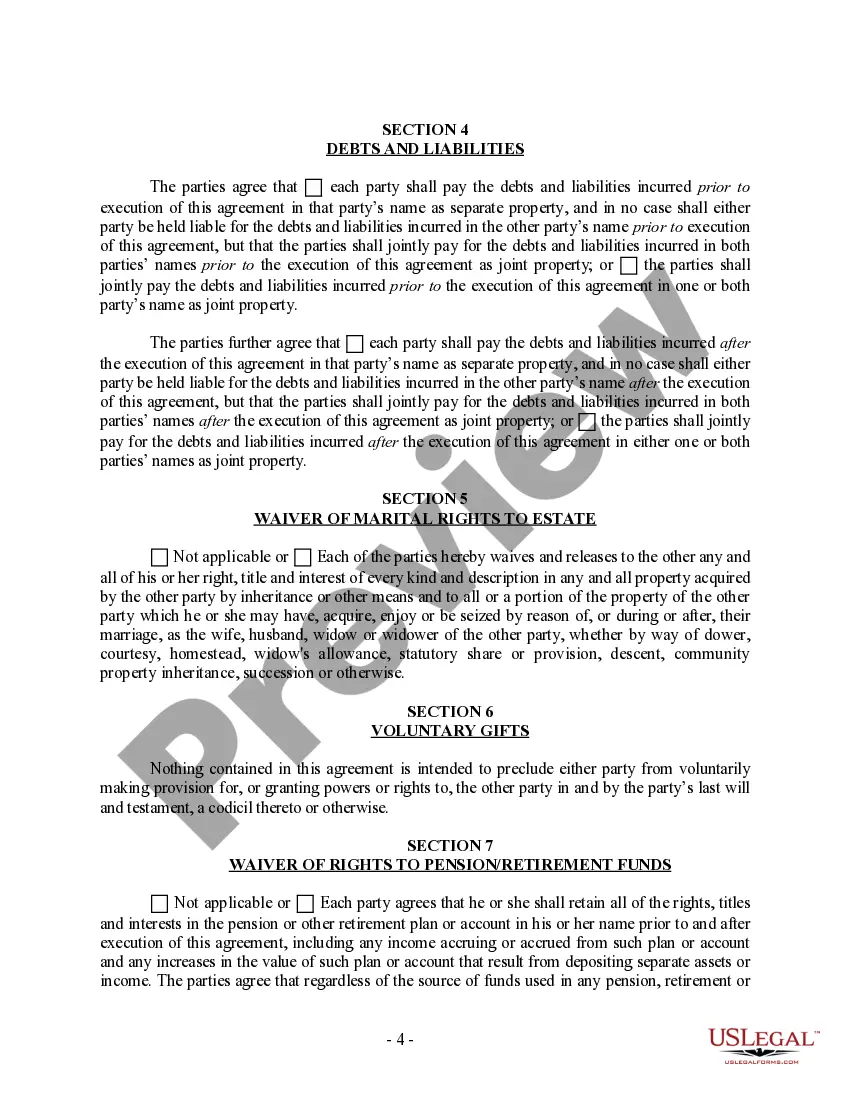
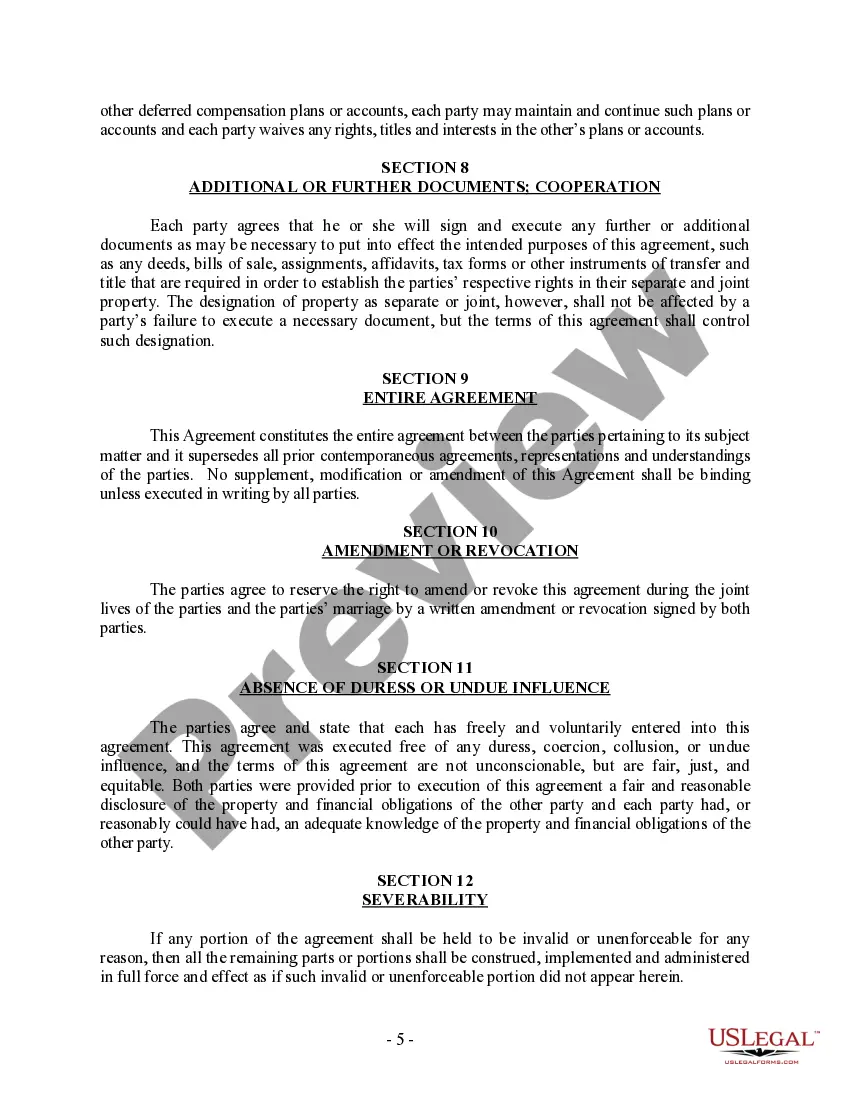
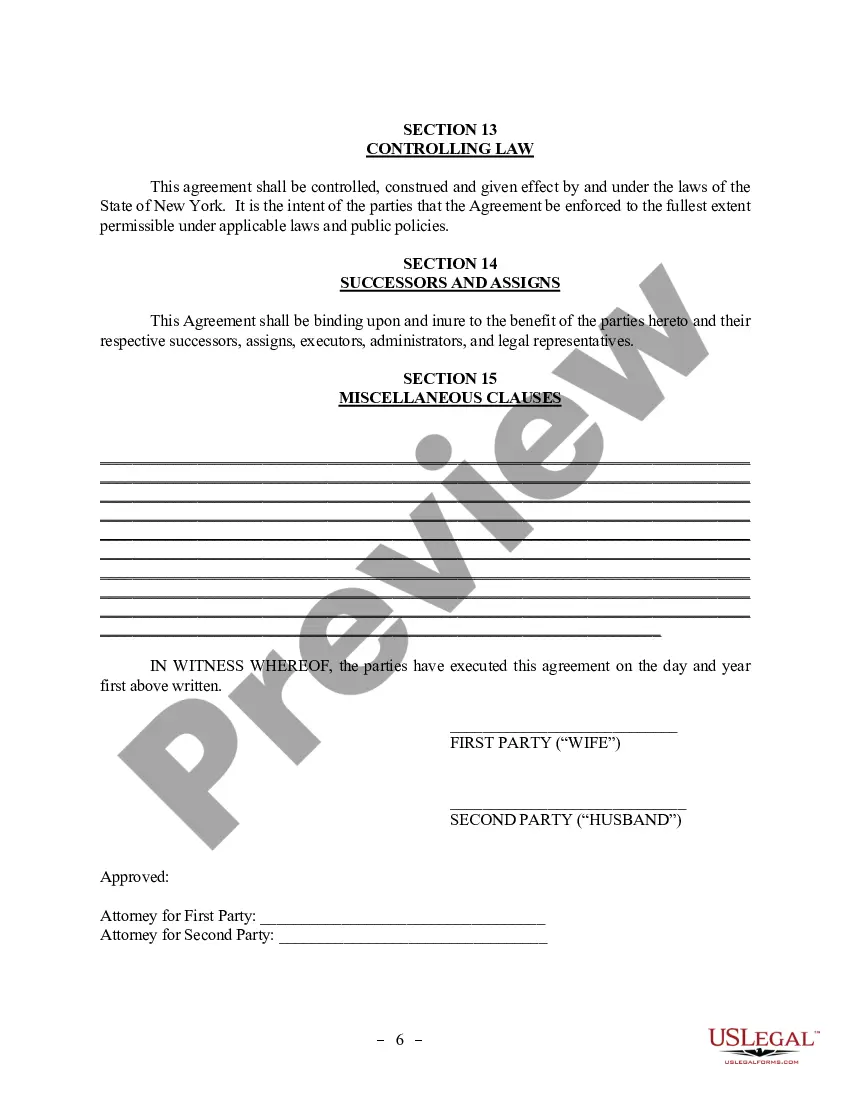
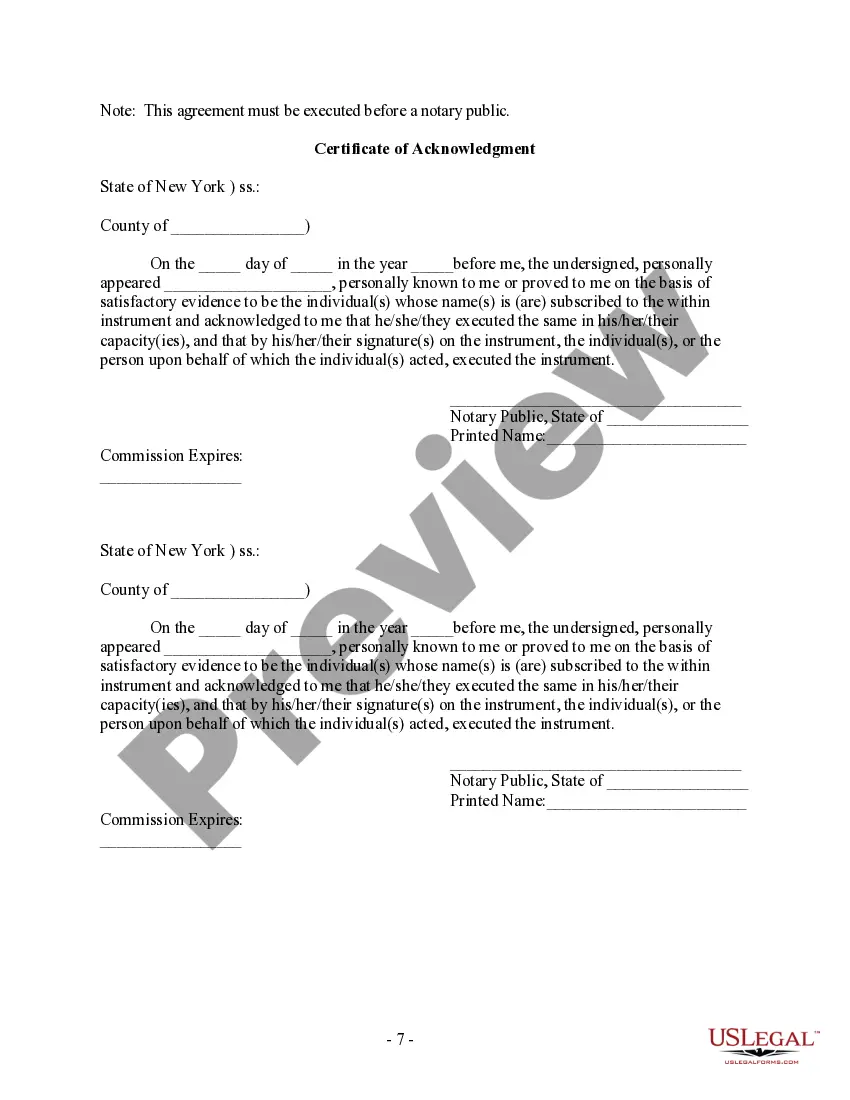
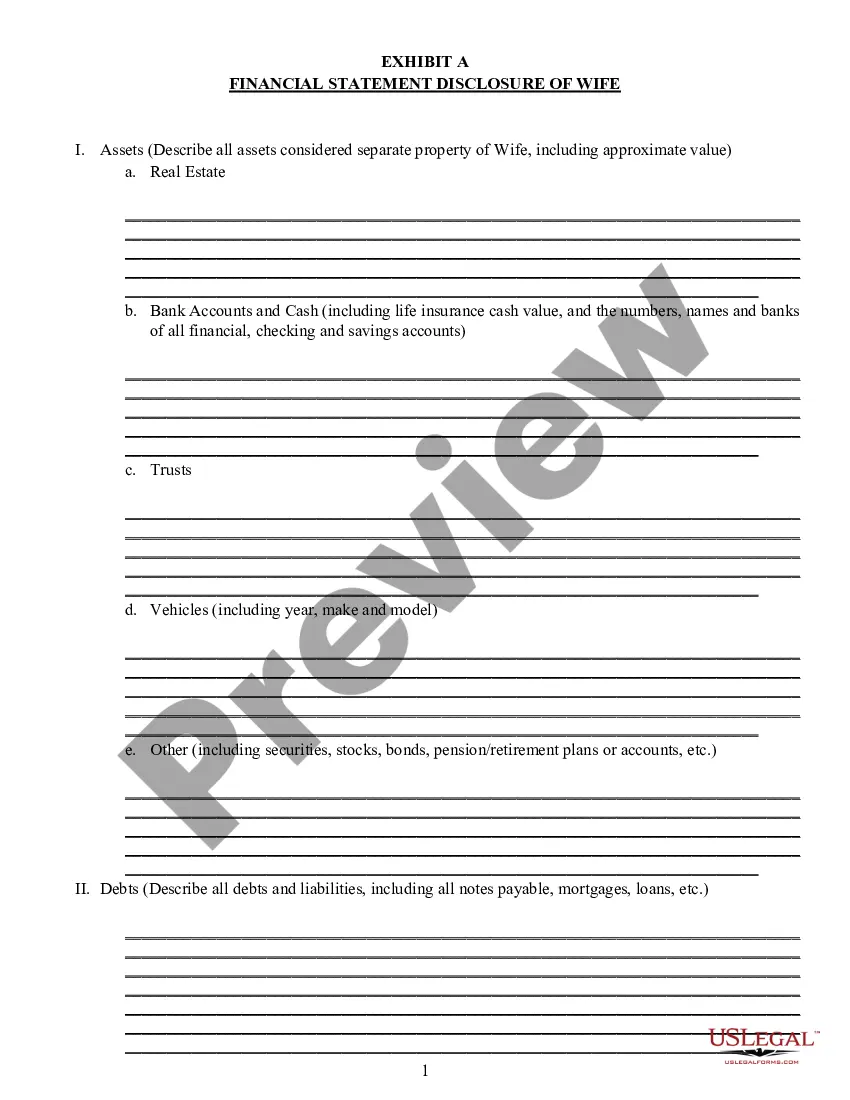
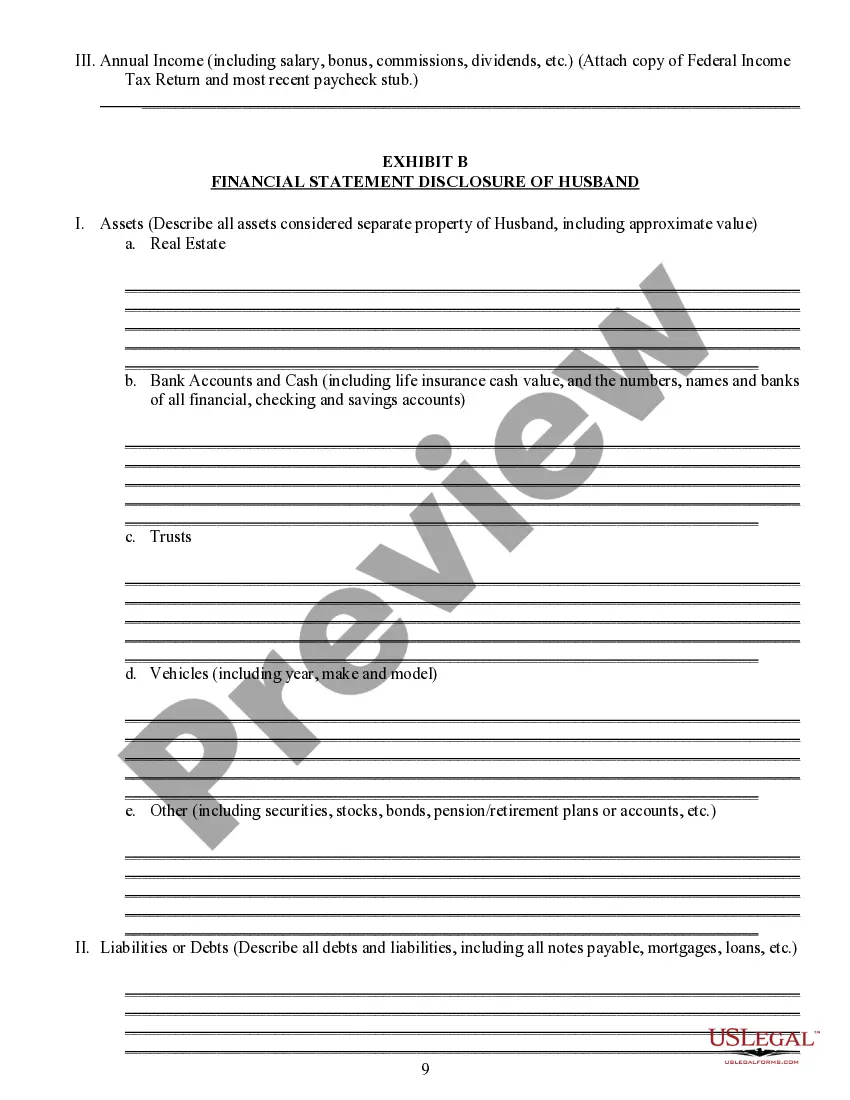
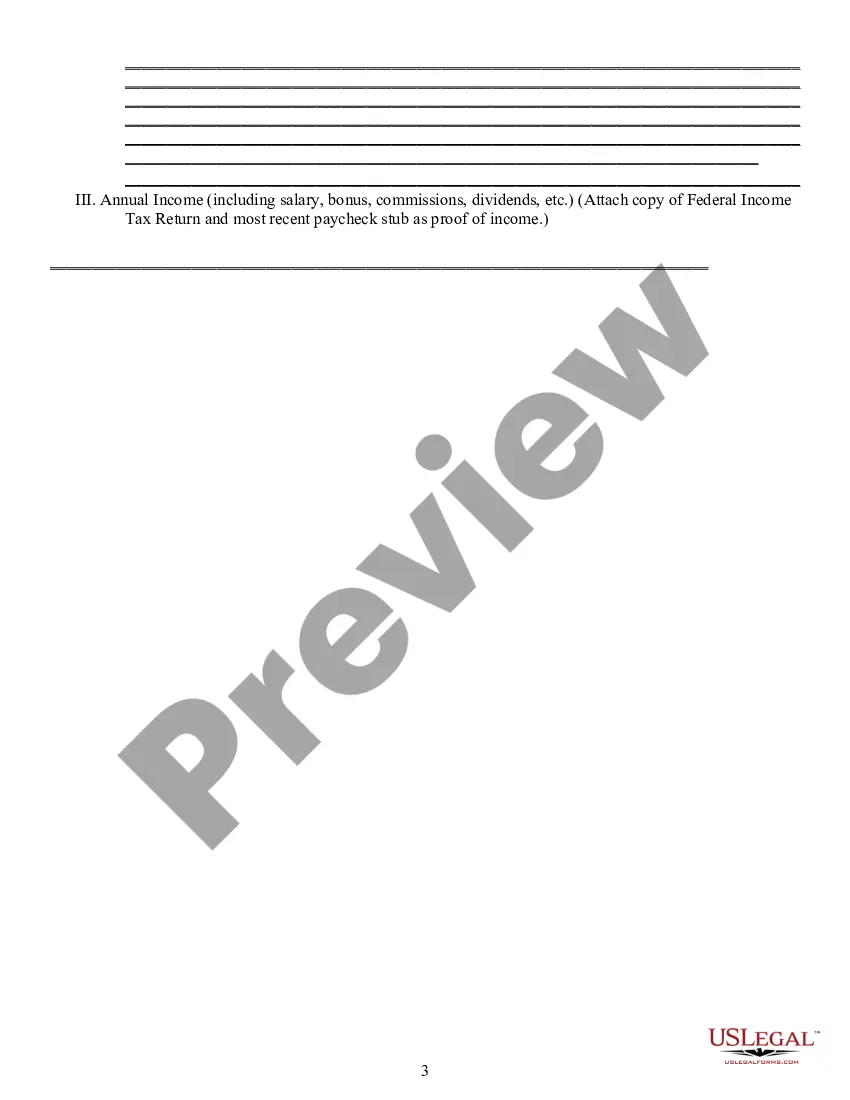
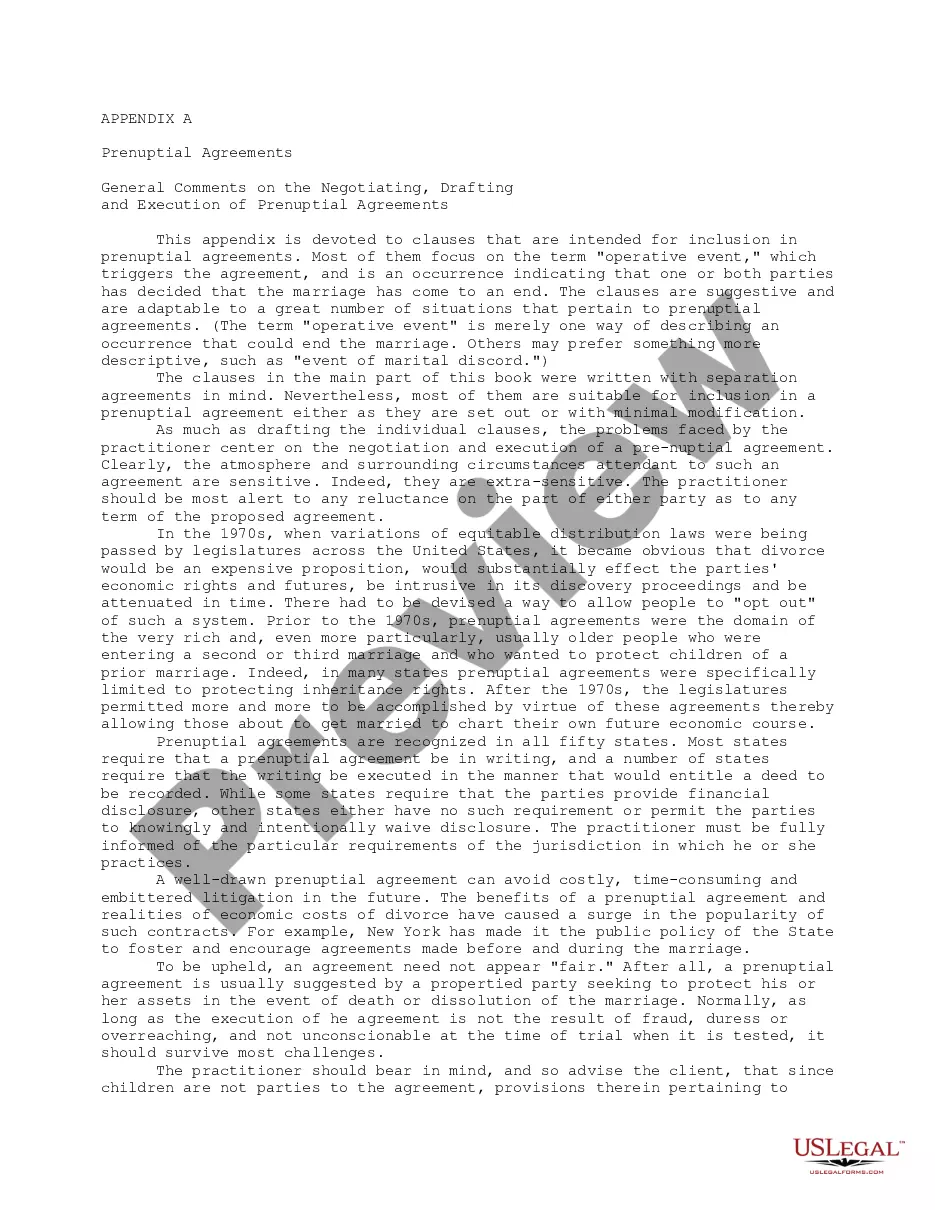
Get your form ready online
Our built-in tools help you complete, sign, share, and store your documents in one place.
Make edits, fill in missing information, and update formatting in US Legal Forms—just like you would in MS Word.
Download a copy, print it, send it by email, or mail it via USPS—whatever works best for your next step.
Sign and collect signatures with our SignNow integration. Send to multiple recipients, set reminders, and more. Go Premium to unlock E-Sign.
If this form requires notarization, complete it online through a secure video call—no need to meet a notary in person or wait for an appointment.
We protect your documents and personal data by following strict security and privacy standards.

Make edits, fill in missing information, and update formatting in US Legal Forms—just like you would in MS Word.

Download a copy, print it, send it by email, or mail it via USPS—whatever works best for your next step.

Sign and collect signatures with our SignNow integration. Send to multiple recipients, set reminders, and more. Go Premium to unlock E-Sign.

If this form requires notarization, complete it online through a secure video call—no need to meet a notary in person or wait for an appointment.

We protect your documents and personal data by following strict security and privacy standards.
Looking for another form?

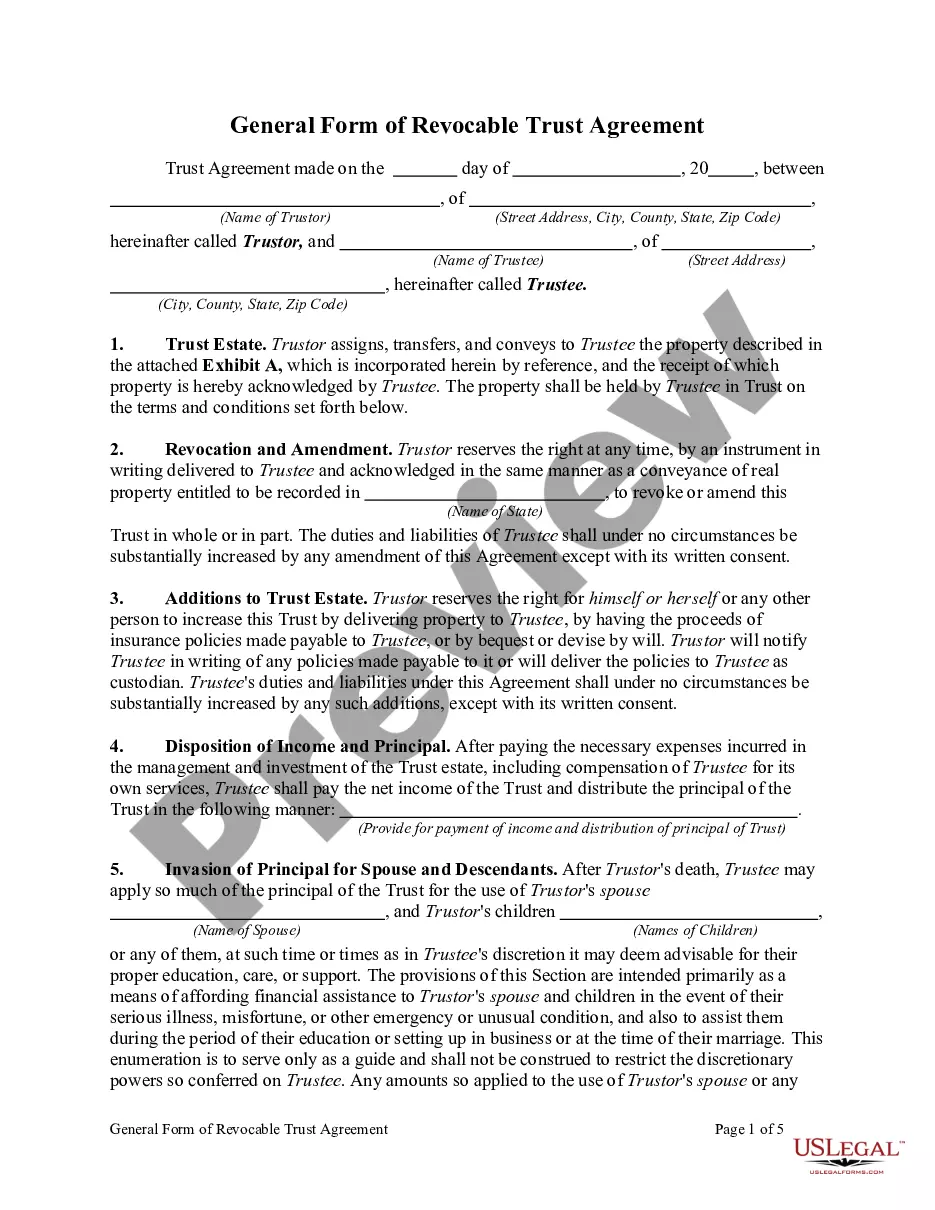
How to fill out New York Postnuptial Property Agreement?
How to obtain professional legal documents that adhere to your state laws and create the Postnuptial Agreement Template Without Attorneys without hiring a lawyer.
Numerous online services provide templates for various legal situations and formal processes. However, it can take time to determine which of the accessible samples meet both the practical application and legal standards for you.
US Legal Forms is a trustworthy platform that assists you in locating formal documents crafted in compliance with the latest state law updates and helps you save on legal fees.
If you do not have an account with US Legal Forms, please follow the instructions below: Review the webpage you have accessed to confirm whether the form meets your requirements. To assist in this, utilize the form description and preview options if available. Search for an alternative template in the header specific to your state if necessary. Press the Buy Now button when the appropriate document is found. Select the most suitable pricing plan, then Log In or create a new account. Choose the payment method (by credit card or PayPal). Opt for the file format for your Postnuptial Agreement Template Without Attorneys and click Download. The documents you acquire remain in your possession: you can always access them in the My documents tab of your profile. Join our platform and prepare legal documents independently like a seasoned legal professional!
- US Legal Forms is not a typical online repository.
- It comprises over 85,000 validated templates for diverse business and personal scenarios.
- All documents are categorized by area and state to facilitate your search process.
- Additionally, it incorporates strong solutions for PDF editing and electronic signatures, allowing users with a Premium subscription to complete their paperwork online with ease.
- Acquiring the necessary documents requires minimal time and effort.
- If you already possess an account, Log In and verify that your subscription is active.
- Download the Postnuptial Agreement Template Without Attorneys using the button adjacent to the file name.
Form popularity
FAQ
In fact, prenuptial and postnuptial agreements can only include information about financial matters and so should not include terms related to family matters, physical arrangements, or employment. Instead, these issues will need to be settled outside of court or by a family law judge.
How to Write a Postnuptial AgreementStep 1 Include Party Information.Step 2 Provide Property Information.Step 3 Include Business Information.Step 4 Provide Debts and Taxes Information.Step 5 Specify How You'll Divide The Marital Home.Step 6 Include Pet Information.Step 7 Add in the Final Details.More items...
Can you write your own postnuptial agreement in California? In California, married couples may indeed write their own postnuptial agreements. This can be done using a template document or from scratch.
Postnuptial agreements are generally enforceable if the parties of the document adhere to all state laws regarding inheritance, child custody, visitation and monetary support if a divorce does occur. Property division is one of the primary concerns with a postnuptial agreement.
When writing a postnuptial agreement, you must provide information about both parties. Besides the basic details related to you, your spouse, and your marriage, you will also need to include your marital background, legal representation, and financial disclosures in later sections.