New Jersey Easement Forms
Description
Get your form ready online
Our built-in tools help you complete, sign, share, and store your documents in one place.
Make edits, fill in missing information, and update formatting in US Legal Forms—just like you would in MS Word.
Download a copy, print it, send it by email, or mail it via USPS—whatever works best for your next step.
Sign and collect signatures with our SignNow integration. Send to multiple recipients, set reminders, and more. Go Premium to unlock E-Sign.
If this form requires notarization, complete it online through a secure video call—no need to meet a notary in person or wait for an appointment.
We protect your documents and personal data by following strict security and privacy standards.

Make edits, fill in missing information, and update formatting in US Legal Forms—just like you would in MS Word.

Download a copy, print it, send it by email, or mail it via USPS—whatever works best for your next step.

Sign and collect signatures with our SignNow integration. Send to multiple recipients, set reminders, and more. Go Premium to unlock E-Sign.

If this form requires notarization, complete it online through a secure video call—no need to meet a notary in person or wait for an appointment.

We protect your documents and personal data by following strict security and privacy standards.
Looking for another form?
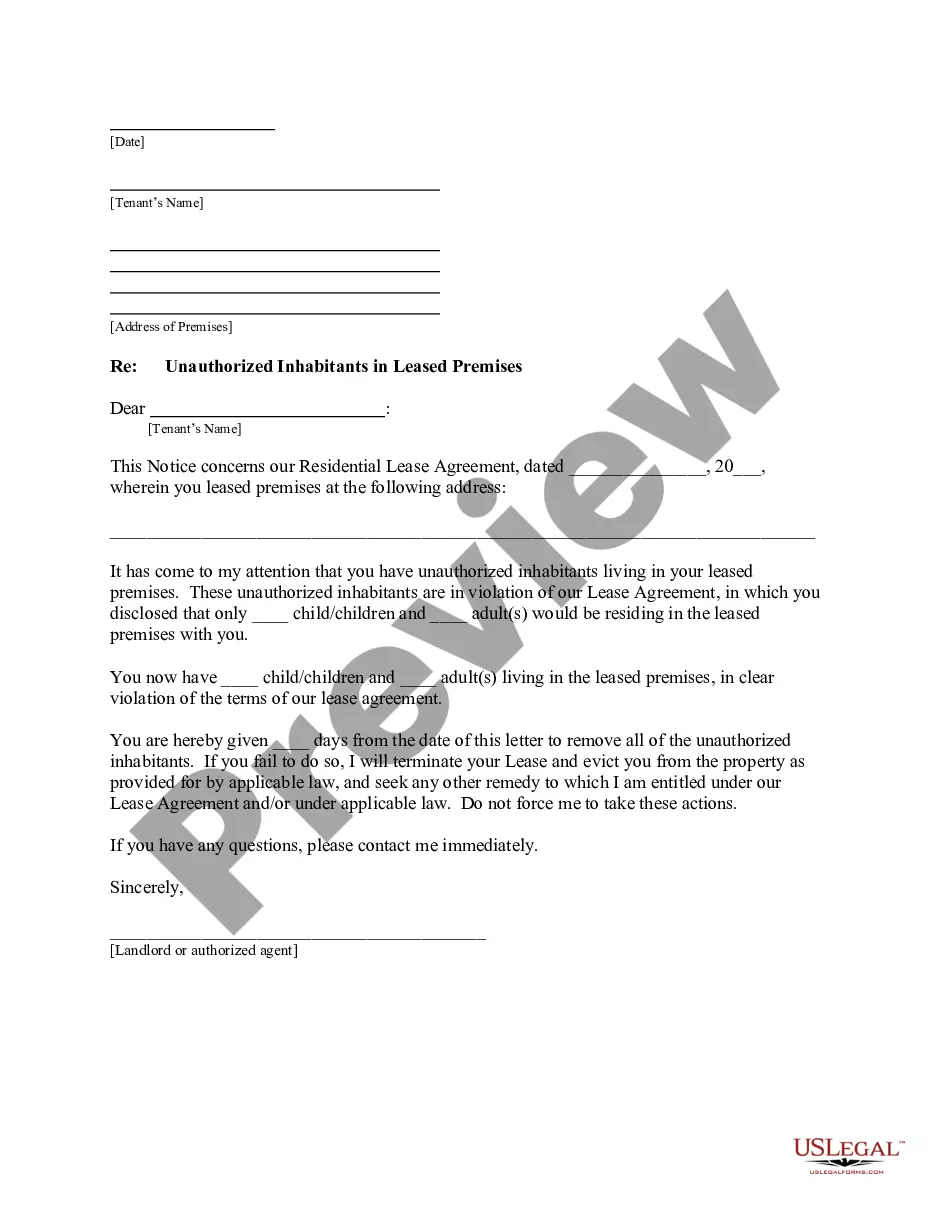
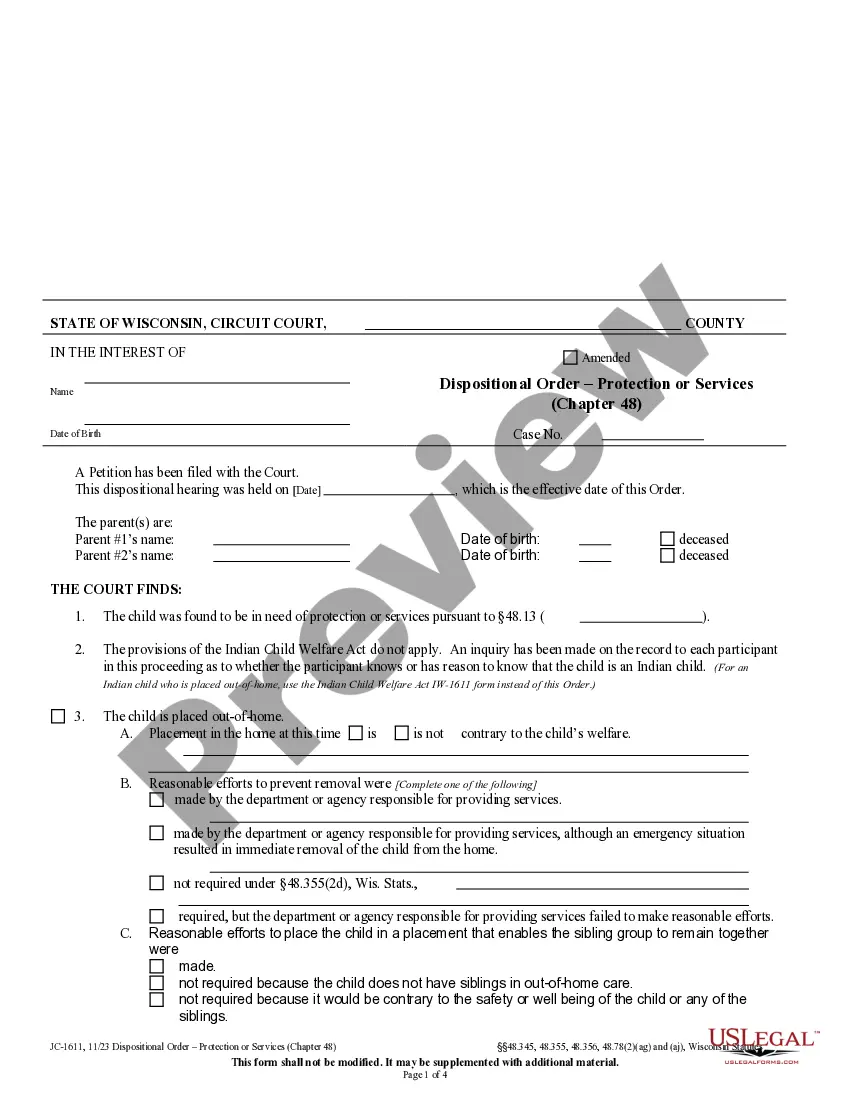
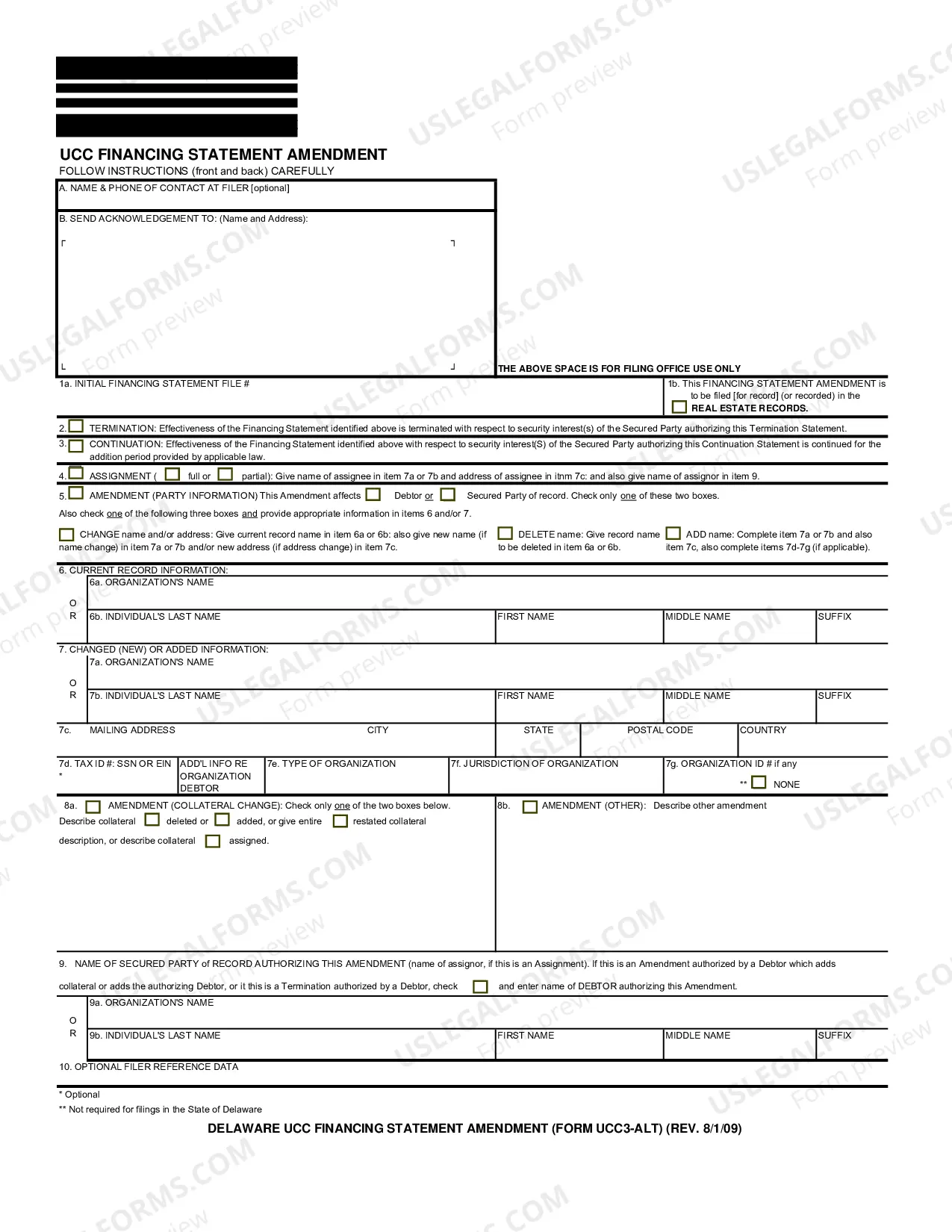
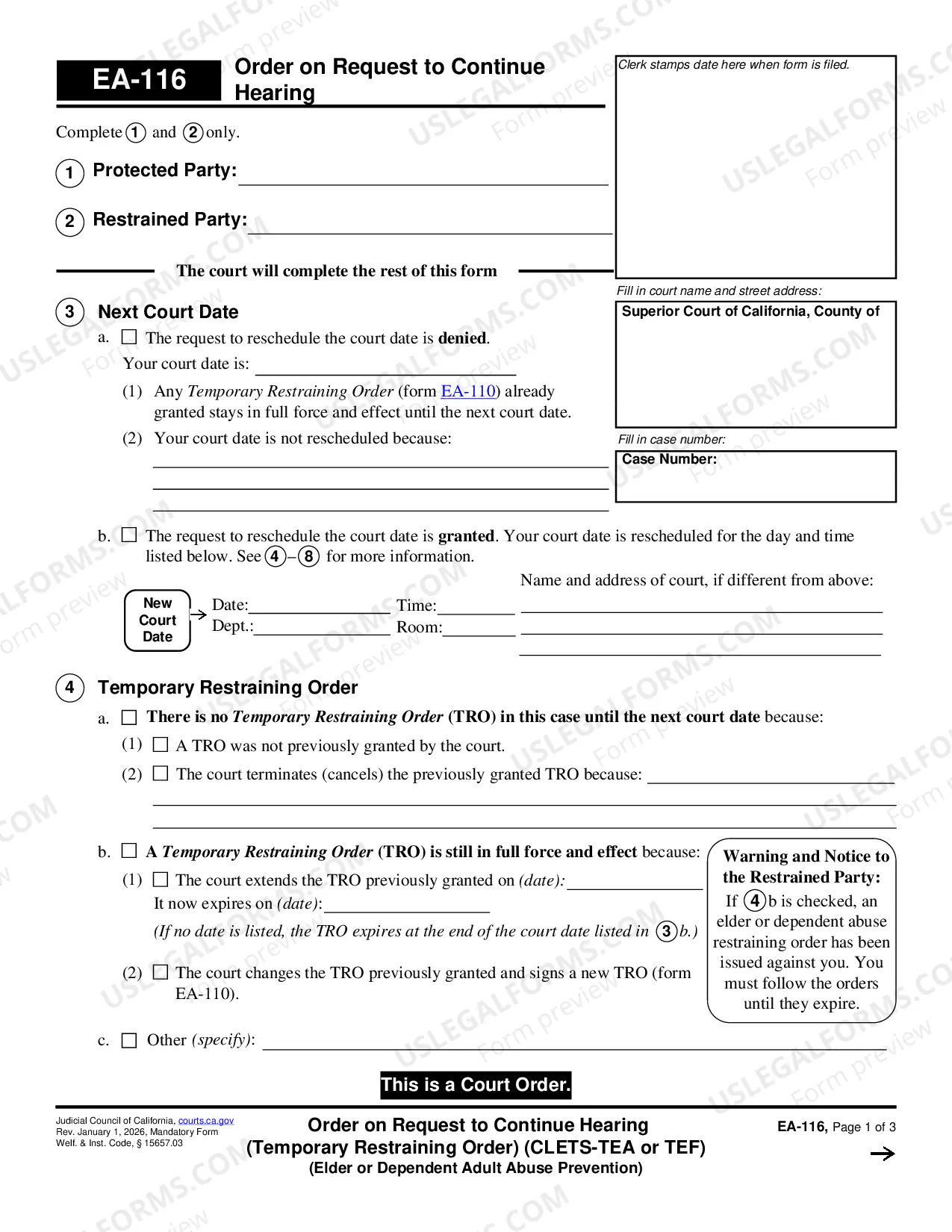
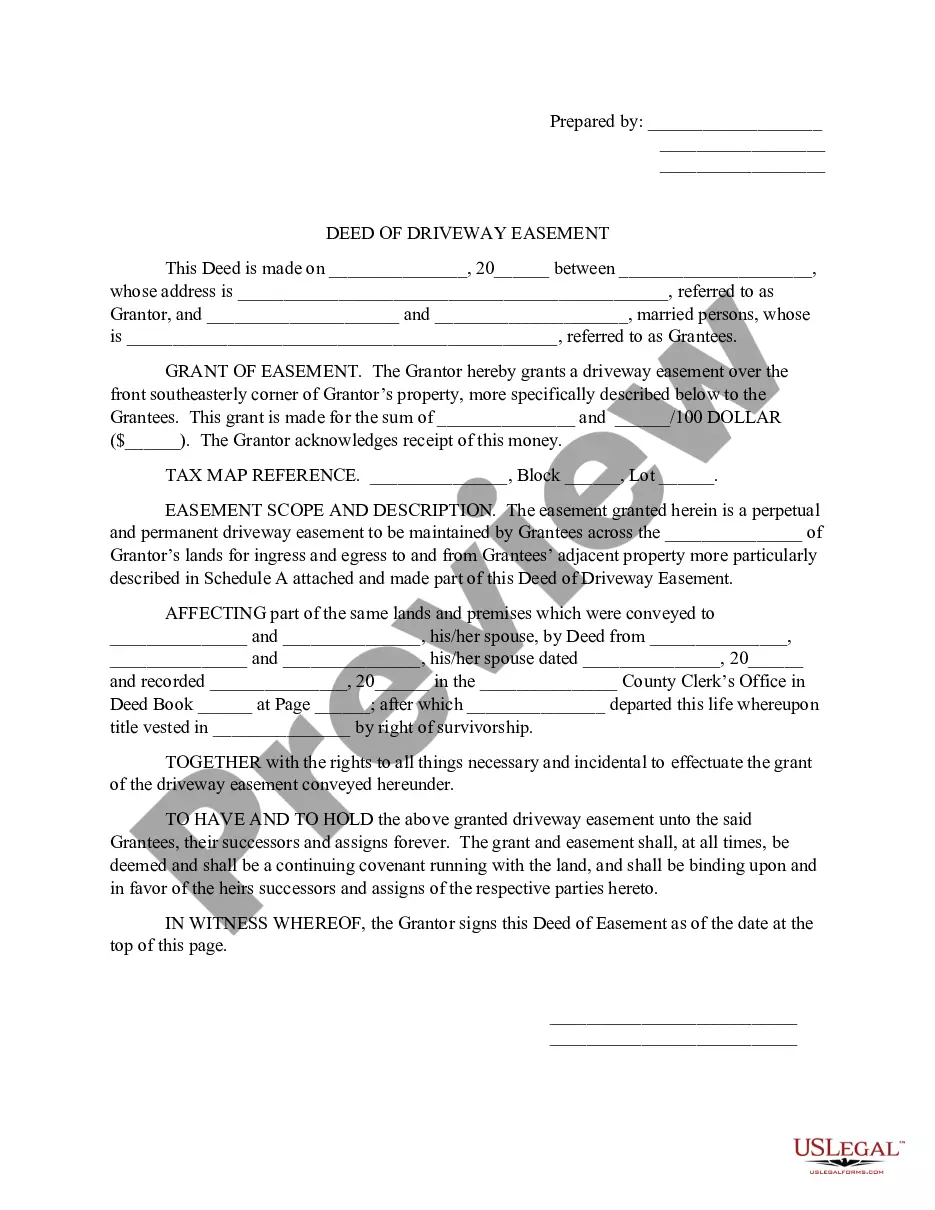
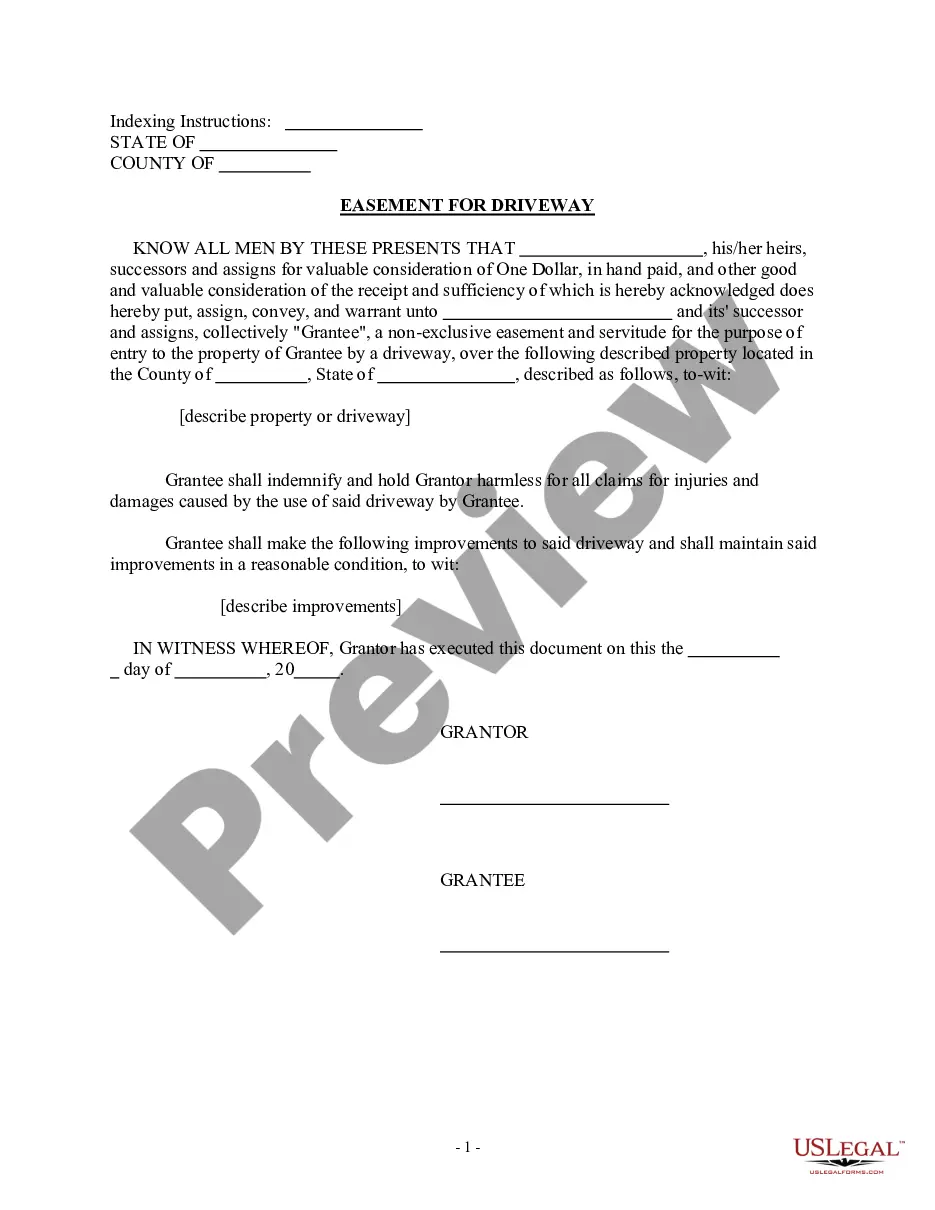
How to fill out New Jersey Deed Of Driveway Easement?
There’s no longer a requirement to waste time searching for legal documents to fulfill your local state regulations. US Legal Forms has gathered all of them in a single location and streamlined their accessibility.
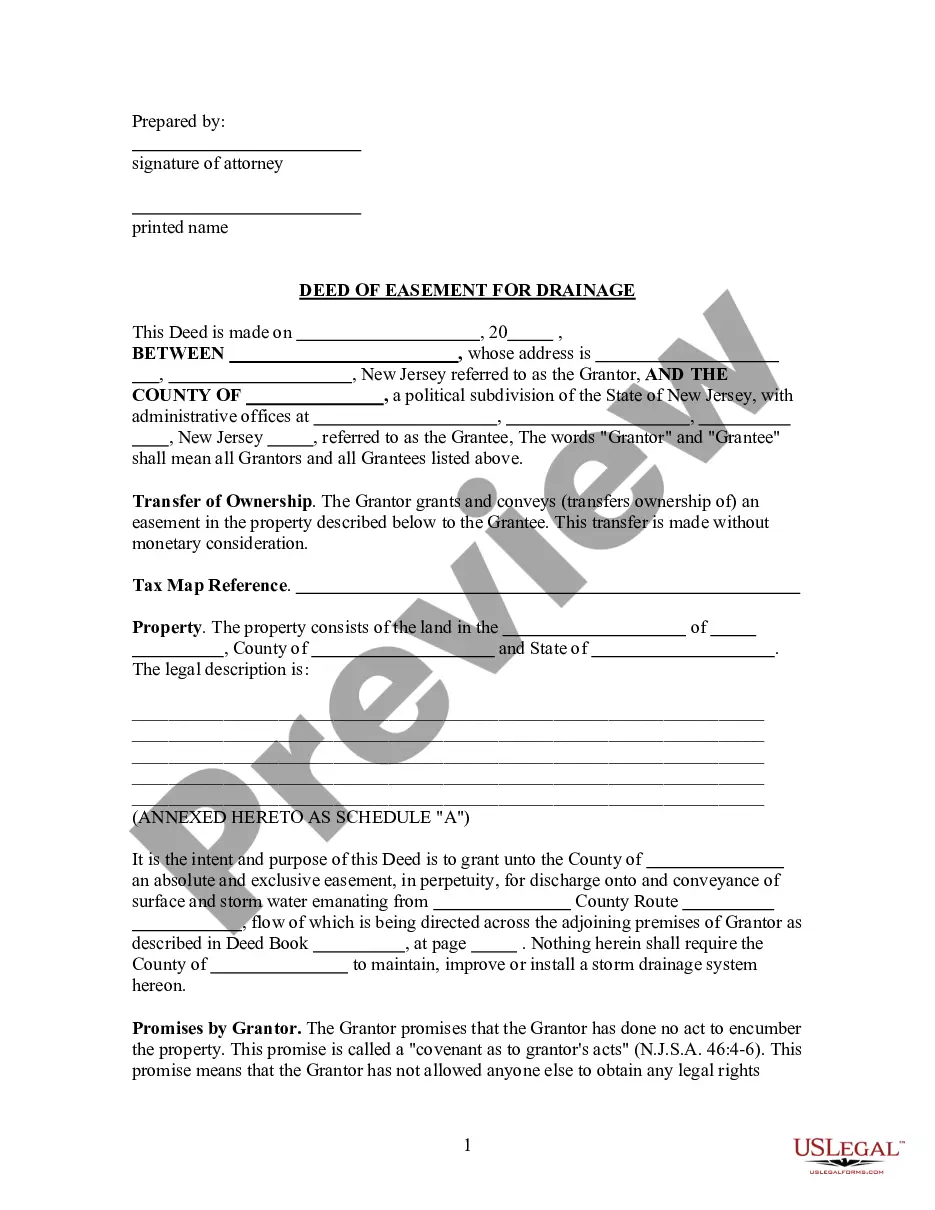
Our platform offers over 85k templates for various business and personal legal situations categorized by state and usage area. All forms are duly drafted and verified for authenticity, ensuring you receive current New Jersey Easement Forms.
If you are acquainted with our service and already possess an account, you must verify that your subscription is active before obtaining any templates. Log In to your account, choose the document, and click Download. You can also access all saved documents whenever necessary by selecting the My documents tab in your profile.
Print your form to complete it manually or upload the sample if you prefer to use an online editor. Preparing legal documents under federal and state laws is quick and easy with our platform. Give US Legal Forms a try now to keep your documentation organized!
- If you’ve never used our service before, the process will require a few additional steps to complete.
- Here’s how new users can locate the New Jersey Easement Forms in our library.
- Examine the page content thoroughly to ensure it contains the example you need.
- To do so, utilize the form description and preview options where available.
- Use the Search field above to look for another example if the previous one didn’t suit your needs.
- Click Buy Now next to the template name once you discover the suitable one.
- Choose the most appropriate subscription plan and register for an account or Log In.
- Make the payment for your subscription with a card or through PayPal to proceed.
- Select the file format for your New Jersey Easement Forms and download it to your device.
Form popularity
FAQ
Fences are permitted within such an easement, provided that all fences must be erected within the property lines. In addition, all requirements as outlined in the question above for fences in easements will have to be met.
F0a1 Lee ChuanTum f0a1 Only the registered proprietor may create an easement, not the chargee or lessee. 9. f0a1 Section 283 f0a1 any right to do something in, over or upon the servient land; (refers to positive easement) and f0a1 any right that something should not be so done.
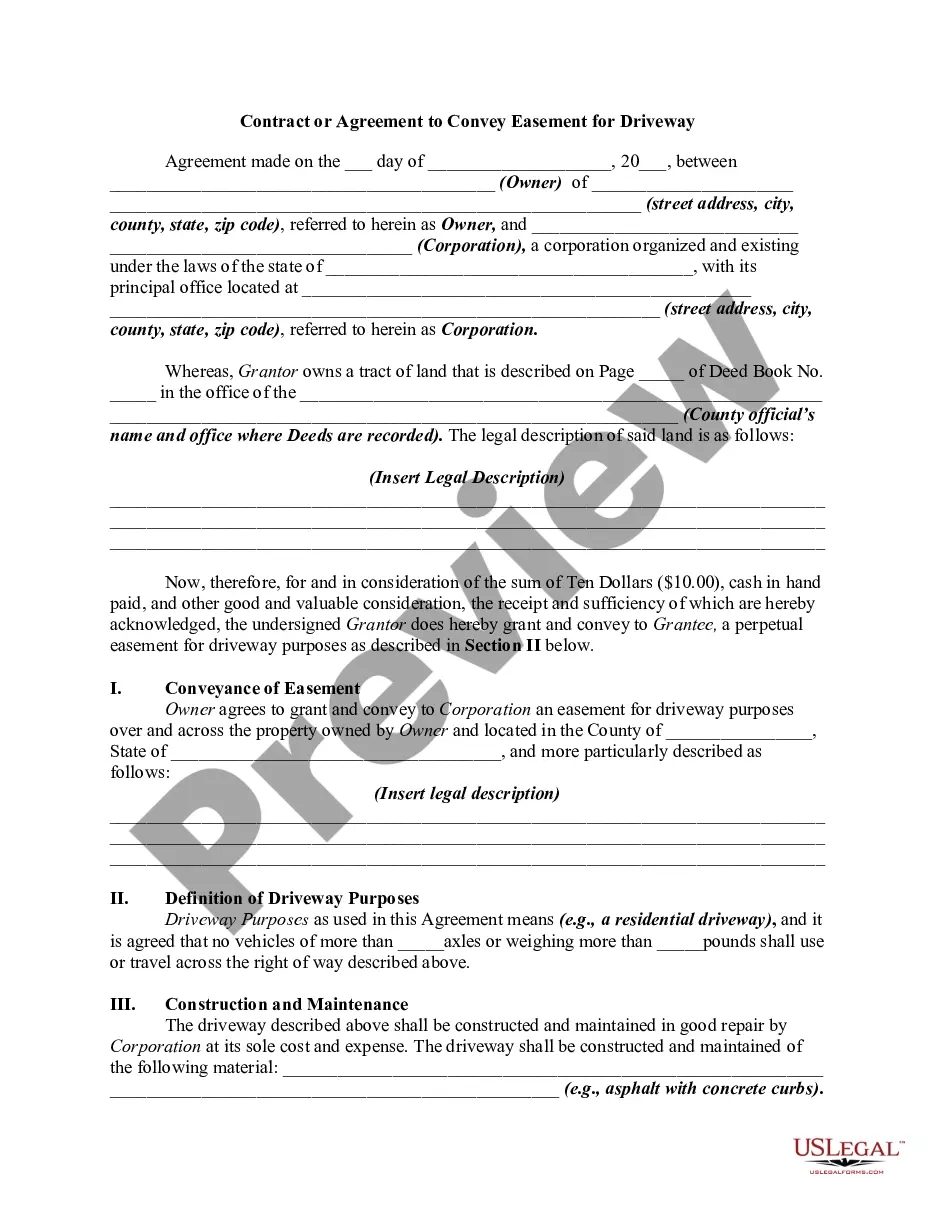
An easement is an interest in land owned by another consisting of the right to use or control the land (or a part of the land) for a specified, limited purpose. Most commonly, easements are granted for utility companies to install and maintain their power, water, or cable lines.
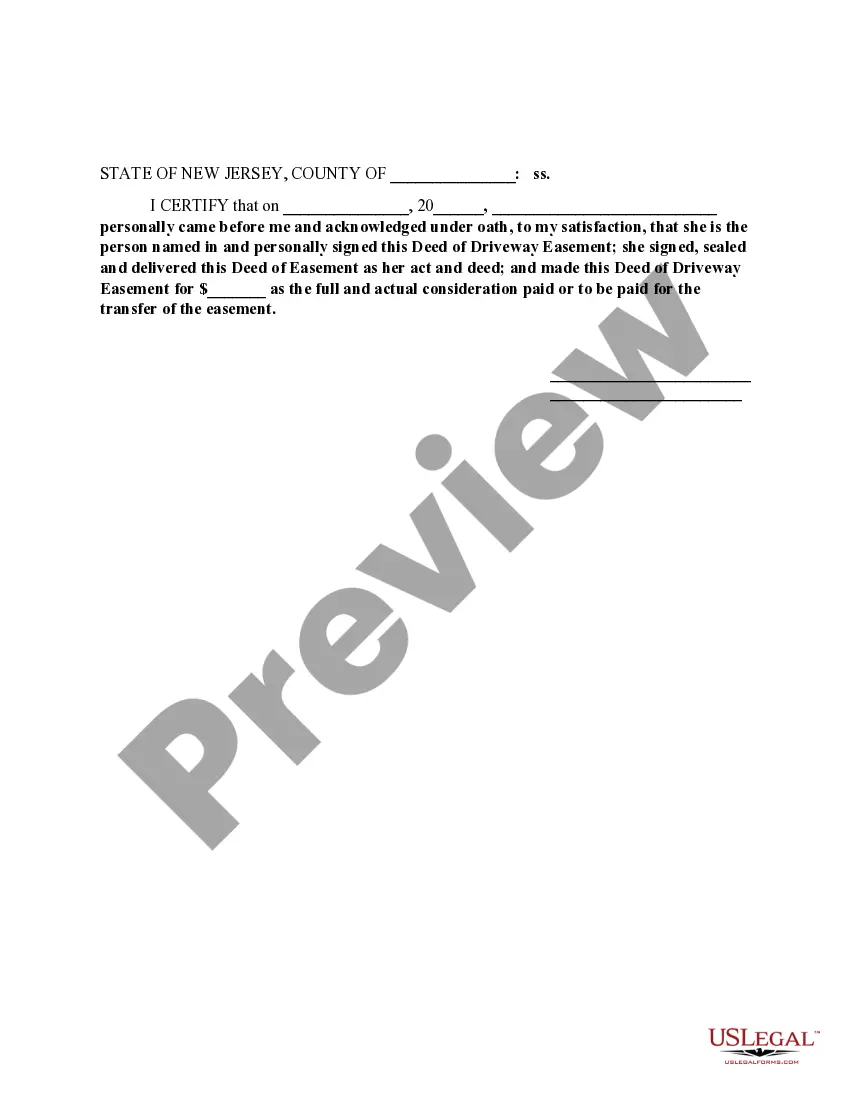
In order to be eligible for recording, an easement deed should be signed by the grantor and acknowledged before an officer specified in -6.1 of the New Jersey Statutes. Deeds may be acknowledged in New Jersey or in another state.