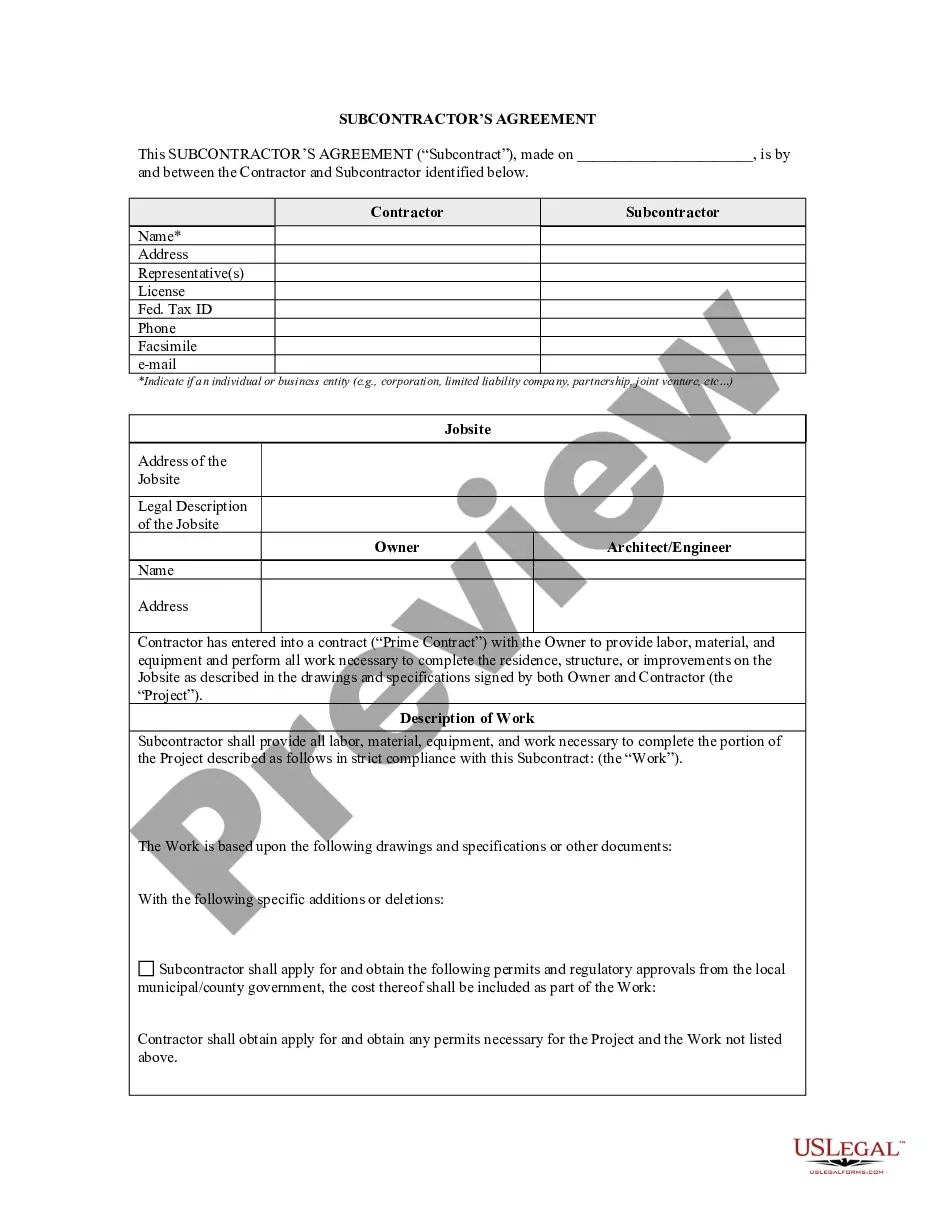
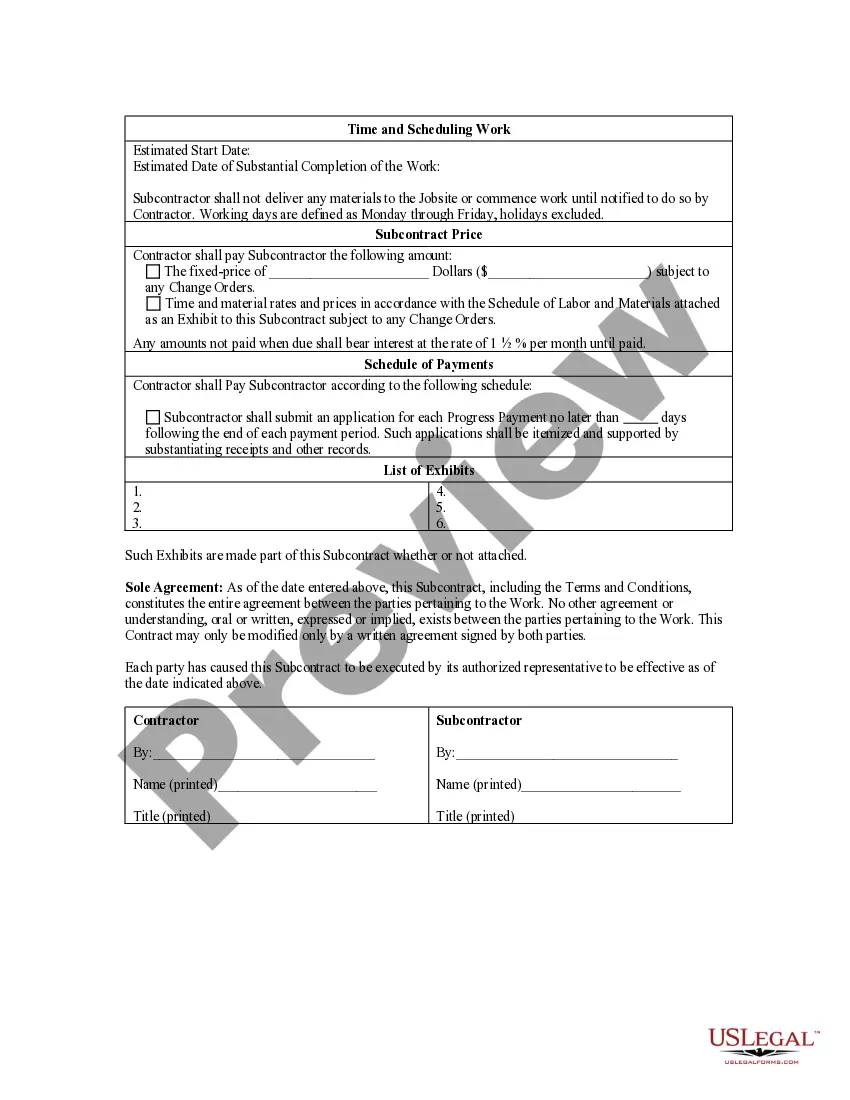
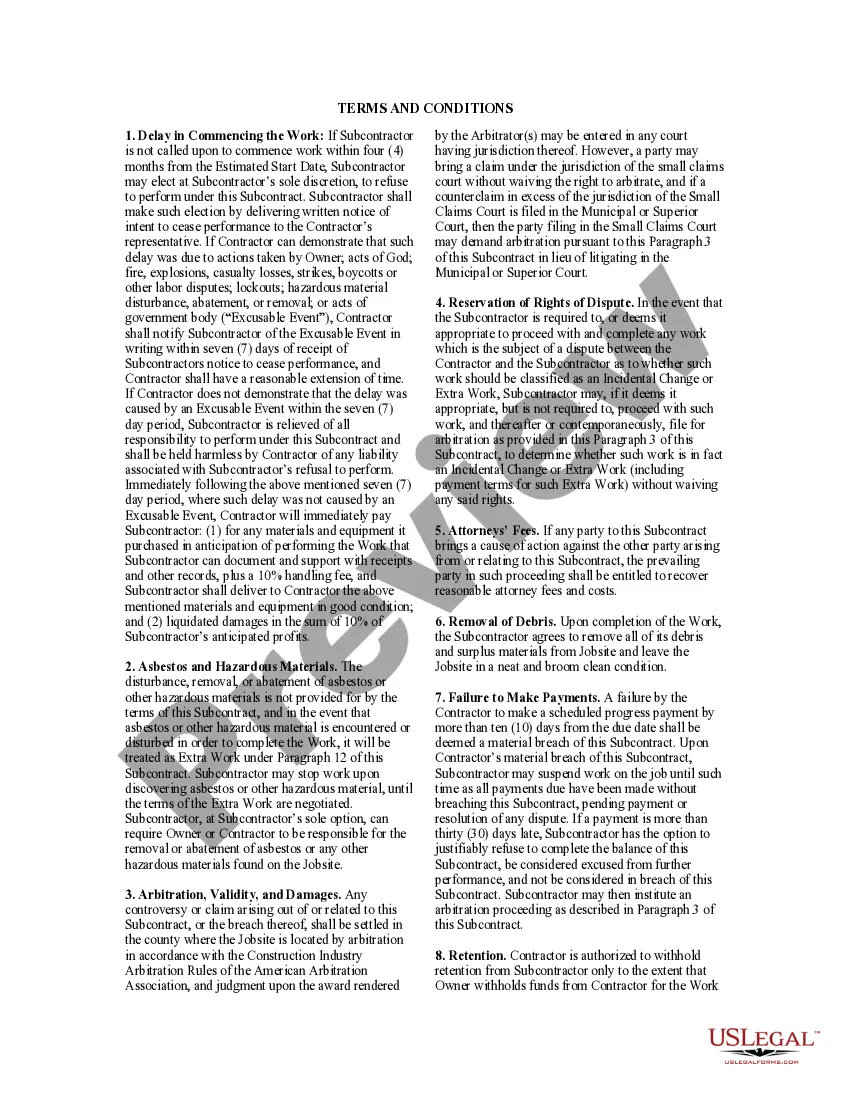
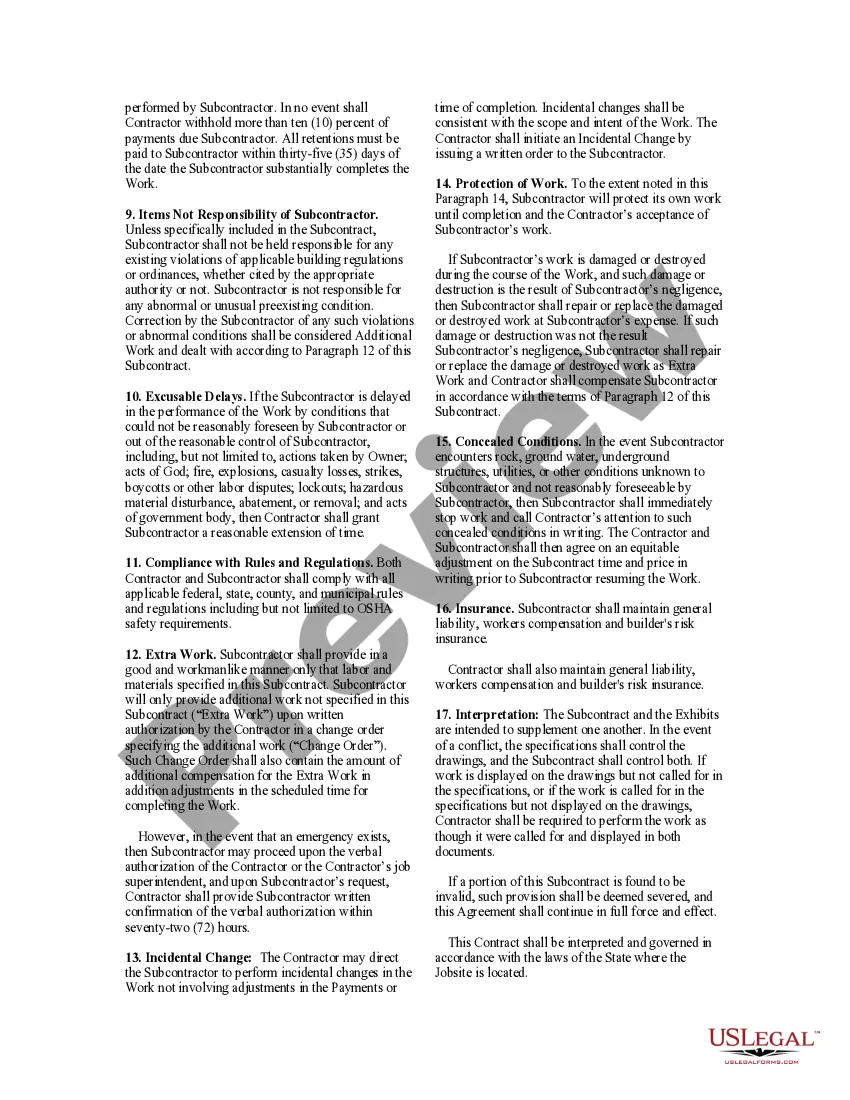
Subcontractor On Construction Projects
Description

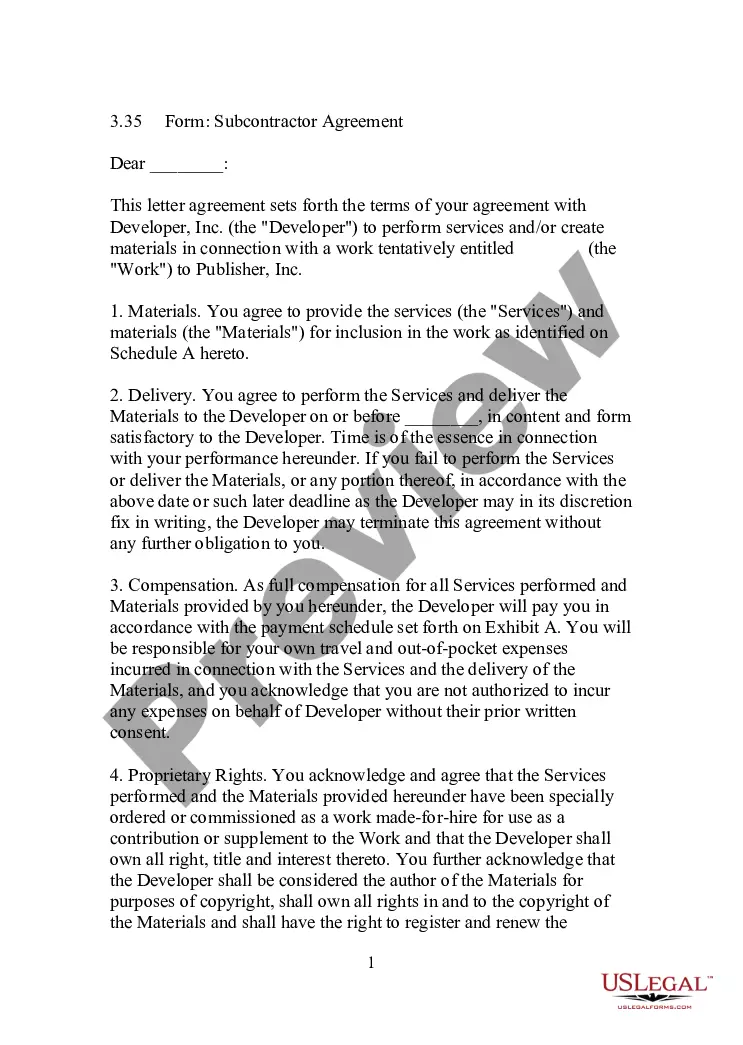
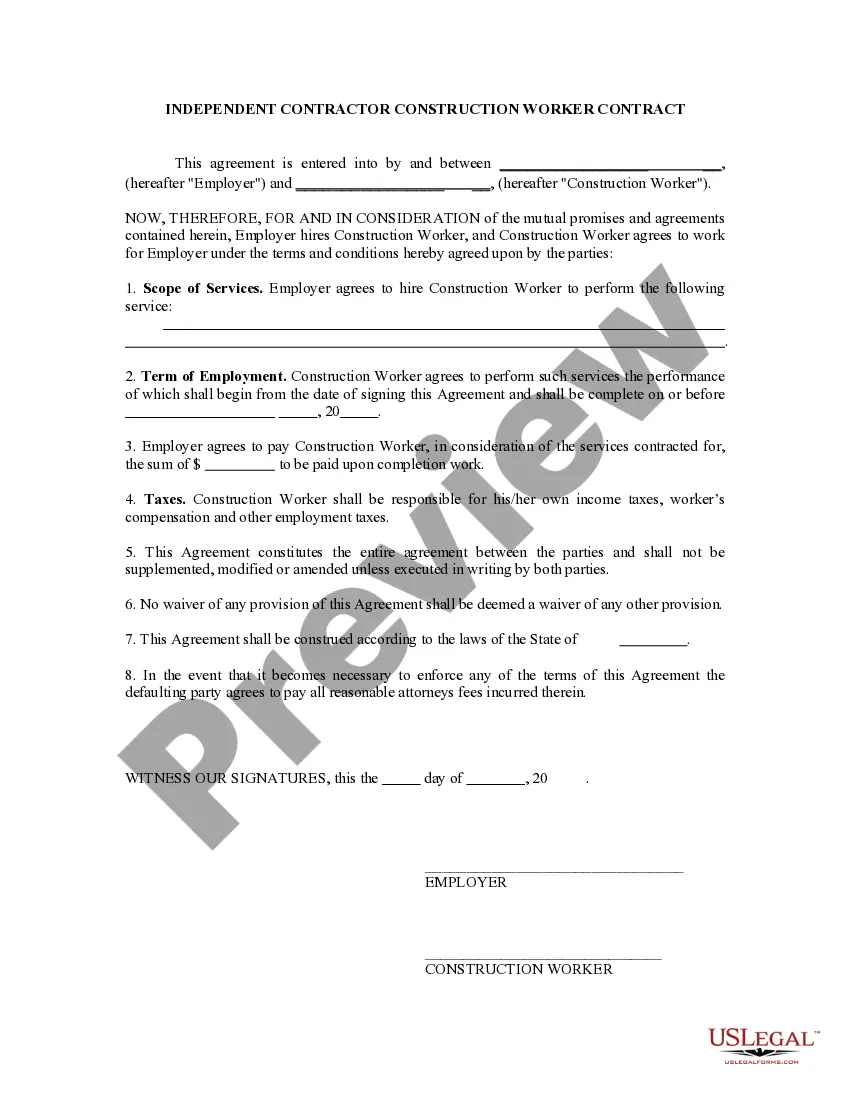
Get your form ready online
Our built-in tools help you complete, sign, share, and store your documents in one place.
Make edits, fill in missing information, and update formatting in US Legal Forms—just like you would in MS Word.
Download a copy, print it, send it by email, or mail it via USPS—whatever works best for your next step.
Sign and collect signatures with our SignNow integration. Send to multiple recipients, set reminders, and more. Go Premium to unlock E-Sign.
If this form requires notarization, complete it online through a secure video call—no need to meet a notary in person or wait for an appointment.
We protect your documents and personal data by following strict security and privacy standards.

Make edits, fill in missing information, and update formatting in US Legal Forms—just like you would in MS Word.

Download a copy, print it, send it by email, or mail it via USPS—whatever works best for your next step.

Sign and collect signatures with our SignNow integration. Send to multiple recipients, set reminders, and more. Go Premium to unlock E-Sign.

If this form requires notarization, complete it online through a secure video call—no need to meet a notary in person or wait for an appointment.

We protect your documents and personal data by following strict security and privacy standards.
Looking for another form?


How to fill out New Hampshire Subcontractor's Agreement?
There’s no longer a need to spend countless hours searching for legal documents to comply with your local state laws. US Legal Forms has consolidated all of them in a single location and enhanced their accessibility.
Our platform offers over 85,000 templates for any business and personal legal situations categorized by state and purpose. All forms are meticulously composed and verified for accuracy, giving you confidence in obtaining a current Subcontractor On Construction Projects.
If you are acquainted with our service and possess an account, make sure your subscription is active before acquiring any templates. Log In to your account, select the document, and click Download. You can also revisit all your saved documents whenever necessary by opening the My documents tab in your profile.
Print your form to complete it manually or upload the sample if you prefer to fill it out in an online editor. Handling formal documentation under federal and state rules and regulations is quick and effortless with our platform. Try US Legal Forms today to keep your documentation organized!
- If you have not used our service before, the process will require a few additional steps to complete.
- Here’s how new users can find the Subcontractor On Construction Projects in our collection.
- Carefully review the page content to ensure it includes the sample you need.
- To do this, utilize the form description and preview options if available.
- Use the Search bar above to look for another sample if the previous one does not meet your needs.
- Click Buy Now next to the template name once you identify the suitable one.
- Choose the desired pricing plan and either create an account or Log In.
- Make payment for your subscription using a credit card or via PayPal to proceed.
- Select the file format for your Subcontractor On Construction Projects and download it to your device.
Form popularity
FAQ
To add a subcontractorGo to Get paid & pay and select Suppliers (Take me there).Select New supplier.Type in the supplier's details in the Supplier information window.Select the Is a CIS subcontractor checkbox.Enter their UTR (Unique Taxpayer Reference) number.Enter their NI (National Insurance) number.More items...?
A subcontractor is a person or body that has agreed to carry out construction operations for a contractor. The subcontractor may be carrying out the operations in any way, including: carrying out the operations themselves. having the operations done by their own employees or subcontractors.
Sub-contractors (or subcontractors) are sometimes referred to as 'subbies', or increasingly, simply as 'suppliers'. Elements of the works that might be awarded to sub-contractors might include; piling, roofing, cladding, civil engineering, steelwork, plumbing, electrical services, and so on.
Different types of subcontractorsExcavation. Before a project can start, some general contractors will hire an excavation sub to prepare the site for building.Concrete.Framing.Roofing, siding, and sheet metal work.Plumbing.HVAC.Electrical.Carpentry.More items...?
Selected subcontractors are selected by the main contractor from a list of suitable subcontractors provided by the client. As the main contractor has some control over the selection, they then become responsible for the procurement and works of the selected subcontractor as if they were a domestic subcontractor.