Deed Of Trust California Example
Description

Get your form ready online
Our built-in tools help you complete, sign, share, and store your documents in one place.
Make edits, fill in missing information, and update formatting in US Legal Forms—just like you would in MS Word.
Download a copy, print it, send it by email, or mail it via USPS—whatever works best for your next step.
Sign and collect signatures with our SignNow integration. Send to multiple recipients, set reminders, and more. Go Premium to unlock E-Sign.
If this form requires notarization, complete it online through a secure video call—no need to meet a notary in person or wait for an appointment.
We protect your documents and personal data by following strict security and privacy standards.

Make edits, fill in missing information, and update formatting in US Legal Forms—just like you would in MS Word.

Download a copy, print it, send it by email, or mail it via USPS—whatever works best for your next step.

Sign and collect signatures with our SignNow integration. Send to multiple recipients, set reminders, and more. Go Premium to unlock E-Sign.

If this form requires notarization, complete it online through a secure video call—no need to meet a notary in person or wait for an appointment.

We protect your documents and personal data by following strict security and privacy standards.
Looking for another form?

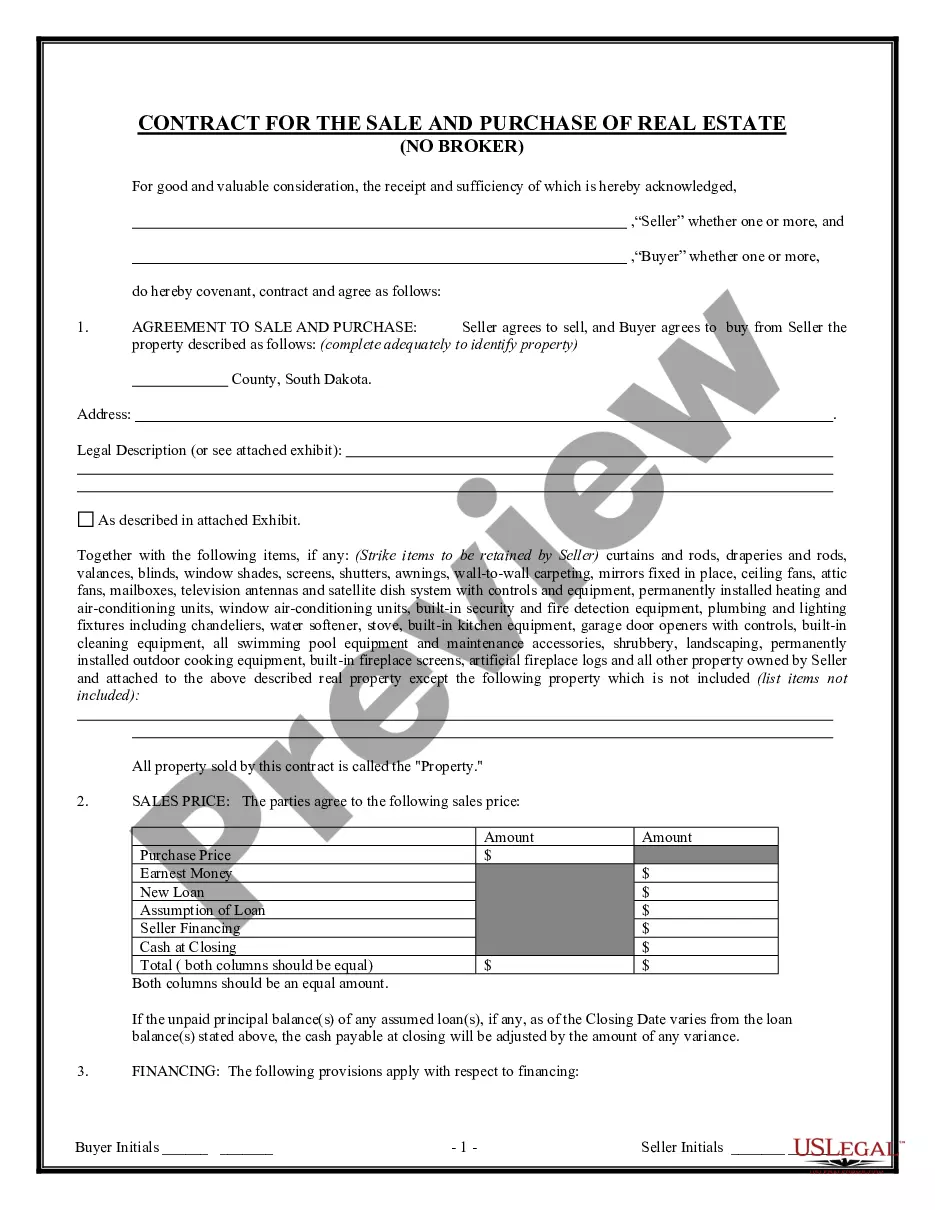

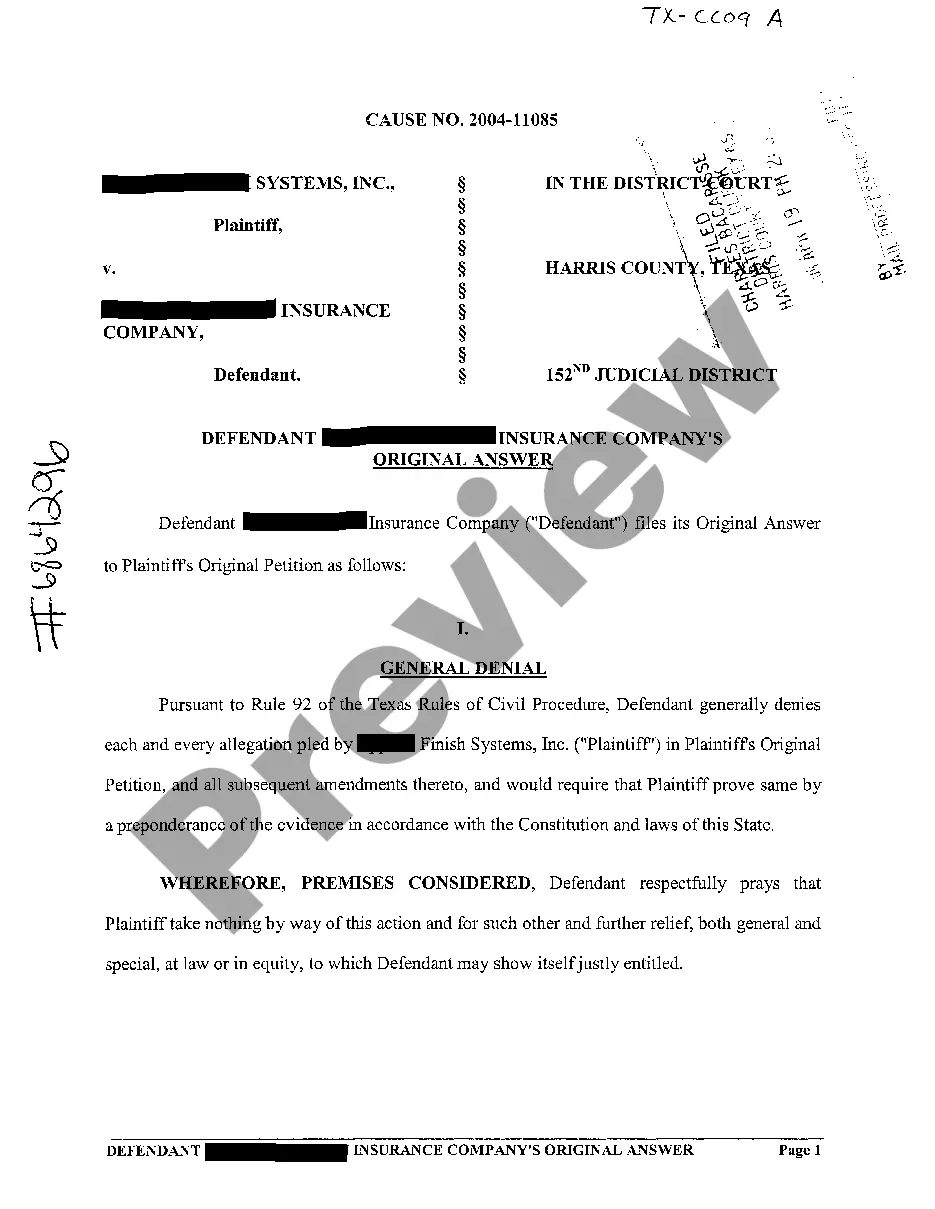
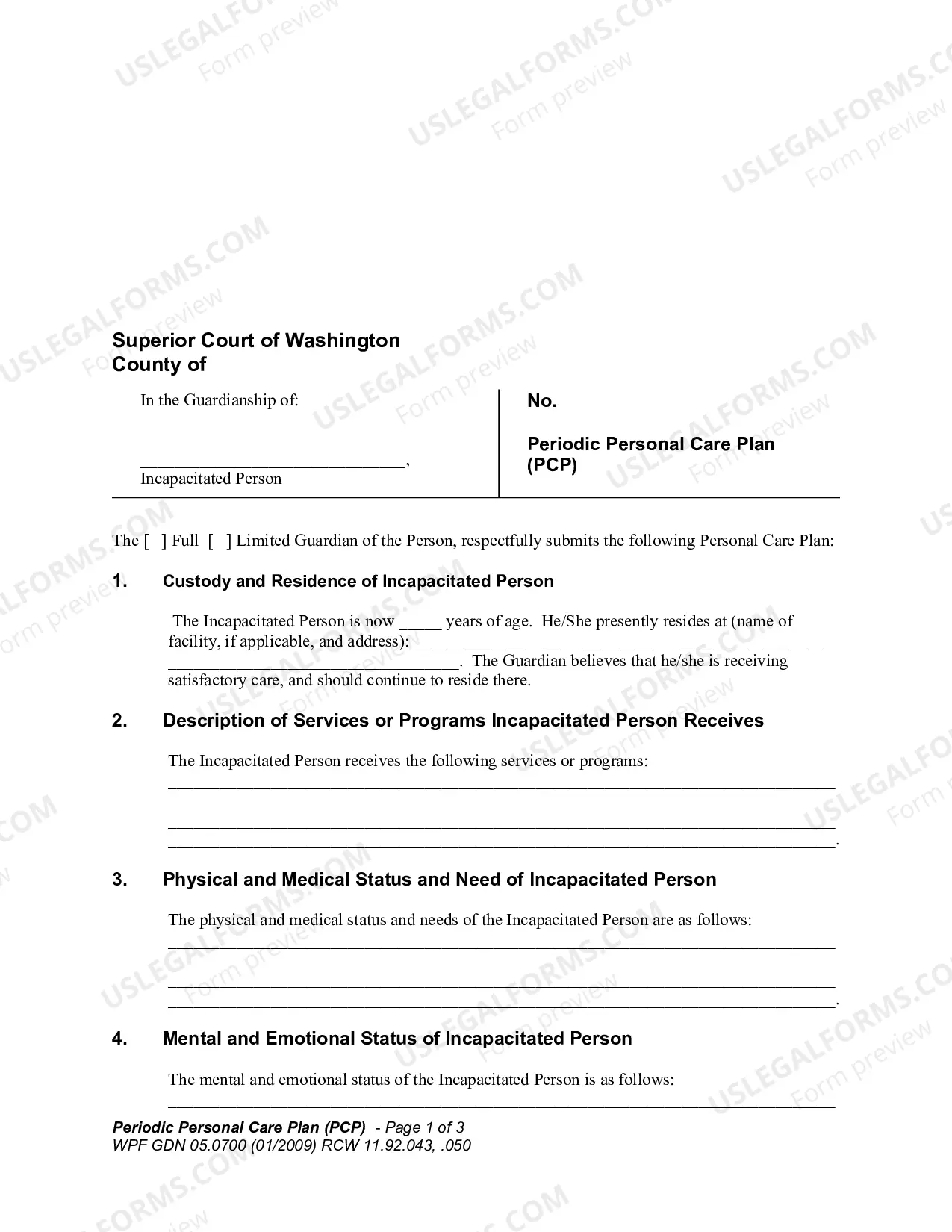

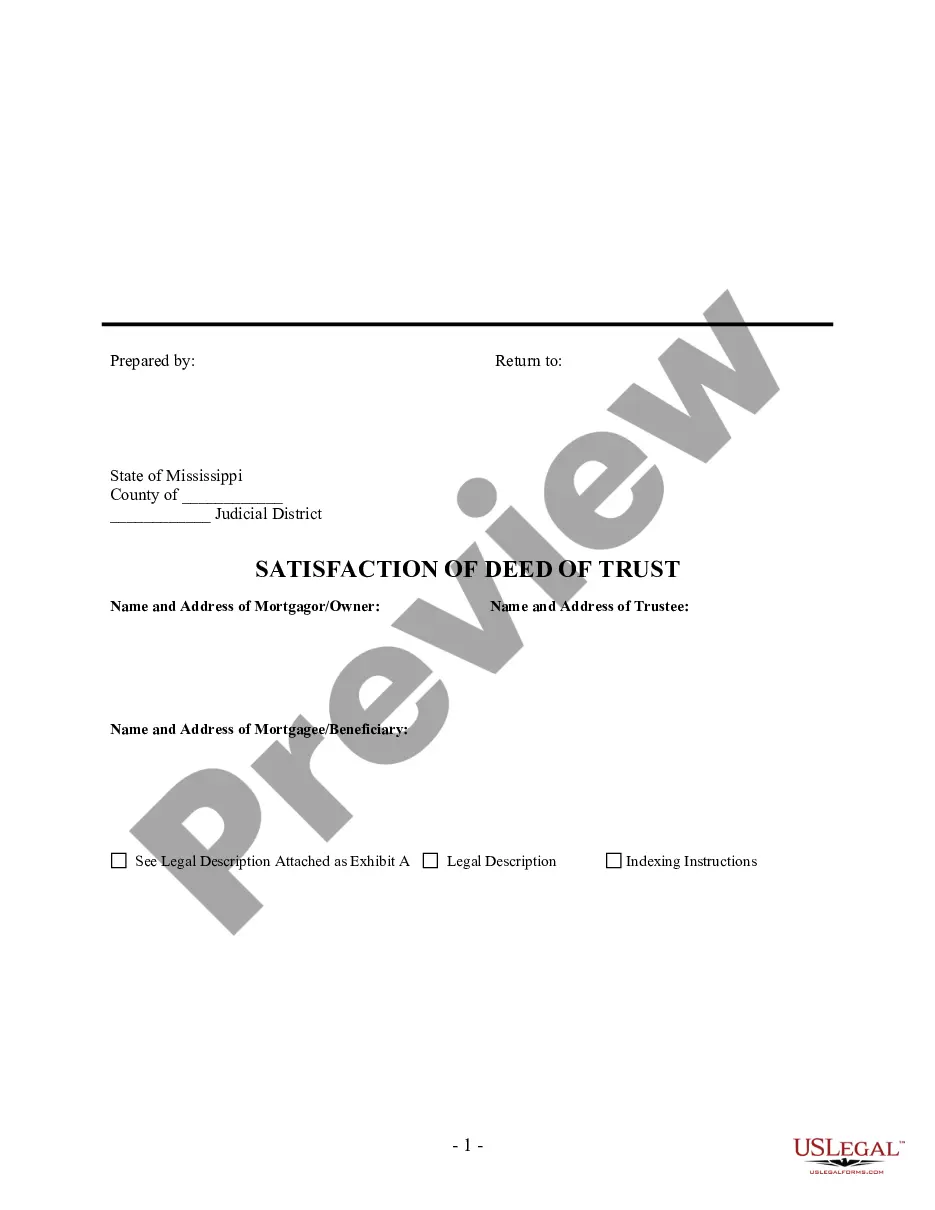
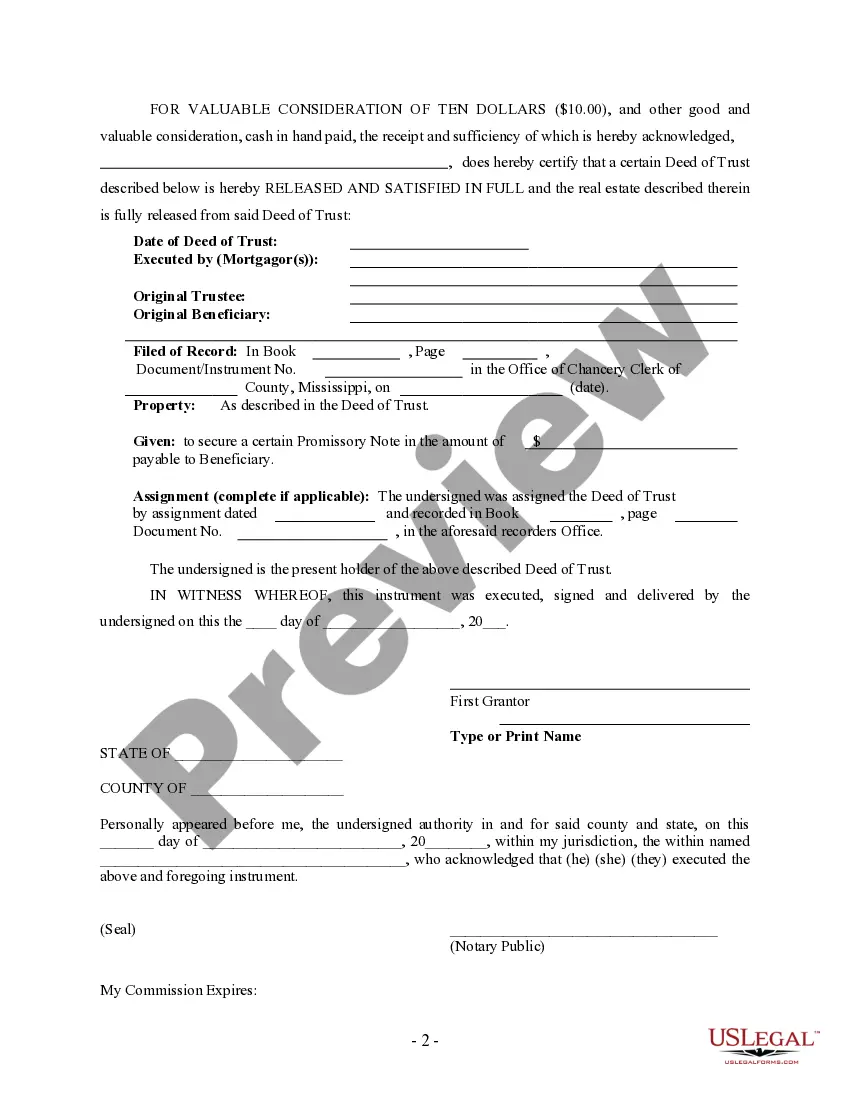
How to fill out Mississippi Satisfaction, Release Or Cancellation Of Deed Of Trust By Individual?
Legal management might be overwhelming, even for the most skilled specialists. When you are searching for a Deed Of Trust California Example and do not get the time to spend looking for the correct and up-to-date version, the procedures could be nerve-racking. A robust online form library could be a gamechanger for anyone who wants to deal with these situations efficiently. US Legal Forms is a market leader in online legal forms, with over 85,000 state-specific legal forms available to you anytime.
With US Legal Forms, you may:
- Gain access to state- or county-specific legal and organization forms. US Legal Forms handles any needs you could have, from individual to organization documents, all in one spot.
- Use advanced tools to finish and control your Deed Of Trust California Example
- Gain access to a resource base of articles, guides and handbooks and resources connected to your situation and needs
Help save time and effort looking for the documents you need, and employ US Legal Forms’ advanced search and Review feature to get Deed Of Trust California Example and download it. For those who have a membership, log in in your US Legal Forms profile, look for the form, and download it. Review your My Forms tab to see the documents you previously downloaded as well as control your folders as you see fit.
If it is your first time with US Legal Forms, make a free account and obtain unrestricted access to all benefits of the platform. Listed below are the steps for taking after accessing the form you need:
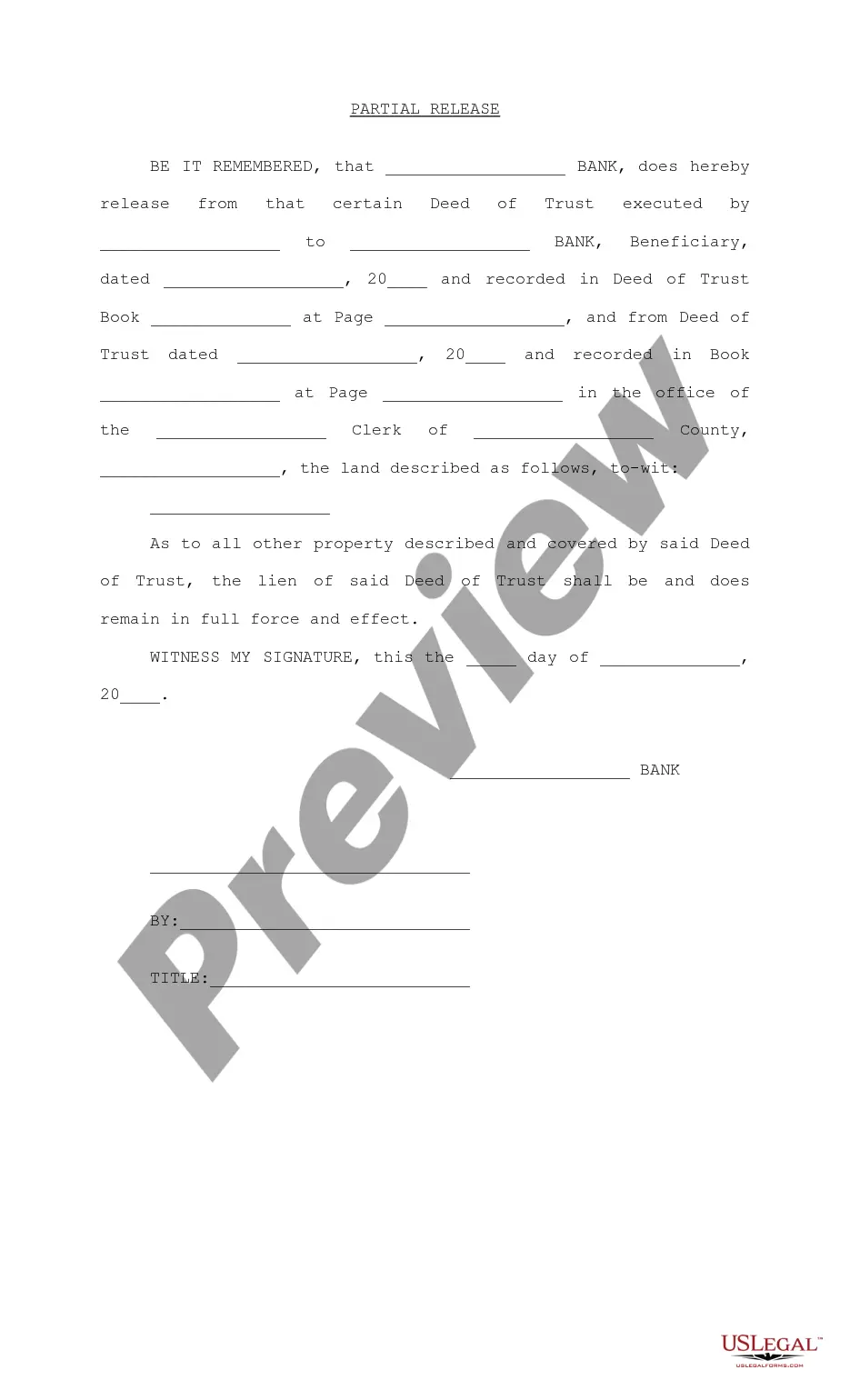
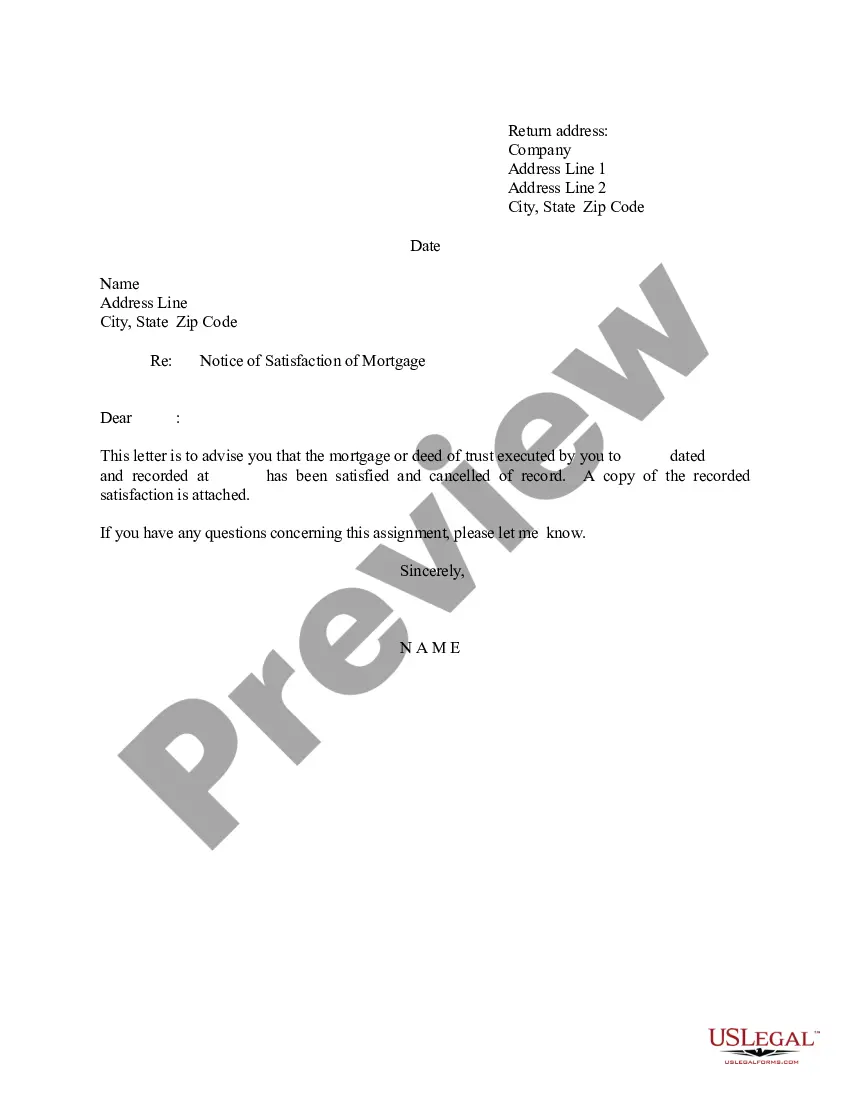
- Confirm this is the right form by previewing it and reading its description.
- Ensure that the sample is recognized in your state or county.
- Pick Buy Now when you are all set.
- Select a subscription plan.
- Pick the file format you need, and Download, complete, eSign, print out and deliver your papers.
Take advantage of the US Legal Forms online library, supported with 25 years of expertise and trustworthiness. Change your daily papers management into a smooth and user-friendly process today.
Form popularity
FAQ
How to Write Step 1 ? Obtain The California Deed Of Trust Form For Your Use. ... Step 2 ? Determine And Present Where This Deed Must Be Returned. ... Step 3 ? Report The Assessor's Parcel Number. ... Step 4 ? Record The Effective Date Of This Deed. ... Step 5 ? Produce The Debtor's Identity As The Trustor.
A simple example would be the situation in which one member of a family advances money to another and asks the second member to hold the money or to invest it for him. A more complicated example of an implied trust would be the situation in which one party provides money to another for the purchase of property.
In California, a deed of trust must come with security, typically a promissory note. To `be valid, a deed of trust must be (1) in writing, (2) with a description of the property, and (3) signed by the trustor of the deed of trust.
This Deed of Trust (the ?Trust Deed?) sets out the terms and conditions upon which: [Settlor Name] (the ?Settlor?), of [Settlor Address], settles that property set out in Schedule A (the ?Property?) upon [Trustee Name] (the ?Trustee?), being a Company duly registered under the laws of [state] with registered number [ ...
Title to the California real estate is held by the Trustee or Trustees of the trust who retains complete control over the trust and has complete power of direction over the real property.