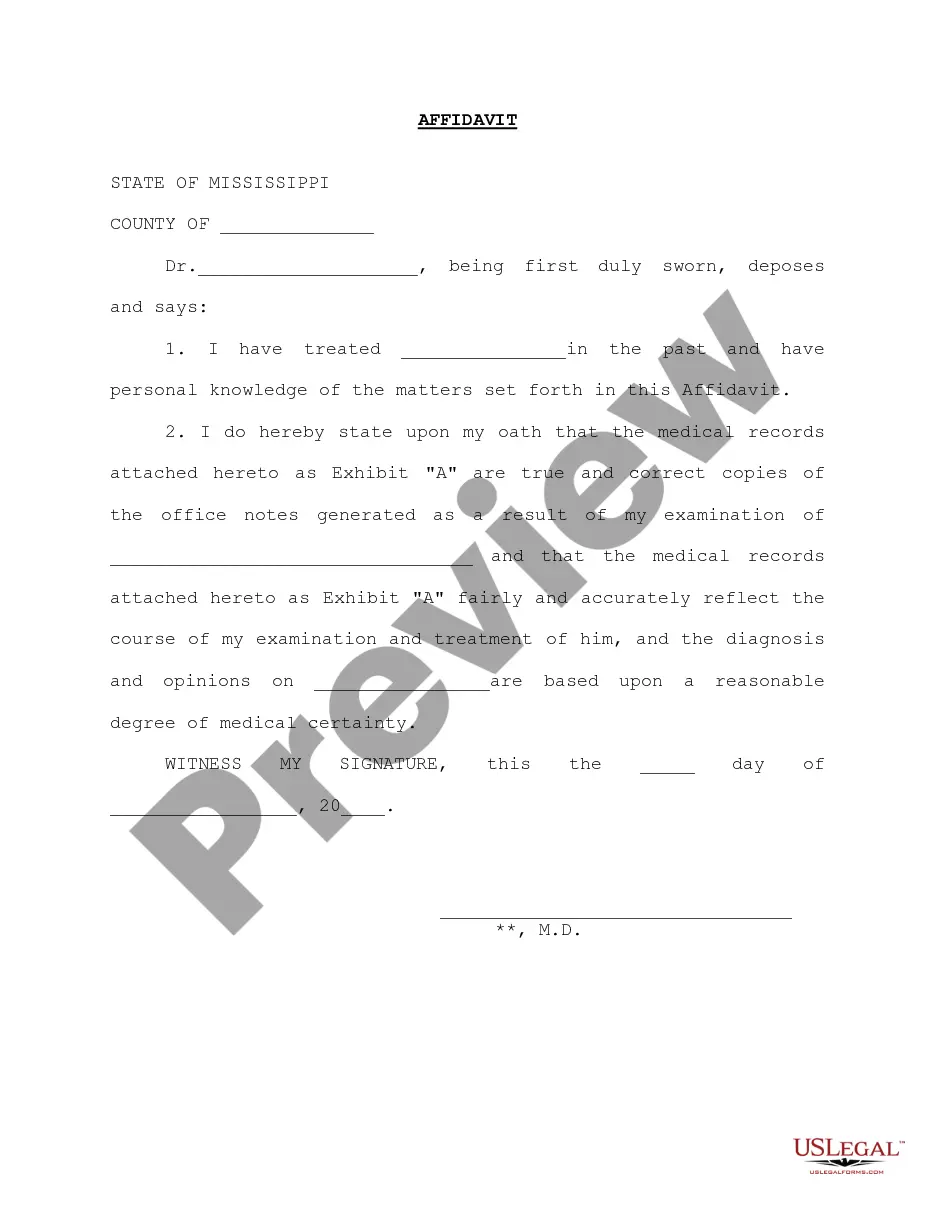
Medical Affidavit Sample With Exhibits
Description
Get your form ready online
Our built-in tools help you complete, sign, share, and store your documents in one place.
Make edits, fill in missing information, and update formatting in US Legal Forms—just like you would in MS Word.
Download a copy, print it, send it by email, or mail it via USPS—whatever works best for your next step.
Sign and collect signatures with our SignNow integration. Send to multiple recipients, set reminders, and more. Go Premium to unlock E-Sign.
If this form requires notarization, complete it online through a secure video call—no need to meet a notary in person or wait for an appointment.
We protect your documents and personal data by following strict security and privacy standards.

Make edits, fill in missing information, and update formatting in US Legal Forms—just like you would in MS Word.

Download a copy, print it, send it by email, or mail it via USPS—whatever works best for your next step.

Sign and collect signatures with our SignNow integration. Send to multiple recipients, set reminders, and more. Go Premium to unlock E-Sign.

If this form requires notarization, complete it online through a secure video call—no need to meet a notary in person or wait for an appointment.

We protect your documents and personal data by following strict security and privacy standards.
Looking for another form?

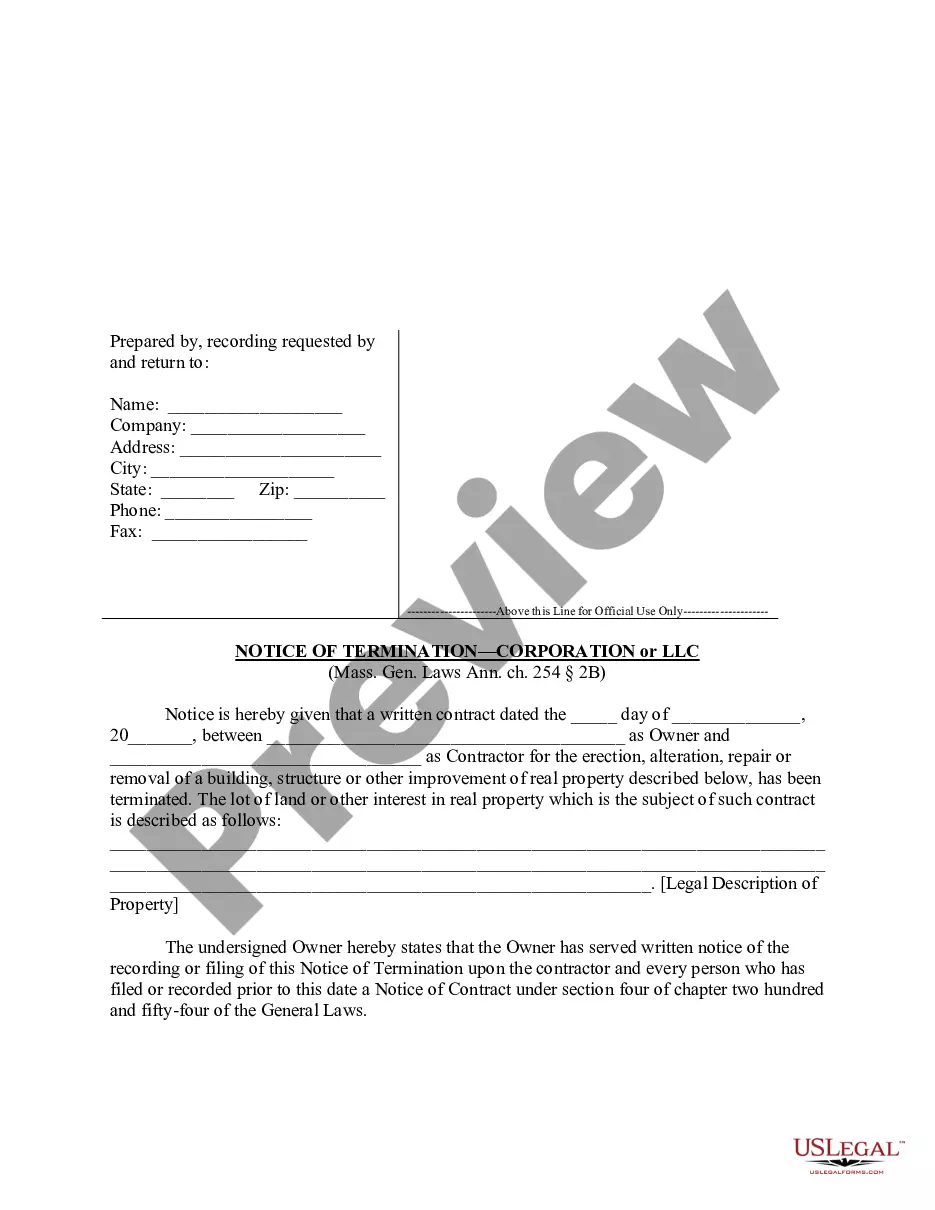


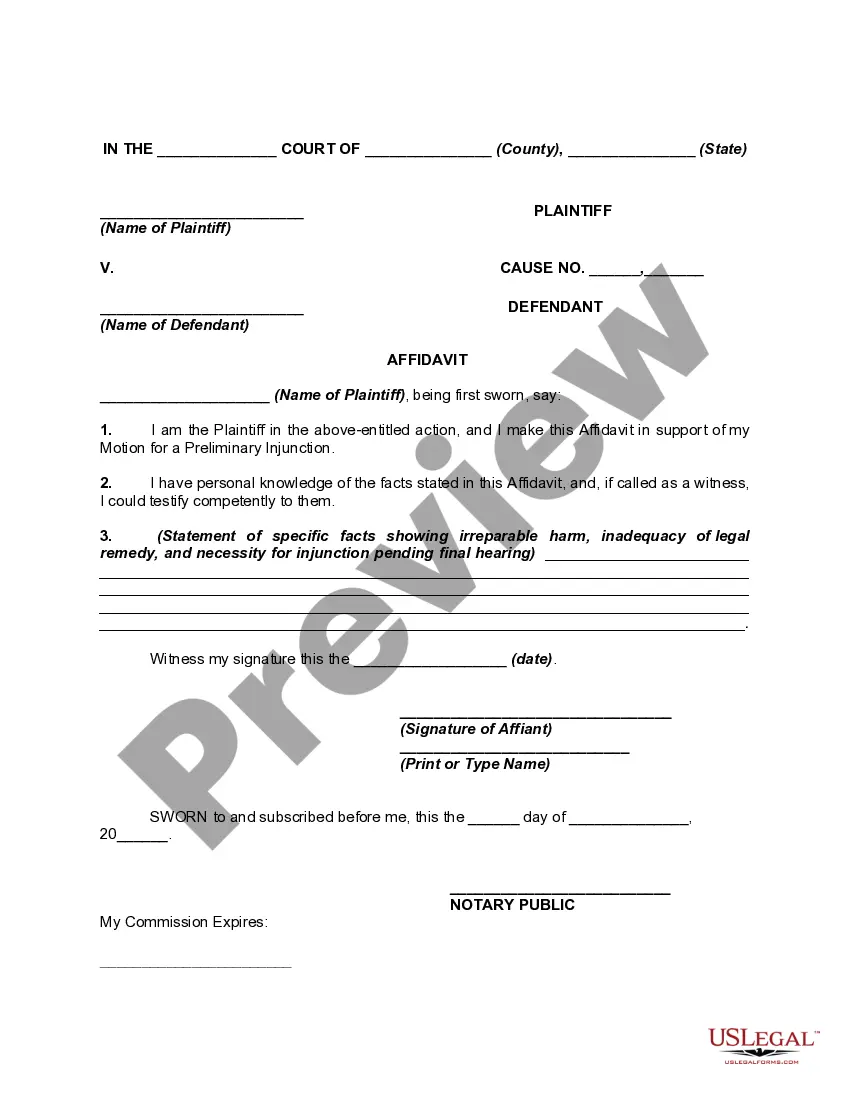
How to fill out Mississippi Doctor Affidavit?
The Medical Affidavit Sample With Exhibits displayed on this page is a reusable official template crafted by experienced attorneys in accordance with federal and state laws.
For over 25 years, US Legal Forms has supplied individuals, enterprises, and legal professionals with more than 85,000 authenticated, state-specific documents for any business and personal situation. It’s the quickest, easiest, and most dependable method to acquire the documentation you require, as the service ensures bank-level data protection and anti-malware safeguards.
Register with US Legal Forms to have authenticated legal templates for all of life's situations readily available.
- Search for the document you need and review it.
- Examine the sample you sought and preview it or assess the form description to confirm it meets your requirements. If it doesn’t, use the search function to discover the proper one. Click Buy Now when you have found the template you need.
- Register and Log In.
- Choose the pricing option that fits you and create an account. Use PayPal or a credit card for a swift payment. If you already possess an account, Log In and verify your subscription to proceed.
- Obtain the editable template.
- Select the format you desire for your Medical Affidavit Sample With Exhibits (PDF, Word, RTF) and download the sample onto your device.
- Complete and sign the documents.
- Print the template to fill it out manually. Alternatively, utilize an online multi-functional PDF editor to quickly and accurately complete and sign your form with an eSignature.
- Re-download your documents.
- Access the same document again whenever required. Open the My documents tab in your profile to retrieve any previously saved documents.
Form popularity
FAQ
How to Fill Out General Affidavit | PDFRun - YouTube YouTube Start of suggested clip End of suggested clip Online. Button this will redirect you to pdf runs online editor first enter your state and countyMoreOnline. Button this will redirect you to pdf runs online editor first enter your state and county under statement of the affiliate. Provide the following information your state date of signing.
The following are six critical sections that must be included: Title. This is either your name (?Affidavit of Jane Doe?) or the specific case information. Statement of identity. The next paragraph tells the court about yourself. ... Statement of truth. ... Statement of facts. ... Closing statement of truth. ... Sign and notarize.
Each exhibit should be given a letter and referred to in alphabetical order. The first exhibit you refer to in the affidavit will be lettered 'A,' the second, 'B,' and so on. References to the exhibit should be typed in bold. Attach all your exhibits at the end of your affidavit.
It's also recommended everyone initial each page of the document. While not required to make a Will legal, it's also recommended you complete an Affidavit of Execution with one of your witnesses and a lawyer or Notary Public (more on this later!)
Number the pages of each exhibit starting from page 1. When you take the affidavit to be sworn, take all your exhibits too. The commissioner has to stamp and sign each exhibit to certify it.